











 App Store






加入 Mergeek 福利群
扫码添加小助手,精彩福利不错过!
若不方便扫码,请在 Mergeek 公众号,回复 群 即可加入
- 精品限免
- 早鸟优惠
- 众测送码
 MoviePro - Pro Video Camera
 4.6
4.6
MoviePro - the most powerful video recording & film making app with innumerable options. Unlock the true potential of iOS camera to record professional quality videos.
• FEATURES •
- Pause/Resume,
- Time lapse mode,
- Host of video resolutions(from 4K to 320x180),
- Selectable Aspect ratio (16:9, 4:3, 3:2, 1:1, 17:9, 21:9, 2:1, 2.35:1, 2.39:1, 2:40:1, 2:75:1, 2.55:1, 2.25:1, 2.20:1, 1.896:1, 1.85:1, 1.81:1),
- Choose frame rate (240 fps to 1 fps)
- Choose Video Bitrate and Compression (from 400% to 25% of native camera app)
- Support for HEVC, H.264, ProRes4444, ProRes422, ProRes422HQ, ProRes422Proxy, ProRes422LT codecs
- Color Space selection (Rec. 709, P3, BT.2020, Apple Log)*
- Log recording mode on iPhone 15 pro models
- Extended Cinematic video stabilisation modes
- Dolby Vision HDR *
- Audio compression Options (including uncompressed and silent modes),
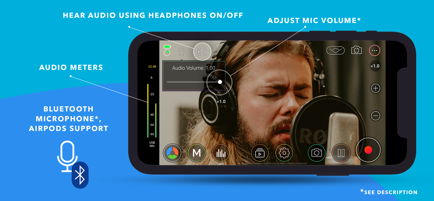
- External microphone support (including Bluetooth mics)
- Manual Focus/Exposure/White Balance controls
- Clean video feed via HDMI,
- Remote control from another iOS device or Apple Watch,
- Live Analytics,
- Record directly to Files App or External Storage,
- Battery saver mode option for long recordings,
- Save and load record settings as Presets,
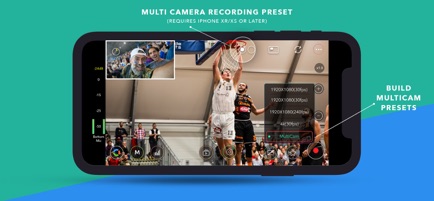
- MultiCam recording*,
- Center Stage (iPad 2021 or later models),
- Portrait Effect with front camera**
- Zoom:
• Zoom Speed Control
• Upto 20x zoom
- Focus/Exposure:
• Tap to Focus
• Separate focus & exposure reticle mode
• Manual Focus/Exposure
• Focus Pull
- MultiCam Recording:
• Add two cameras,
• Select recording format (PIP, Split Screen, Separate files, Cam Switch)
• Fast switching of cameras
• Manual Focus/Exposure/White Balance controls
- Microphones:
• External microphone support
• Bluetooth microphone option
• Supports AirPods
• Select Builtin microphone
• Mic volume control(for External mics)
• Live Audio monitoring through headphones
• Stereo recording
• Audio meters
- Statistics and Assistants:
• Scopes & Monitors (Histogram, Waveform, Vectorscope)
• Focus peaking, Zebras, False Colors, Clipping
- Video Export Options
• Record directly in Camera Roll,
• Upload to YouTube, Dropbox
• AirDrop through Files App
• iTunes File Sharing
- Inbuilt Video Editor
• Trim, rotate, SlowMo
• Set Aspect ratio, resolution, compression, codec
• Adjust Brightness, Saturation, Contrast, Vibrance, Color Balance, Shadows
- Camera UI Settings
• Lock interface orientation
• Hide all controls with/without reticles
• Composition Guides
• Countdown timer
- Accessories
• Clean HDMI/Airplay output (configurable in App settings)
• Gimbals (Osmo Mobile, etc.)
• Moondog Labs Anamorphic lens
• 35 mm Image flip
- Other Features
• Choose record duration
• Location tag, Copyright info in Video Metadata
- MoviePro Remote app
• Free app
• Control all features MoviePro camera from another iOS device
• Modify camera settings, trigger recording from remote
- Apple Watch Control
• Companion Apple Watch app on paired Apple Watch automatically gets installed,
• Use the companion app on Apple watch to start or stop recording,
• Watch app shows live video preview
• Contact Us •
support@moviepro.app,
@movieproapp on Twitter
* Capabilities and features depend on device
* Portrait Effect can be enabled from control centre
Terms of Service: https://www.apple.com/legal/internet-services/itunes/dev/stdeula/
Credit Attribution: YouTube graphic Icon in the app is by Icons8 (https://icons8.com).
MoviePro - the most powerful video recording & film making app with innumerable options. Unlock the true potential of iOS camera to record professional quality videos.
• FEATURES •
- Pause/Resume,
- Time lapse mode,
- Host of video resolutions(from 4K to 320x180),
- Selectable Aspect ratio (16:9, 4:3, 3:2, 1:1, 17:9, 21:9, 2:1, 2.35:1, 2.39:1, 2:40:1, 2:75:1, 2.55:1, 2.25:1, 2.20:1, 1.896:1, 1.85:1, 1.81:1),
- Choose frame rate (240 fps to 1 fps)
- Choose Video Bitrate and Compression (from 400% to 25% of native camera app)
- Support for HEVC, H.264, ProRes4444, ProRes422, ProRes422HQ, ProRes422Proxy, ProRes422LT codecs
- Color Space selection (Rec. 709, P3, BT.2020, Apple Log)*
- Log recording mode on iPhone 15 pro models
- Extended Cinematic video stabilisation modes
- Dolby Vision HDR *
- Audio compression Options (including uncompressed and silent modes),
- External microphone support (including Bluetooth mics)
- Manual Focus/Exposure/White Balance controls
- Clean video feed via HDMI,
- Remote control from another iOS device or Apple Watch,
- Live Analytics,
- Record directly to Files App or External Storage,
- Battery saver mode option for long recordings,
- Save and load record settings as Presets,
- MultiCam recording*,
- Center Stage (iPad 2021 or later models),
- Portrait Effect with front camera**
- Zoom:
• Zoom Speed Control
• Upto 20x zoom
- Focus/Exposure:
• Tap to Focus
• Separate focus & exposure reticle mode
• Manual Focus/Exposure
• Focus Pull
- MultiCam Recording:
• Add two cameras,
• Select recording format (PIP, Split Screen, Separate files, Cam Switch)
• Fast switching of cameras
• Manual Focus/Exposure/White Balance controls
- Microphones:
• External microphone support
• Bluetooth microphone option
• Supports AirPods
• Select Builtin microphone
• Mic volume control(for External mics)
• Live Audio monitoring through headphones
• Stereo recording
• Audio meters
- Statistics and Assistants:
• Scopes & Monitors (Histogram, Waveform, Vectorscope)
• Focus peaking, Zebras, False Colors, Clipping
- Video Export Options
• Record directly in Camera Roll,
• Upload to YouTube, Dropbox
• AirDrop through Files App
• iTunes File Sharing
- Inbuilt Video Editor
• Trim, rotate, SlowMo
• Set Aspect ratio, resolution, compression, codec
• Adjust Brightness, Saturation, Contrast, Vibrance, Color Balance, Shadows
- Camera UI Settings
• Lock interface orientation
• Hide all controls with/without reticles
• Composition Guides
• Countdown timer
- Accessories
• Clean HDMI/Airplay output (configurable in App settings)
• Gimbals (Osmo Mobile, etc.)
• Moondog Labs Anamorphic lens
• 35 mm Image flip
- Other Features
• Choose record duration
• Location tag, Copyright info in Video Metadata
- MoviePro Remote app
• Free app
• Control all features MoviePro camera from another iOS device
• Modify camera settings, trigger recording from remote
- Apple Watch Control
• Companion Apple Watch app on paired Apple Watch automatically gets installed,
• Use the companion app on Apple watch to start or stop recording,
• Watch app shows live video preview
• Contact Us •
support@moviepro.app,
@movieproapp on Twitter
* Capabilities and features depend on device
* Portrait Effect can be enabled from control centre
Terms of Service: https://www.apple.com/legal/internet-services/itunes/dev/stdeula/
Credit Attribution: YouTube graphic Icon in the app is by Icons8 (https://icons8.com).
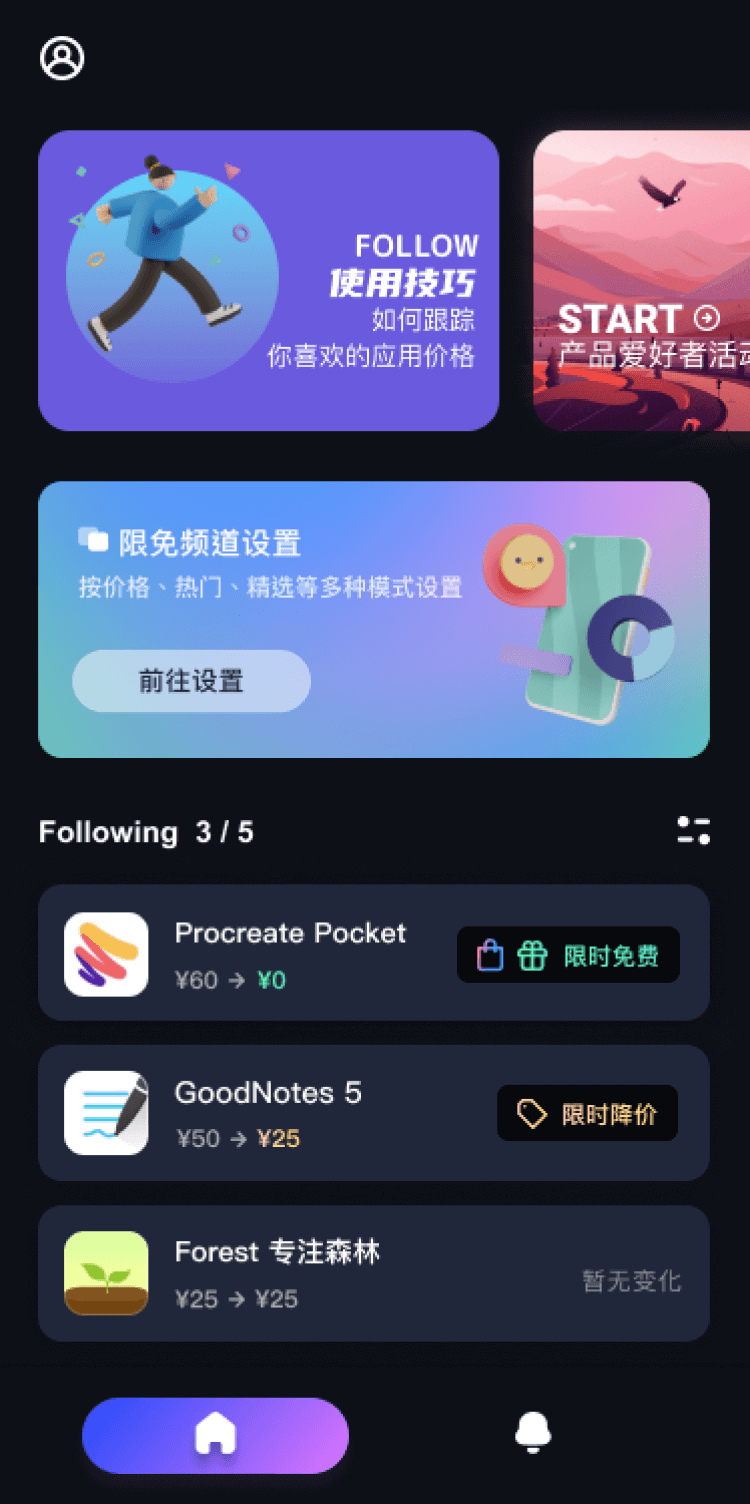
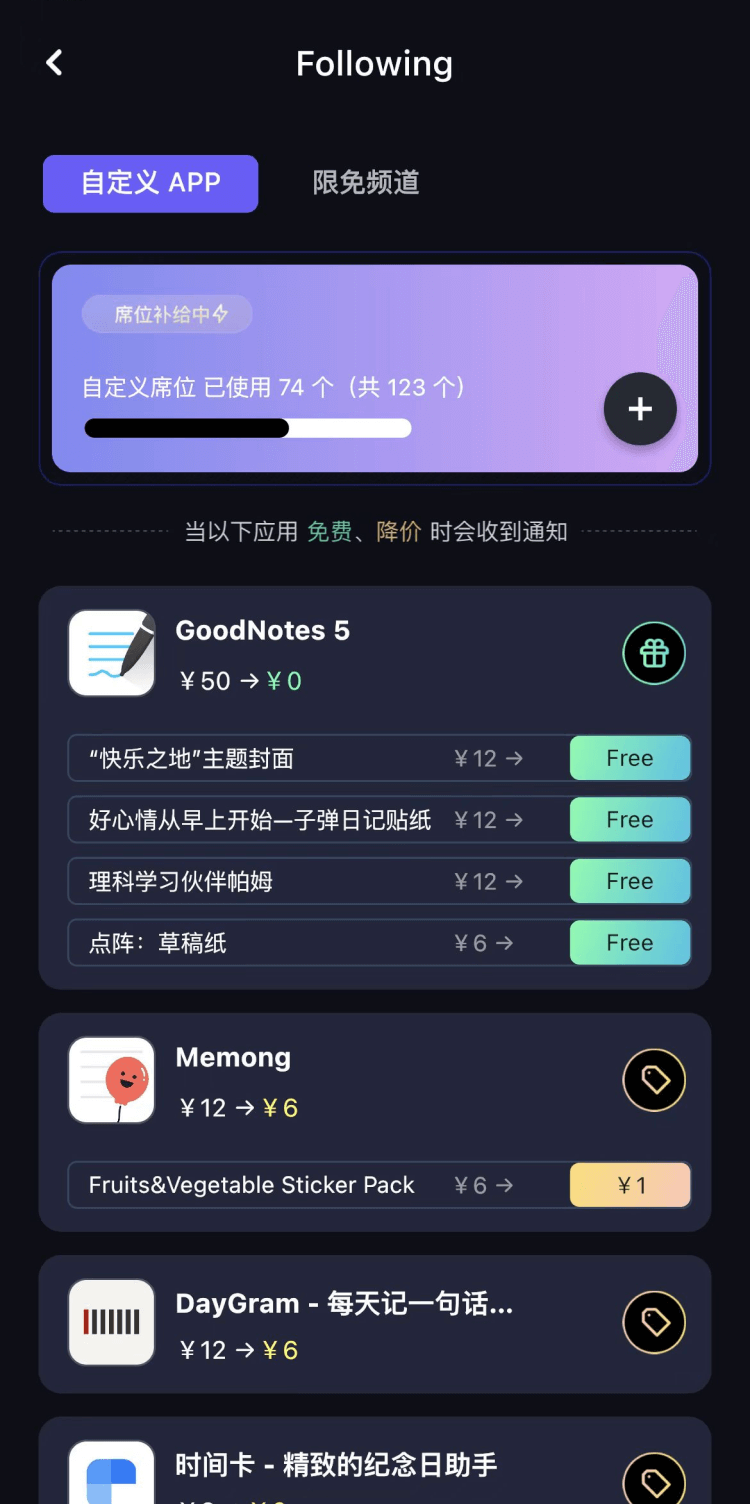
第一时间掌握精选限免应用/游戏信息
自定义喜欢的应用/游戏的价格变动
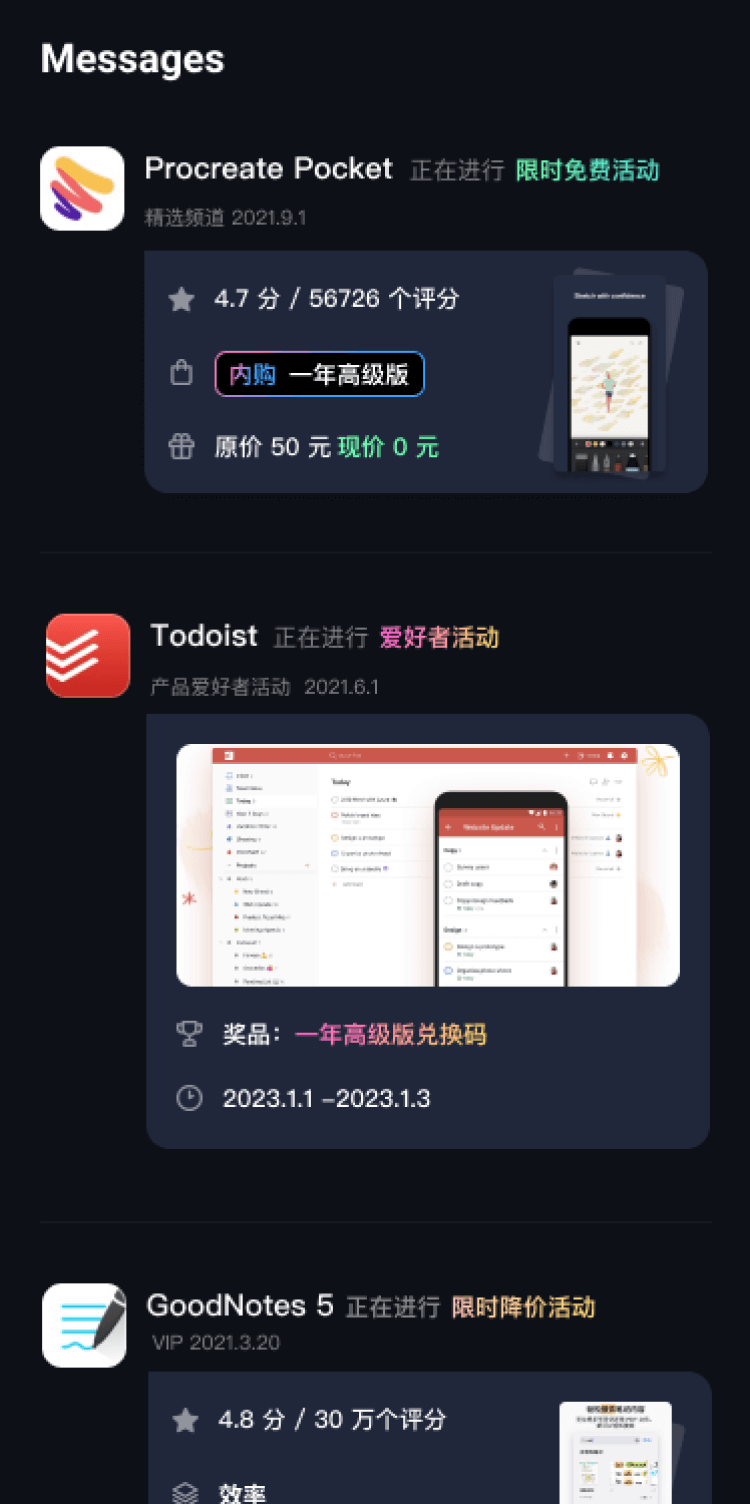
了解内购应用/游戏的限免或降价活动
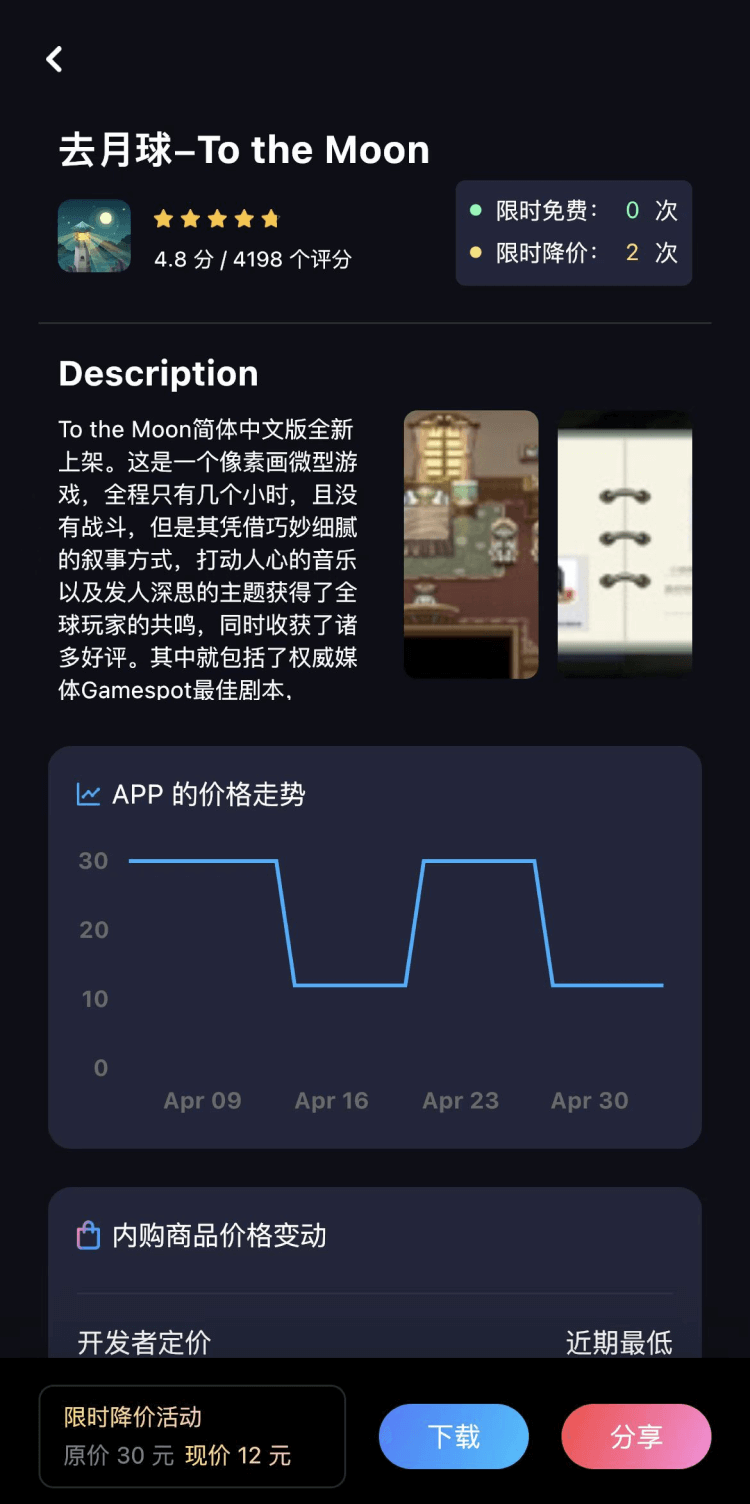
查看应用/游戏价格历史等待合适时机再出手
第一时间收到价格通知不错过省钱机会

扫码下载 Follow
 JSPP极速版
JSPP极速版是一款由即时匹配团队研发的加密通信聊天软件,专为商务办公及社交交友设计。软件采用先进加...

 句读
句读
句读是一款以金句语录为主题的轻阅读应用,汇聚海量高品质文案,带来独特的阅读体验。卡片画报设计,让文字...
 Hi Moss
HiMoss,自主研发的大语言模型与高清虚拟数字人技术,重塑英语口语教学的未来。 我们的 AI 虚拟...
 79
79
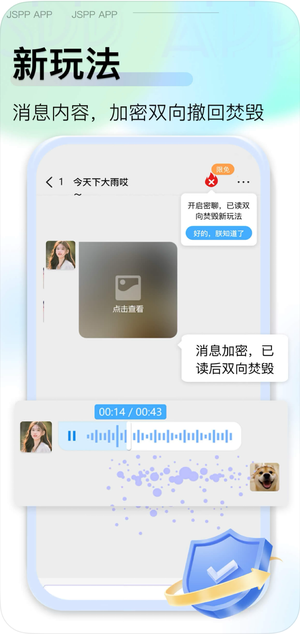


JSPP极速版是一款由即时匹配团队研发的加密通信聊天软件,专为商务办公及社交交友设计。软件采用先进加...
5

句读是一款以金句语录为主题的轻阅读应用,汇聚海量高品质文案,带来独特的阅读体验。卡片画报设计,让文字...
39


HiMoss,自主研发的大语言模型与高清虚拟数字人技术,重塑英语口语教学的未来。 我们的 AI 虚拟...
天天发现优质应用
 到主屏幕
到主屏幕


产品名
这项是必须填的哦~可用平台
产品链接
这项是必须填的哦~产品一句话介绍
这项是必须填的哦~开发者邮箱
你也可以发送更多的产品故事到 hi@mergeek.com
我们会让你的产品被更多用户看到!
产品名
这项是必须填的哦~可用平台
产品链接
这项是必须填的哦~产品一句话介绍
这项是必须填的哦~开发者邮箱
你也可以发送更多的产品故事到 hi@mergeek.com
我们会让你的产品被更多用户看到!
已经成功发送到你的邮箱了,请注意查收
你成为这个产品的发现者啦,说说你的推荐语吧!