













加入 Mergeek 福利群
扫码添加小助手,精彩福利不错过!
若不方便扫码,请在 Mergeek 公众号,回复 群 即可加入
- 精品限免
- 早鸟优惠
- 众测送码
 Blink Shell, Build & Code
 3.8
3.8
Do Blink! Transform your iOS device into a pro-grade terminal. Blink is the first professional, desktop-grade terminal for iOS that leverages the support of Mosh and SSH. Thus, we can guarantee stable connections, crazy-fast speeds, and full configurations. It can and should be your all-day-long tool.
**Start your 14-day free trial now!**
But, Blink is much more. Now with Blink Code and Blink Build**, your entire development workflow fits in your pocket.
What the Blink community is saying:
“In some ways, I prefer my iPad / Blink / Digital Ocean setup to coding on my Mac“ - TheVerge
"I have tried a number of terminals on iOS and this is really The One." - Twit.tv
“Connections still come up when I get back to a client project after a weekend off.“ - The Sweet Setup
“The way to use VS Code on the iPad” - programminglife.io
What our users love the most from Blink Shell:
- Mosh connections that even survive a device reboot.
- Most complete SSH implementation on iOS.
- Code command for VS Code integration.
- Blazingly fast terminal and SFTP transfers.
- Includes Pragmata Pro with ligatures.
Blink Shell has a fully loaded SSH toolset:
- SSH with PKI support: DSA, RSA, ECDSA & ED25519 keys.
- Support for Secure Enclave Keys and Certificates.
- Port forwarding with local, remote & dynamic tunnel support.
- SOCKS5 proxy for a private VPN.
- Agent Forwarding.
- Complete SSH Config file support.
- ControlMaster and pooled connections.
- Files.app integration for SFTP remote hosts.
- SFTP with copy-on-change.
Blink has been the leading developer tool in the AppStore for +5 years, so there is a lot more:
- External Display support.
- Legendary Hardware Keyboard support, even remap shortcuts and keyboard codes.
- Local & iCloud Blink Shell folders for Files.app access across devices.
- Host sync over iCloud.
- Link-files from other applications and work with them in Blink.
- Cool themes and fonts, and install your own!
- Smart Keys on SW Keyboard to navigate with touch.
- FaceCam command to create tutorials and streams.
- Bell notifications.
- Supports multiple windows and multiple tabs.
- Network & UNIX CLI tools, check our docs for more information.
Blink Code integrates with VS Code:
- Code on local projects, or seamlessly on remote machines.
- Fully-loaded code editor.
- A coding experience fitted to your device, that connects to VS Code for web, GitHub Codespaces, GitPod or your own VS Code server.
Blink Build (Requires a $7.99/month subscription)
Creates remote runtimes that can be accessed on all your devices. You can use Build in your day-to-day workflows whether you need to do development, DevOps or just play around with new tooling.
Participate in our community, and don’t forget to leave us your feedback and your feature(s) requests. Enjoy!
http://blink.sh
http://twitter.com/blinkshell
http://GitHub.com/blinksh
Terms of Use: https://blink.sh/blink-gpl
Privacy Policy: https://blink.sh/pp
* Blink Code is not affiliated nor endorsed by Microsoft.
** Blink Build requires a separate subscription to make use of our Virtual Machines.
Do Blink! Transform your iOS device into a pro-grade terminal. Blink is the first professional, desktop-grade terminal for iOS that leverages the support of Mosh and SSH. Thus, we can guarantee stable connections, crazy-fast speeds, and full configurations. It can and should be your all-day-long tool.
**Start your 14-day free trial now!**
But, Blink is much more. Now with Blink Code and Blink Build**, your entire development workflow fits in your pocket.
What the Blink community is saying:
“In some ways, I prefer my iPad / Blink / Digital Ocean setup to coding on my Mac“ - TheVerge
"I have tried a number of terminals on iOS and this is really The One." - Twit.tv
“Connections still come up when I get back to a client project after a weekend off.“ - The Sweet Setup
“The way to use VS Code on the iPad” - programminglife.io
What our users love the most from Blink Shell:
- Mosh connections that even survive a device reboot.
- Most complete SSH implementation on iOS.
- Code command for VS Code integration.
- Blazingly fast terminal and SFTP transfers.
- Includes Pragmata Pro with ligatures.
Blink Shell has a fully loaded SSH toolset:
- SSH with PKI support: DSA, RSA, ECDSA & ED25519 keys.
- Support for Secure Enclave Keys and Certificates.
- Port forwarding with local, remote & dynamic tunnel support.
- SOCKS5 proxy for a private VPN.
- Agent Forwarding.
- Complete SSH Config file support.
- ControlMaster and pooled connections.
- Files.app integration for SFTP remote hosts.
- SFTP with copy-on-change.
Blink has been the leading developer tool in the AppStore for +5 years, so there is a lot more:
- External Display support.
- Legendary Hardware Keyboard support, even remap shortcuts and keyboard codes.
- Local & iCloud Blink Shell folders for Files.app access across devices.
- Host sync over iCloud.
- Link-files from other applications and work with them in Blink.
- Cool themes and fonts, and install your own!
- Smart Keys on SW Keyboard to navigate with touch.
- FaceCam command to create tutorials and streams.
- Bell notifications.
- Supports multiple windows and multiple tabs.
- Network & UNIX CLI tools, check our docs for more information.
Blink Code integrates with VS Code:
- Code on local projects, or seamlessly on remote machines.
- Fully-loaded code editor.
- A coding experience fitted to your device, that connects to VS Code for web, GitHub Codespaces, GitPod or your own VS Code server.
Blink Build (Requires a $7.99/month subscription)
Creates remote runtimes that can be accessed on all your devices. You can use Build in your day-to-day workflows whether you need to do development, DevOps or just play around with new tooling.
Participate in our community, and don’t forget to leave us your feedback and your feature(s) requests. Enjoy!
http://blink.sh
http://twitter.com/blinkshell
http://GitHub.com/blinksh
Terms of Use: https://blink.sh/blink-gpl
Privacy Policy: https://blink.sh/pp
* Blink Code is not affiliated nor endorsed by Microsoft.
** Blink Build requires a separate subscription to make use of our Virtual Machines.
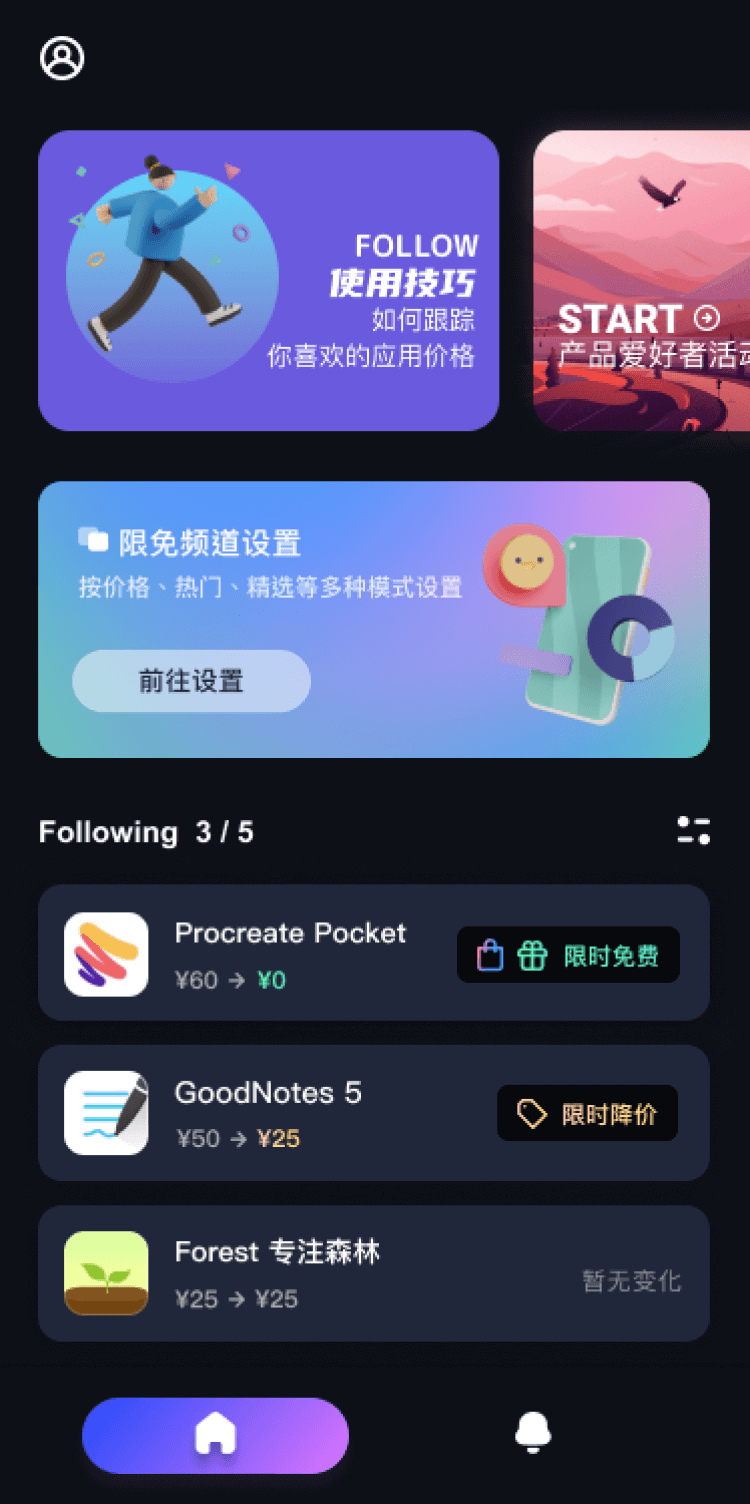
第一时间掌握精选限免应用/游戏信息
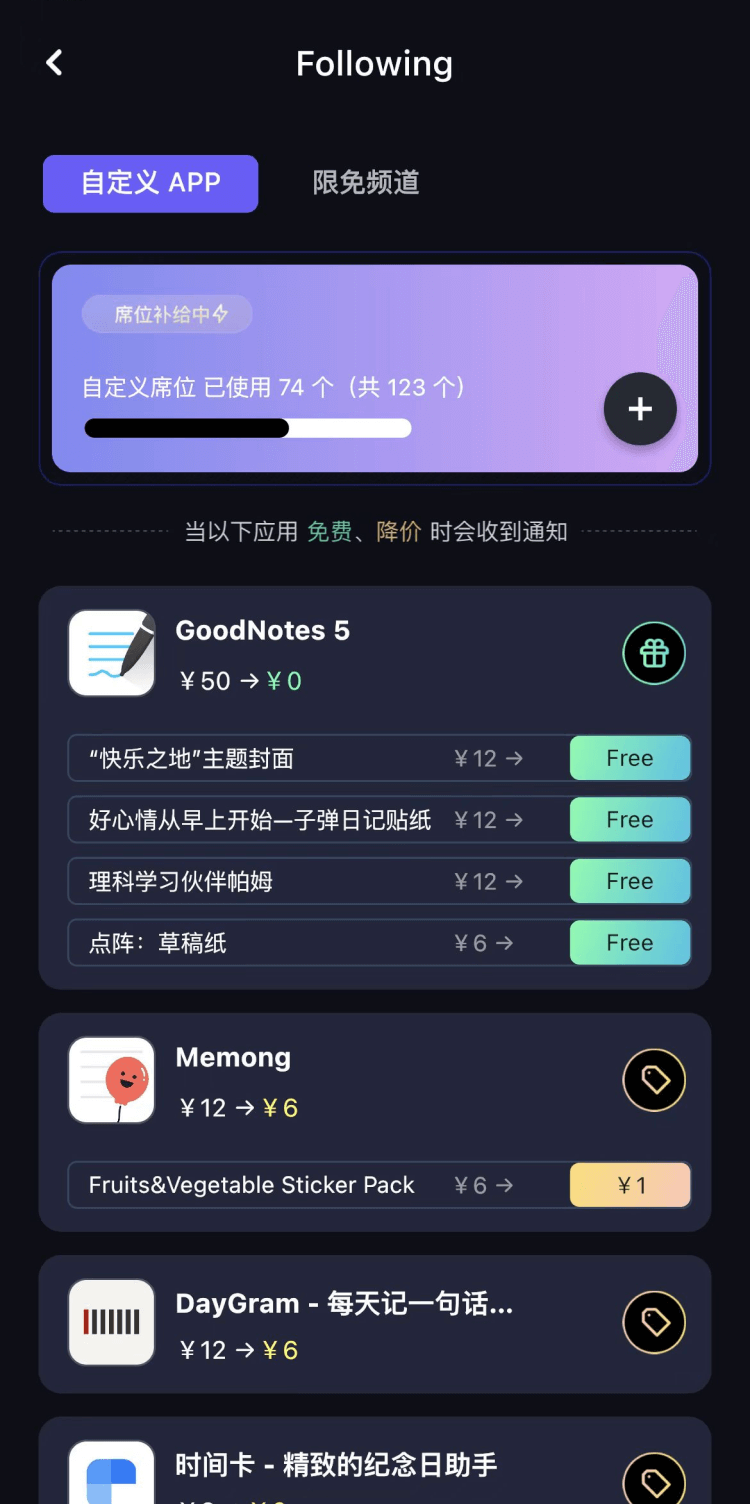
自定义喜欢的应用/游戏的价格变动
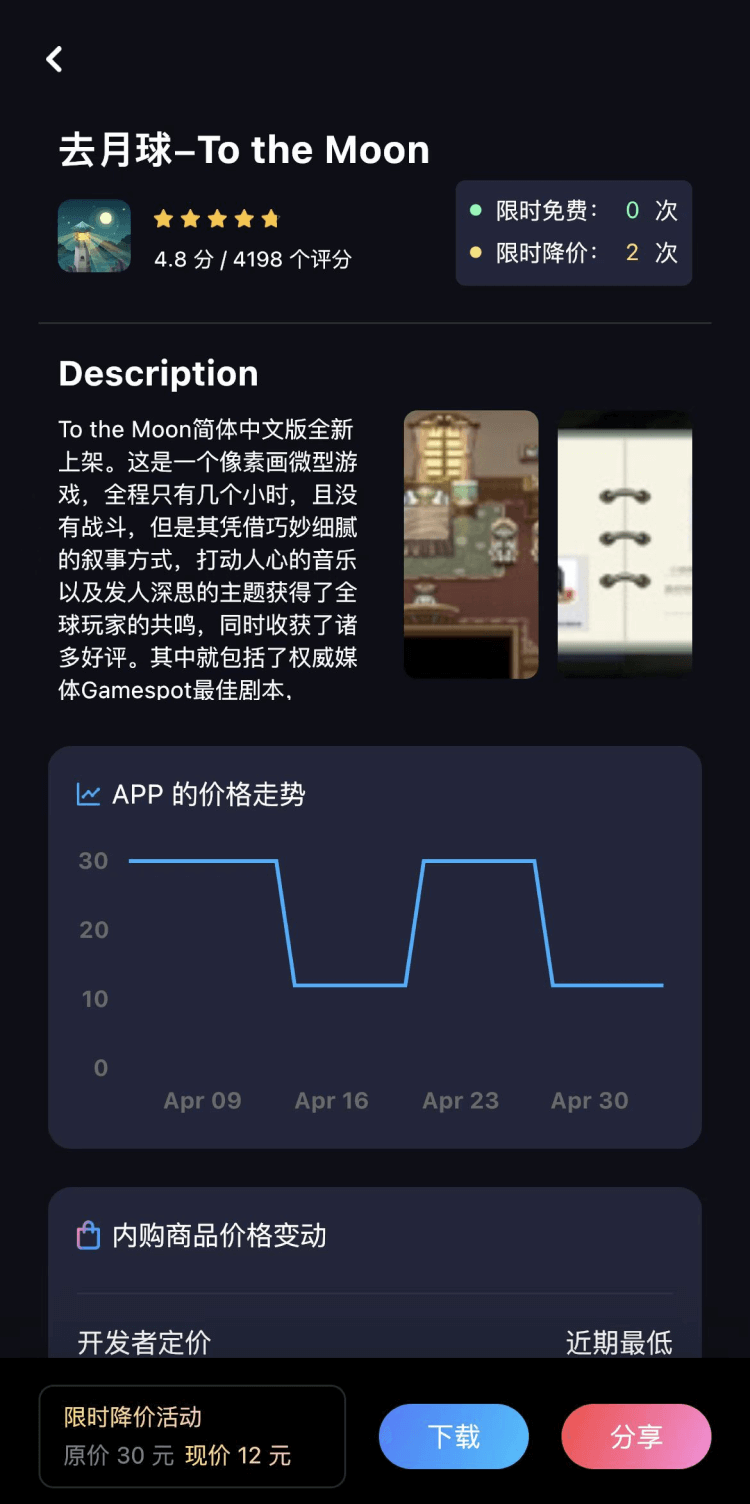
了解内购应用/游戏的限免或降价活动
查看应用/游戏价格历史等待合适时机再出手
第一时间收到价格通知不错过省钱机会

扫码下载 Follow
 Muse AI
创作一首音乐已经越来越简单,有了 AI 的辅助,质量更加有保障,Muse AI 可以让一个零经验用户...

 问小白
问小白
问小白 App 是基于元石科技自研的大模型 ——「元石大模型」,所推出的 AI 智能助手应用,旨在为...
 EchoSpeak
「EchoSpeak」是一个看剧练英语的强力助手,导入一个没有字幕的英语视频,可生成字幕,自动分词与...
 35
35


创作一首音乐已经越来越简单,有了 AI 的辅助,质量更加有保障,Muse AI 可以让一个零经验用户...
8


问小白 App 是基于元石科技自研的大模型 ——「元石大模型」,所推出的 AI 智能助手应用,旨在为...
42


「EchoSpeak」是一个看剧练英语的强力助手,导入一个没有字幕的英语视频,可生成字幕,自动分词与...
天天发现优质应用
 到主屏幕
到主屏幕


产品名
这项是必须填的哦~可用平台
产品链接
这项是必须填的哦~产品一句话介绍
这项是必须填的哦~开发者邮箱
你也可以发送更多的产品故事到 hi@mergeek.com
我们会让你的产品被更多用户看到!
产品名
这项是必须填的哦~可用平台
产品链接
这项是必须填的哦~产品一句话介绍
这项是必须填的哦~开发者邮箱
你也可以发送更多的产品故事到 hi@mergeek.com
我们会让你的产品被更多用户看到!
已经成功发送到你的邮箱了,请注意查收
你成为这个产品的发现者啦,说说你的推荐语吧!