Think in outlines. Get things done.
Outliner by codediary is a fast, flexible outliner for capturing ideas, planning projects, and tracking tasks — all in clean, collapsible hierarchies that sync instantly across your iPhone, iPad and Mac
Whether you're writing a plan, building a checklist, or managing a project, it keeps everything structured, searchable, and in sync.
OUTLINE ANYTHING
• Build unlimited nested outlines with drag-and-drop reordering
• Indent, outdent, expand, and collapse branches with a tap or keyboard shortcut
• Automatic heading styles (H1–H5) give every level clear visual hierarchy
• Multi-select to copy, cut, and paste items and entire subtrees
• Handwriting - draw and annotate right inside your outlines
TRACK TASKS WITH SMART CHECKLISTS
• Tri-state checkboxes: done, not done, or partially complete
• Parent items roll up automatically as you complete their children
• Check or clear an entire subtree with a long press
• Hide completed items to focus on what's left
ADD CONTEXT
• Attach notes to any item
• Add images from your photo library, or camera
• Zoom, swipe through, and organize inline image attachments
• Highlight items with colors and custom styles
FIND IT FAST
• Live in-outline search with highlighting and match navigation
• Global search across every outline at once
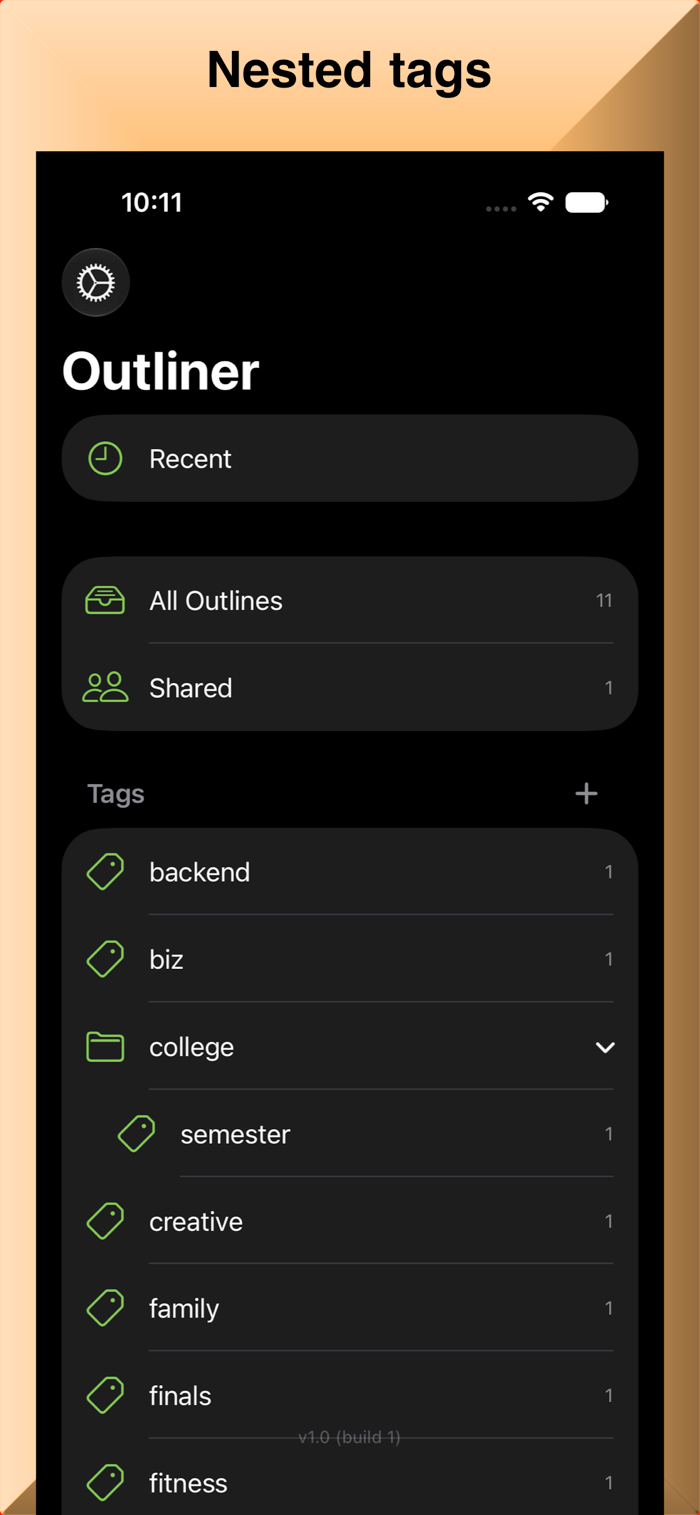
• Organize outlines with tags, including nested categories
SYNC & SHARE
• Automatic iCloud sync — no manual saving, always up to date
• Share outlines with others to view or edit together in real time
• Shared outlines and their images stay in sync for everyone
BACKUP & PRINT
• Export a full backup of everything, or a single outline, to a file
• Restore with smart deduplication — no duplicates
• Print or save as PDF with your indentation, checkboxes, notes, and colors intact
BUILT FOR APPLE PLATFORMS
• Native on iPhone, iPad, and Mac
• Full keyboard support: Return, Tab/Shift-Tab, undo/redo, and more
• Mac menu commands for font size, undo, search, and printing
• S…