INTRODUCTION产品介绍
Generate drafts with Copilot
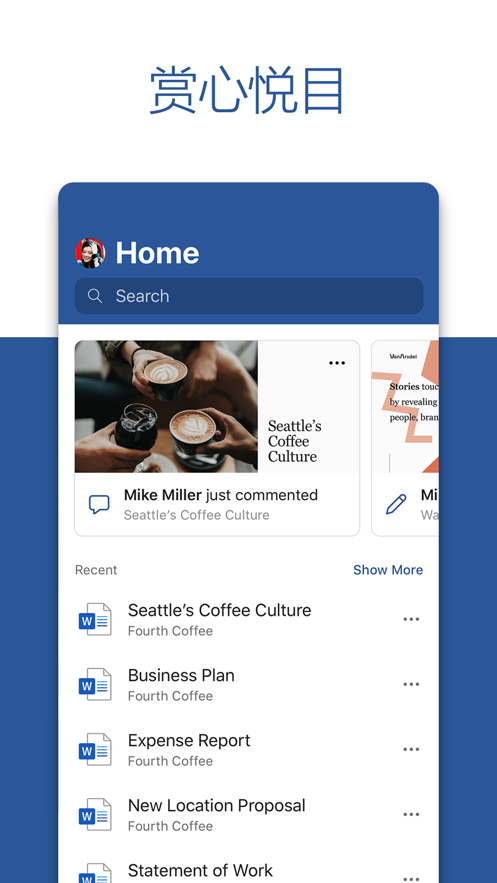
Use the trusted Word app to quickly and easily create, edit, view, and share files with others. Use the powerful word processing app from Microsoft to send, view, and edit Microsoft 365 documents attached to your phone's email.
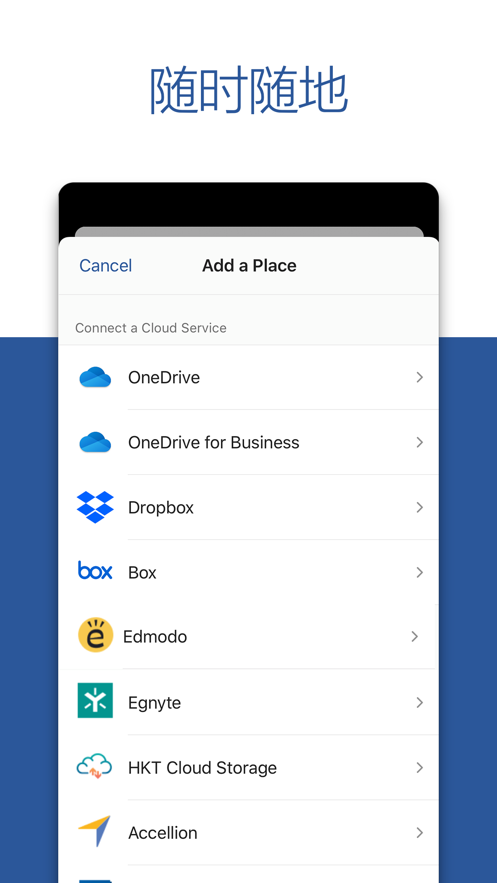
With Excel, anywhere can be your workplace. Whether you're a blogger, writer, journalist, columnist, student, or document project manager, Word is as convenient as you want it to be.
Create highly engaging text documents, scripts, blogs, opinion articles, or resumes. Use powerful tools to customize your documents, letters, resumes, or notes, allowing you to create excellent works with great formatting options and templates.
When you log in with a Microsoft 365 subscription, you can use Copilot1 in your favorite apps to get the power of AI. Download Microsoft Word now to easily create and edit documents, collaborate, and share.
Create documents
• With Copilot, use AI to turn a blank document into a carefully revised draft
• Use a rich selection of formatting and layouts to record ideas and express them in writing.
• The document format and layout remain as they are and look perfect on any device.
Read, write, and edit documents
• Use Read Mode to easily read long texts, letters, scripts, etc. on your device.
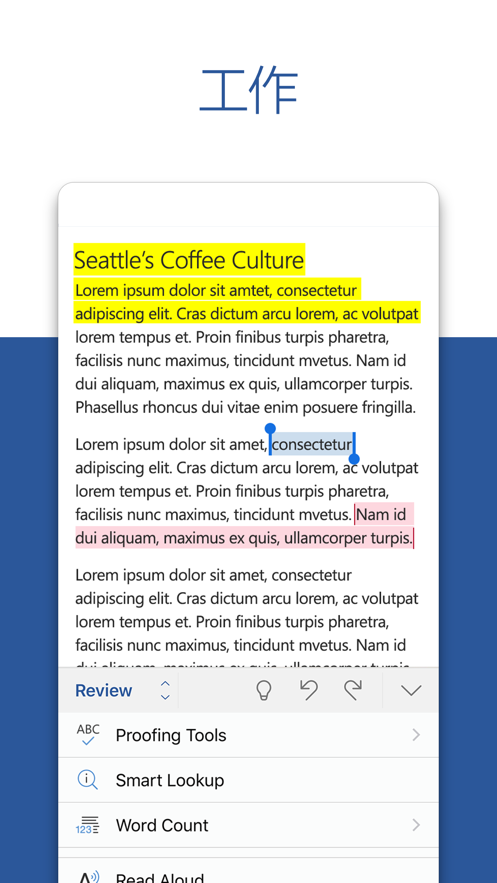
• Use common writing and editing tools found on desktop word processors.
Collaborate anywhere, anytime
• Comment on the text being discussed in the document to share your views.
• Everyone can participate in collaboration and stay informed about changes to the text, layout, and formatting.
• When you and your team make changes, you can restore them through the improved version history in Word to view previous drafts.
Simplify sharing
• Share files with just a few clicks to quickly invite others to edit or view the document.
• Easily manage permissions and see who is working on the document.
• Copy the content of the Word file directly into the body of an email in its native format, or attach the document to an email for easier s…