You quite certainly have many tabs open or pinned that are very useful, but not needed right now. They don’t deserve to be bookmarked, although, are too important to be lost in a browser’s reading list. Toast is a place to save them.
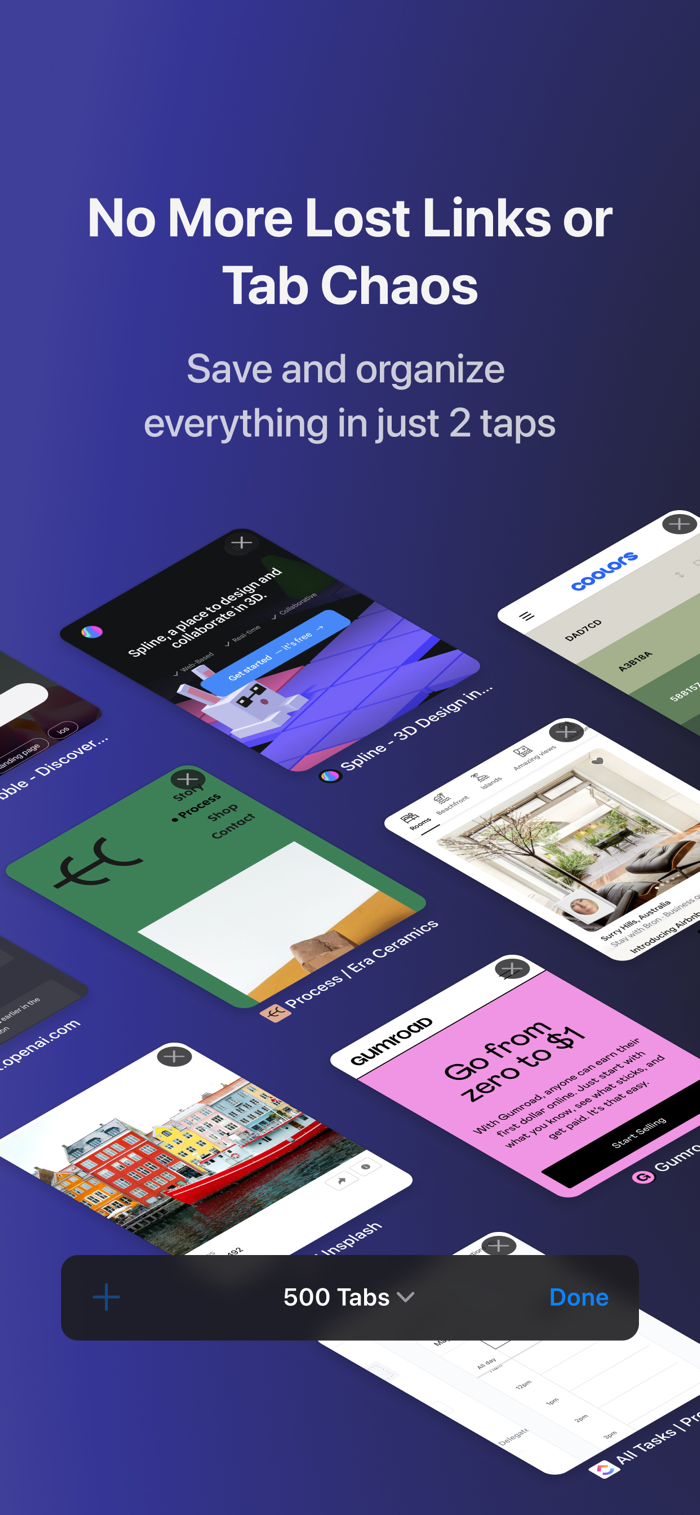
Toast helps you control open tabs by saving & closing the ones that aren’t needed at this exact moment, so you can be more efficient working on one thing at a time.
There are many ways people use Toast, below are a few. If any resonates with you, go ahead and try it. It’s free and takes only 2 minutes to set up.
- Save Quora, StackOverflow, Youtube... findings to reference later
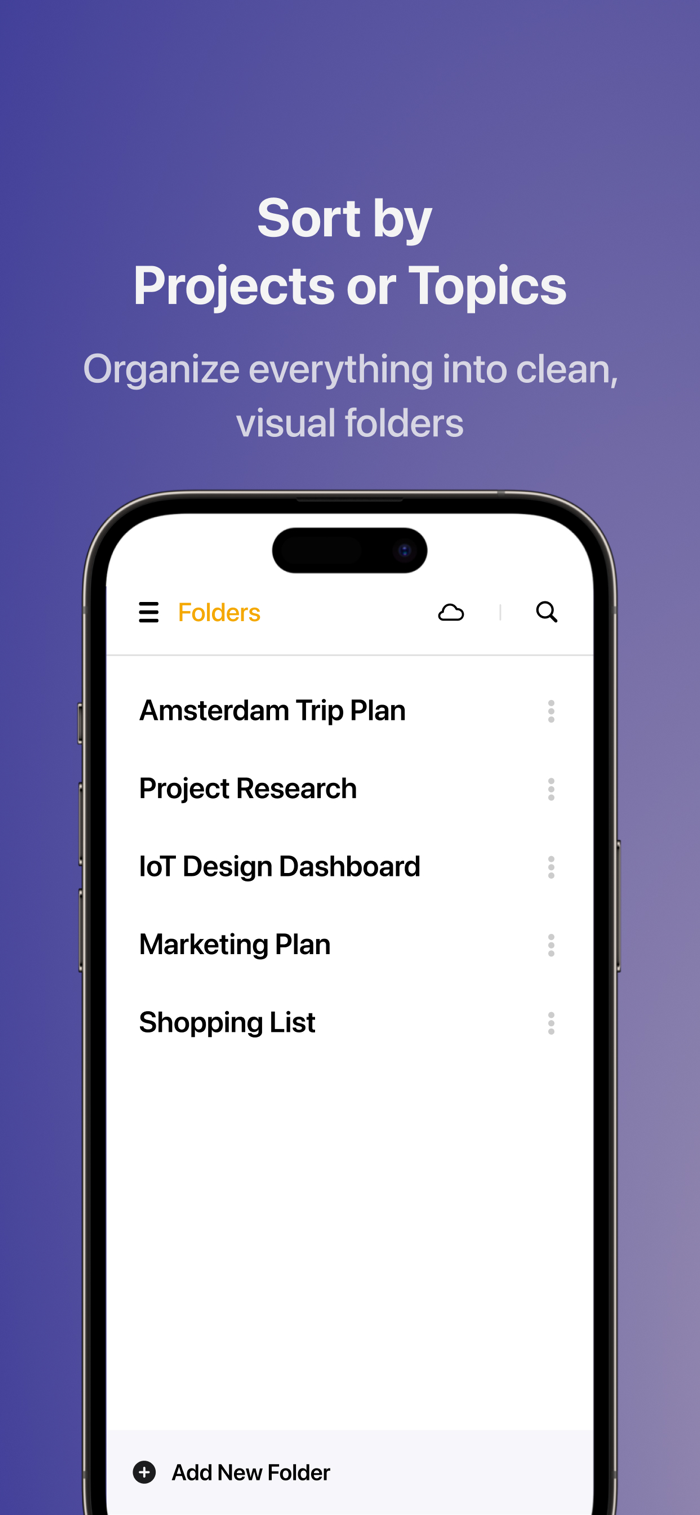
- Organize various Google Docs and Drive file links by client or topic
- Save your research for a new project, degree work, market study, etc
- Collect a list of design, photo, code... examples to send as a single link
- Save and close an entire window to start working on something else
- Open multiple links in a single click (prepare for a webinar or specific type of work)
- Move open tabs from one browser to another. All together.
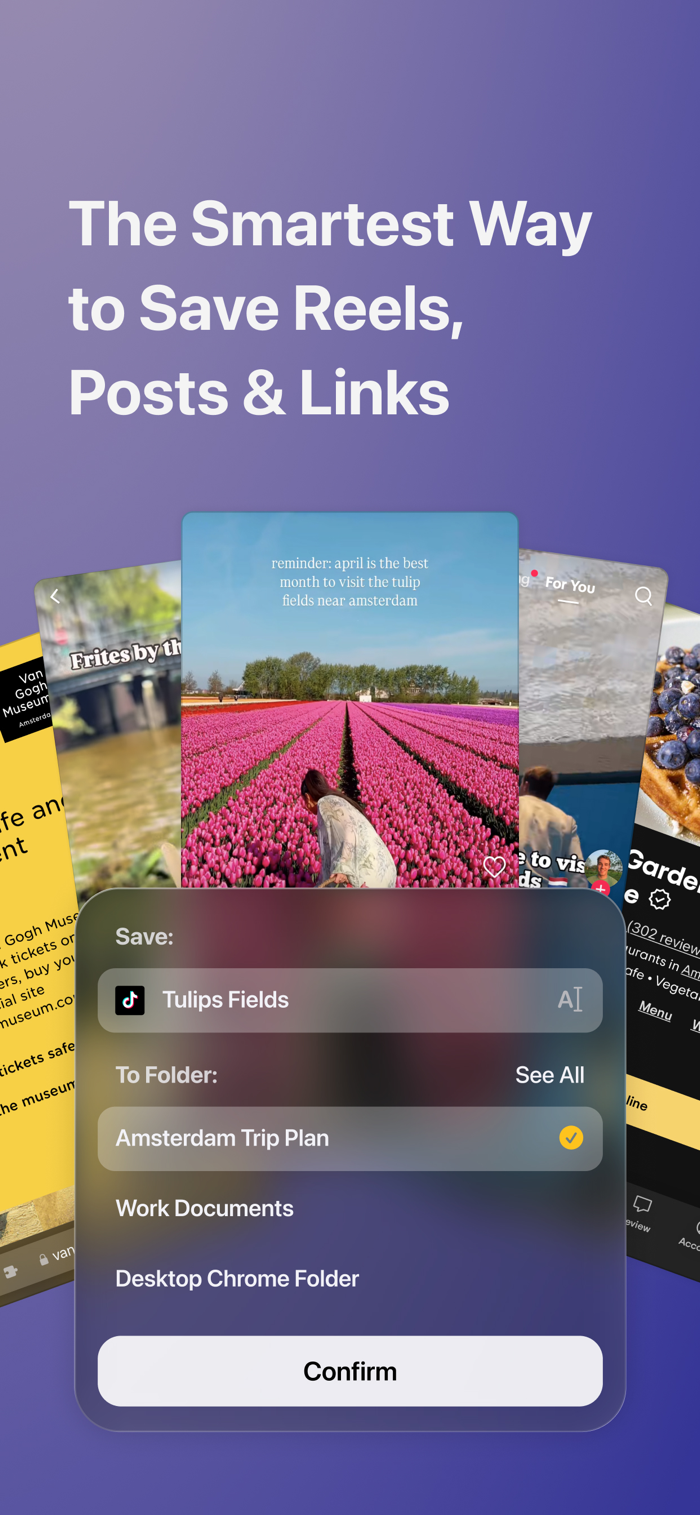
Save every link that’s useful to you. Organize it however you want.
For those, who are tired of massive full-page tabs or bookmark managers, and are looking for alternatives, Toast can be an unexpectedly interesting solution thanks to its native, minimalistic design and the largest browser support.
Need help? Email us: dotoast.com@gmail.com
*About PRO billing*
With the PRO a...

 +100宝石


 分享
分享



















用户评价
立即分享产品体验
你的真实体验,为其他用户提供宝贵参考
💎 分享获得宝石
【分享体验 · 获得宝石 · 增加抽奖机会】
将你的产品体验分享给更多人,获得更多宝石奖励!
💎 宝石奖励
每当有用户点击你分享的体验链接并点赞"对我有用",你将获得:
🔗 如何分享
复制下方专属链接,分享到社交媒体、群聊或好友:
💡 小贴士
分享时可以添加你的个人推荐语,让更多人了解这款产品的优点!
示例分享文案:
"推荐一款我最近体验过的应用,界面设计很精美,功能也很实用。有兴趣的朋友可以看看我的详细体验评价~"
领取结果