Redact sensitive data from photos and PDFs — automatically, in seconds.
Point BlurData at a photo, a scan or a multi-page PDF: on-device AI detects names and surnames, email addresses, IBAN and account numbers, amounts, home addresses, URLs, IP addresses and license plates. Everything gets covered with clean redaction boxes, ready to share safely.
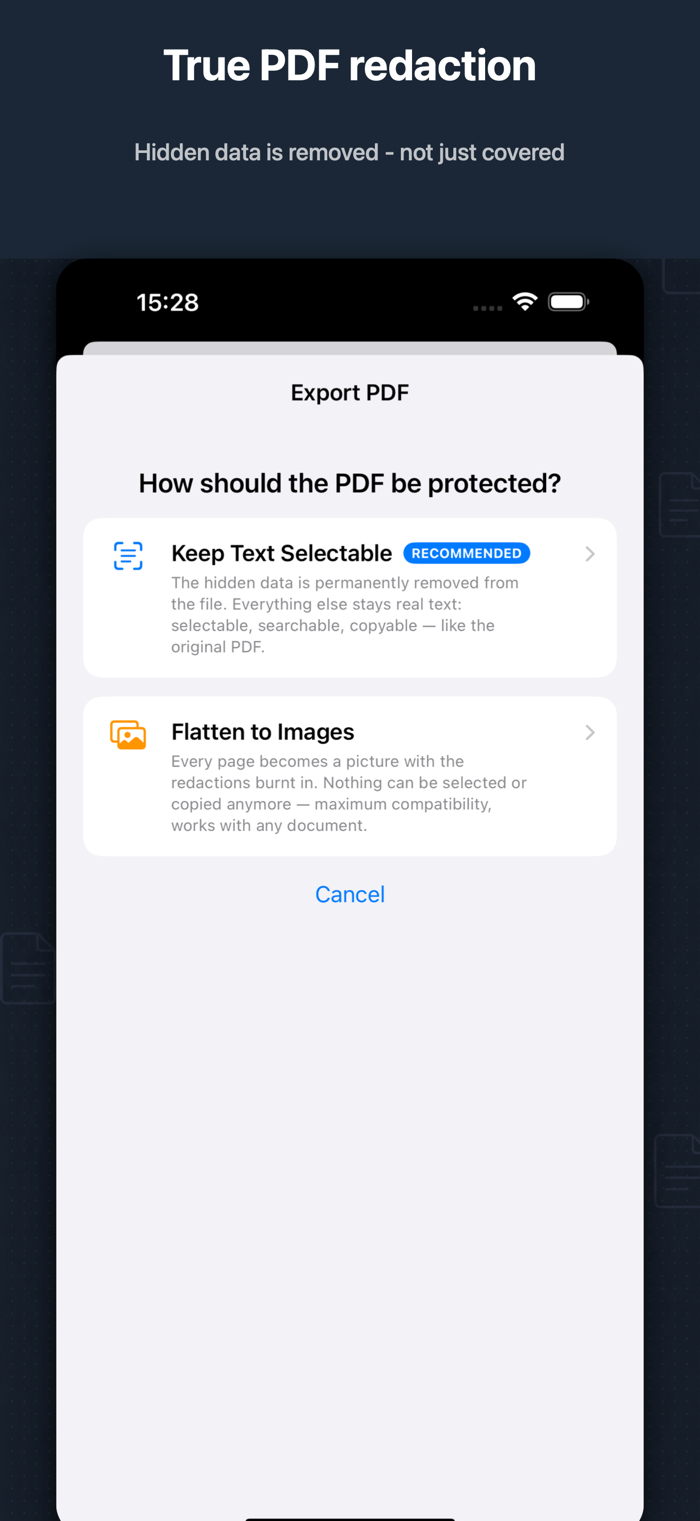
TRUE PDF REDACTION
Most apps just draw a box on top. BlurData can remove the hidden text from the PDF file itself: what you redact cannot be selected, copied or recovered — while the rest of the document stays real, searchable text. Or flatten every page to images for maximum compatibility.
BUILT FOR REAL DOCUMENTS
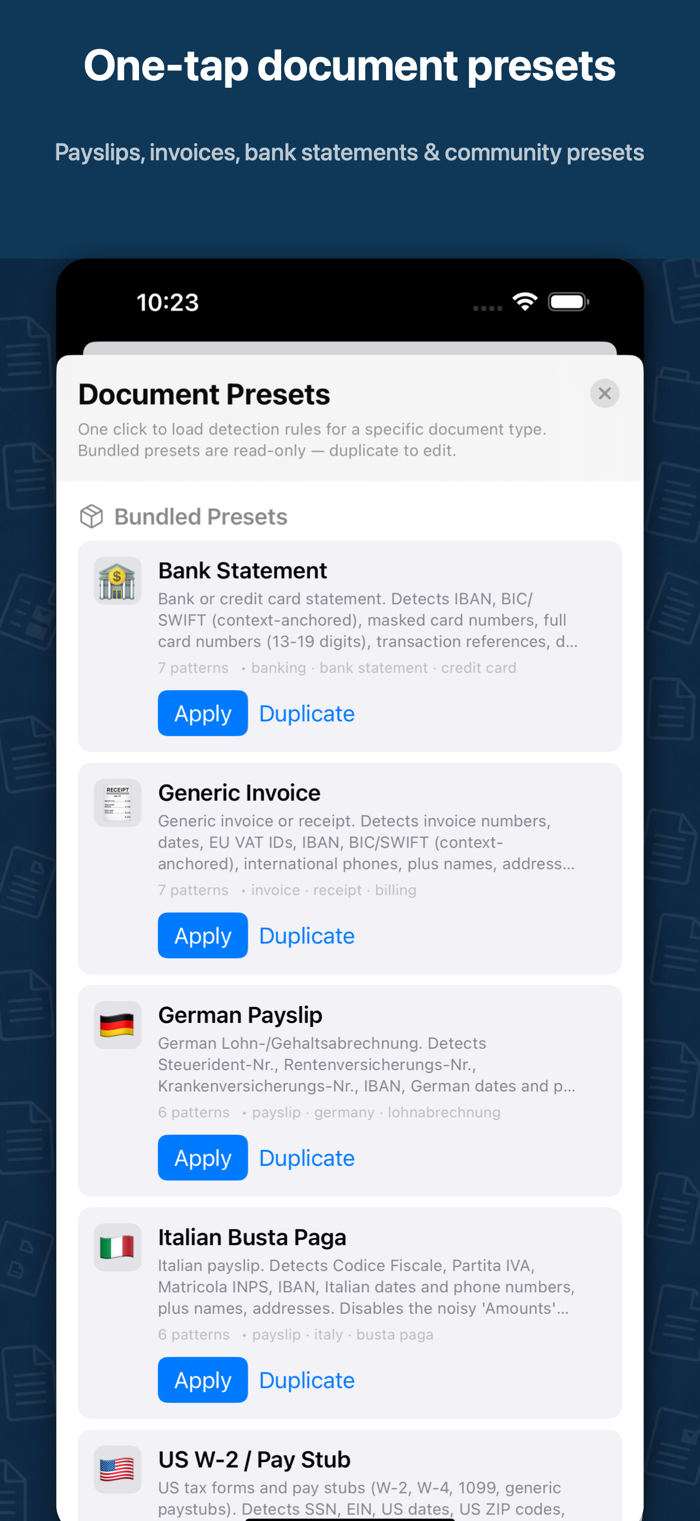
• One-tap presets for payslips, invoices and bank statements (Italian, German, US) plus community presets
• Custom patterns: hide any word, sequential IDs like Bates numbers, or full regular expressions
• Smart name detection: multi-language first-name dictionary, honorifics (Mr., Dr., Sig.), middle initials and surname propagation
• Draw to redact stamps, signatures and anything OCR can't read
• Multi-page PDFs: every page scanned and redacted automatically
• Double-tap any word in the preview to hide it everywhere
• 7 redaction colors, pinch-to-zoom inspection, hold-to-reveal comparison
PRIVATE BY DESIGN
All processing happens on your iPhone and iPad. Your documents never leave the device — no uploads, no cloud, no account required.
FREE TO TRY, PRO TO EXPORT
Load documents, run detection and preview redactions for free. Unlock PRO (or grab a one-time Saves Pack) to save unlimited pages to Photos and export protected PDFs.
Perfect for landlords, lawyers, accountants, HR, real estate, freelancers and anyone sharing documents online.
Also available for Mac — visit blurdata.app
Terms of Use (EULA): https://www.apple.com/legal/internet-services/itunes/dev/stdeula/
Privacy Policy: https://blurdata.app/privacy-policy


 +100宝石


 分享
分享










用户评价
立即分享产品体验
你的真实体验,为其他用户提供宝贵参考
💎 分享获得宝石
【分享体验 · 获得宝石 · 增加抽奖机会】
将你的产品体验分享给更多人,获得更多宝石奖励!
💎 宝石奖励
每当有用户点击你分享的体验链接并点赞"对我有用",你将获得:
🔗 如何分享
复制下方专属链接,分享到社交媒体、群聊或好友:
💡 小贴士
分享时可以添加你的个人推荐语,让更多人了解这款产品的优点!
示例分享文案:
"推荐一款我最近体验过的应用,界面设计很精美,功能也很实用。有兴趣的朋友可以看看我的详细体验评价~"
关注 Mergeek 公众号
领奖遇到问题?联系小门助手