MiaoYan

MiaoYan

Text editor with multi-device synchronization

Creator
威 汤

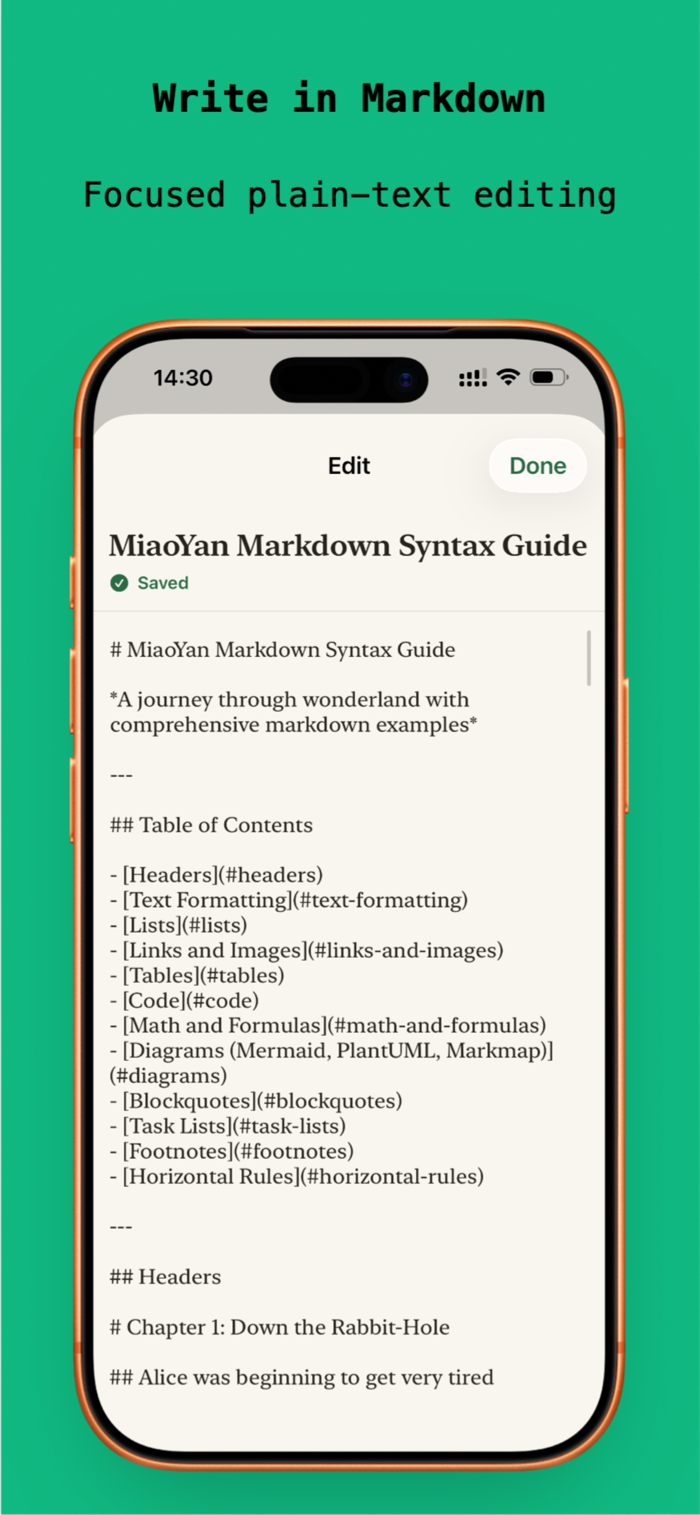
MiaoYan is a concise Markdown editor designed for notes, ideas, documents, and everyday writing. It supports pure Markdown editing with clean formatting, and allows organizing notes into folders. It can handle your own files for convenient and portable management. Compatible with iPhone, iPad, and Mac, it enables using the same Markdown folder across multiple devices via iCloud Drive. Features include reading and editing, previewing, folder organization, viewing elements like images, adjusting fonts, and quick search to open files. No account is required; it is crafted for those who prefer simple file management, focused writing, and a quiet reading experience.
COMMUNITY PERKSMergeek community perks
Exclusive giveaways NEWDiscover a new surprise every day
PRODUCT SCREENS / 6

Click to explore the interface

MiaoYan screenshot 1MiaoYan screenshot 2MiaoYan screenshot 3MiaoYan screenshot 4MiaoYan screenshot 5MiaoYan screenshot 6

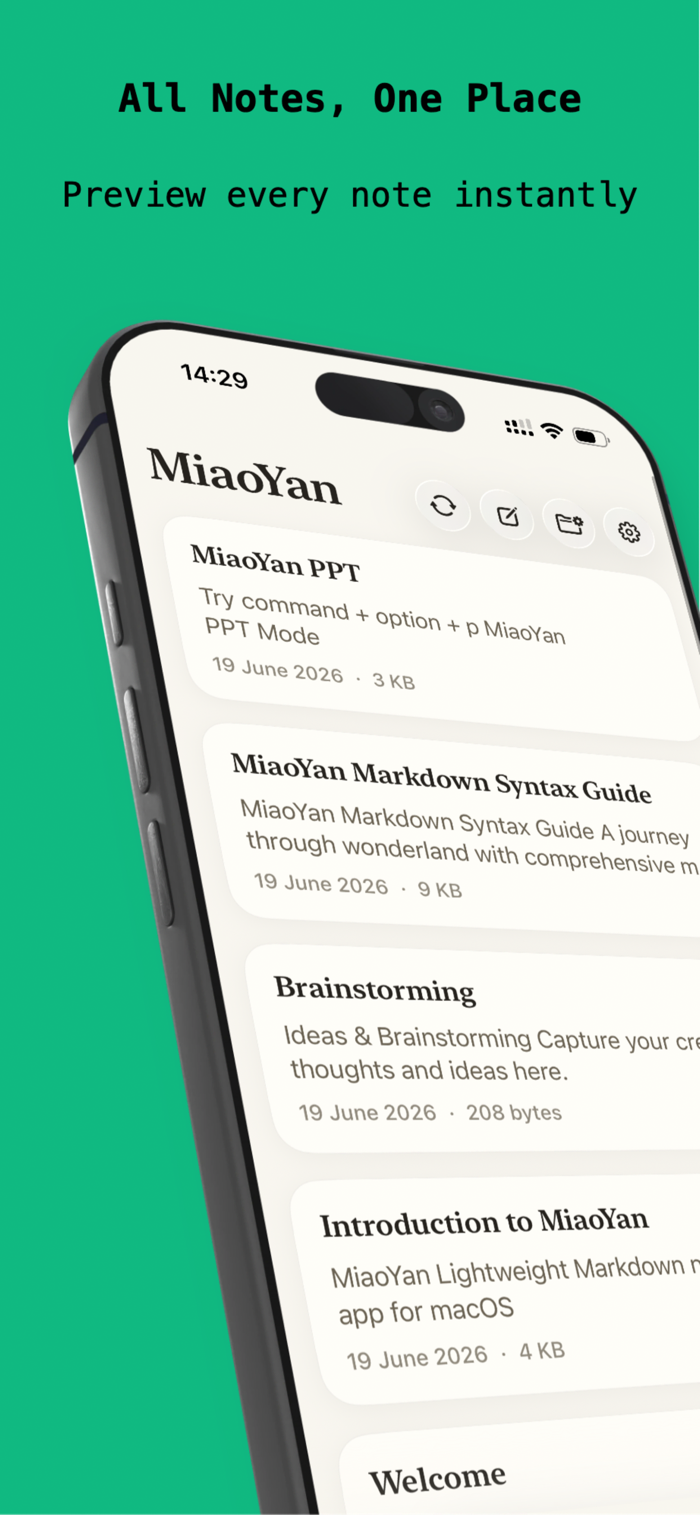
Miaoyan is a native Markdown note-taking app for Mac, iPhone, and iPad. Notes are simply Markdown files located in folders of your choice. Notes written on Mac can be opened on iPhone via iCloud Drive, with the folder structure preserved exactly as it was.

No account registration is required, nor is there an import or export step. The same set of notes is viewed across iPhone, iPad, and Mac.

Reading
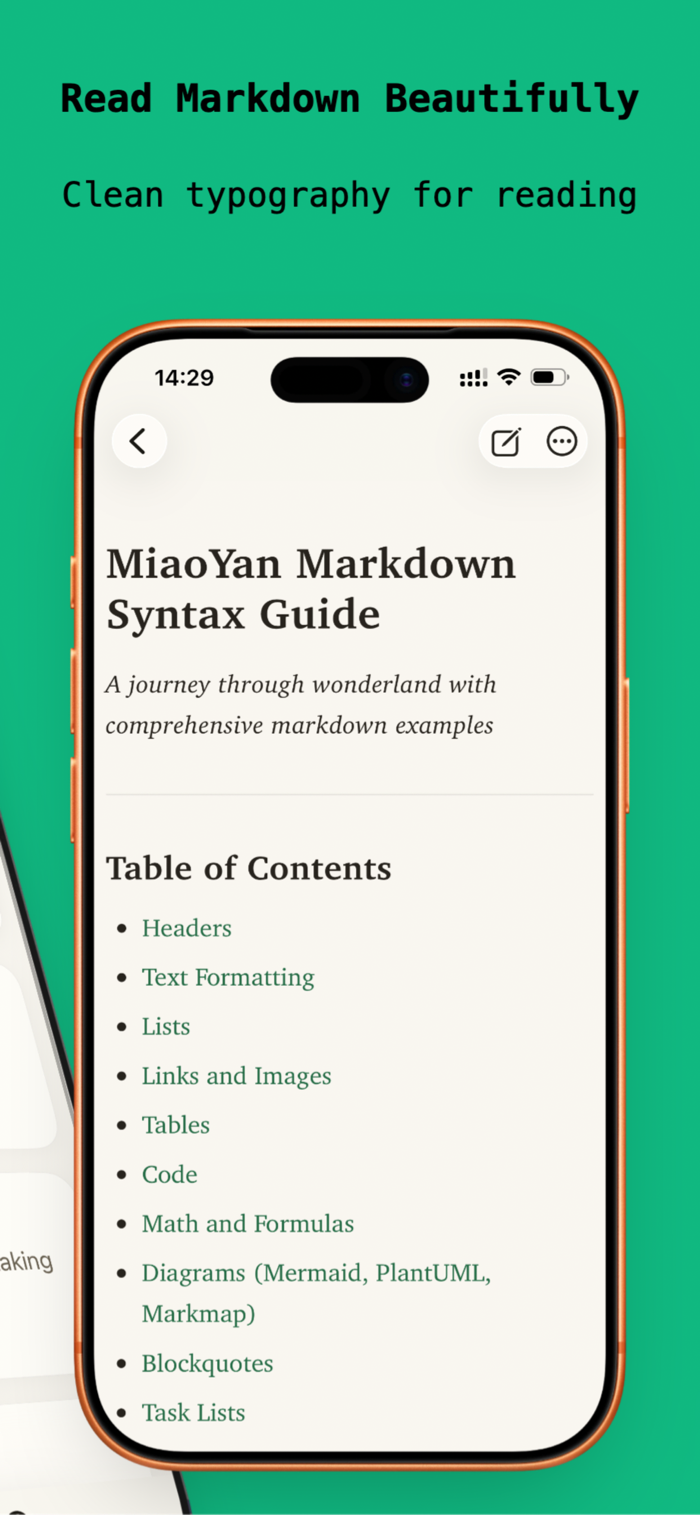
• Long articles are formatted like books, with justified alignment, automatic English hyphenation, and three serif options: serif, sans-serif, and rounded fonts, available in large, medium, and small sizes.
• Tables, footnotes, task lists, images, blockquotes, and Mermaid flowcharts appear exactly as they do on Mac.
• Code blocks feature syntax highlighting, and Dark Mode follows the system settings.

Writing
• Pure Markdown writing, with real-time highlighting for headings, lists, links, and code.
• Auto-saving as you type; if another device modifies the same note, you will be prompted to choose which version to keep.
• After moving a note to the Trash, it can be restored within five seconds.

Note Library
• Browse notes exactly as they are organized in iCloud Drive folders, or open any folder directly from the 'Files' app.
• Search both titles and body text.
• On iPad, the note list and body text are displayed side by side.

Version

4.12.0

1. 编辑时可以插入照片、视频和文件,视频在阅读时直接播放,文件点开用系统应用打开
2. 键盘上方多了一条插入栏,不用记 Markdown 符号也能加待办、列表、链接和附件
3. 新建笔记填了标题就会自动保存,和编辑已有笔记一样,手机没电或切出去也不会丢
4. 顶部按钮和更多菜单按系统的习惯重新排过,常用的放前面,删除放在最后
5. 搜索页打开时不再弹出键盘,点输入框或再点一次搜索标签再输入
6. 阅读时两根手指碰到屏幕不会再把整篇笔记放大

Full changelog ↗

Help others with your real experience and earn gems

REWARD MARKETWhat can 100 gems get you?

No public reviews yet. Share your experience.

提交反馈

每一个想法,都让 Mergeek 更好一点。