OneDay is an app focused solely on today's to-dos.
What’s worth getting done today?
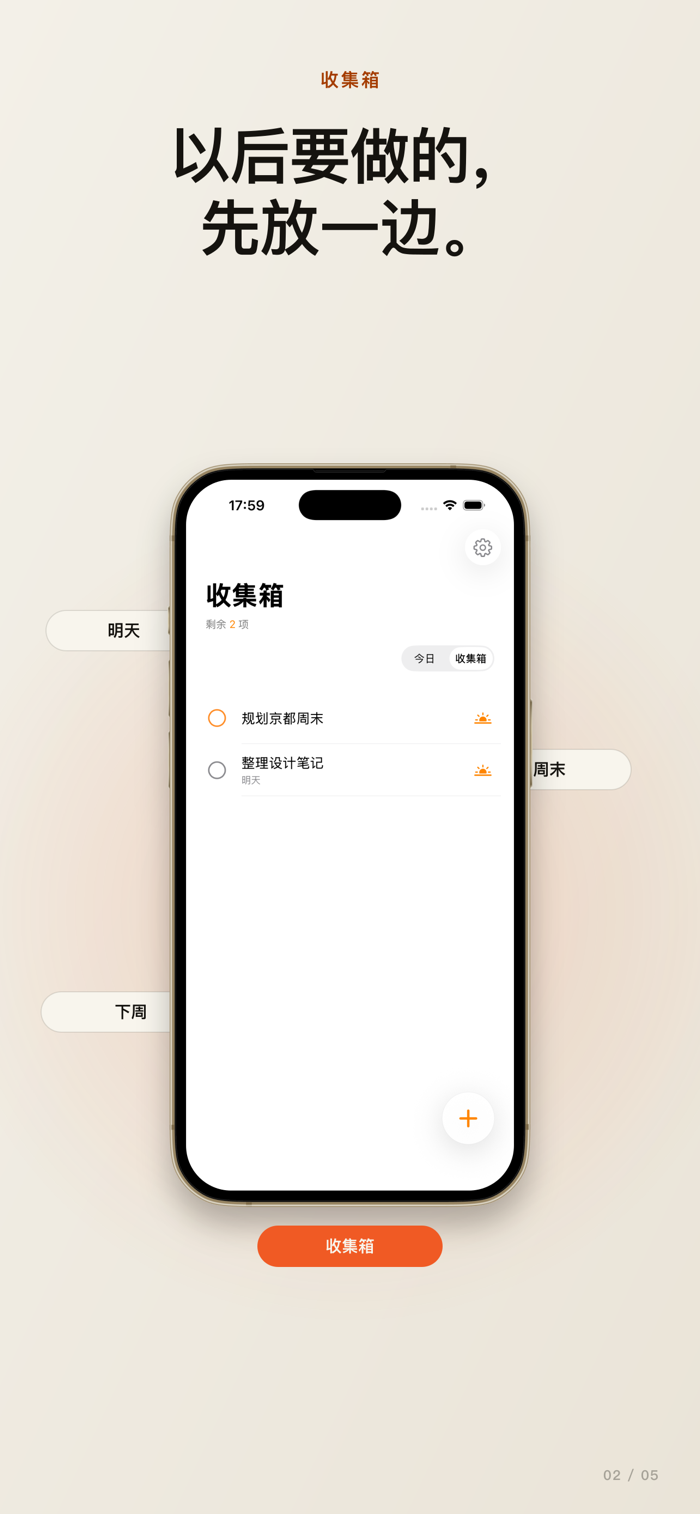
OneDay organizes tasks into two clear places: those belonging to the present stay in "Today"; those undecided or for the future go into the "Inbox."
It’s not about managing more.
It’s about seeing clearly what’s ahead of you today.
Key Features
• Today
Displays planned tasks for today as well as overdue ones. Open OneDay and see at a glance what truly needs attention right now.
• Inbox
Saves tasks with no scheduled date or ones planned for the future. Record them here and decide when to tackle them later.
• Due Date
Assign today, tomorrow, or another date to a task. The due date simply reflects your intended plan and doesn’t create extra deadline pressure.
• Natural Language Date Recognition
If you write something like “Submit release notes tomorrow” in the title, OneDay automatically recognizes the due date when the meaning is clear. Manually selected dates always take precedence. You can also choose to automatically remove date-related text from titles.
• Clear Task Sorting
Tasks with a due date of today or earlier appear under "Today"; tasks without a date or scheduled for the future appear in the "Inbox." No need to manually maintain complex projects or lists.
• Priority
Set high, medium, low, or no priority for tasks so that genuinely important items naturally rise to the top.
• Notes
Add context, ideas, or next steps in the task details instead of cramming everything into the title.
• Complete & Restore
Mark tasks as complete with a simple tap. Completed tasks are neatly collapsed but can be expanded anytime to review or restore them.
• Daily Task Reminder
Receive a concise summary at your chosen time. If there are overdue tasks, the reminder highlights how many; if none are overdue, it reminds you of pending tasks in the Inbox.
• iCloud Sync
Tasks stay consistent across your Apple devices running OneDay via your private iCloud database. No se…