Your terminal, everywhere you go.
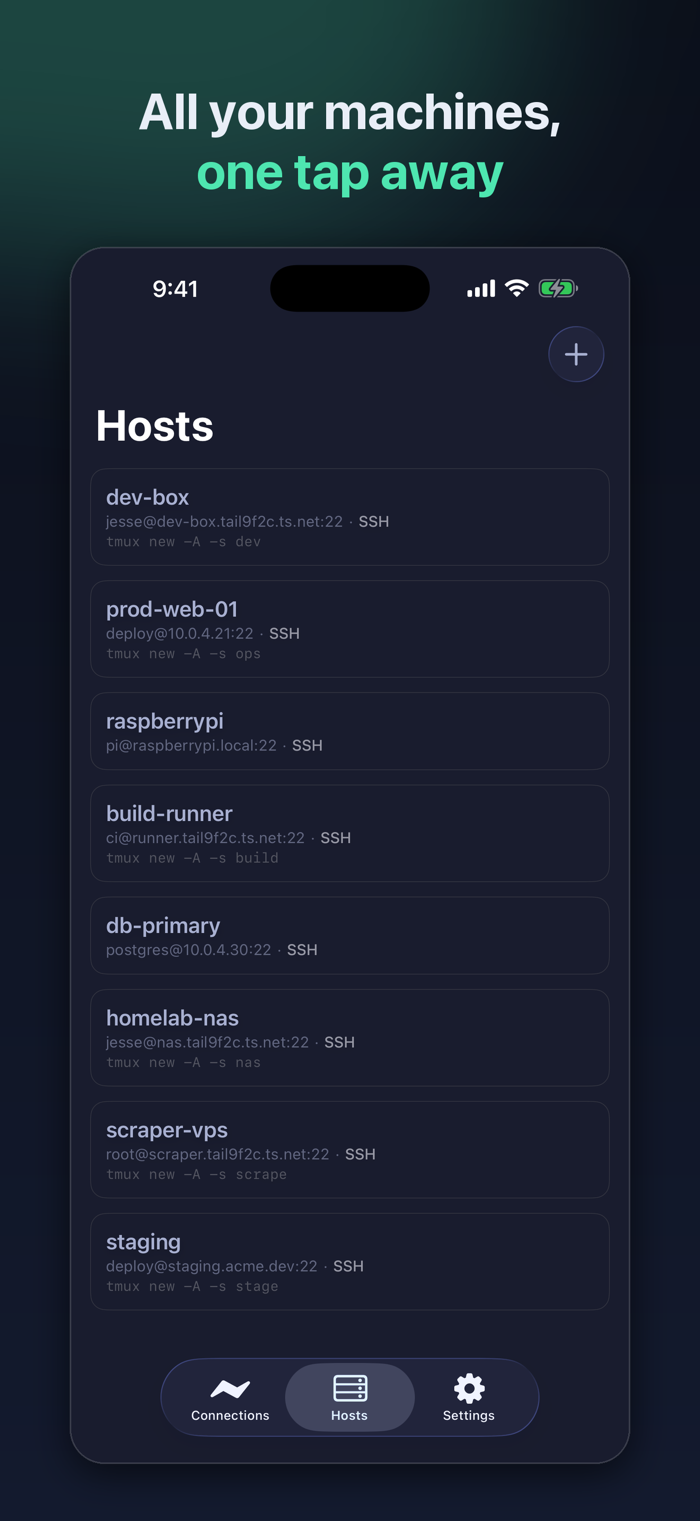
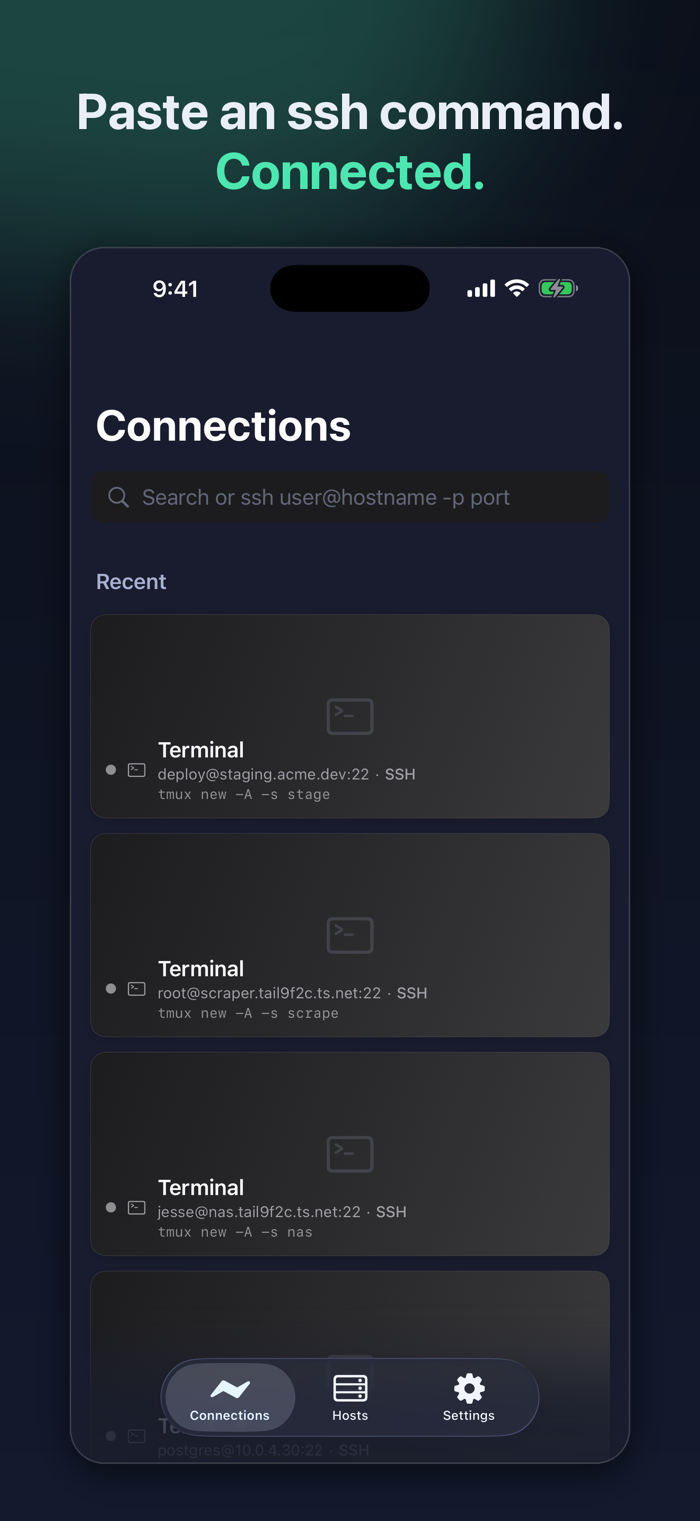
MuxLink is an SSH client built for one thing: making a real remote development session usable from a phone. Connect to your dev box, attach to tmux, and pick up exactly where you left off — including long-running coding agents that keep working while your screen is off.
RUN AGENTS FROM ANYWHERE
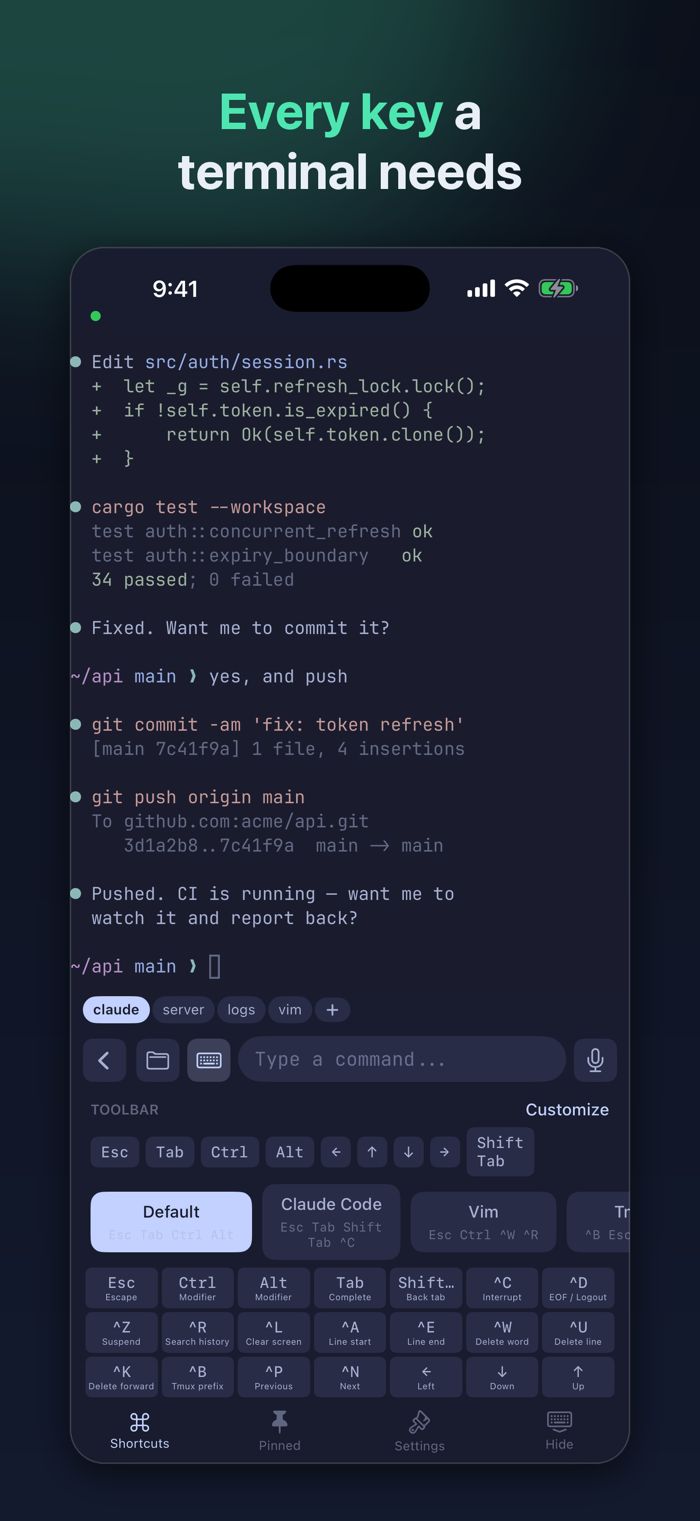
Start a coding agent on your server, lock your phone, and check back later. Your tmux session keeps running on the remote machine, so nothing is lost when the connection drops or the app goes to the background. A one-tap "Copy Terminal Buffer" button grabs the visible scrollback so you can paste context into a chat without fighting a text selection handle.
Works with any terminal-based agent — Claude Code, Codex, Aider, or your own scripts. MuxLink is not affiliated with or endorsed by their makers.
TMUX AS A NATIVE INTERFACE
MuxLink detects when your session is running tmux and renders your windows as a native tab bar. Switch windows by tapping instead of typing a prefix chord. It works with grouped sessions, so your phone can follow its own window without dragging your desktop client along with it.
A KEYBOARD THAT WORKS ON A TOUCHSCREEN
The iOS keyboard has no Ctrl, Esc, Tab, or arrow keys. MuxLink adds them in an accessory bar you can customize, with presets for tmux, Vim, and agent-driven workflows. Type into a comfortable text field and send whole lines, or drop into raw keystroke mode when ...


 +100宝石


 分享
分享









用户评价
立即分享产品体验
你的真实体验,为其他用户提供宝贵参考
💎 分享获得宝石
【分享体验 · 获得宝石 · 增加抽奖机会】
将你的产品体验分享给更多人,获得更多宝石奖励!
💎 宝石奖励
每当有用户点击你分享的体验链接并点赞"对我有用",你将获得:
🔗 如何分享
复制下方专属链接,分享到社交媒体、群聊或好友:
💡 小贴士
分享时可以添加你的个人推荐语,让更多人了解这款产品的优点!
示例分享文案:
"推荐一款我最近体验过的应用,界面设计很精美,功能也很实用。有兴趣的朋友可以看看我的详细体验评价~"
关注 Mergeek 公众号
领奖遇到问题?联系小门助手