产品功能

应用市场介绍

Canon Camera Connect is an application that can transfer images taken with a compatible Canon camera to a smartphone/tablet.
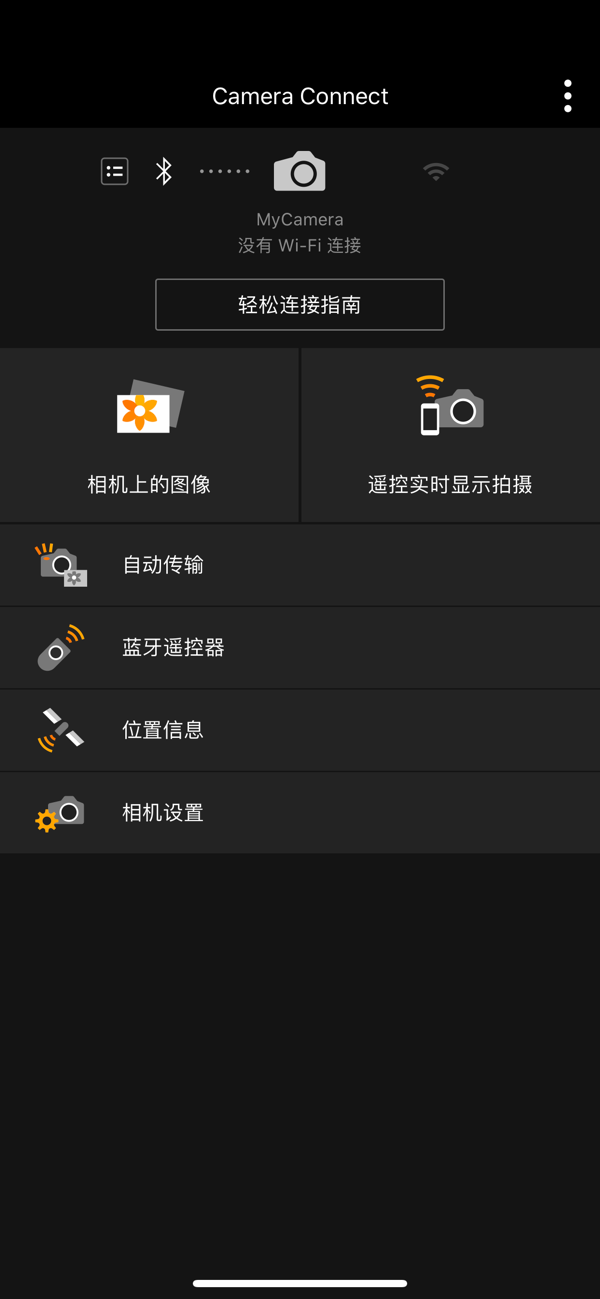
By connecting to the camera via Wi-Fi (either directly or through a wireless router), this application offers the following functions:
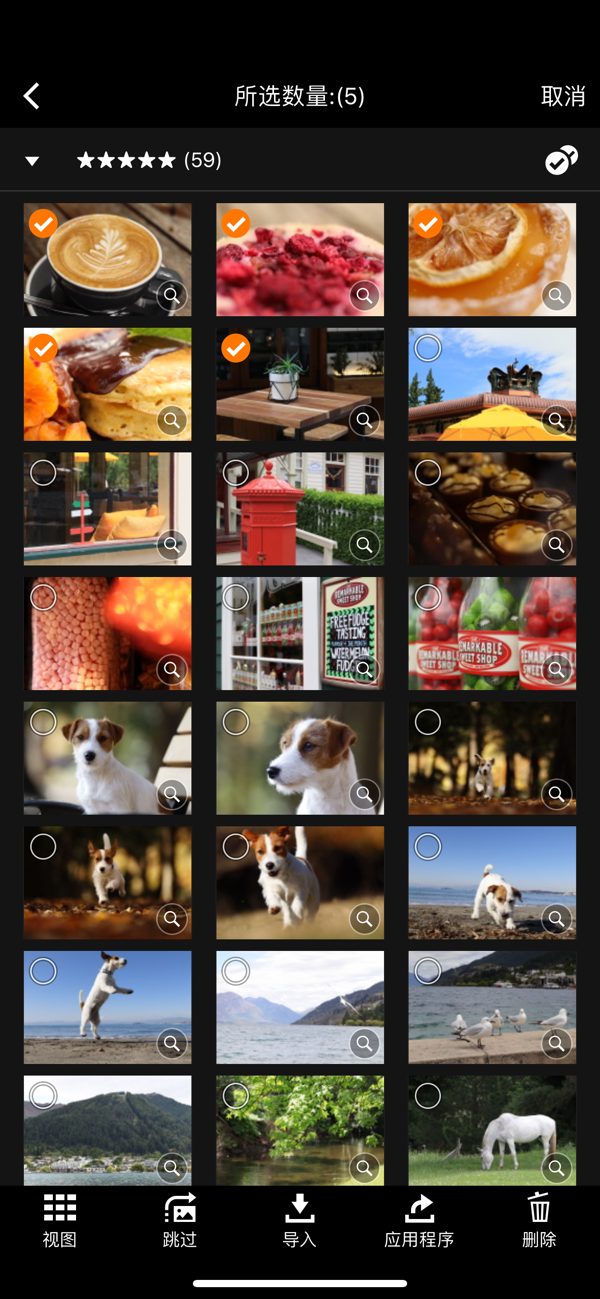
・ Transfer and save camera images to the smartphone.
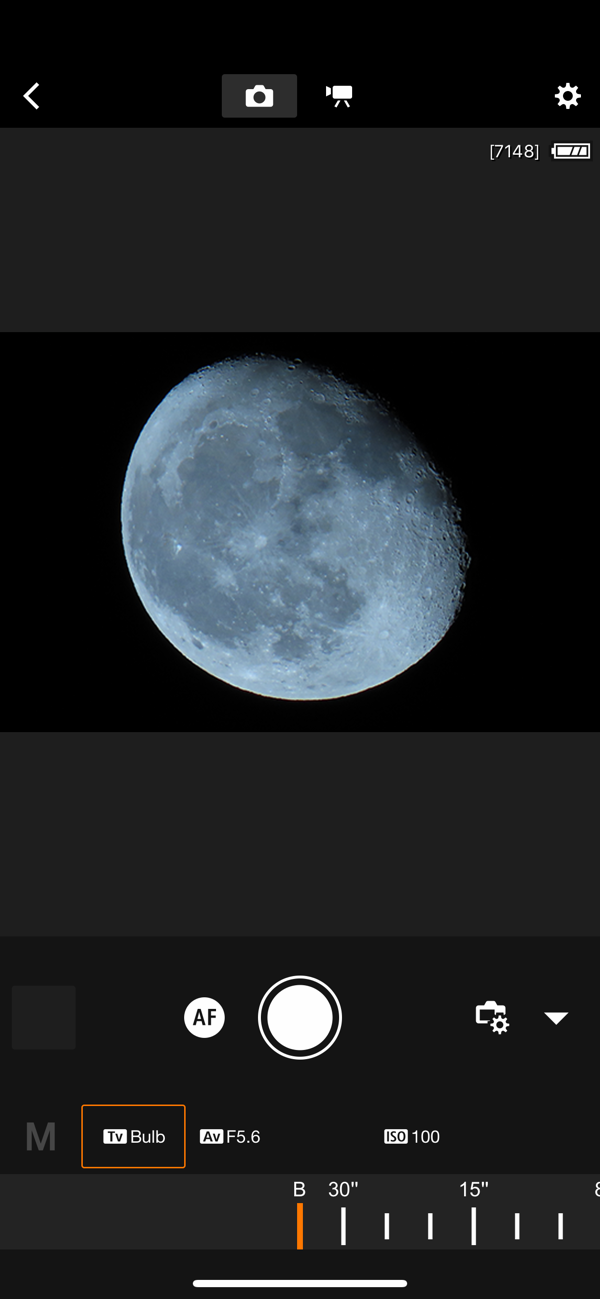
・ Use the smartphone for remote live view shooting of the camera.
・ Connect to various Canon services.
This application also provides the following functions for compatible cameras:
・ Obtain location information in the smartphone and add it to the camera's images.
・ For cameras enabled with Bluetooth functionality, switch to Wi-Fi connection via the pairing status.
・ Remotely release the camera shutter using Bluetooth connection.
・ Transfer the latest firmware.
*For compatible models and functions, please refer to the following website.
https://ssw.imaging-saas.canon/app/app.html?app=cc

- Operating System
iOS 17/18
iPadOS 17/18
- Bluetooth System Requirements
For Bluetooth connection, the camera needs to have Bluetooth functionality, and your device needs to have Bluetooth 4.0 or later (supporting Bluetooth Low Energy technology).
- Supported Files
JPEG, MP4, MOV, CR3, CR2
・ During connection to a compatible model (CR3 requires iOS 12.1 or later), select [RAW Image Save Format] > [RAW Format] in the [Images on Camera] settings to import RAW (CR3/CR2) images in RAW format.
・ RAW (.CR2) format can be imported using wireless-compatible EOS models and certain PowerShot models (G1 X Mark III / G9 X Mark II / G7 X Mark II).
・ Select [RAW Image Save Format] > [JPEG Format] to resize RAW (CR2/CR3) images and import them in JPEG format.
・ RAW burst files cannot be imported to the smart device. Extract CR3 images from the RAW burst files on the camera side in advance and then import them to the smart device.
・ HEIF (10-bit) files taken by the compatible camera and RAW short movie files taken after enabling [HDR PQ Settings] cannot be imported. (Using the Canon image editing application Canon DPP Express, these files can be saved between applications via the link mode.)
・ MOV and 8K video files taken with an EOS camera cannot be saved.
・ RAW short movie files taken by the compatible camera cannot be saved.
・ AVCHD files taken with a video camera cannot be saved.
- Notes
・ If the application does not run properly, close the program and try again.
・ Continuous use of GPS running in the background may significantly shorten battery life.
・ When using an electric zoom adapter, set the live view function to on.
・ Images may contain your personal information such as GPS data. Be cautious when posting images to an online environment accessible to the public.
・ For detailed information, please refer to the Canon official website.

收起

用户评价

立即分享产品体验

你的真实体验,为其他用户提供宝贵参考

宝石
评论可得 100 宝石
宝石随心兑换应用高级会员,每周更新 前往查看 >>
活动动态 0 人参加
查看更多评论