


 +100宝石


产品功能
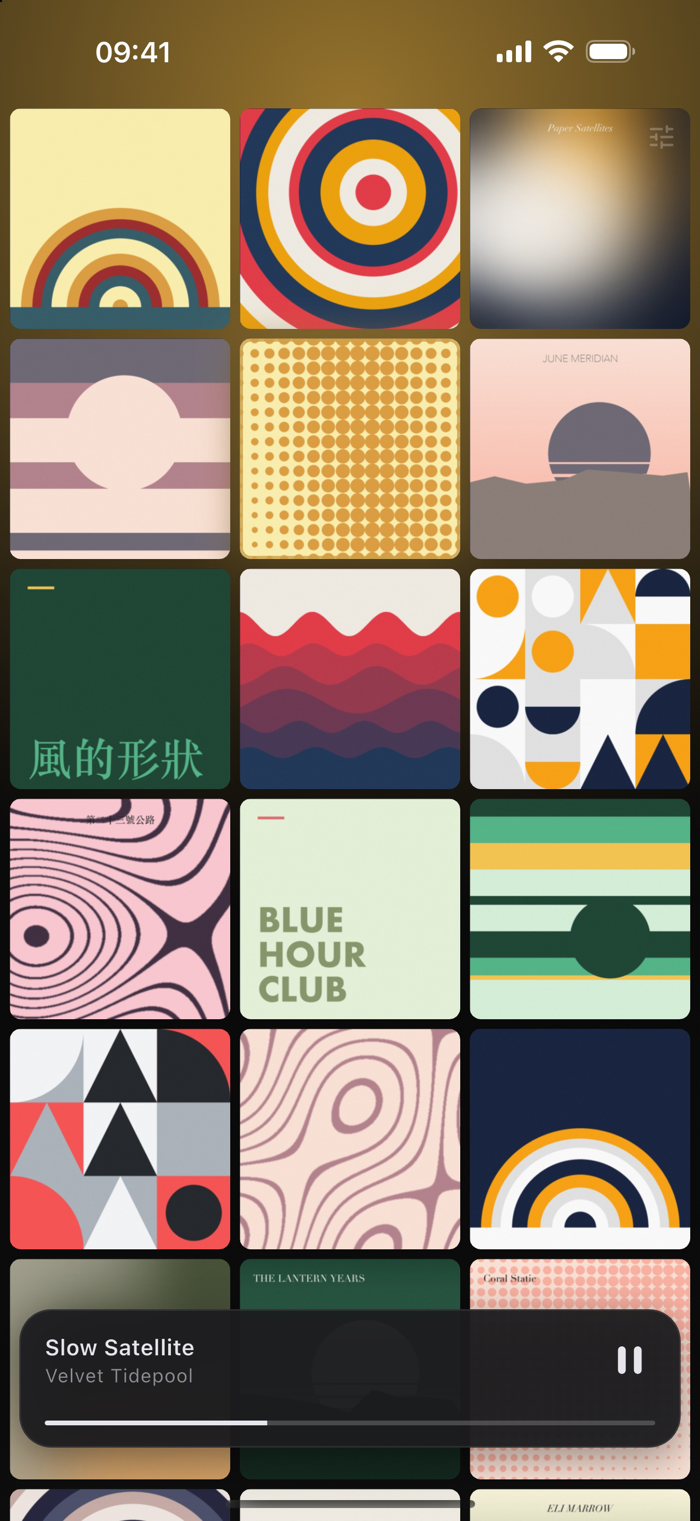
Wallbum turns your Apple Music library into a wall of album art. One tap plays the album from its first track.
A WALL, NOT A LIST
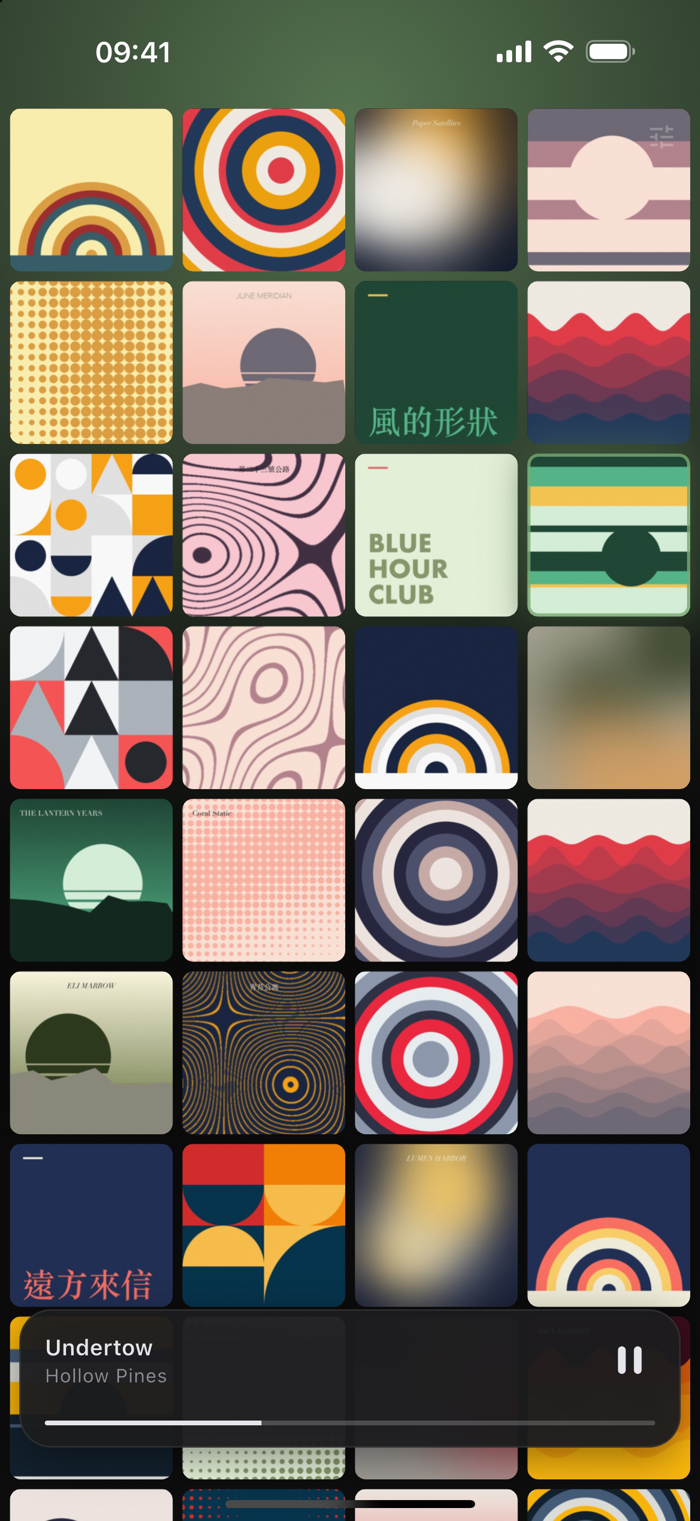
Every album you have added to your library, edge to edge, covers only. No rows of text, no chrome, no tab bar. Pinch with two fingers to fit two, three or four across; it remembers what you chose.
ONE TAP, ONE ALBUM
Tap a cover and the album plays from track one — the way a record does. Tap the one already playing and it pauses instead of starting over.
PRESS AND HOLD FOR THE TRACKS
A cover flips to show its tracklist. Tap any track to start from there, and the cover flips back.
TURN IT SIDEWAYS
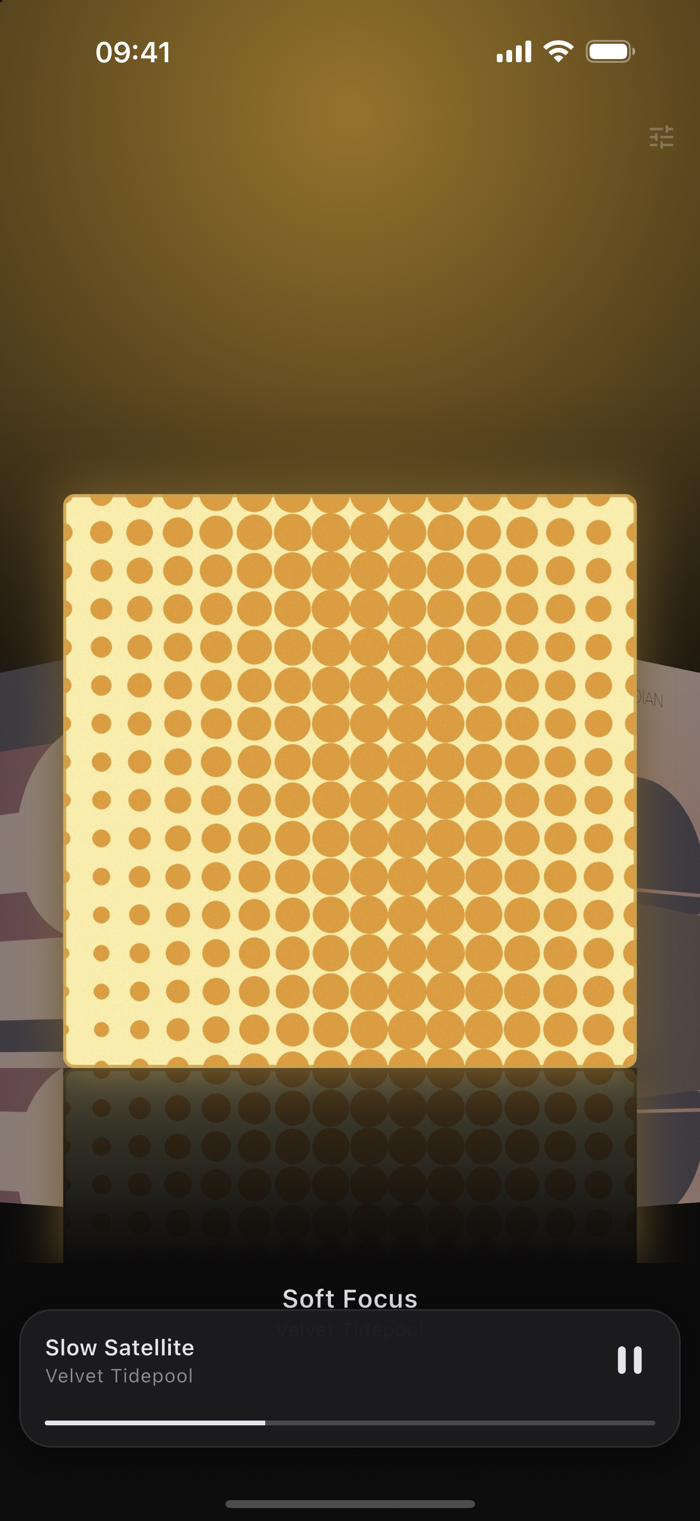
Landscape becomes Cover Flow: the centre album enlarged, the ones beside it angled back and dimmed. Wherever you were on the wall is where it opens, and turning upright puts you back in the same place.
THE ROOM CHANGES COLOUR
Behind the covers, an ambient glow takes its colour from the album that is playing, and fades to the next one over about half a second. The playing cover floats, with a slow pulse around its edge.
BUILT FOR 120Hz
Artwork is downsampled to exactly what the screen needs and cached on the device, requested before it scrolls into view and released after it leaves. Reduce Motion is respected: the pulse and the 3D rotation give way to plain cross-fades, and nothing is lost.
QUIET BY DESIGN
No accounts. No sign-in. No analytics. No advertising. No third-party tracking. Nothing about your library or what you played leaves your device — there is no server of ours to send it to.
FREE AND FULL
Free: 50 albums on the wall, and everything else — playing whole albums, the tracklist flip, pinch to zoom, Cover Flow, the ambient glow, the now-playing capsule. Nothing is held back.
Full library: a one-time purchase that lifts the 50-album limit, so the wall holds as many albums as your library does. Not a subscription — nothing renews.
Requires iOS 16. Streaming albums from the Apple Music catalogue needs an active Apple Music subscription; albums downloaded to the device, and files you added to your library yourself, play without one.
分享「」体验,参与「」抽奖!
分享 1~3 张你对这个产品最满意的截图或效果图
分享「」体验,参与「」抽奖!
用你的故事点亮社区✨!你的真实体验,将会永久展示在 官方主页 📌,为其他朋友提供宝贵参考 💡。立即分享吧!🚀
请为产品评分
请选择问题回答,为大家提供宝贵参考
选择要回答的问题
温馨提示
你尚未上传产品截图。
上传截图可立即获得宝石积分奖励!
如果你赶时间,也可稍后修改评论,补上截图领取宝石。
温馨提醒
你尚未添加产品截图
⚠️ 不添加截图将降低抽奖权重

感谢参加,你已成功参加!
为了确保你能及时收到审核结果和领奖码通知

扫描二维码关注 Mergeek 公众号
在后台回复 「获奖通知」
完成上述操作,即可保障奖励发放成功






用户评价
立即分享产品体验
你的真实体验,为其他用户提供宝贵参考
💎 分享获得宝石
【分享体验 · 获得宝石 · 增加抽奖机会】
将你的产品体验分享给更多人,获得更多宝石奖励!
💎 宝石奖励
每当有用户点击你分享的体验链接并点赞"对我有用",你将获得:
🔗 如何分享
复制下方专属链接,分享到社交媒体、群聊或好友:
💡 小贴士
分享时可以添加你的个人推荐语,让更多人了解这款产品的优点!
示例分享文案:
"推荐一款我最近体验过的应用,界面设计很精美,功能也很实用。有兴趣的朋友可以看看我的详细体验评价~"
关注 Mergeek 公众号
领奖遇到问题?联系小门助手