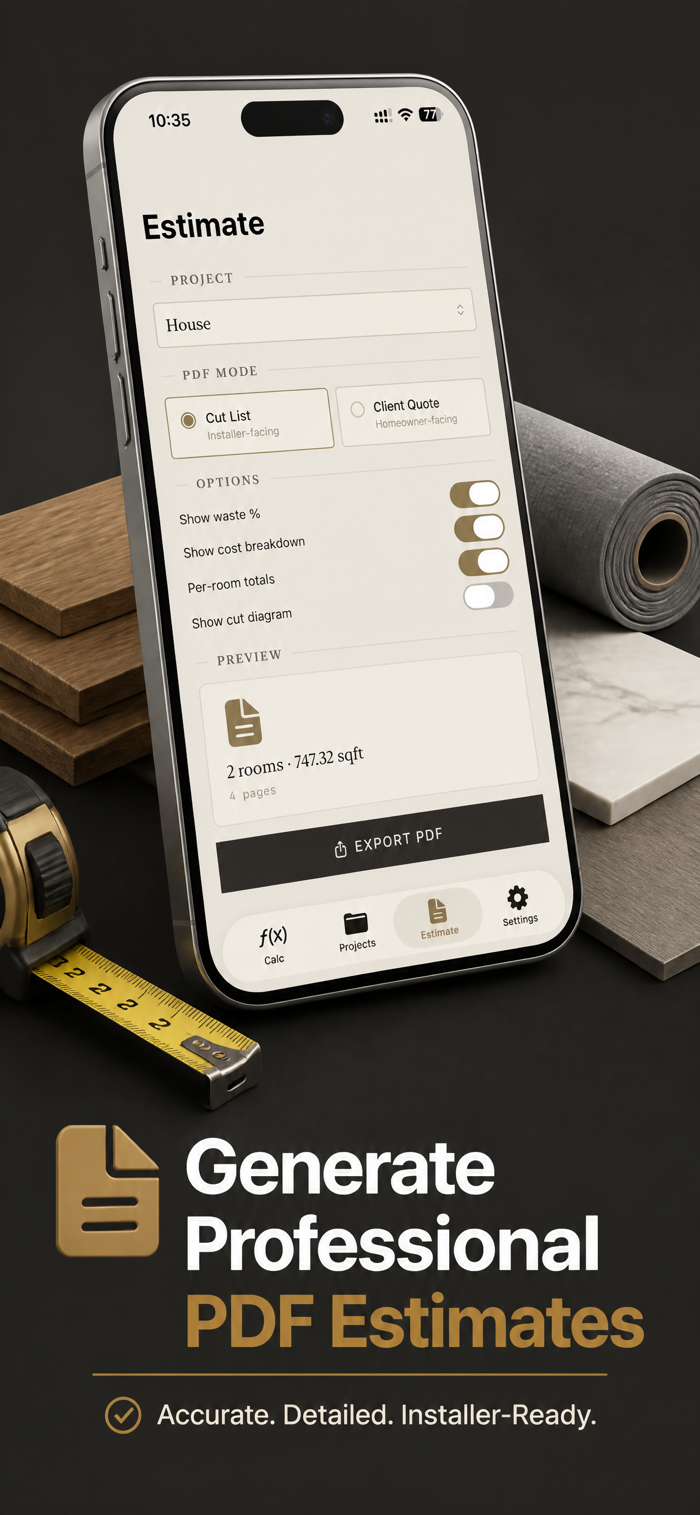
Tired of buying too much flooring — or worse, running out mid-job? Floor Calculator turns any room into an accurate material order in seconds, with AR room scanning and one-tap client quotes.
Here's how it works: scan your room with AR (or measure manually if you prefer), pick your floor type, choose your layout pattern, and Floor Calculator instantly shows you the exact piece count, box count, waste allowance, underlayment rolls, baseboard linear feet, and total cost. Done.
No accounts. No uploads. No tracking. Everything happens on your iPhone.
Whether you're a flooring installer pricing a job in front of the customer, a contractor estimating a multi-room renovation, or a DIY homeowner heading to the lumber yard, Floor Calculator is built to be the fastest way to turn a tape-measure reading — or an AR scan — into a buy list and a quote.
AR ROOM SCANNING
Walk the room and let your iPhone capture the shape. RoomPlan-powered scanning on LiDAR devices, ARKit corner-tapping on others. Manually adjust any wall length after scanning if you want pinpoint accuracy.
FULL MATERIAL TAKEOFF
Supports tile, plank, carpet, roll, LVP, laminate, and hardwood. Handles rectangle, L-shape, U-shape, polygon, custom-drawn, and stair-tread coverage. Layout patterns include straight, diagonal, herringbone, and staggered plank — each with the correct minimum waste factor built in so you never under-order.
VISUAL LAYOUT PREVIEW
See exactly how your tile or plank lays out before you order — a scaled diagram shows every full piece and every cut. Drag to shift the starting point, mark doorways, windows, cabinets, or islands as cutouts, or draw a custom room outline by hand for a shape no preset covers. Straight, brick, diagonal, herringbone, or staggered patterns, plus square, rectangular, or hexagonal tile.
ADD-ONS THAT FINISH THE JOB
Optional underlayment roll count, baseboard linear feet (perimeter minus doorways), transition strip totals, mortar bags for tile, and adhesive for glue…