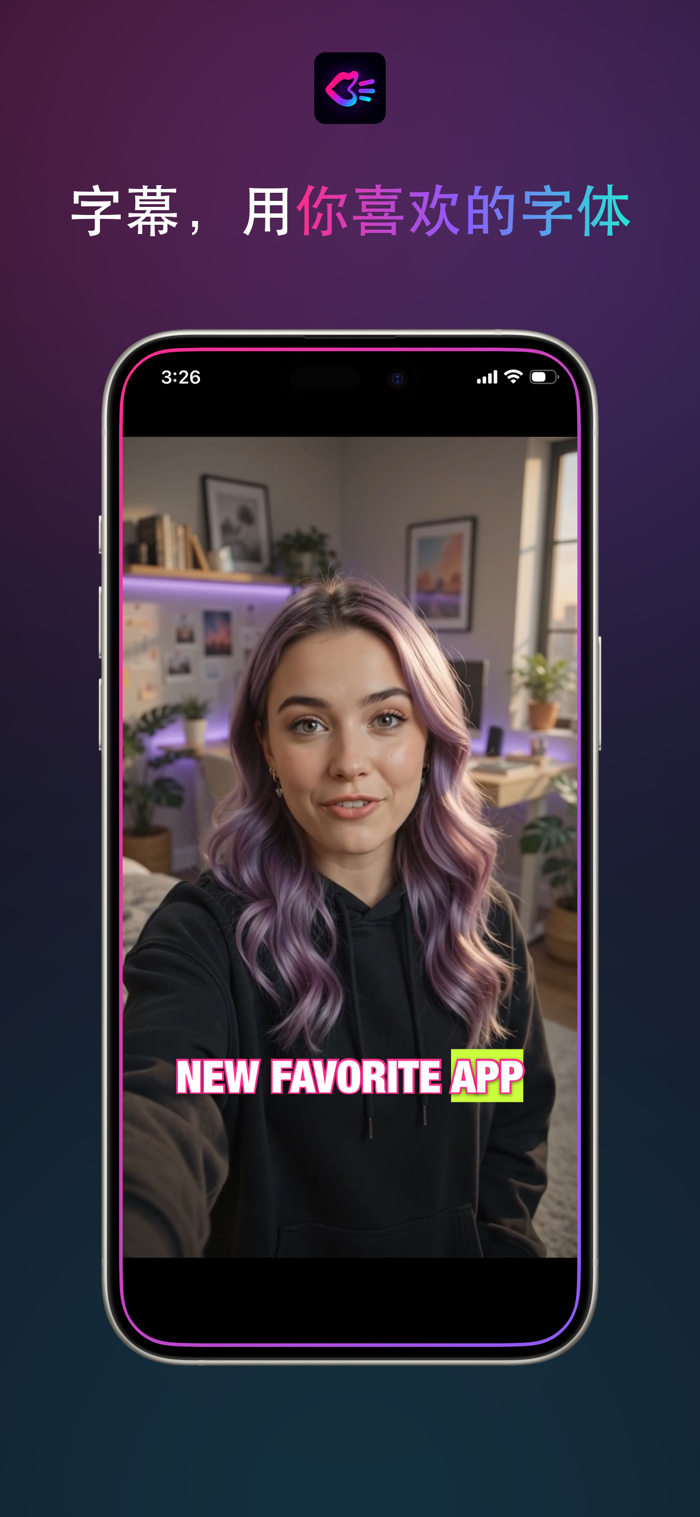
Your video content is fine; it just doesn’t look edited.
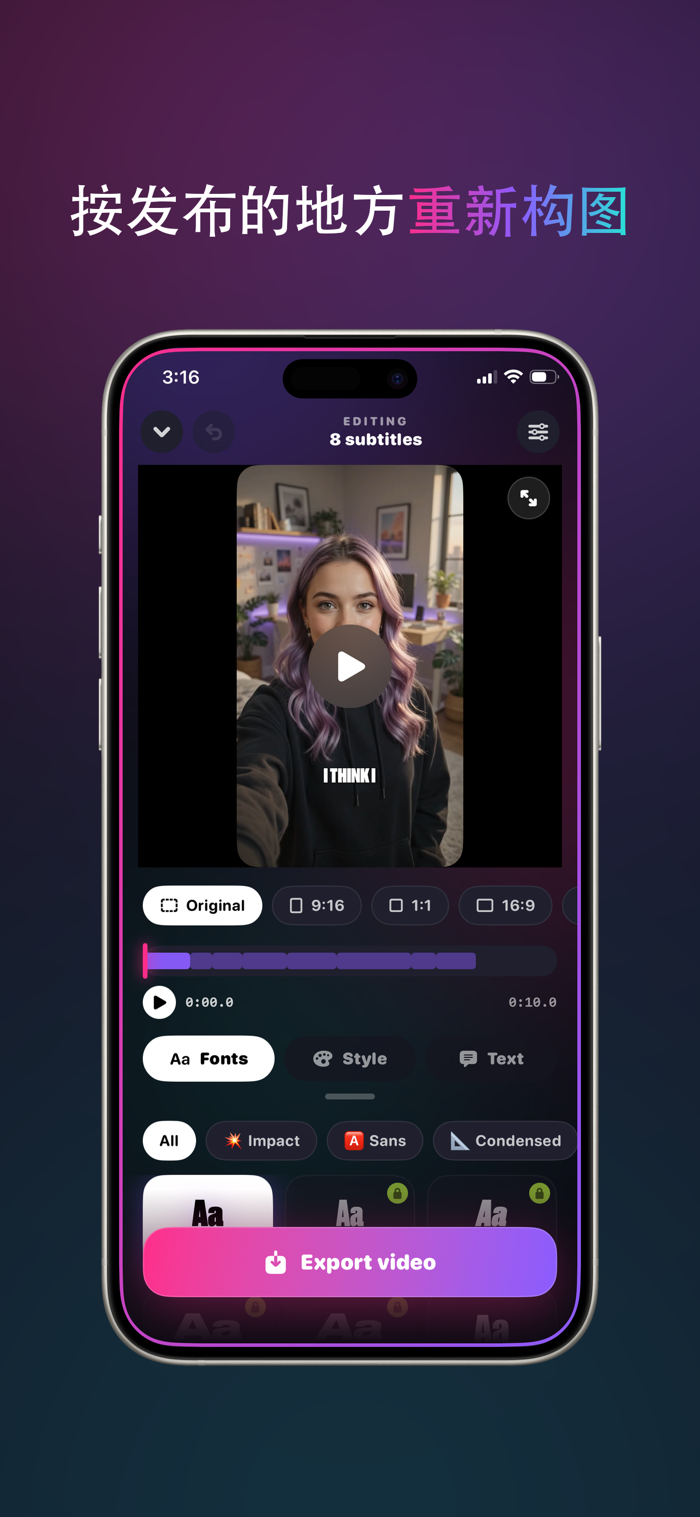
Charlatan listens to your video and transcribes every word. You decide the style—78 fonts, not just the same three everyone uses.
Pick a video. That’s the only step you need.
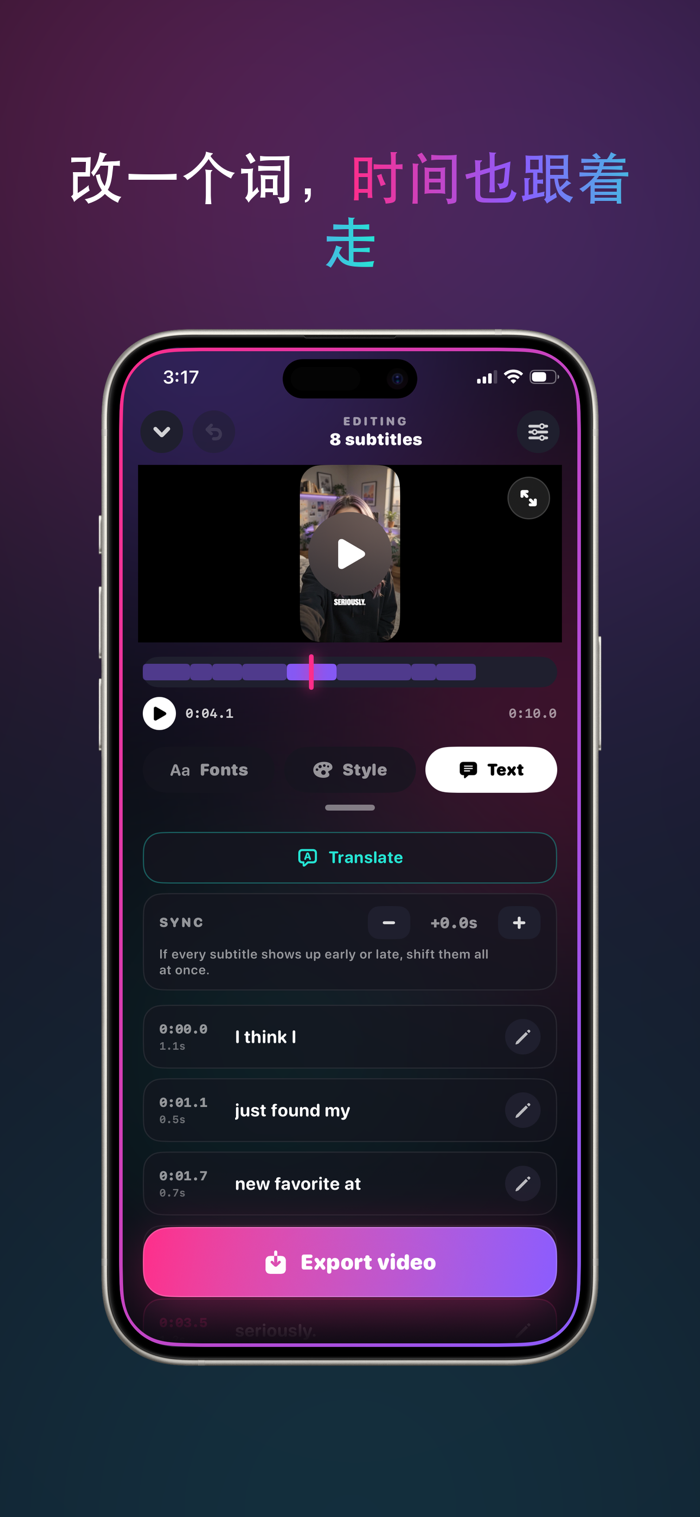
Choose from your gallery or record on the spot. Charlatan converts speech to text and aligns subtitles on the timeline with precise timing that matches your actual speech.
78 fonts. This is where it matters.
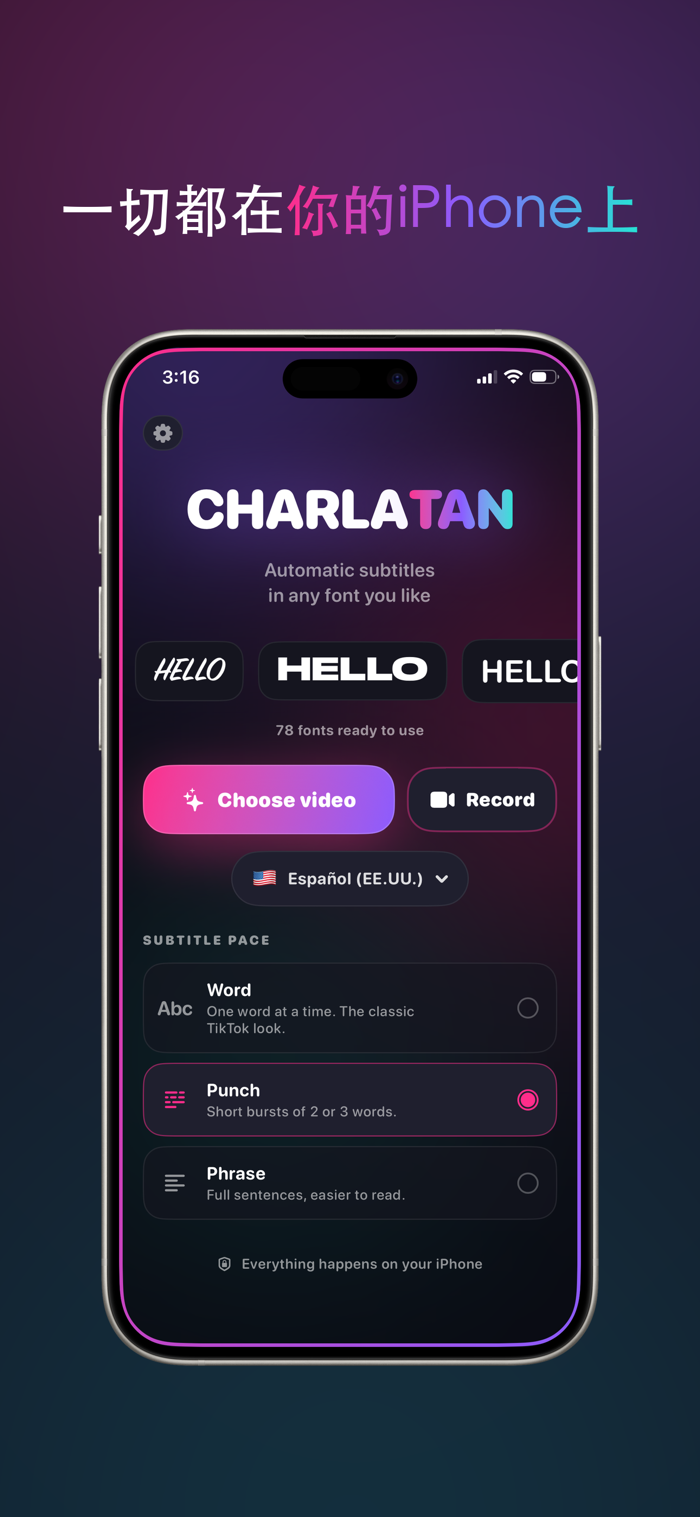
Sans-serif, condensed, handwritten, marker, hollow, serif. Fonts determine whether your subtitles look custom-crafted or blatantly default. Browse by category, preview them directly on your video, then choose your favorite.
One word at a time, or one line at a time.
Three pacing options: word-by-word (classic for short-form videos), short chunks of two or three words, or full lines for easier reading. Karaoke-style highlighting lights up each word the moment it’s spoken.
Customize to match your style.
Adjust size, position, rotation, letter spacing, all caps, color, stroke, shadow, and marker highlights. Drag subtitles anywhere in the frame and pinch to scale. Save a style once, and it applies automatically to every future video—keeping your exported content consistent and branded.
Reframe for each platform.
Export 9:16 for short-form feeds, 1:1 for grids, 16:9 for landscape—or keep the original framing.
Translate.
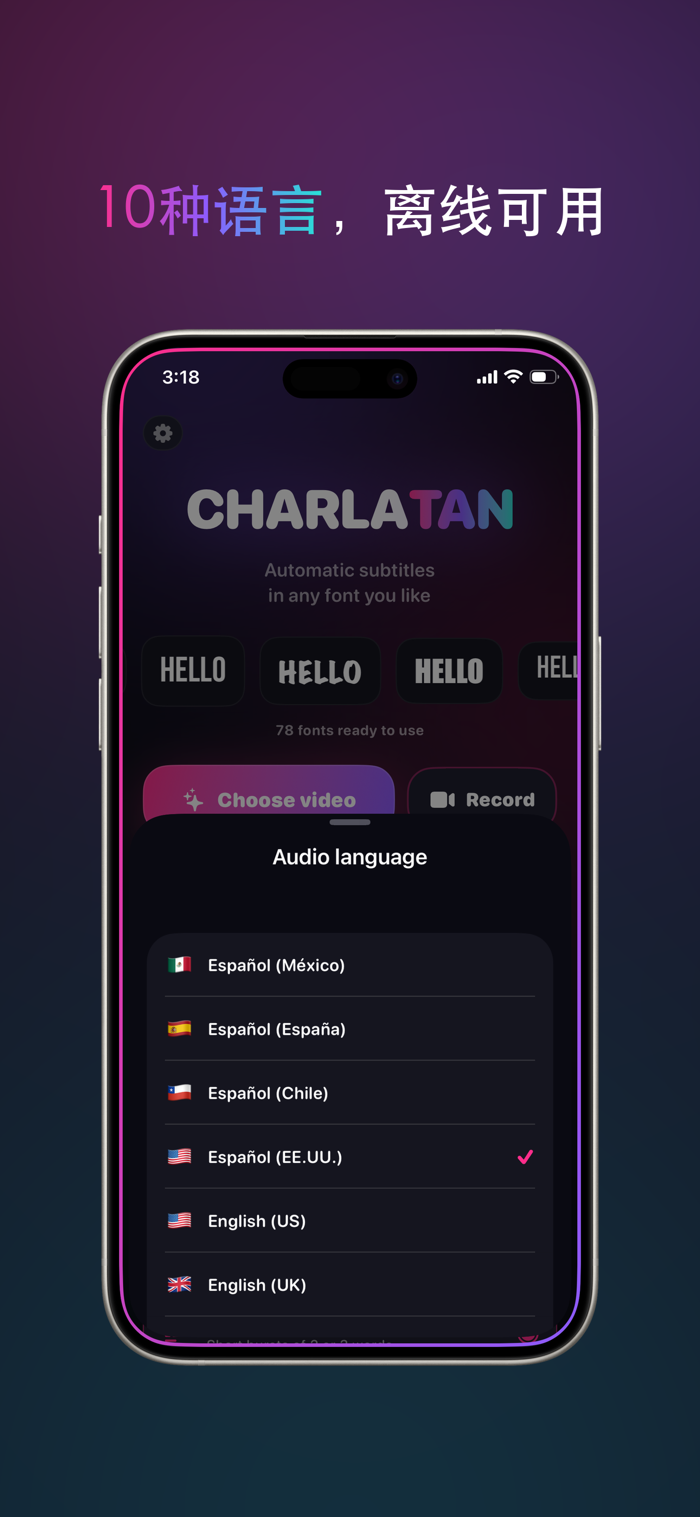
Record in one language, export subtitles in another.
Everything happens right on your iPhone.
Audio never leaves your device. No account needed, no uploads, no servers, no registration. Works offline on flights.
Free plan includes:
17 fonts, full style editor, and exports.
CHARLATAN PRO
All 78 fonts, word-by-word karaoke highlights, translation, reframing for 9:16 / 1:1 / 16:9, saved styles, support for videos of any length, and watermark-free exports.
Subscription details
Charlatan Pro offers auto-renewing monthly and annual subscriptions, as well as a one-time lifetime purchase option. The annual subscription…