



 +100宝石


产品功能
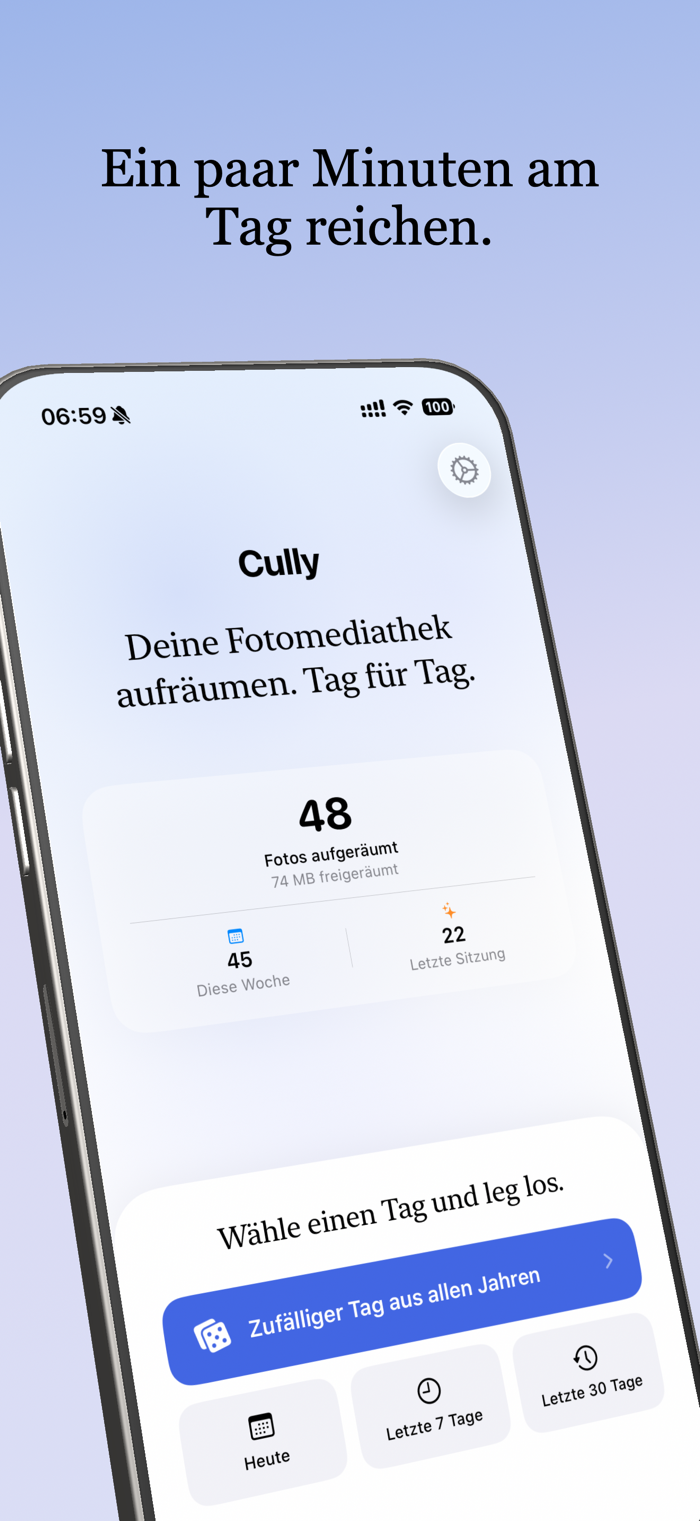
Organize your photo library. Day after day.
Over 20,000 photos and don't know where to start? Duplicate photos, blurry images, screenshots from 2019? Cully turns all this into something you can actually do.
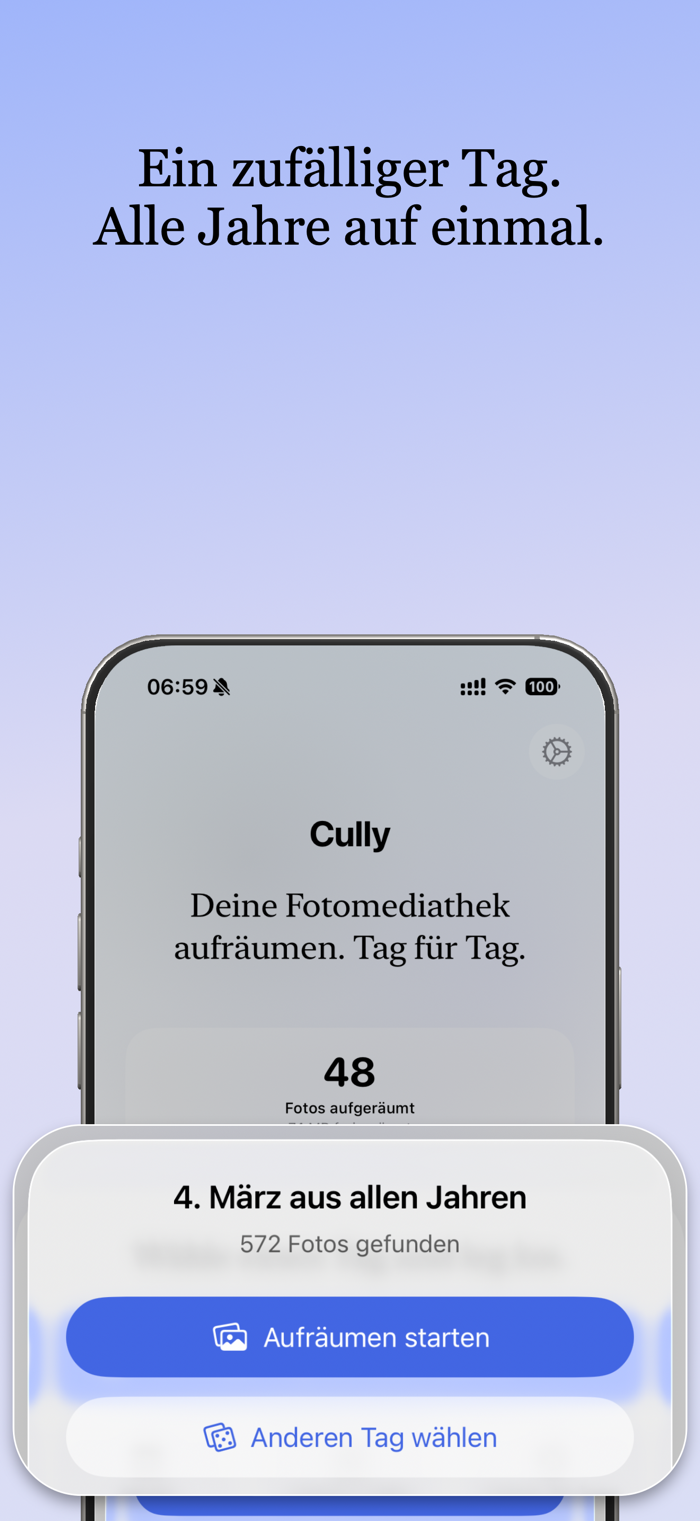
The method is simple: pick a random date and browse the photos from that day — all years presented at once. Each session, different slices of life. Keep the best and delete the rest. Five minutes a day and your library gets lighter.
How to use
• Tap Random and Cully picks a date. You'll immediately see all the photos from that day across all years.
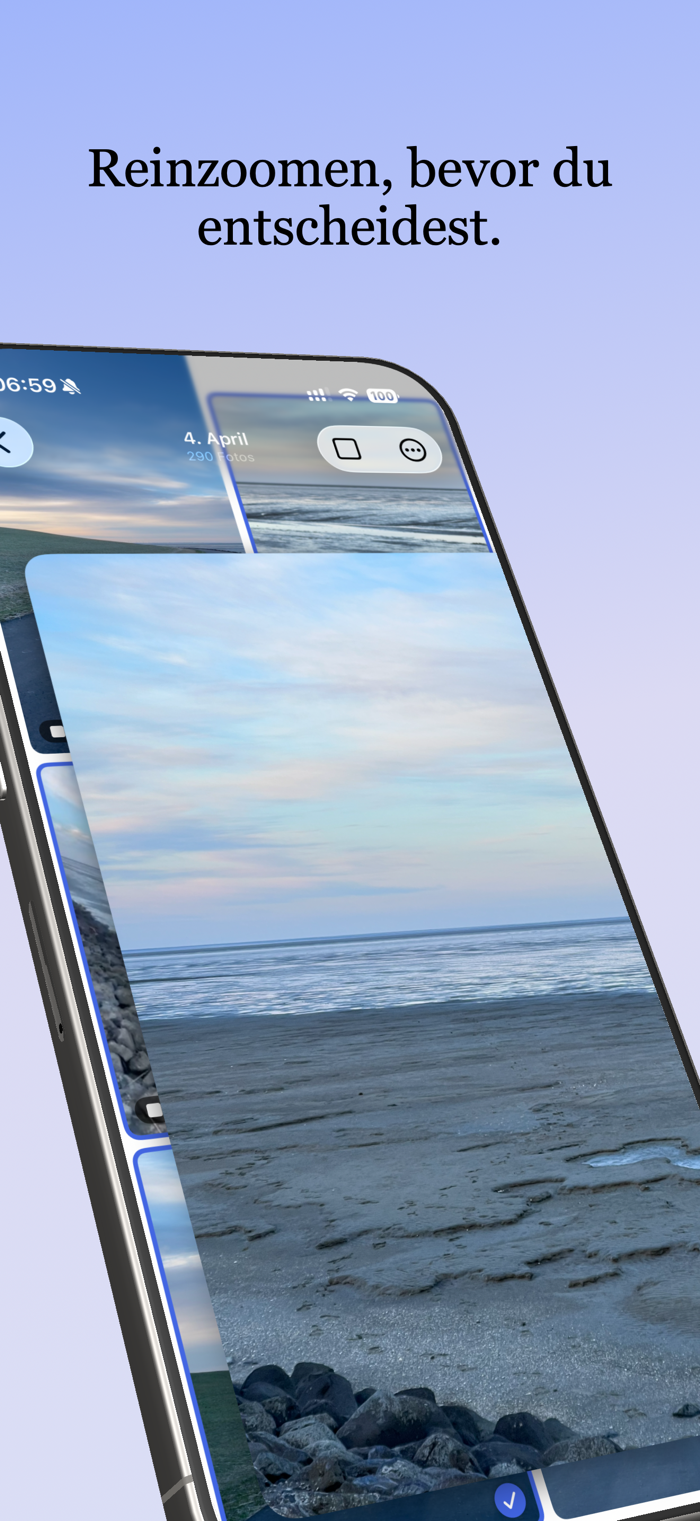
• Swipe through your grid. Tap to select and pinch to zoom in for details.
• iOS will confirm each deletion. Photos are moved to "Recently Deleted" and can be restored within 30 days.
Features
• Privacy first: No account, no cloud, no tracking. Your photos never leave your device.
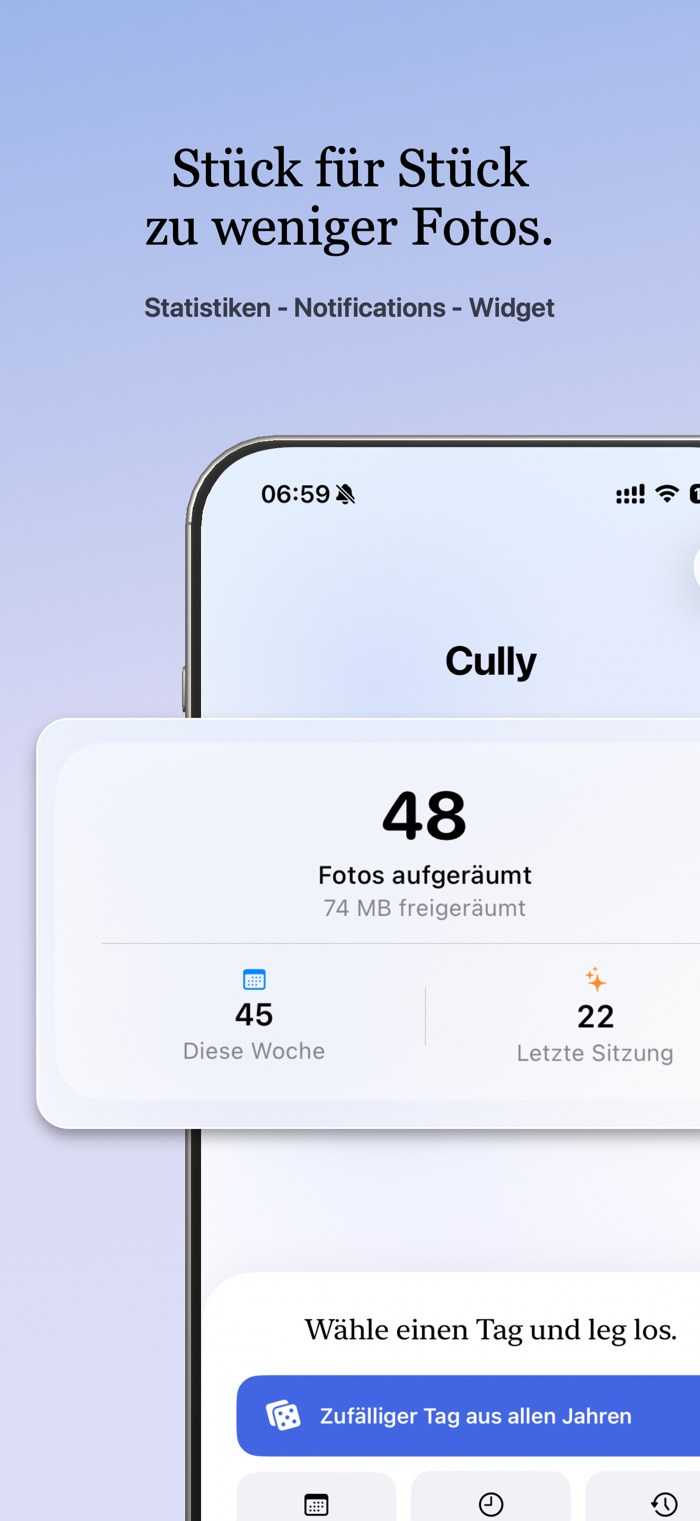
• Your stats: See how many photos you've deleted and how much storage you've freed up.
• Gentle reminders: Optional notifications help you stay on track.
• Lock screen widget: See your deletion stats at a glance.
• iCloud sync: Stats and settings are synced across all your devices.
• iPhone and iPad: Layout optimized for each screen size.
• Quick actions: Launch directly from the home screen.
• Pinch to zoom: Zoom in on any photo for better judgment.
Why choose CULLY?
In photography, "to cull" means to examine your photos and keep only the best. We created Cully because we had the same problem: a growing photo library with no good way to organize it.
No account. No cloud. No AI. No analytics. No subscription. Just open and use.
Made in Berlin.
分享「」体验,参与「」抽奖!
分享 1~3 张你对这个产品最满意的截图或效果图
分享「」体验,参与「」抽奖!
用你的故事点亮社区✨!你的真实体验,将会永久展示在 官方主页 📌,为其他朋友提供宝贵参考 💡。立即分享吧!🚀
请为产品评分
请选择问题回答,为大家提供宝贵参考
选择要回答的问题
温馨提示
你尚未上传产品截图。
上传截图可立即获得宝石积分奖励!
如果你赶时间,也可稍后修改评论,补上截图领取宝石。
温馨提醒
你尚未添加产品截图
⚠️ 不添加截图将降低抽奖权重

感谢参加,你已成功参加!
为了确保你能及时收到审核结果和领奖码通知

扫描二维码关注 Mergeek 公众号
在后台回复 「获奖通知」
完成上述操作,即可保障奖励发放成功






用户评价
立即分享产品体验
你的真实体验,为其他用户提供宝贵参考
💎 分享获得宝石
【分享体验 · 获得宝石 · 增加抽奖机会】
将你的产品体验分享给更多人,获得更多宝石奖励!
💎 宝石奖励
每当有用户点击你分享的体验链接并点赞"对我有用",你将获得:
🔗 如何分享
复制下方专属链接,分享到社交媒体、群聊或好友:
💡 小贴士
分享时可以添加你的个人推荐语,让更多人了解这款产品的优点!
示例分享文案:
"推荐一款我最近体验过的应用,界面设计很精美,功能也很实用。有兴趣的朋友可以看看我的详细体验评价~"
关注 Mergeek 公众号
领奖遇到问题?联系小门助手