产品功能

应用市场介绍

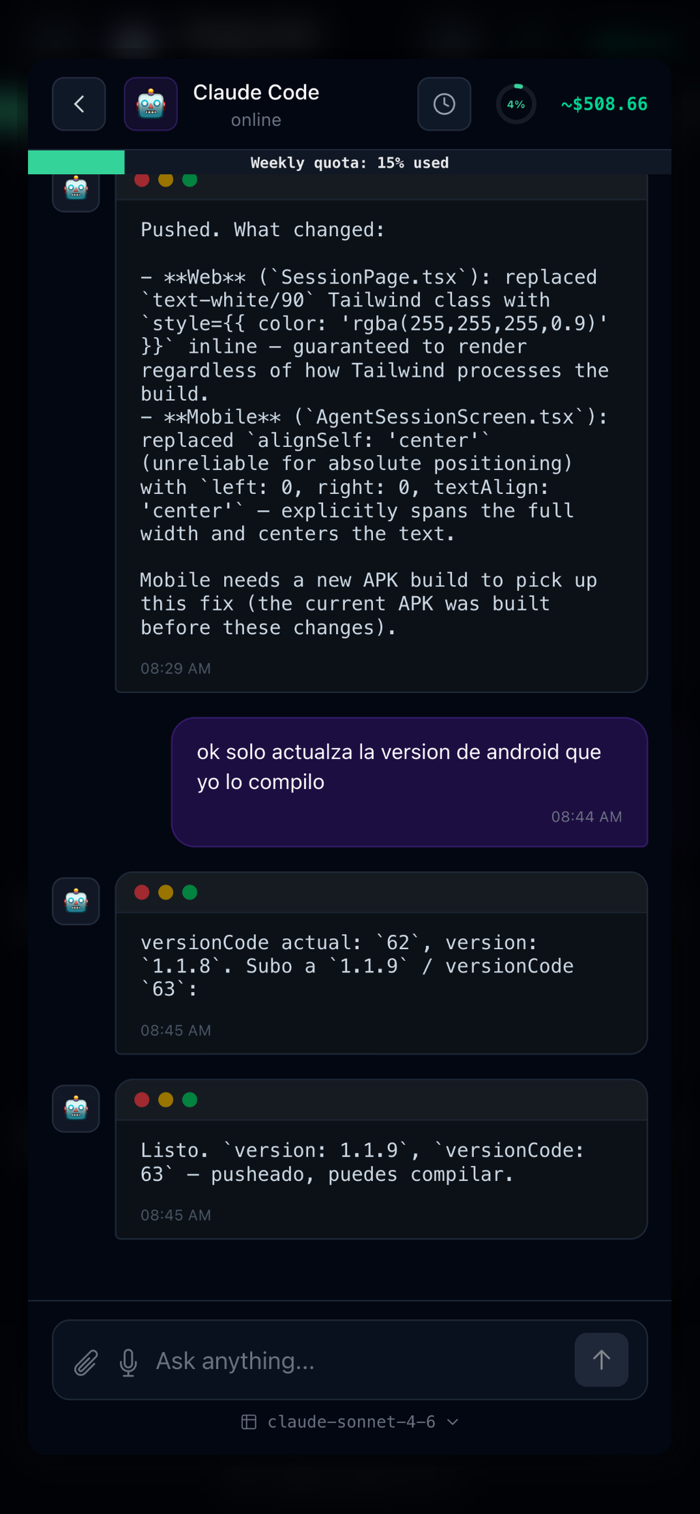
CodeAgent turns your iPhone into a remote control for AI coding
agents — Claude Code, Copilot, Cursor, Windsurf and more.

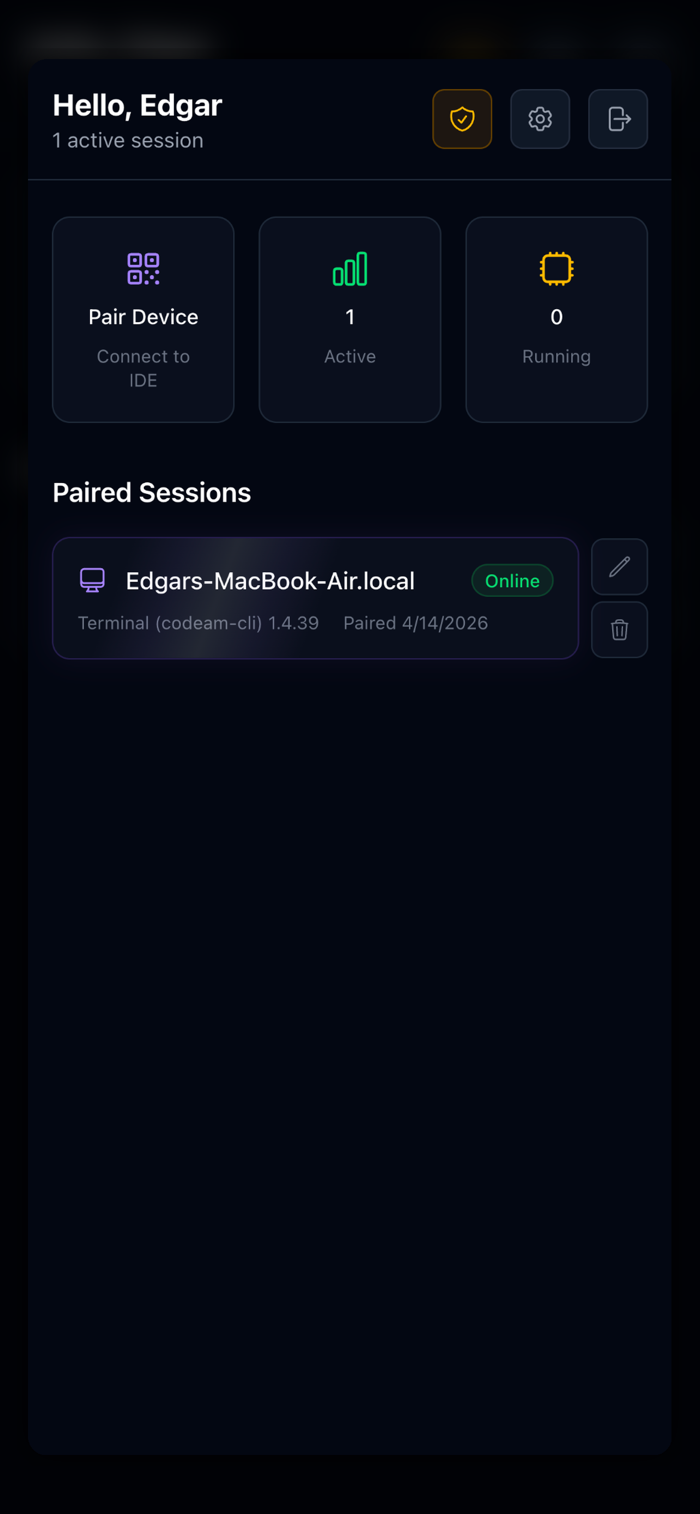
Pair your phone with your IDE or your Terminal in seconds using a 6-digit code or QR.
Once paired, you can send prompts, navigate interactive menus,
and monitor your agent's output in real time — all without
touching your keyboard.

WORKS WITH
• VS Code, Cursor & Windsurf (via extension)
• JetBrains IDEs (via plugin)
• Any Terminal running the CodeAgent CLI

KEY FEATURES
• Real-time output — see exactly what your agent is doing as it
happens
• Interactive selectors — navigate and confirm agent prompts from
your phone
• Voice input — dictate prompts hands-free using your microphone
• Session history — review past conversations and agent activity
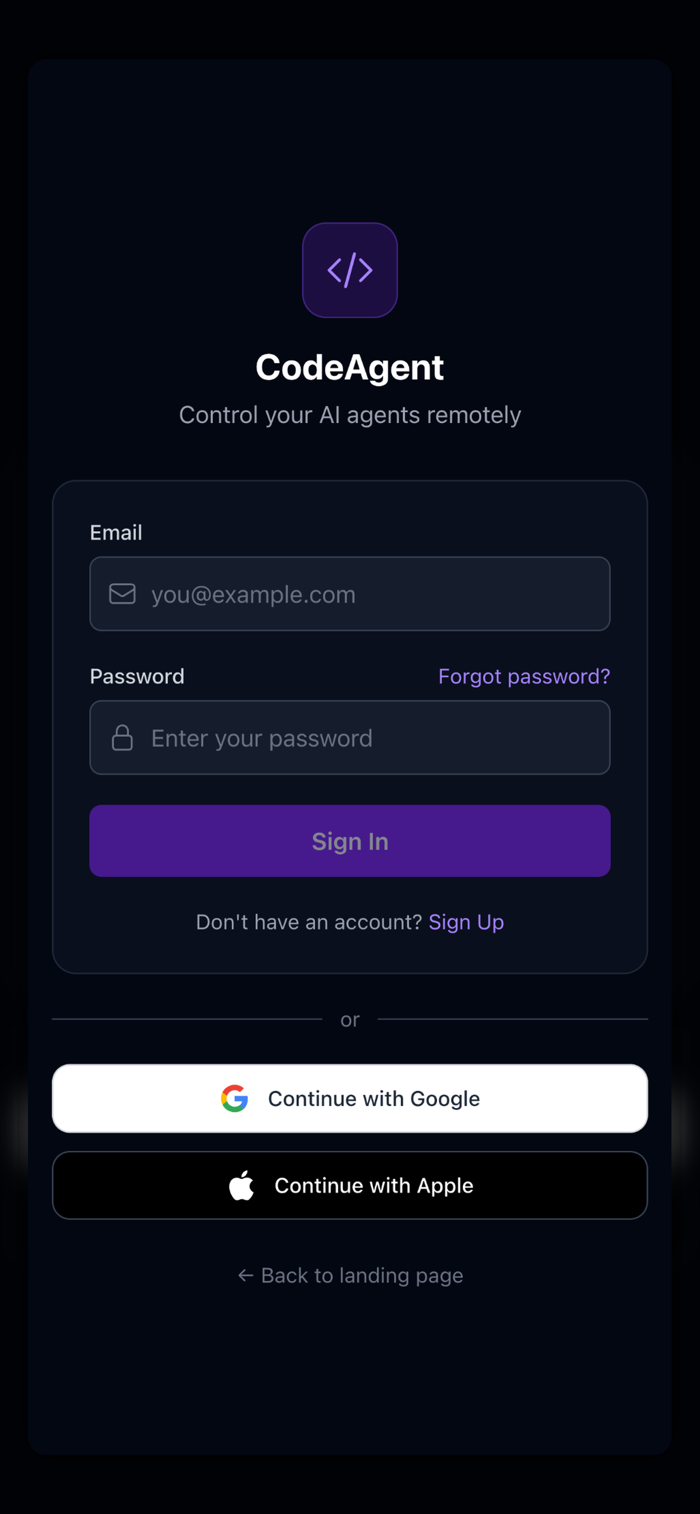
• Sign in with Google or Apple — get started in seconds
• Team Spaces
• Codespaces

HOW IT WORKS
1. Install the CodeAgent extension in your IDE or even better use the CLI from the Terminal
2. Open the app and scan or enter the pairing code
3. Start your AI agent — control it from your phone

CodeAgent is built for developers who want to stay in the flow
without being chained to their desk

PAIRING TEST (QR code is generated on the user's computer, not by the app):
Recommended — use our CLI (optimized for Claude Code):
1. npm install -g codeam-cli
2. Run: codeam pair
3. A 6-digit code appears in the terminal.
4. In the app: tap "Pair Device" → "Enter Code" tab → type the code → Connect.

QR codes expire in 5 min, so a static image cannot be provided. Happy to share a video/live demo on request.
For more details refer to the docs: https://www.codeagent-mobile.com/#cli

收起

用户评价

立即分享产品体验

你的真实体验,为其他用户提供宝贵参考

宝石
评论可得 100 宝石
宝石随心兑换应用高级会员,每周更新 前往查看 >>
活动动态 0 人参加
查看更多评论