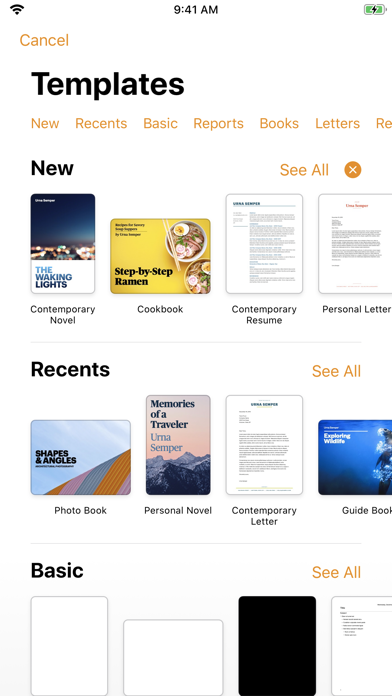
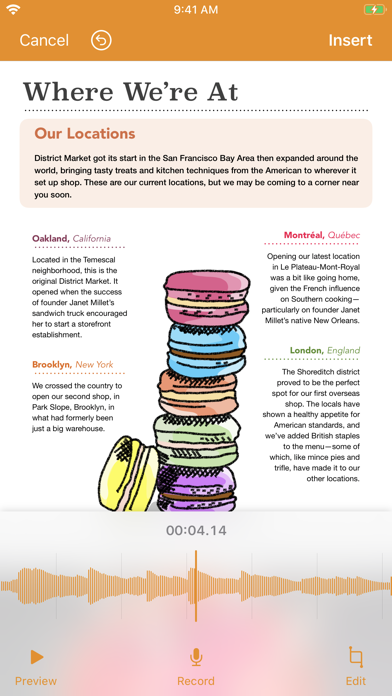
Pages is a stunning word processing software designed for mobile devices. You can start with templates designed by Apple and immediately create beautiful reports, e-books, resumes, posters and more. Or use a blank document and design it yourself. You can easily add images, videos, audio, charts and shapes. On supported devices, you can even use the Apple Pencil or your finger to draw and annotate. Pages is now designed specifically for iPad, iPhone and iPod touch.
With built-in iCloud, your documents will stay updated on all your devices. Thanks to the real-time collaboration feature, your team can work together simultaneously on Mac, iPad, iPhone or iPod touch, and even on a PC.
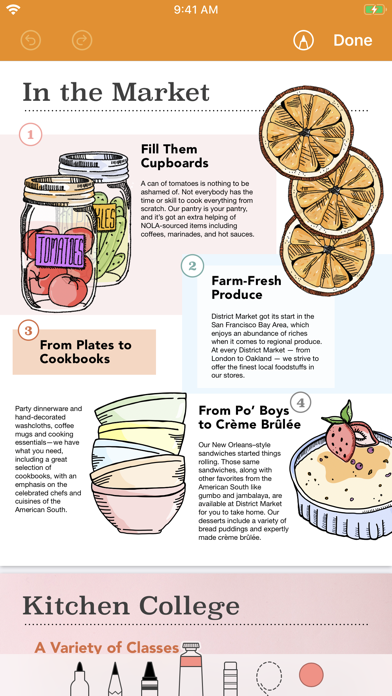
Draw and annotate with the Apple Pencil or your finger
• Easily add drawings using the pen, pencil, crayon and fill tools. Then animate them and watch the drawing process
• Add comments and marks using smart annotations, keeping them anchored to their associated text
Collaborate with others simultaneously
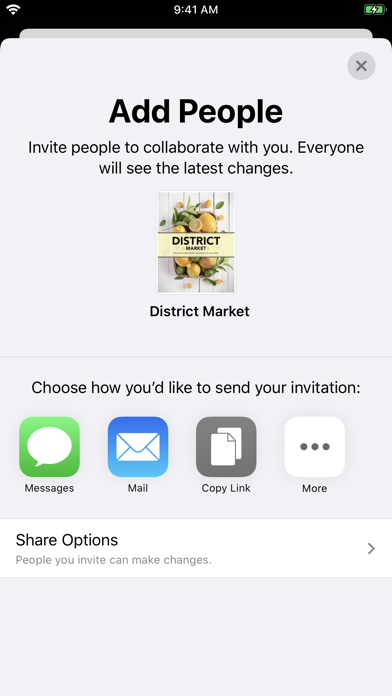
• Thanks to the real-time collaboration feature, the whole team can work on a document simultaneously
• Use the built-in collaboration feature in Pages directly on Mac, iPad, iPhone and iPod touch. PC users can also collaborate
• Share a document publicly or with specific people
• You can easily view the participants in the current document
• See others' cursors to track the edits they make
• Applicable to documents stored in iCloud or Box
Get started ...

 +100宝石


 分享
分享






























用户评价
立即分享产品体验
你的真实体验,为其他用户提供宝贵参考
💎 分享获得宝石
【分享体验 · 获得宝石 · 增加抽奖机会】
将你的产品体验分享给更多人,获得更多宝石奖励!
💎 宝石奖励
每当有用户点击你分享的体验链接并点赞"对我有用",你将获得:
🔗 如何分享
复制下方专属链接,分享到社交媒体、群聊或好友:
💡 小贴士
分享时可以添加你的个人推荐语,让更多人了解这款产品的优点!
示例分享文案:
"推荐一款我最近体验过的应用,界面设计很精美,功能也很实用。有兴趣的朋友可以看看我的详细体验评价~"
领取结果