Quill, manage every day in the Notification Center
[Features]
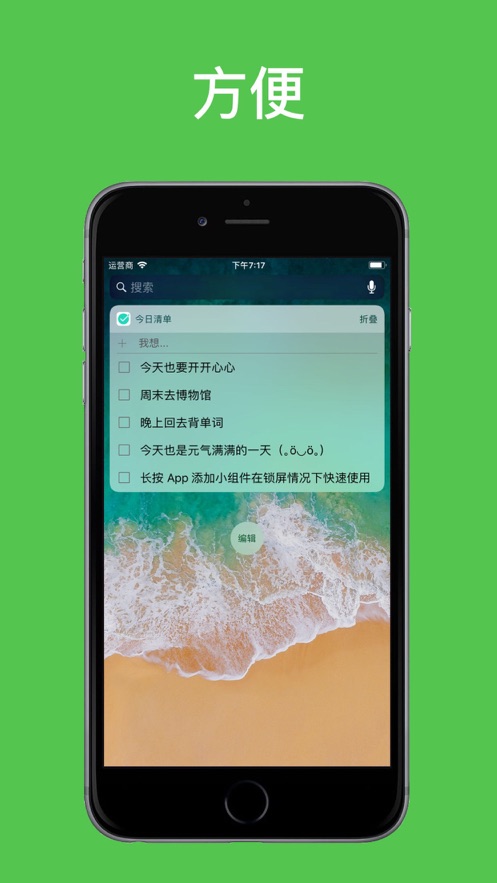
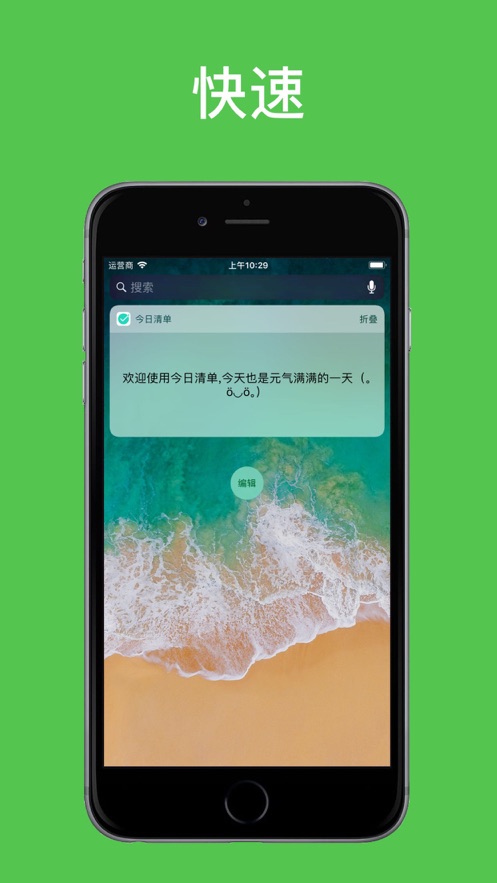
- Without unlocking the phone, you can directly view, add, and edit every little happiness in the "Today" column when the screen is locked.
- Record every fleeting little inspiration on the way, during breaks, at work, or just after waking up.
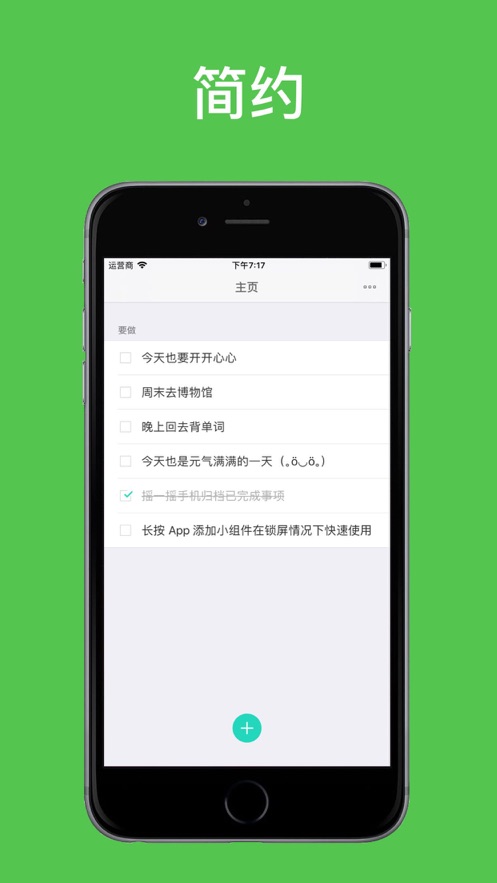
- Lightweight, efficient, and convenient, without redundant functions, only to improve your life efficiency.
- Supports dark mode, allowing for comfortable use at night.
- Supports Cloud cloud synchronization, enabling easy synchronization across multiple devices.
[Usage]
- Press firmly with 3D Touch to add the app widget to the Today view (or add the widget to the Today view).
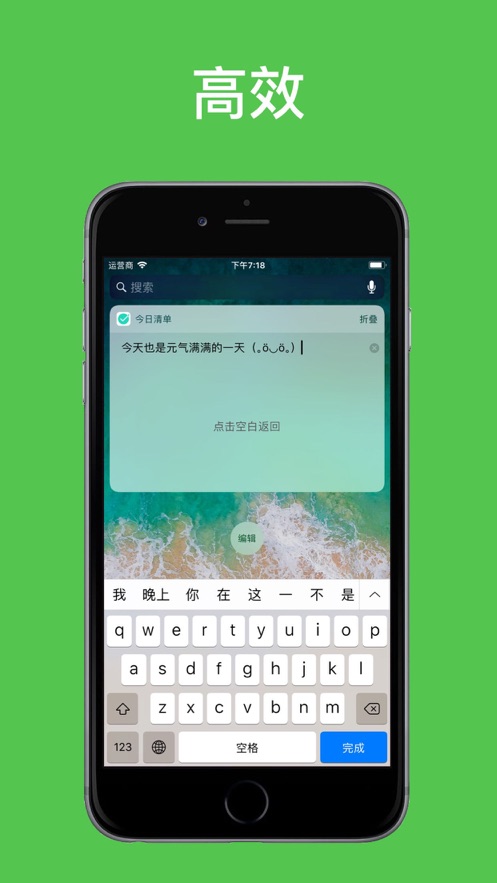
- Click + to create new in the Notification Center, click on the task to edit, long-press to preview the full text, and check to complete the task.
- For more usage instructions, see the default initial tasks in the app and the small video introductions in the settings.
Contact email: developer.feedbacks@gmail.com
For functional suggestions and usage questions, please leave a five-star review with a message. Thank you n(*≧▽≦*)n.
Thanks to Alex Chrisakis from Athens, Greece for providing the Greek translation.


 +100宝石


 分享
分享








用户评价
立即分享产品体验
你的真实体验,为其他用户提供宝贵参考
💎 分享获得宝石
【分享体验 · 获得宝石 · 增加抽奖机会】
将你的产品体验分享给更多人,获得更多宝石奖励!
💎 宝石奖励
每当有用户点击你分享的体验链接并点赞"对我有用",你将获得:
🔗 如何分享
复制下方专属链接,分享到社交媒体、群聊或好友:
💡 小贴士
分享时可以添加你的个人推荐语,让更多人了解这款产品的优点!
示例分享文案:
"推荐一款我最近体验过的应用,界面设计很精美,功能也很实用。有兴趣的朋友可以看看我的详细体验评价~"
关注 Mergeek 公众号
领奖遇到问题?联系小门助手