产品功能

应用市场介绍

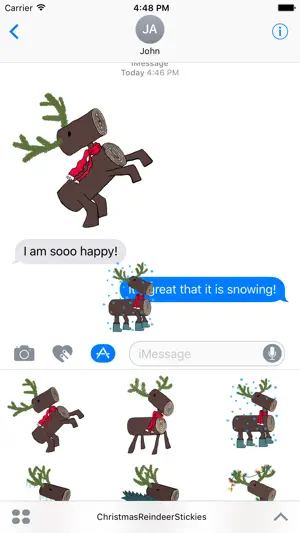
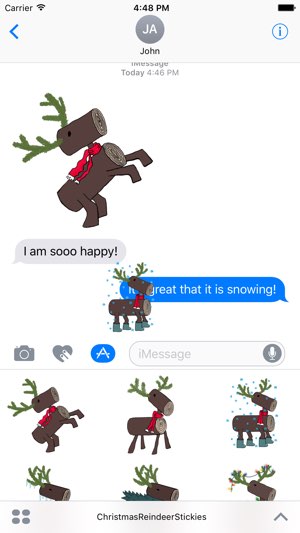
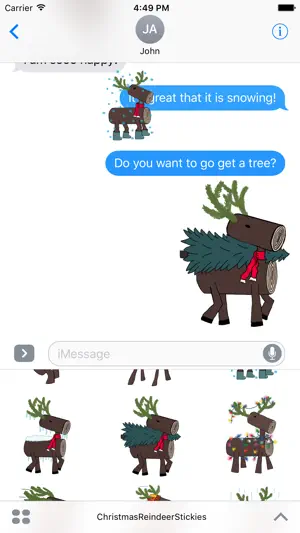
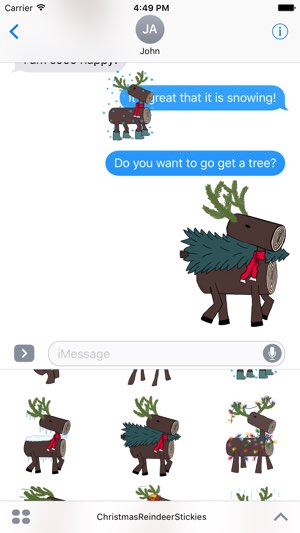
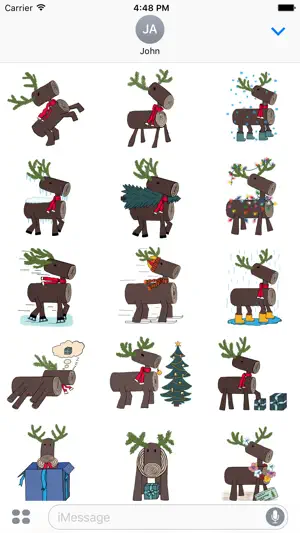
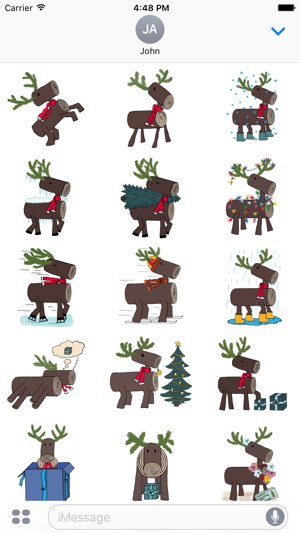
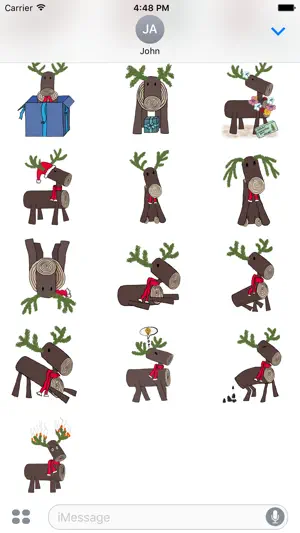
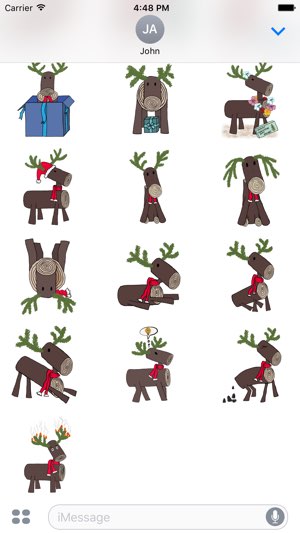
Meet Blitzie, the reindeer in this holiday sticker pack. Enjoy 25 cute hand-drawn stickers as you brighten up your holiday messaging. Depicting the usual and some unusual holiday activities, they are sure to bring a smile! Can be enjoyed by kids and grow-ups alike.
After your purchase is complete, you may not know where to find the stickers. Follow the instructions below, or check out our website for a YouTube instruction video.
In the iMessage app, click the small app store icon at the bottom, next to your text entry box.
This is where you manage your iMessage stickers.
If you don’t see the stickers you just purchased, click the four dots located in the lower left corner of the screen.
You should see your sticker pack here, if you don’t, then click the store button.
Now, you’re going to select the manage tab.
This screen shows all of your iMessage sticker and app options.
Simply turn on your new sticker pack here and you should now be able to use them in iMessage.
Stickers can be sent as images or you can peel them and stick them to Messages.
Stickers can also be resized or rotated using the pinch to zoom method. They can be as large and point in any direction you want.
Also, don’t forget to check out our other sticker packs in the app store on the sticker pack's page under the Related tab.
Thanks for your purchase.

收起

用户评价

立即分享产品体验

你的真实体验,为其他用户提供宝贵参考

宝石
评论可得 100 宝石
宝石随心兑换应用高级会员,每周更新 前往查看 >>
活动动态 0 人参加
查看更多评论