INTRODUCTION产品介绍
Extra Actions adds extra powerful actions to the Shortcuts app. Build your workflow in Shortcuts, then add the tools you need for data, logic, media, and downloads.
DATA
• Set Plain Value. Saves plain text for later shortcuts. Not for passwords, API keys, or access tokens.
• Get Plain Value. Returns plain text saved for a namespace and key.
• Delete Plain Value. Deletes plain text saved for a namespace and key on this device.
• List Plain Values. Lists plain text saved in a namespace as JSON.
• Check Plain Value. Checks whether a namespace and key has a saved plain value.
• Set Secure Value. Saves a secret in the Keychain.
• Get Secure Value. Returns a secret saved in the Keychain for a namespace and key.
• Delete Secure Value. Deletes a secret saved in the Keychain for a namespace and key.
• List Secure Values. Lists secrets saved in a Keychain namespace as JSON.
• Check Secure Value. Checks whether a namespace and key has a saved secret.
LOGIC
• Boolean. Returns true or false. You choose which.
• Run JavaScript. Runs JavaScript and returns the result as text. Objects and arrays come back as JSON.
MEDIA
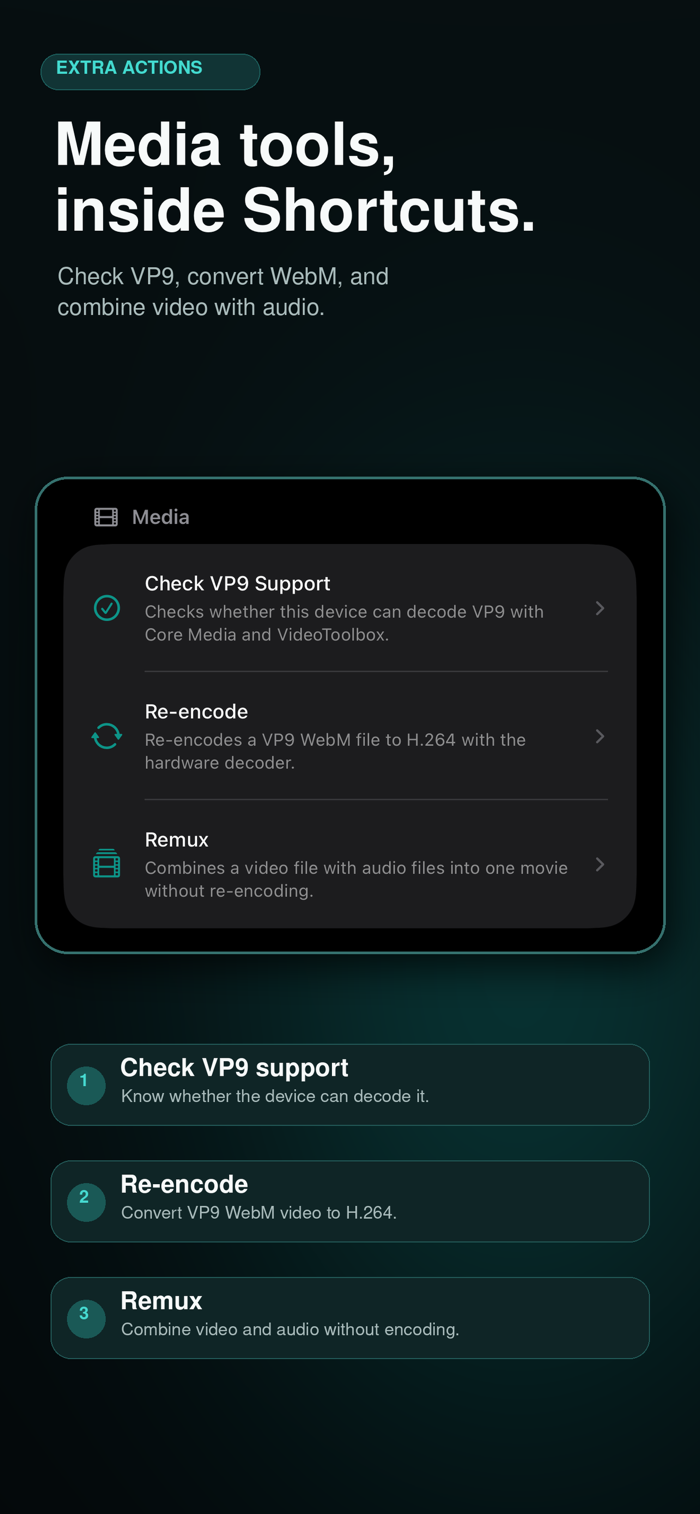
• Check Codec Support. Checks whether this device can decode and encode a chosen codec.
• Encode Video. Encodes VP9 WebM as H.264 or HEVC. HEVC keeps HDR10 and HLG as 10-bit.
• Remux. Combines a video file with audio files into one movie without re-encoding.
URLS
• Download File. Downloads a file using parallel HTTP connections.
To get started, open Extra Actions to browse what’s included. Then open the Shortcuts app, create or edit a shortcut, and search for “Extra Actions” in the action picker.
Requires iOS 16.4 or later. Media processing depends on your device and input files.
Extra Actions does not collect user data. Plain values stay on this device unless you turn on Cloud Sync. Secure values stay in the Keychain. Scripts and media files are processed on your device.
Privacy Policy:
https://1mrnewton.github.io/extra-actions-privacy/