Leave the laptop at home — your phone IS the computer.
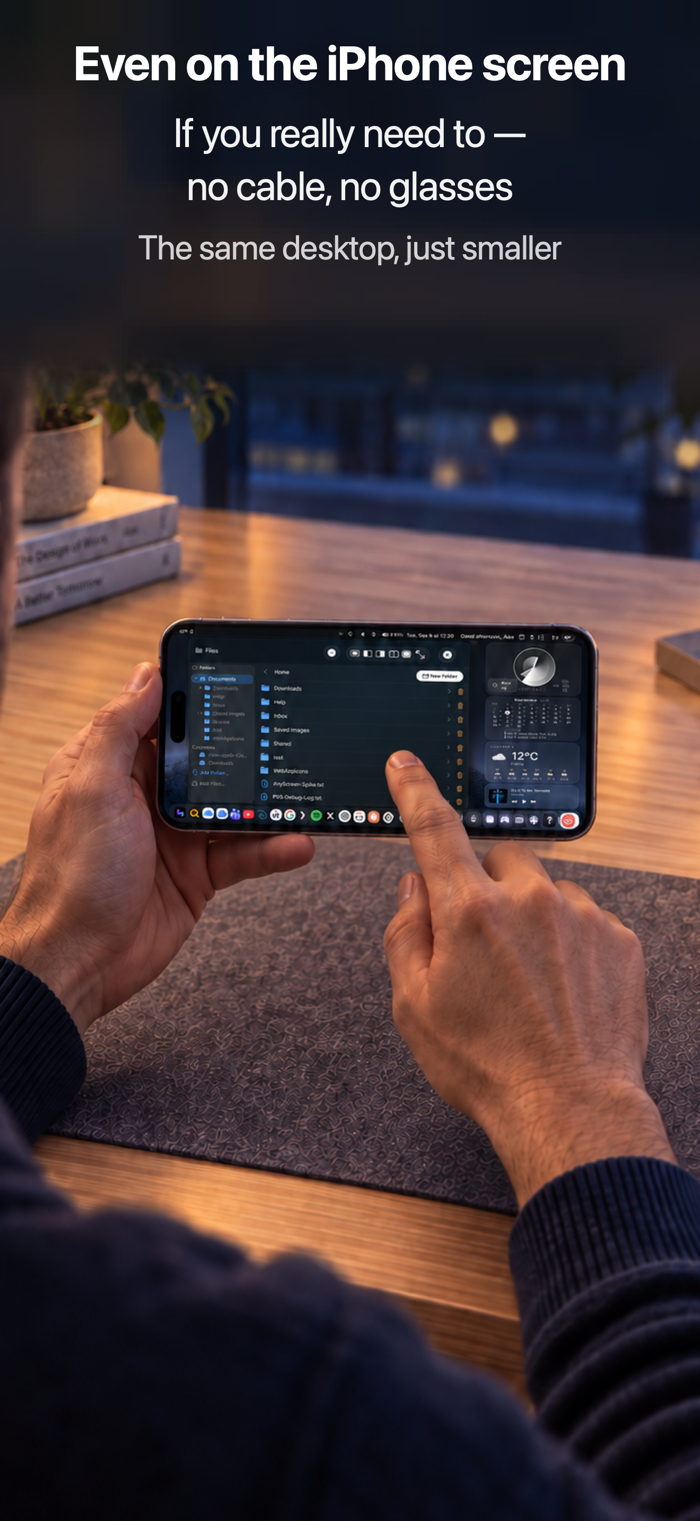
PXS Desktop turns your phone into a real desktop: windows, a dock, a
launcher, a desktop-class browser — on AR glasses, a monitor, a TV, or even a
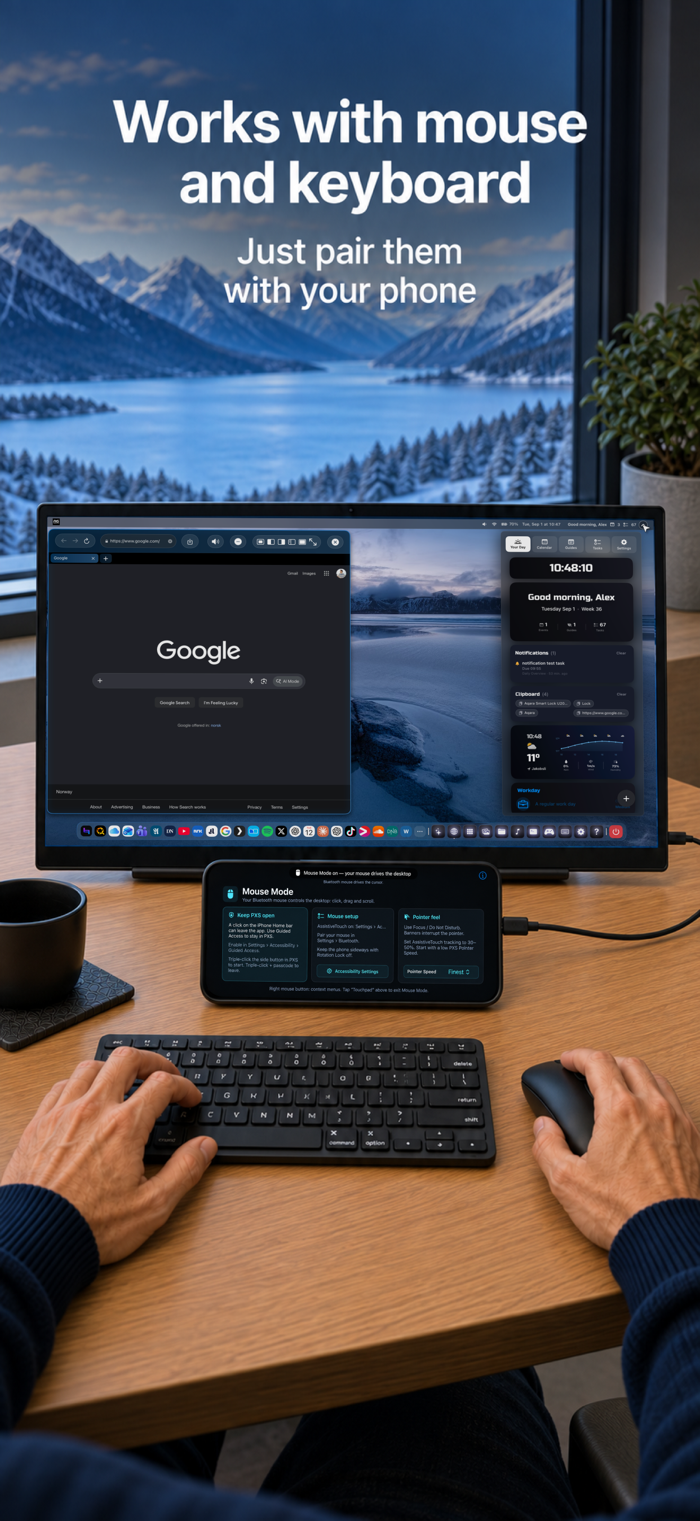
web browser. Your phone becomes the trackpad and keyboard. Pair a Bluetooth
mouse and keyboard for the full laptop feel.
FOUR WAYS TO GET A SCREEN
• Cable — AR display glasses (Viture, XREAL, RayNeo, Rokid, Lenovo Legion
Glasses), any USB-C monitor or portable display, HDMI via adapter
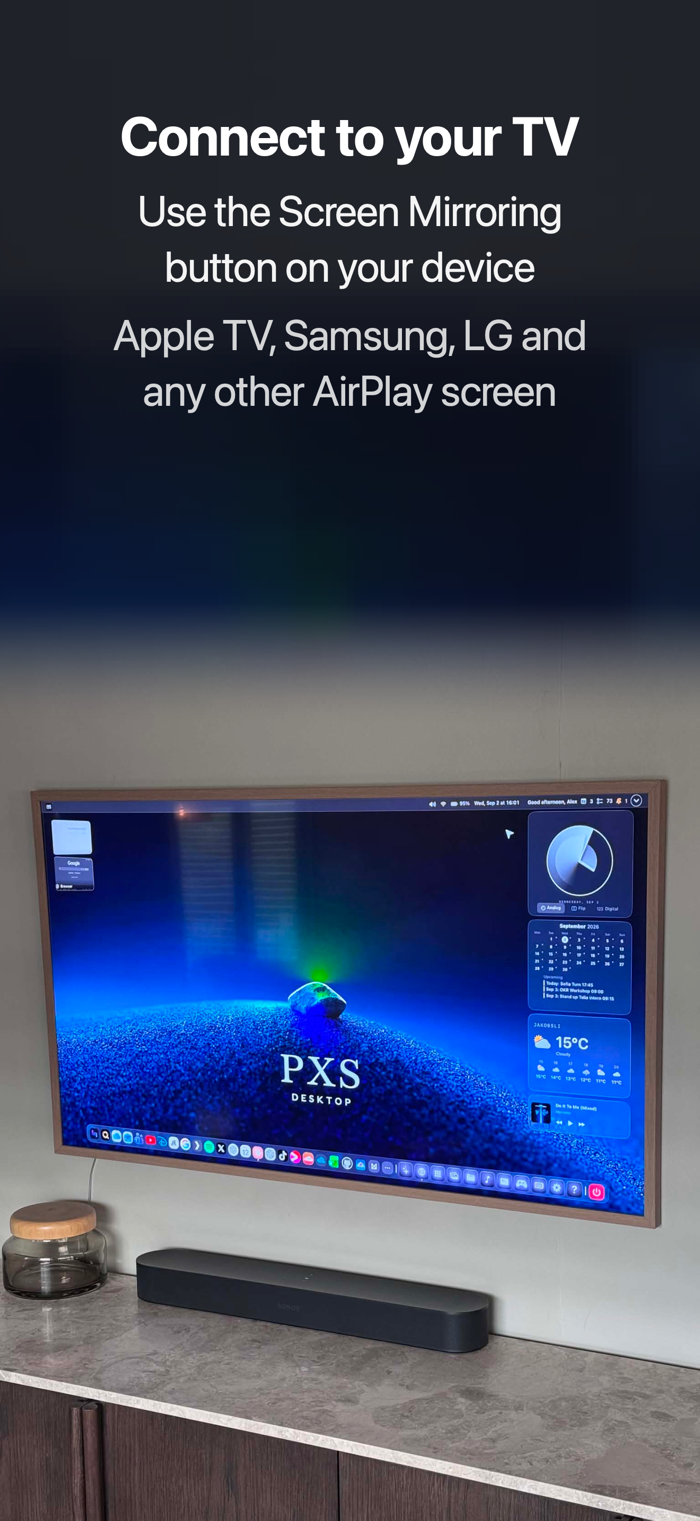
• Screen Mirroring — Apple TV, a Mac, or any AirPlay 2 TV
• AnyScreen — any modern browser becomes your display: a laptop, a smart TV,
even the browser in your parked car
• Show on This Screen — run the desktop right on an iPad's own display
WIRED? CHECK YOUR CABLE
Charging cables carry power only — including the white one in your iPhone box.
A wired screen needs a USB-C cable that supports video (DisplayPort Alt Mode):
the cable that came with your glasses or monitor, a Thunderbolt cable, or
Apple's USB-C Digital AV Multiport Adapter for HDMI.
A REAL DESKTOP
• Windows you can move, resize, snap, minimize and fullscreen
• A desktop-class tabbed browser — Gmail, Google Docs, Office, video calls
with camera and mic (Teams, Meet), file downloads
• Install any website as an app with its own icon
• Spotlight-style launcher with voice input and natural-language commands
• Files, Photos, Notes, Preview (PDF markup), Camera and scanner, Clock
with alarms, Calculator, video, text editor, terminal, games
• Daily Overview: calendar, tasks, weather, and last night's sleep from
Apple Health, read on your iPhone only
• Themes and chrome styles, movable widgets, on-screen keyboard
TALK INSTEAD OF TYPING
Typing is the awkward step when the screen is on your glasses and the phone is
your trackpad. So there is a Dictate button on the phone, right under the
trackpad, and a microphone in the menu bar: either one speaks into whatever
field you are in — a web form, an email, a search box. It all happens on your
iPhone, so nothing is sent anywhere and it works with no signal. If you work in
two languages, switch between them in one tap. Requires iOS 26.
IT GREETS YOU
Connect a screen and your computer says hello — "Welcome back. You have three
calendar items today" — in a studio-quality neural voice that runs entirely
on your iPhone. One download, then it works offline forever; nothing is sent
anywhere. Write your own greeting, or turn it off.
MADE FOR AR GLASSES
PXS was built for the pocket-computer dream: glasses on your face, phone in
your hand, a huge desktop nobody else can see. If your glasses act as a USB-C
display, they work.
TRY IT FREE FIRST
Your free trial starts when you first connect a screen — not when you install
— so no trial time is wasted waiting for your glasses to arrive. After that,
one purchase makes it yours forever: $39.99 at the launch price, down from
$49.99 (or $24.99/year, cancel anytime). Your setup, your signed-in apps and
your files always remain yours.
THE HONEST LIST
We're a small shop and we'd rather tell you up front: Netflix, HBO Max and
Apple TV+ won't play in the browser (a service choice, not an iOS limit —
Disney+, Prime Video, Apple Music and Plex all play fine); copy/paste works
best with a Bluetooth keyboard (⌘C/⌘V); other apps' iOS notifications can't
appear on the desktop; a Bluetooth mouse needs a one-time AssistiveTouch
setup, and typing in Mouse Mode wants a Bluetooth keyboard (iOS hides the
touch keyboard while a mouse is connected). The spoken greeting is English
only. And in a car, AnyScreen is for passengers and parked use only — never
while driving. Feature requests are voted on publicly at bytenine.com — the
board genuinely drives the roadmap.
No ads. No tracking. No account required.
Subscriptions renew automatically unless cancelled at least 24 hours before the end of the current period. Terms of Use: https://www.apple.com/legal/internet-services/itunes/dev/stdeula/