



 +100宝石
产品功能
Weimai Input Method, formerly known as Weishang Input Method, was renamed Weimai Input Method in 2019.
Brand new engine, easy to use, powerful, anti-collapse!
Supports nine-key, 26-key, stroke, handwriting, Wubi, etc., with more amazing features.
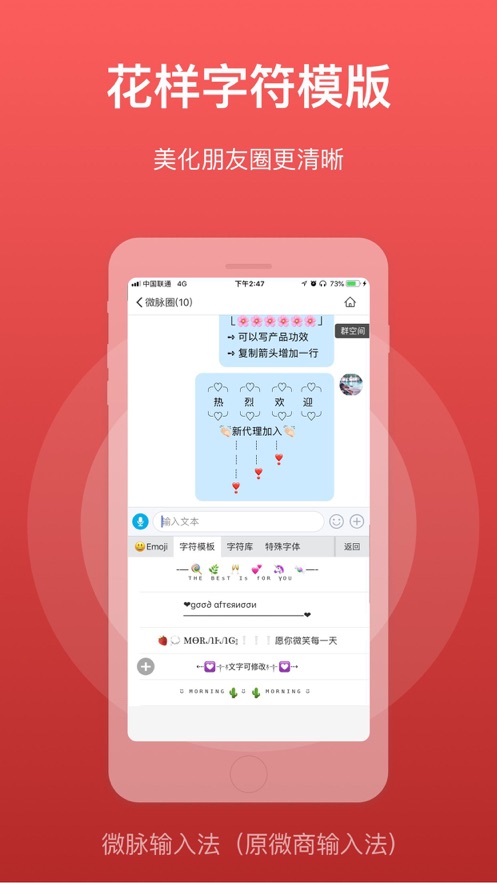
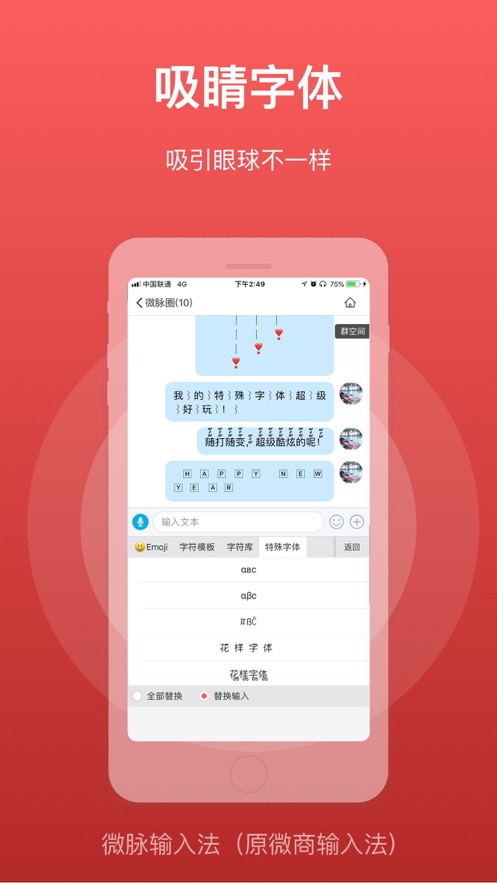
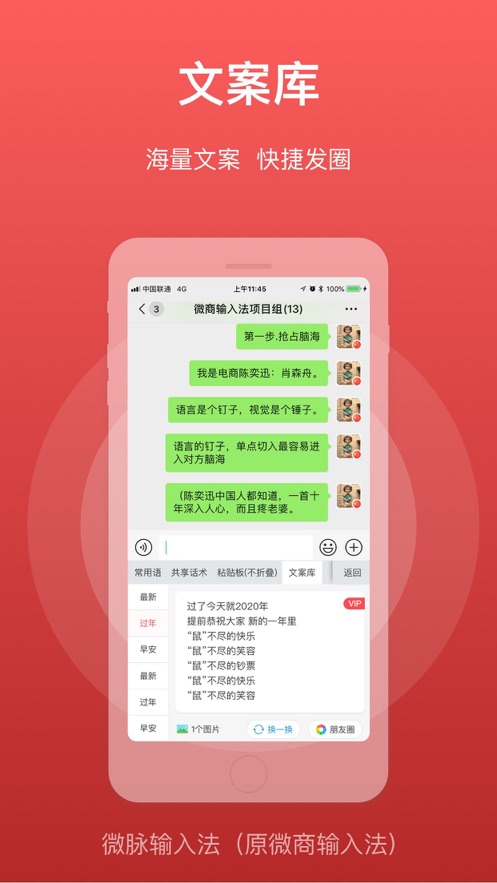
Features: Anti-collapse for text, shared phrases (shared common phrases), keyboard calculator, convert text to card for sending, shared picture gallery, fancy character templates, eye-catching fonts, text library, quote reply, etc.
[Installation method]: After installation, open the APP, open the phone system settings - General - Keyboard - then click Keyboard - click Add New Keyboard - select Weimai Input Method - then click Weimai Input Method - click Allow Full Access.
Note: Allowing full access is required to obtain the clipboard, otherwise the clipboard cannot be used.
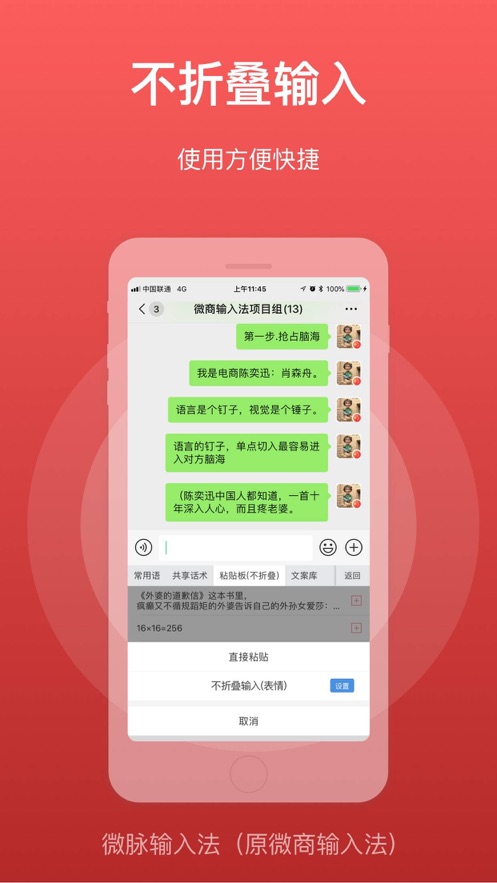
[Anti-collapse method]: Copy the text - click Quick Paste or click the toolbar bubble icon - select Anti-collapse Paste.
Functions:
1. Fancy character templates, a high-level skill for creating on Moments;
2. Supports sending pictures, long-press to move the order;
3. Supports highlighting pictures with frames;
4. Special emoji, easy to input;
5. Common phrases, can add commonly used phrases!
6. Special fonts, black font serial numbers~
7. Supports emoji, supports continuous emoji sending~
8. Supports voice-to-text input!
9. Supports backup of common phrases and clipboard!
10. Supports adjusting the keyboard height
11. Supports updating the word library;
12. Supports changing the skin and using photos for wholesale, adjusting brightness and color;
13. Supports quote reply;
14. Supports keyboard handwriting;
15. Supports error correction and mixed Chinese and English input;
16. Supports setting keyboard key sounds or tactile vibrations
17. Supports backing up common phrases and personal word libraries, etc.
18. Supports setting paste signatures
19. Anti-collapse paste for text
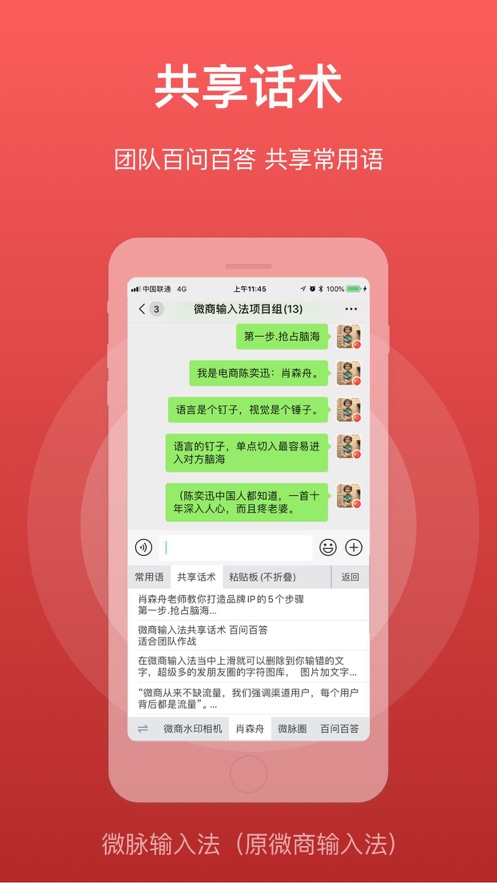
20. Supports team sharing of phrases;
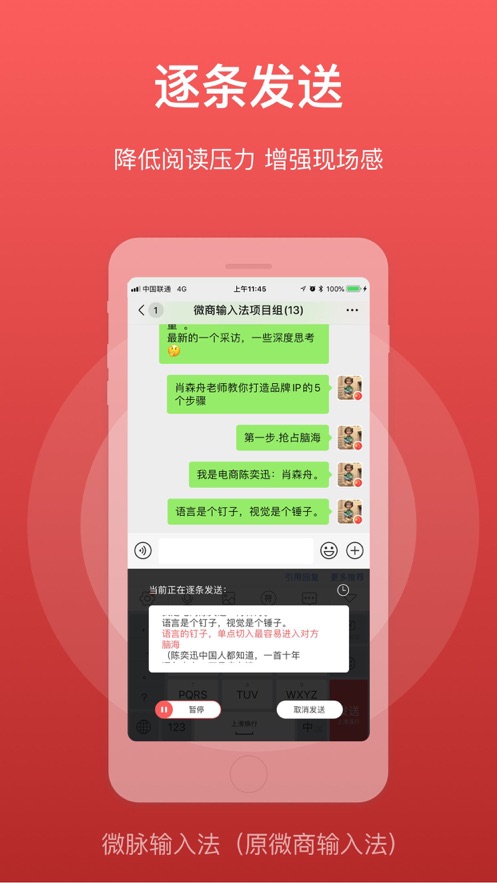
21. Supports common phrases to be sent item by item automatically when changing lines, and supports adding pictures;
22. Supports brand encyclopedias and sharing mini-programs
23. Supports text libraries;
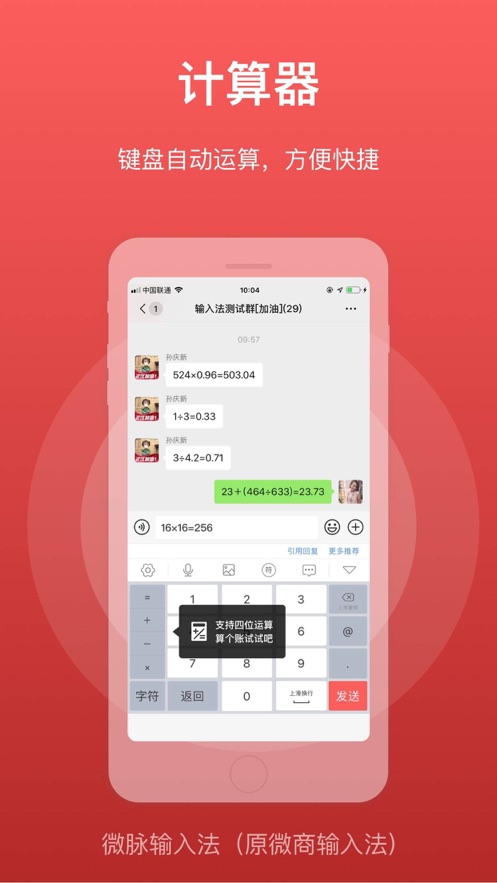
24. The number keys support calculators;
25. Shared phrases, that is, sharing common phrases.
26. Common phrases and shared phrases support exporting to PDF and Notepad;
27. Supports setting keyboard sounds, keyboard skins, etc.
28. Supports the function of converting text to cards
29. Supports quick phrases
30. Supports setting index quick short phrases for keyboard letters
31. Supports keyboard drawing board
32. AI writing assistance and AI search - local knowledge base
33. Phrases support exporting to voice
Continuously optimized, the choice of over 30 million users, trustworthy!
For problem feedback, please contact the online customer service in the APP - Settings - Help & Feedback.
分享「」体验,参与「」抽奖!
分享 1~3 张你对这个产品最满意的截图或效果图
分享「」体验,参与「」抽奖!
用你的故事点亮社区✨!你的真实体验,将会永久展示在 官方主页 📌,为其他朋友提供宝贵参考 💡。立即分享吧!🚀
请为产品评分
请选择问题回答,为大家提供宝贵参考
选择要回答的问题
温馨提示
你尚未上传产品截图。
上传截图可立即获得宝石积分奖励!
如果你赶时间,也可稍后修改评论,补上截图领取宝石。
温馨提醒
你尚未添加产品截图
⚠️ 不添加截图将降低抽奖权重

感谢参加,你已成功参加!
为了确保你能及时收到审核结果和领奖码通知

扫描二维码关注 Mergeek 公众号
在后台回复 「获奖通知」
完成上述操作,即可保障奖励发放成功





用户评价
立即分享产品体验
你的真实体验,为其他用户提供宝贵参考
💎 分享获得宝石
【分享体验 · 获得宝石 · 增加抽奖机会】
将你的产品体验分享给更多人,获得更多宝石奖励!
💎 宝石奖励
每当有用户点击你分享的体验链接并点赞"对我有用",你将获得:
🔗 如何分享
复制下方专属链接,分享到社交媒体、群聊或好友:
💡 小贴士
分享时可以添加你的个人推荐语,让更多人了解这款产品的优点!
示例分享文案:
"推荐一款我最近体验过的应用,界面设计很精美,功能也很实用。有兴趣的朋友可以看看我的详细体验评价~"
关注 Mergeek 公众号
领奖遇到问题?联系小门助手