Keyboard input, handwriting, annotation, drawing, high - lighting, scanning and recording annotations and documents. Annotate PDF documents, fill out forms and sign files. Create notebooks and tree - like projects. Achieve complete paperless in your favorite way.
Mainly targeted at professionals focused on productivity and business, students, teachers, writers, doctors, journalists, scholars, etc., it is easier to use Notes Writer Pro to save and create notes, annotations, memos, sign PDF documents, papers, highlight PDF e - books, and recorded lectures, etc.
With Notes Writer Pro, you can:
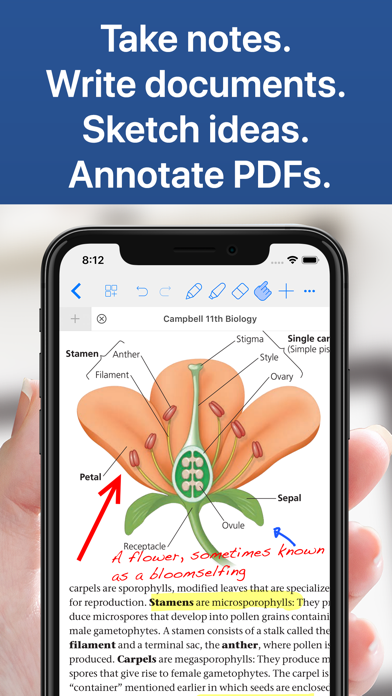
+ Take notes, write documents, sketch casually, record momentary inspirations, and make them play a more important role.
You may need to handwrite notes at any time, share business memos, record gushing literary talents, record stories to tell, edit articles, record lectures... Whether it is today's diary, tomorrow's paper, or the novella of a future best - seller, Notes Writer can help you create, edit and organize all your notes and documents anytime, anywhere.
+ Capture your ideas and statements. No matter where you are, create paperlessly in your favorite way.
Input, handwrite, annotate, sketch, scan and record notes in your favorite way, and you can also get the best calligraphy experience on the go with the Apple Pencil. Use note - taking and writing tools to capture every inspiration and idea.
Notes Writer is a stand - alone note - taking and writing application that requires no desktop or laptop at all, and you can even create at will in a completely signal - free wilderness environment.
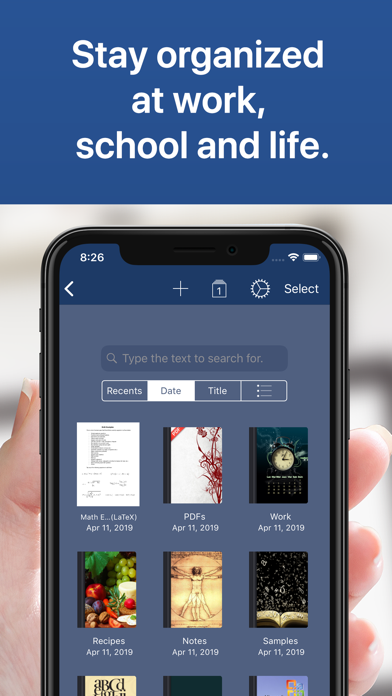
+ Work, school, life, everything in good order. One software takes care of all your notes.
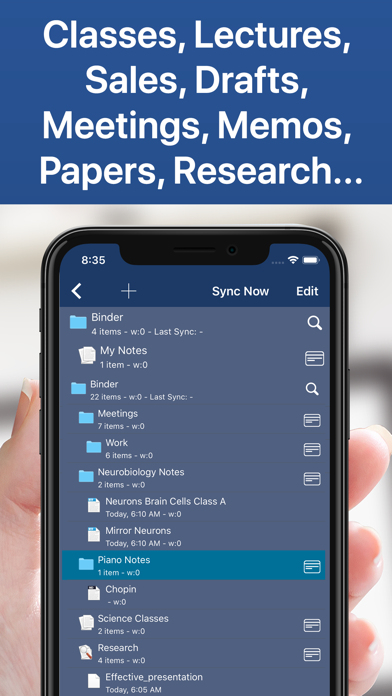
Create your own folders, notes and tree - like projects at will.
Organize your work in infinite notebooks, folders and sub - folders. Create notebooks and projects in the tree - like structure you want: chapters, departments, classes, lectures, grades, drafts, chapters, research, etc. Easily use the advanced text search engine to quickly find and locate content.
+ Synchronize and share. Your notes are synchronized and saved on all your devices.
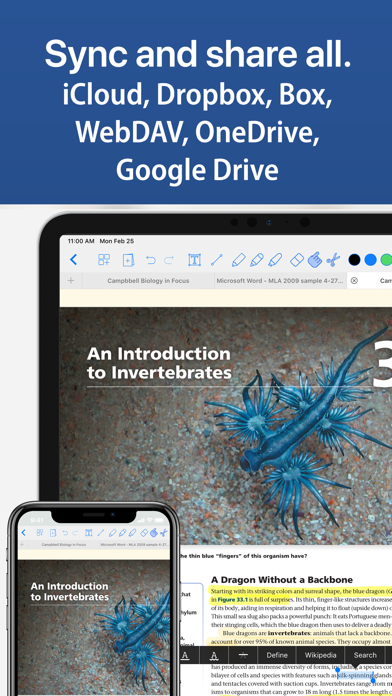
With iCloud, AirDrop, Email Dropbox, Box and Google Drive, you can seamlessly synchronize and share notes, notebooks and projects between handheld devices and computers. And export materials in the file format you want according to your needs.
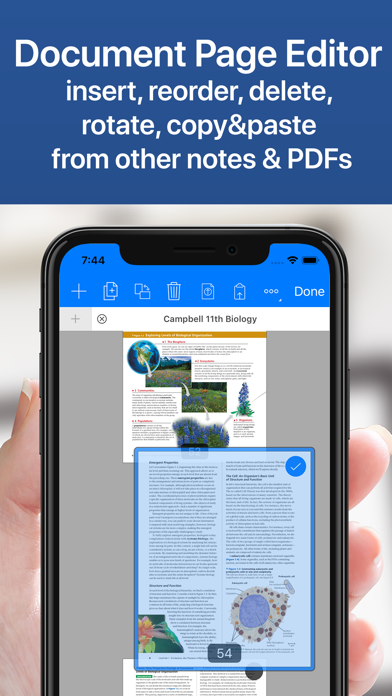
+ Tri - in - one engine for your convenience: a powerful word processor, an intelligent handwriting engine and a robust PDF annotator and reader.
Notes Writer is the only application on the App Store that combines a full - function word processor, a powerful PDF editor and a handwriting and sketch engine, which can help you create and edit all types of notes, sketches and texts.
+ Similar to paper operation, but provides a better user experience. Infinite tables, templates and paper backgrounds.
Record notes, sketch ideas and write texts as naturally as on paper, supplemented by various ink and text tools, paper backgrounds and templates. You can use predefined patterns, grids and graphics (striped, square, hexagonal, dotted, musical staff, etc.), and select and combine your notes and documents at any time.
List of new features:
View split: Open two PDFs or handwritten notes on the screen at the same time. Quickly compare books and documents.
Synchronize and share anytime, anywhere with iCloud, iCloud Drive, Dropbox, Box, WebDAV and Google Drive
Create Rich Text Format (RTF), PDF, LaTeX and advanced Markdown (MD) documents
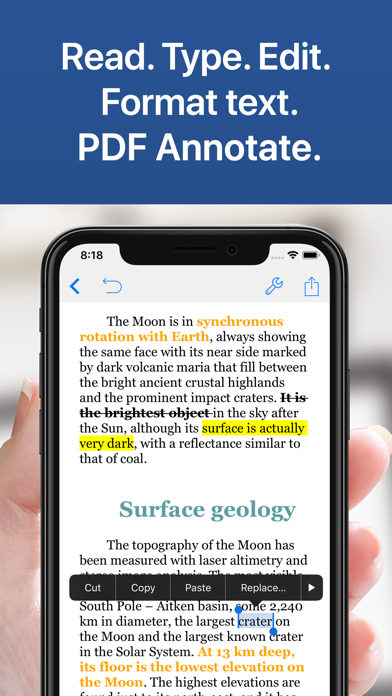
Advanced text formatting: highlighting, strikethrough, subscript / superscript, alignment, line spacing, first - line indent, page break, footnote, annotation, text and paper colors
Define margins, headers / footers, paper sizes, MLA and APA style formats
Real - time counters: characters, words, sentences, lines, average. Word length, words per sentence and reading time
Speech recognition for proofreading and dictation
Typewriter: distraction - free mode to let you focus on your creation
Night mode helps you write at night
Insert special symbols arrows, math, bullet points / icons, GPS locations, etc.
Extra character keys: create tags, forward / delete, up / down / left / right cursors, etc.
Protect your creation with app or folder security passwords / FaceID
Automatically back up documents
Use the camera to scan documents, memos, receipts, tickets, etc. in PDF format
用户评价
立即分享产品体验
你的真实体验,为其他用户提供宝贵参考
💎 分享获得宝石
【分享体验 · 获得宝石 · 增加抽奖机会】
将你的产品体验分享给更多人,获得更多宝石奖励!
💎 宝石奖励
每当有用户点击你分享的体验链接并点赞"对我有用",你将获得:
🔗 如何分享
复制下方专属链接,分享到社交媒体、群聊或好友:
💡 小贴士
分享时可以添加你的个人推荐语,让更多人了解这款产品的优点!
示例分享文案:
"推荐一款我最近体验过的应用,界面设计很精美,功能也很实用。有兴趣的朋友可以看看我的详细体验评价~"
关注 Mergeek 公众号
领奖遇到问题?联系小门助手