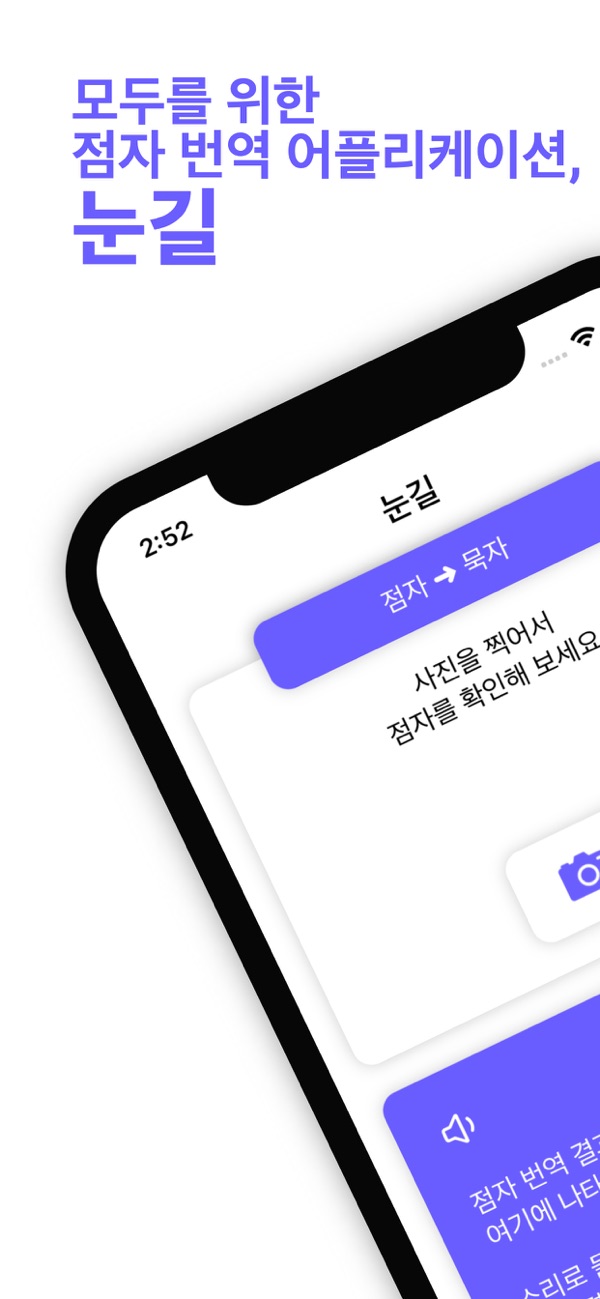
Guardians and educators who cannot read Braille cannot communicate with visually impaired students in Braille in real time. Especially young visually impaired students need to communicate with their parents and teachers and learn language. "Bridge" developed "Sight" to achieve this kind of communication.
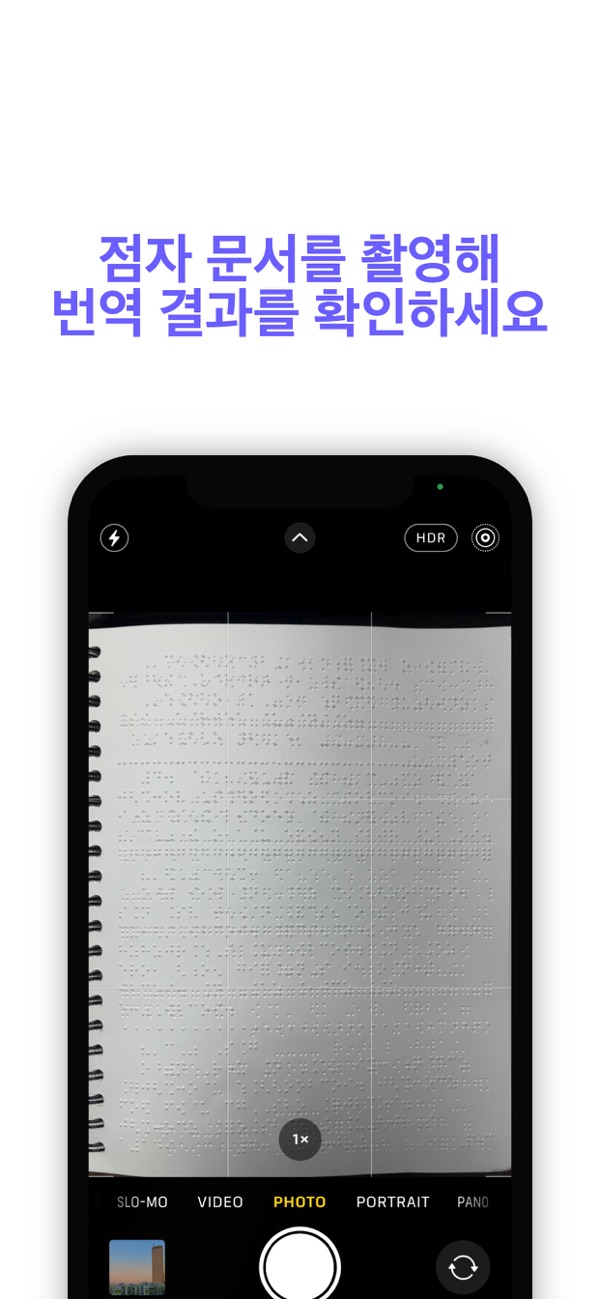
After taking a photo of Braille, it recognizes the Braille through deep learning and translates it into Korean.
Silent characters can be directly input through the mobile phone keyboard to view the result translated into Braille.
■ Points to note when taking a photo of Braille
1. Sufficient light is needed. For the best effect, there should be light above the document being photographed.
2. The clearer the Braille shadow is, the better the recognition effect. Please shine the light so that the Braille shadow faces downwards.
3. Minimize photo shaking as much as possible.
4. Double-sided Braille documents can also be recognized :)
■ Points to note when using Sight
1. Without an internet connection, Braille -> silent character translation cannot be performed.
2. Without an internet connection, the bookmark function cannot be used.
■ Currently supported translation functions
1. The function of translating a Braille sentence mixed with pure Korean, special symbols, and numbers into Korean
2. The function of translating Korean mixed with Korean, special symbols, and numbers into Braille
■ Feedback on translation results
C...


 +100宝石


 分享
分享














用户评价
立即分享产品体验
你的真实体验,为其他用户提供宝贵参考
💎 分享获得宝石
【分享体验 · 获得宝石 · 增加抽奖机会】
将你的产品体验分享给更多人,获得更多宝石奖励!
💎 宝石奖励
每当有用户点击你分享的体验链接并点赞"对我有用",你将获得:
🔗 如何分享
复制下方专属链接,分享到社交媒体、群聊或好友:
💡 小贴士
分享时可以添加你的个人推荐语,让更多人了解这款产品的优点!
示例分享文案:
"推荐一款我最近体验过的应用,界面设计很精美,功能也很实用。有兴趣的朋友可以看看我的详细体验评价~"
关注 Mergeek 公众号
领奖遇到问题?联系小门助手