Efficiently create your long screenshots by scrolling.
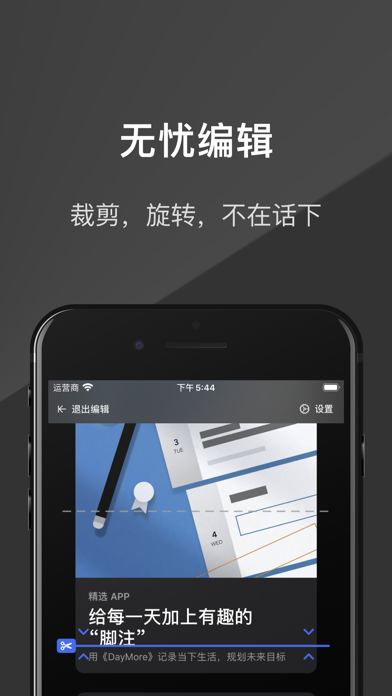
- Don't worry about unexpected situations in splicing because every splicing point can be edited.
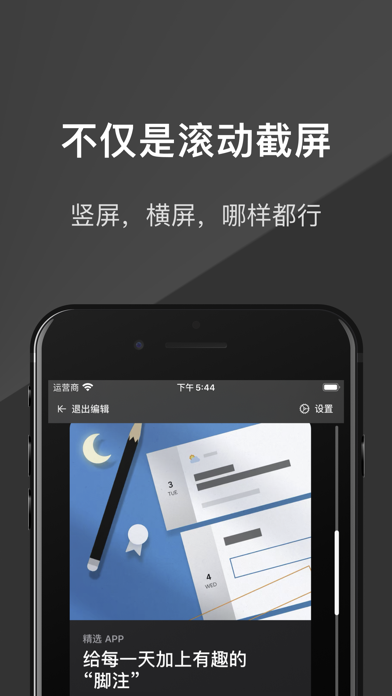
- Support landscape and portrait screens, and you can even change the image orientation at any time within the editor.
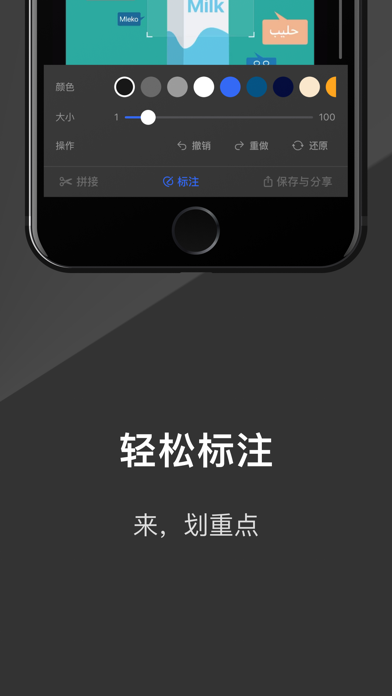
- Easily make annotations on the picture to highlight the key points.
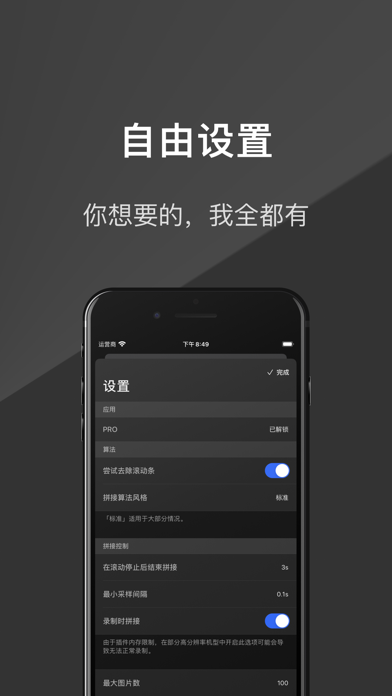
- Provide rich setting options to customize your exclusive App.
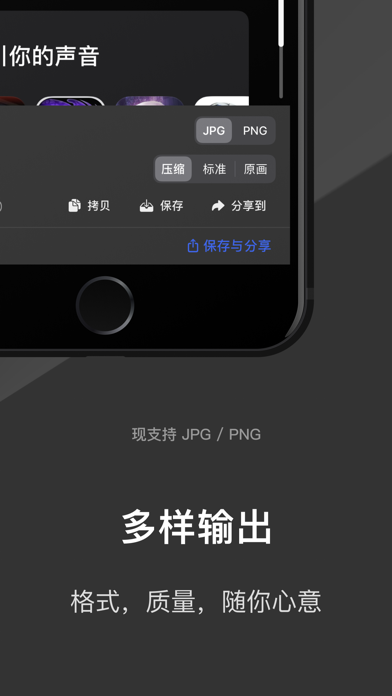
- Offer output formats of JPG and PNG, and there are different output qualities for you to choose from.
If you encounter problems during use or have any suggestions, please send an email to contact@pics21.app
Text tutorial:
1. Add "Screen Recording" in the "Control Center": If you have already added it, skip this step. Please open "Settings" -> "Control Center" -> "Customize Controls", and then tap the plus sign next to "Screen Recording".
2. Open your target app and select "Pics21 Stitch": For example: Open the App Store, and then evoke the "Control Center". *Long press* the "Screen Recording" button and select "Pics21 Stitch".
3. Record with "Pics21 Stitch": Tap "Start Live" and return to your target app within 3 seconds.
4. Start scrolling! When you see the red oval in the upper left corner, start scrolling the screen. And stop scrolling at the position you think is appropriate.
5. It's done: Please wait for 3 seconds. The appearance of the following dialog box indicates that your picture is ready. Tap "Go to App" to view the r...


 +100宝石

 分享
分享










用户评价
立即分享产品体验
你的真实体验,为其他用户提供宝贵参考
💎 分享获得宝石
【分享体验 · 获得宝石 · 增加抽奖机会】
将你的产品体验分享给更多人,获得更多宝石奖励!
💎 宝石奖励
每当有用户点击你分享的体验链接并点赞"对我有用",你将获得:
🔗 如何分享
复制下方专属链接,分享到社交媒体、群聊或好友:
💡 小贴士
分享时可以添加你的个人推荐语,让更多人了解这款产品的优点!
示例分享文案:
"推荐一款我最近体验过的应用,界面设计很精美,功能也很实用。有兴趣的朋友可以看看我的详细体验评价~"
关注 Mergeek 公众号
领奖遇到问题?联系小门助手