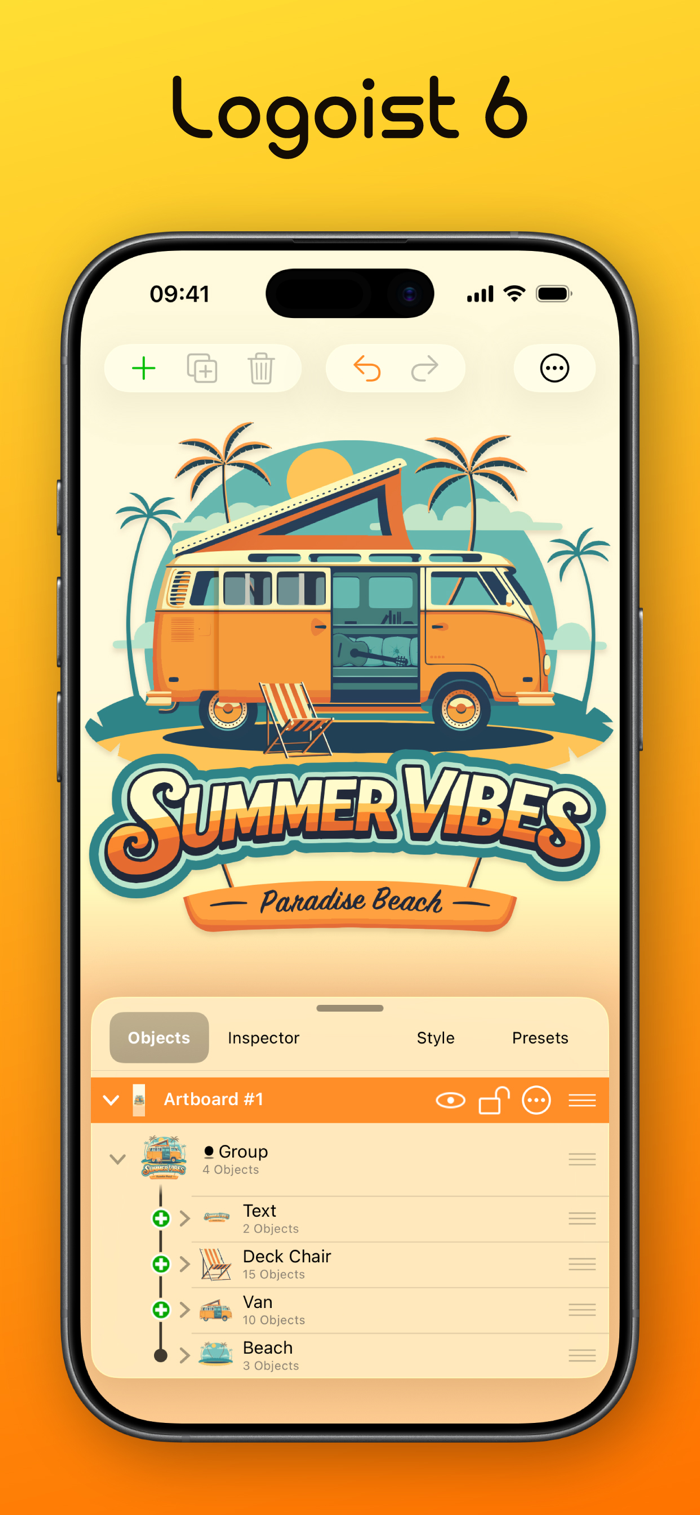
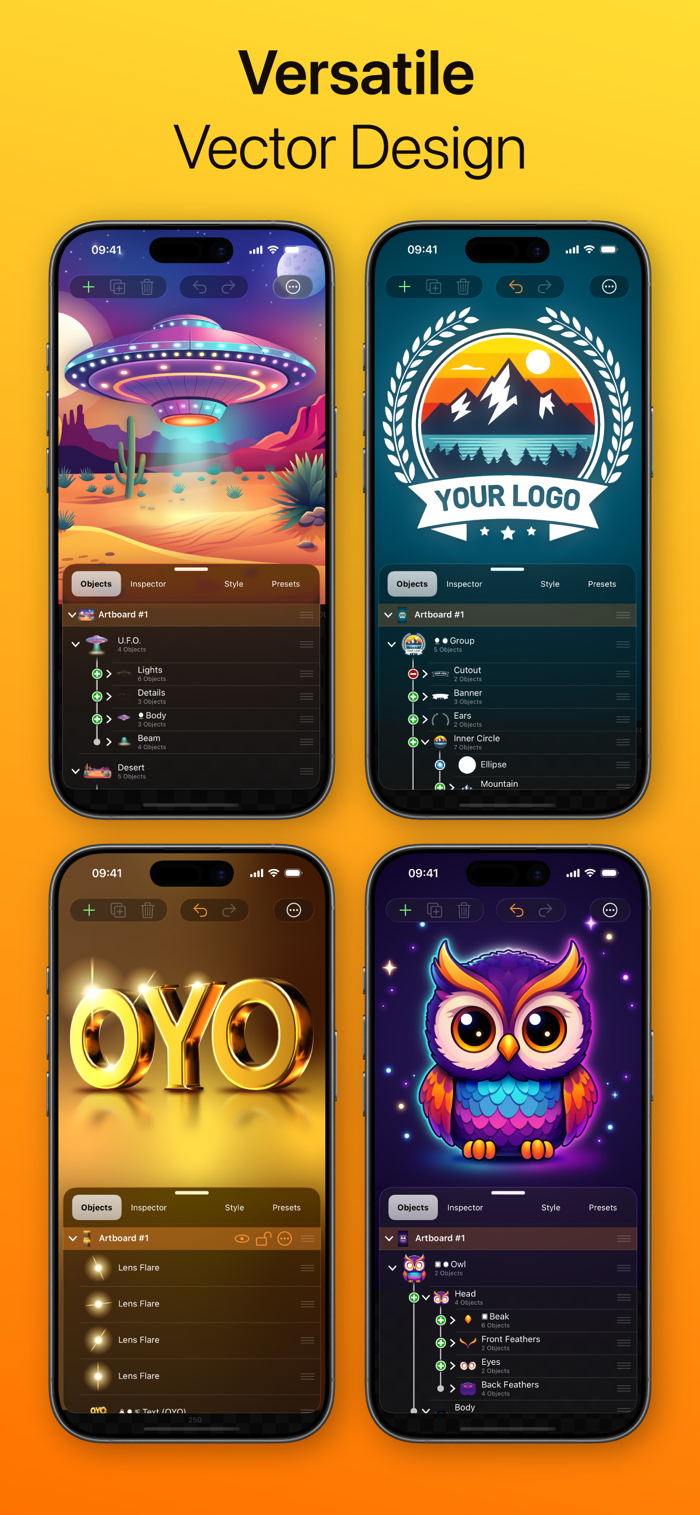
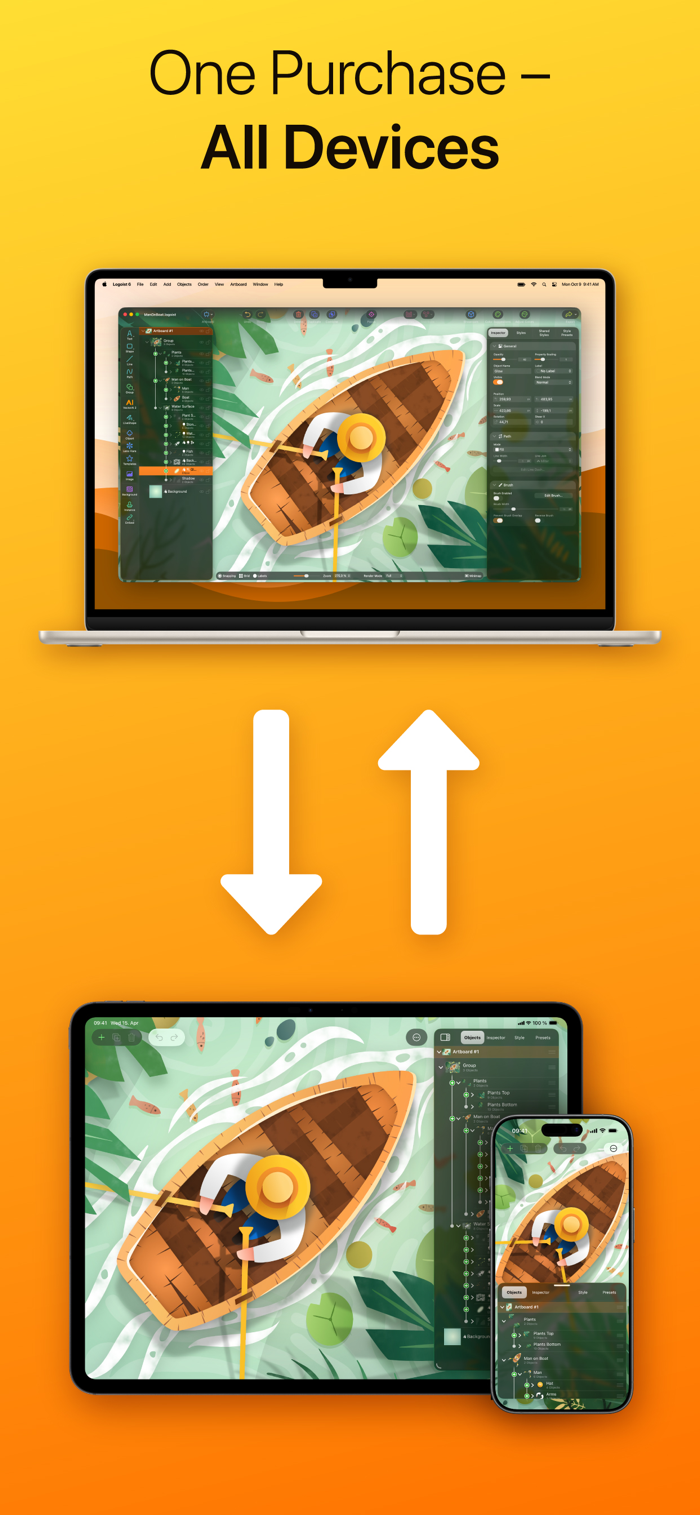
Create impressive images and vector graphics with Logoist 6 — from simple layouts to sophisticated artworks. Designed for both beginners and professional users, Logoist gives you everything you need to turn ideas into impressive results and explore new creative possibilities along the way.
A rich library of shapes, styles, presets, cliparts, and effects makes it easy to get started, while powerful editing tools give you precise control when you need it. Combined with a clean interface, flexible path editing, and ready-made design elements, Logoist 6 is built for both incredible ease of use and professional workflows.
Now it's time to welcome Logoist 6 — a major new step forward for the critically acclaimed vector design software. With a completely redesigned interface, the new VectorAI 2 image generator, powerful 3D features, a greatly improved Vectorizer, and many refinements throughout the app, Logoist 6 makes creative work faster, more flexible, and more enjoyable than ever before.
Logoist in a Nutshell:
• Clean Liquid Glass user interface (including Dark Mode)
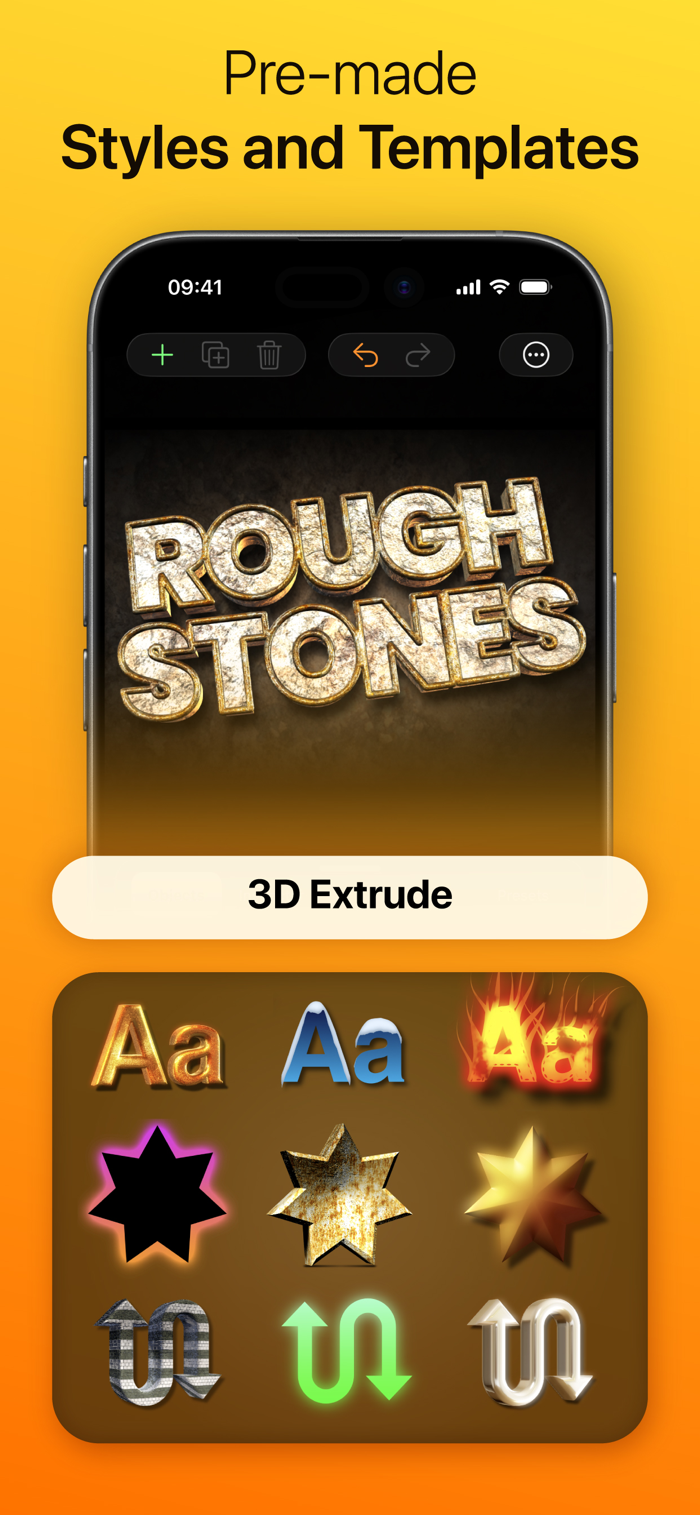
• Dozens of combinable styles, effects, and filters
• Thousands of clip art and hundreds of fully customizable style templates
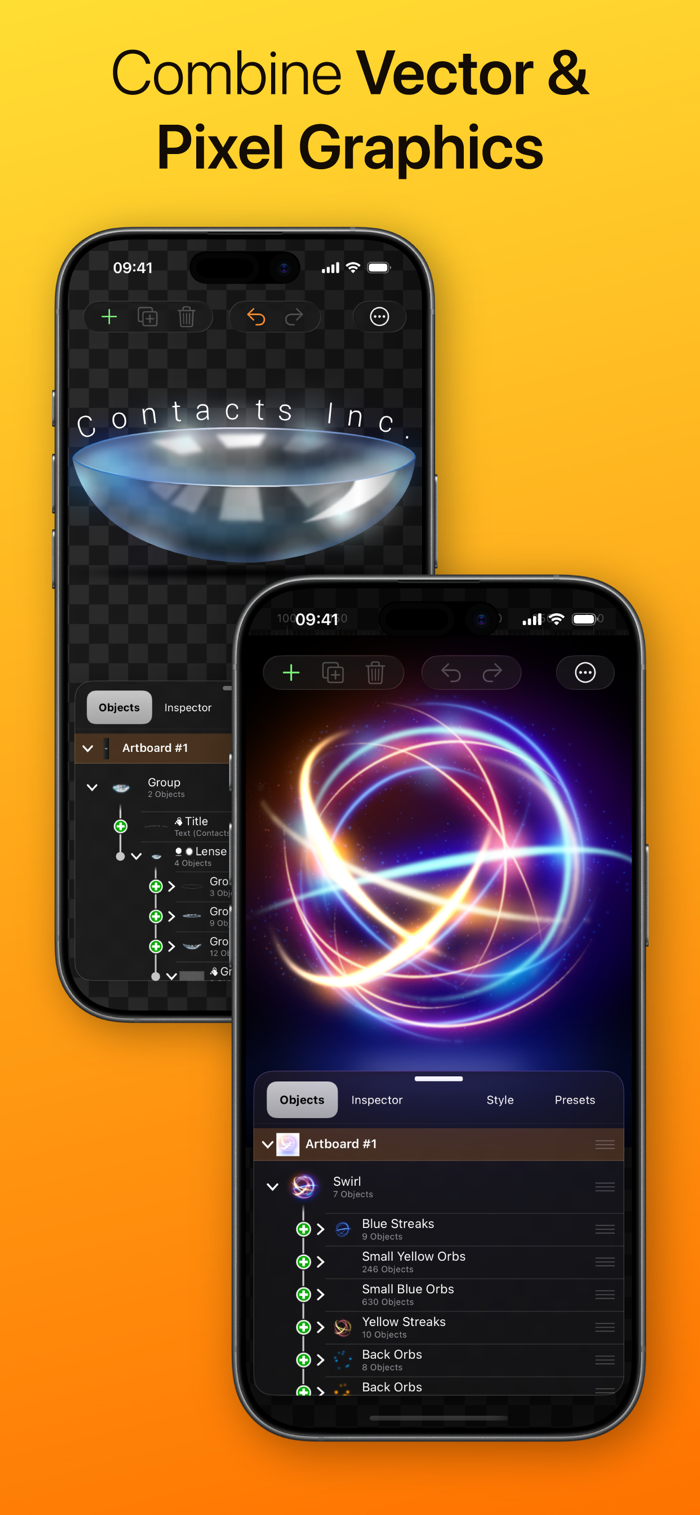
• Non-destructive boolean operations while preserving all vector information
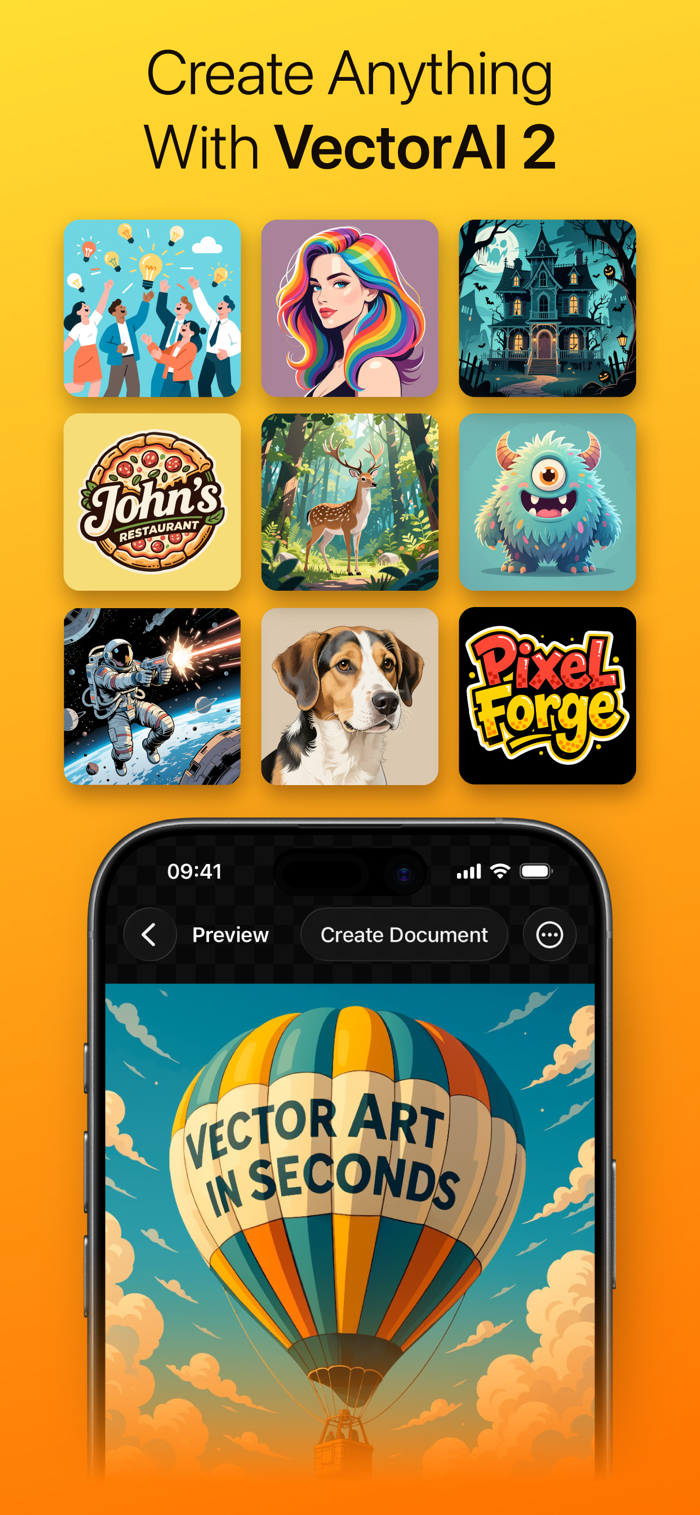
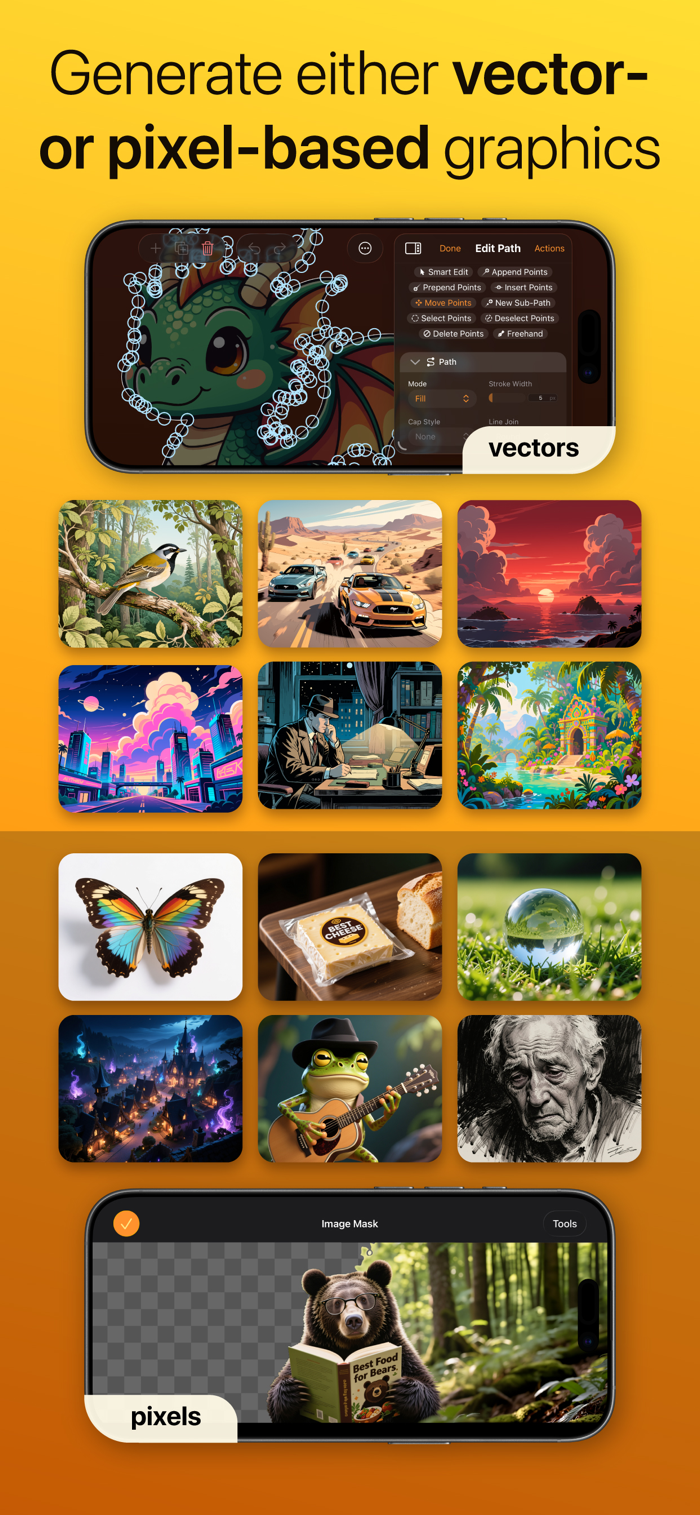
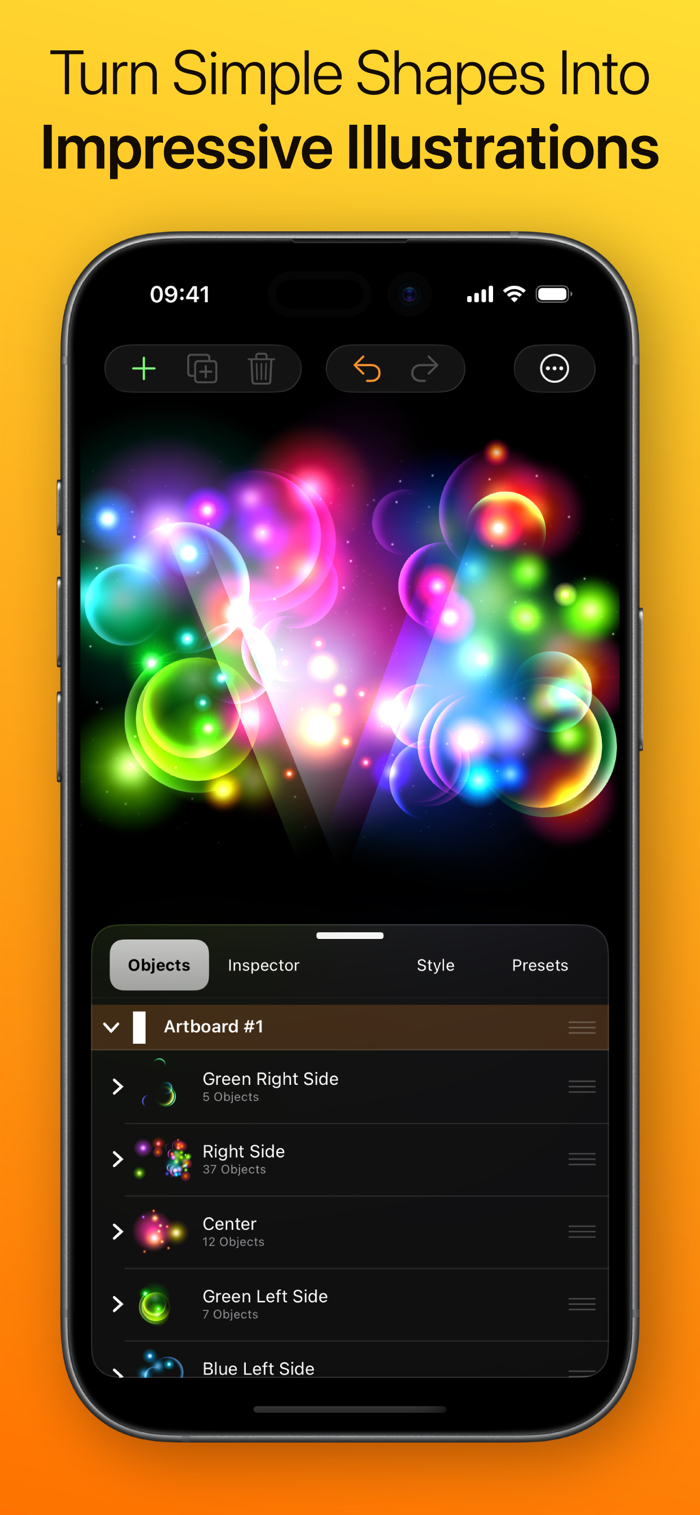
• VectorAI automatically creates stunning vector and pixel artwork for you
• Vectorizer: Convert any graphic element into a resolution-independent vector format
• Suitable for pixel graphics, web, and resolution-independent print products
• X-ray mode for editing complex object and layer structures
• Pixel mode to create pixel-accurate designs
• Flexible group management and innovative layer management features
• All filters and effects are non-destructive and can be modified anytime
• Full support for Apple Pencil
• 1-2-3 Logo: Create logo ideas with a single click
• Template wizard for business cards, collages, and more
• Multipoint Gradients: Create smooth gradients along arbitrary points, lines, and curves
• Align text to any path or object
• Export file formats: PDF, SVG, EPS, PNG, JPG, HEIF, layered Photoshop PSDs, layers as separate PNG files
• Batch export: Export multiple formats and resolutions simultaneously
• Logoist 6 for Mac is also included with this purchase
TOP NEW FEATURES IN LOGOIST 6
With Logoist 6, you get the biggest update yet to our vector design software. Look forward to a completely redesigned interface, much more powerful AI, impressive 3D features, more precise vectorization, and many new creative possibilities.
• Clear, modern, and beautiful Liquid Glass interface
• VectorAI 2: Create logos, vector graphics, and realistic images faster and more flexibly than ever
• Greatly improved Vectorizer: Turn images into resolution-independent vector graphics
• New Minimap for better orientation: Keep larger projects under control
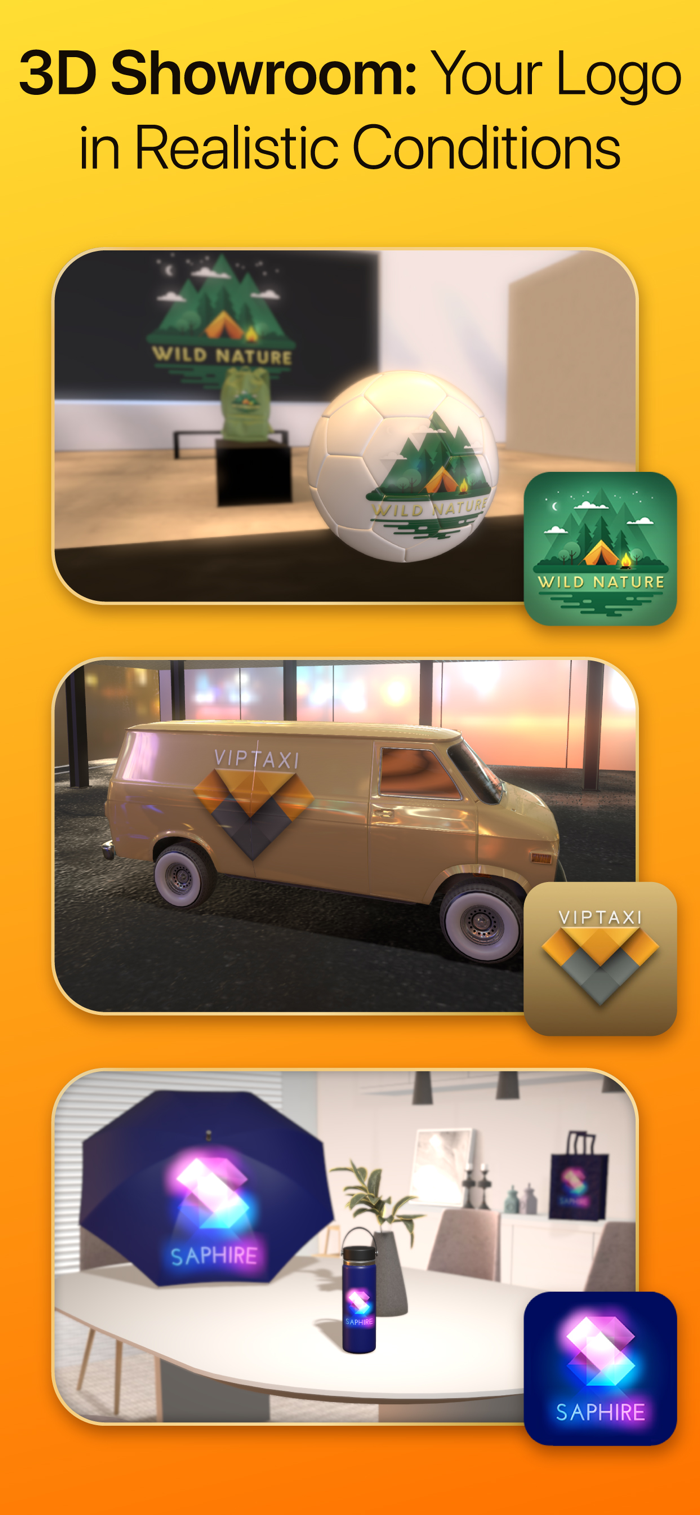
• Turn text, shapes, and clipart into 3D objects with live results directly on the canvas
• Save filters as your own presets and reuse them at any time
• Explore new effects, patterns, and additional options for even more creative freedom
• Merge similar colors with just a few clicks
• Enjoy smoother, faster performance throughout the app thanks to many optimizations


 +100宝石


 分享
分享

















用户评价
立即分享产品体验
你的真实体验,为其他用户提供宝贵参考
💎 分享获得宝石
【分享体验 · 获得宝石 · 增加抽奖机会】
将你的产品体验分享给更多人,获得更多宝石奖励!
💎 宝石奖励
每当有用户点击你分享的体验链接并点赞"对我有用",你将获得:
🔗 如何分享
复制下方专属链接,分享到社交媒体、群聊或好友:
💡 小贴士
分享时可以添加你的个人推荐语,让更多人了解这款产品的优点!
示例分享文案:
"推荐一款我最近体验过的应用,界面设计很精美,功能也很实用。有兴趣的朋友可以看看我的详细体验评价~"
关注 Mergeek 公众号
领奖遇到问题?联系小门助手