


 +100宝石


产品功能
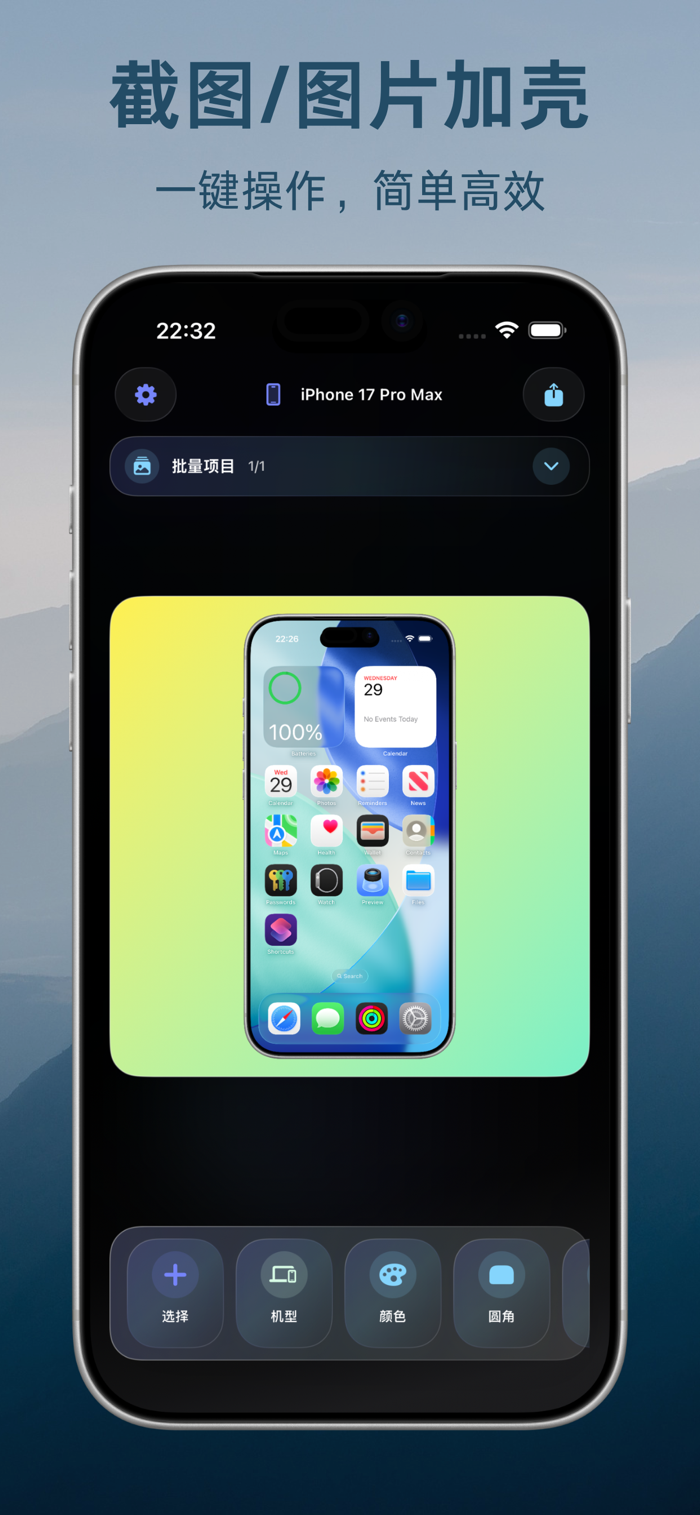
Add device frames to screenshots and screen recordings, then easily create product showcases, promotional images, and portfolios by combining them with beautiful templates, backgrounds, and text. Process multiple assets in bulk to maintain a consistent style across your entire collection.
Transform screenshots, photos, and existing videos into neat, attractive device mockups quickly. From importing your materials to selecting devices, adjusting the visuals, and pairing them with backgrounds, you can effortlessly produce visual content ready for display and sharing.
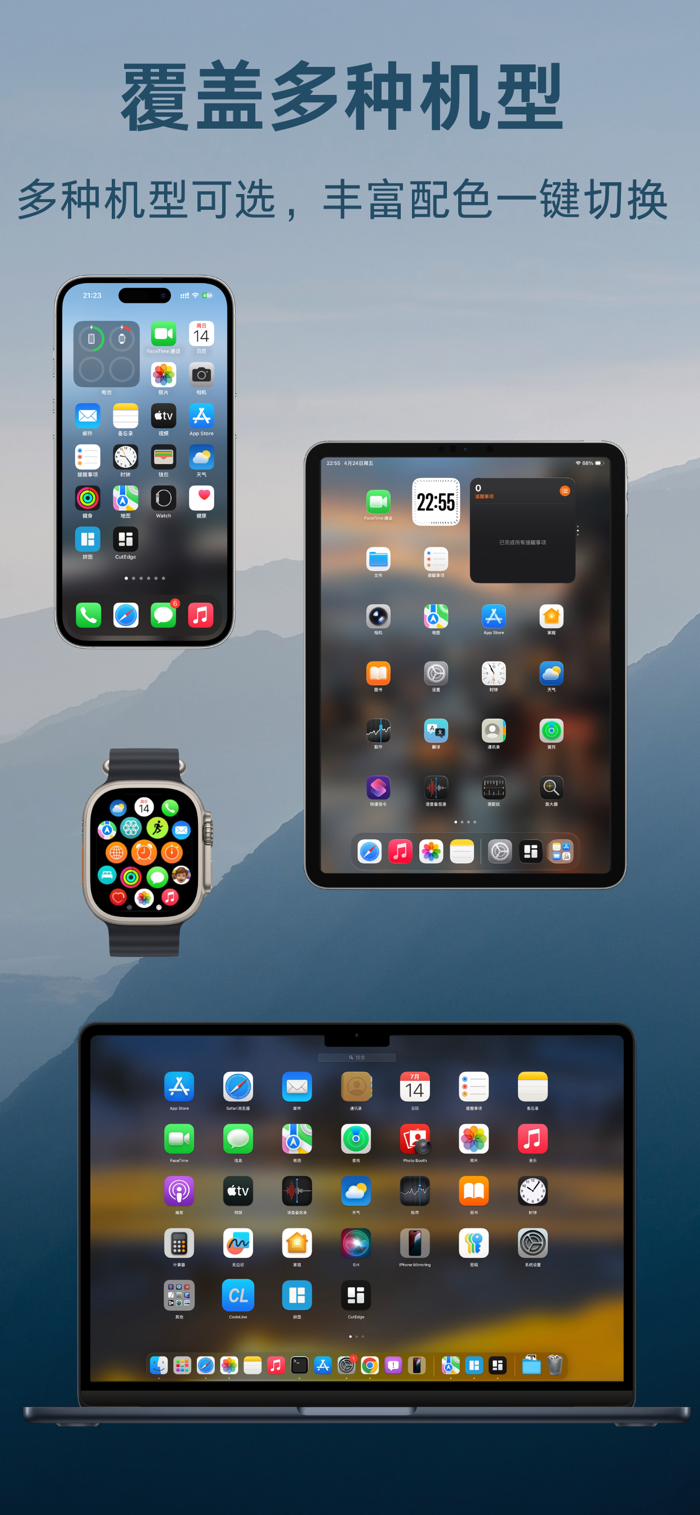
- Supports device frames for phones, tablets, computers, and watches
- Create both image and video mockups
- Provides templates for showcases, collages, comparisons, tutorials, posters, and more
- Supports titles, subtitles, icons, and decorative elements
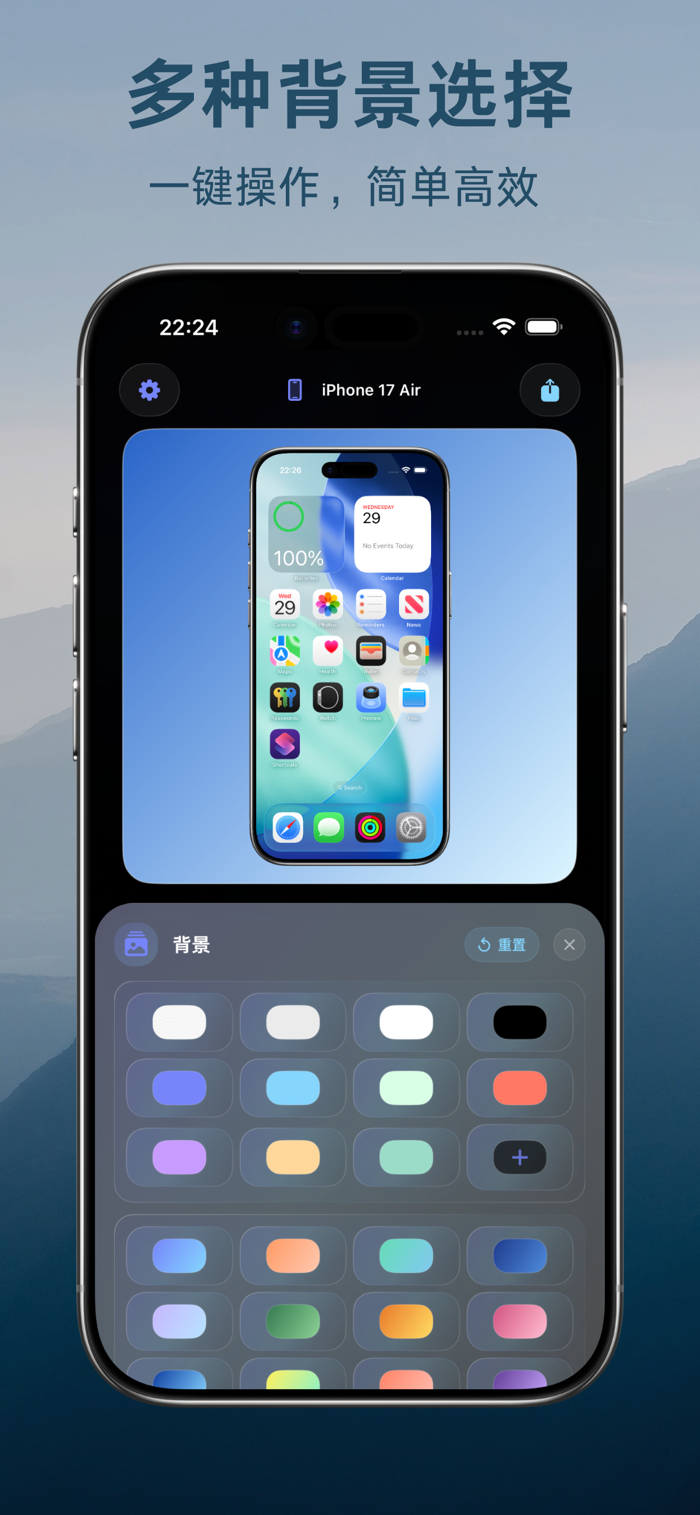
- Use solid colors, gradients, images, or smart backgrounds
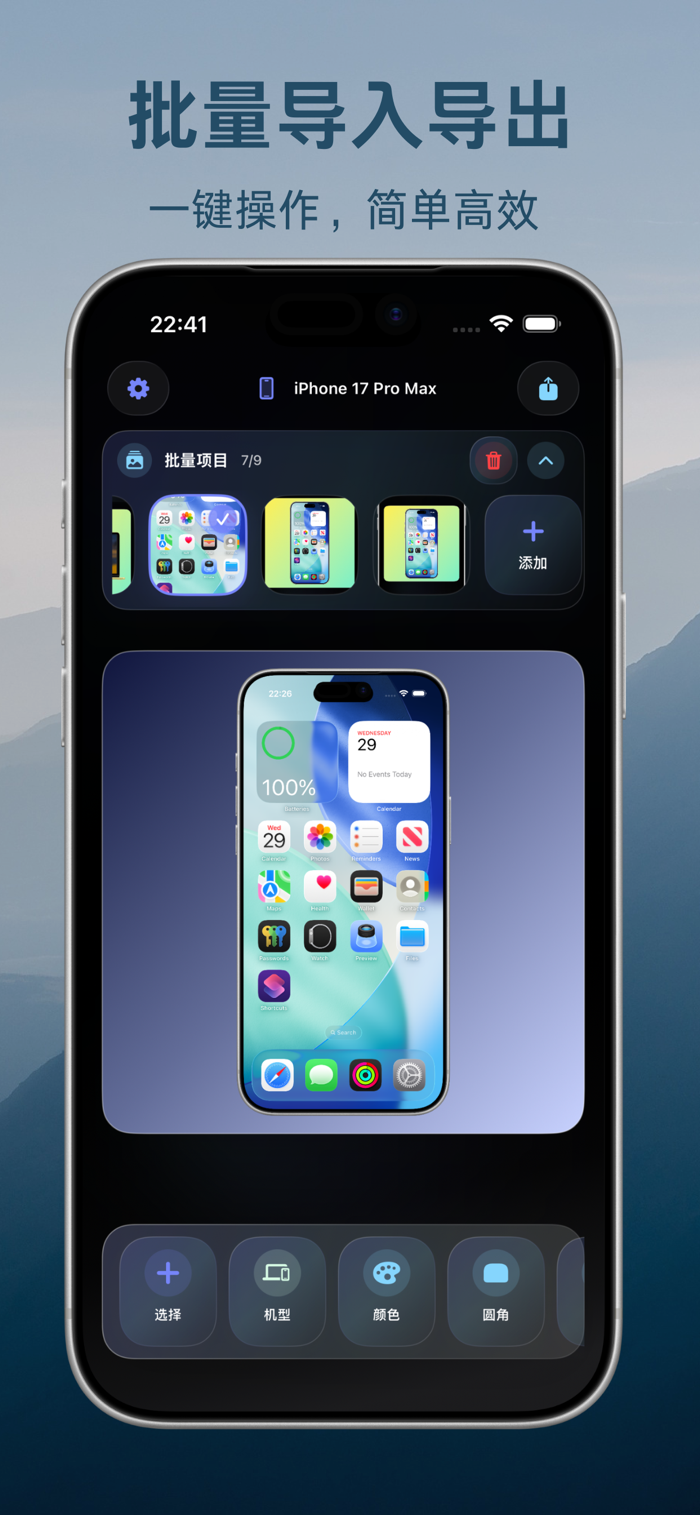
- Batch processing support to keep the entire set of materials unified
When creating app introductions, product launch images, or portfolios, you often have plenty of assets, but it’s difficult to unify the aspect ratio, whitespace, and style of each screenshot. By placing these scattered screenshots, photos, and screen recording videos into appropriate device frames, you can quickly adjust the composition to a more pleasing layout through simple dragging, scaling, rotating, and arranging.
If you don’t want to start from a blank canvas, you can directly apply templates. Different templates are suitable for scenarios such as single-image display, multi-image collages, before-and-after comparisons, tutorial steps, text posters, and multi-device combinations. After adjusting a layout, you can also save it for convenient reuse later.
You can also add titles, subtitles, and descriptive text, choosing the right font, color, size, and alignment. Combine these with icons or custom decorations to make the visuals align closely with your product itself. Backgrounds can be solid colors, gradients, or your own images, or you can try smart backgrounds generated based on the asset’s colors, allowing the device and content to blend naturally into the overall scene.
When creating a series of pages, batch mode reduces repetitive formatting tasks. By uniformly setting the device, background, text, and layout, multiple assets can maintain a consistent visual style.
Whether for product launches, app introductions, feature explanations, portfolios, tutorial screenshots, or social media graphics, you can organize ordinary assets into clearer, more complete showcase content.
Make every layout easier and produce satisfactory results faster.
分享「」体验,参与「」抽奖!
分享 1~3 张你对这个产品最满意的截图或效果图
分享「」体验,参与「」抽奖!
用你的故事点亮社区✨!你的真实体验,将会永久展示在 官方主页 📌,为其他朋友提供宝贵参考 💡。立即分享吧!🚀
请为产品评分
请选择问题回答,为大家提供宝贵参考
选择要回答的问题
温馨提示
你尚未上传产品截图。
上传截图可立即获得宝石积分奖励!
如果你赶时间,也可稍后修改评论,补上截图领取宝石。
温馨提醒
你尚未添加产品截图
⚠️ 不添加截图将降低抽奖权重

感谢参加,你已成功参加!
为了确保你能及时收到审核结果和领奖码通知

扫描二维码关注 Mergeek 公众号
在后台回复 「获奖通知」
完成上述操作,即可保障奖励发放成功









用户评价
立即分享产品体验
你的真实体验,为其他用户提供宝贵参考
💎 分享获得宝石
【分享体验 · 获得宝石 · 增加抽奖机会】
将你的产品体验分享给更多人,获得更多宝石奖励!
💎 宝石奖励
每当有用户点击你分享的体验链接并点赞"对我有用",你将获得:
🔗 如何分享
复制下方专属链接,分享到社交媒体、群聊或好友:
💡 小贴士
分享时可以添加你的个人推荐语,让更多人了解这款产品的优点!
示例分享文案:
"推荐一款我最近体验过的应用,界面设计很精美,功能也很实用。有兴趣的朋友可以看看我的详细体验评价~"
关注 Mergeek 公众号
领奖遇到问题?联系小门助手