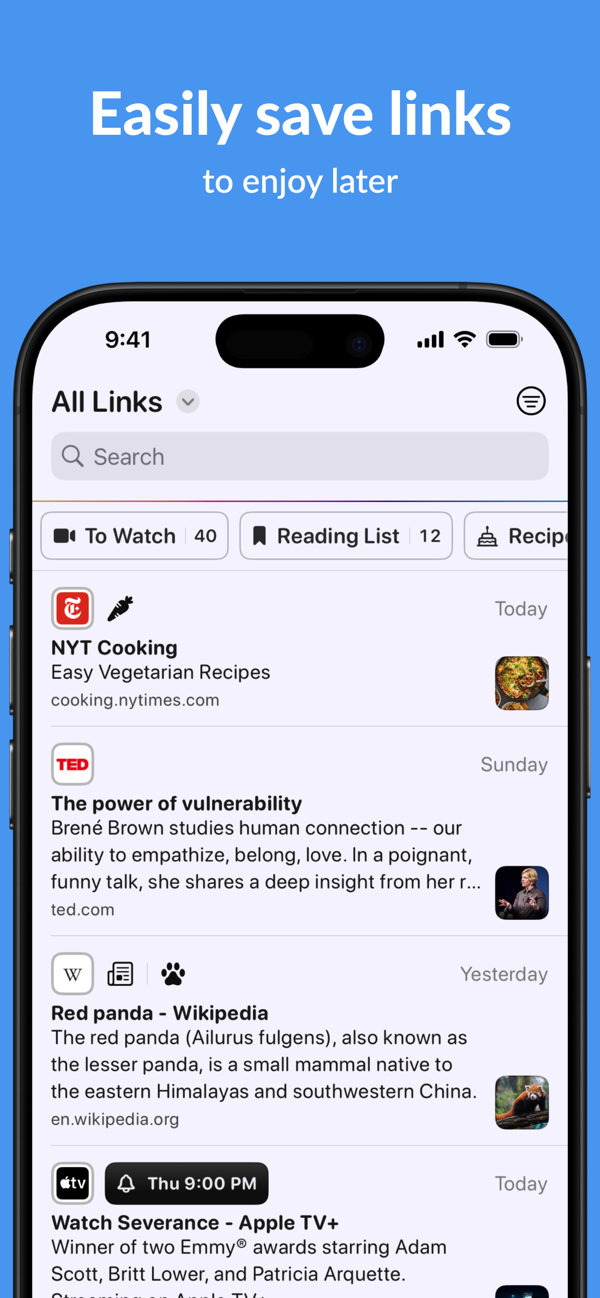
Plinky is the easiest way to save links from any device, so you can enjoy them later.
READ IT LATER
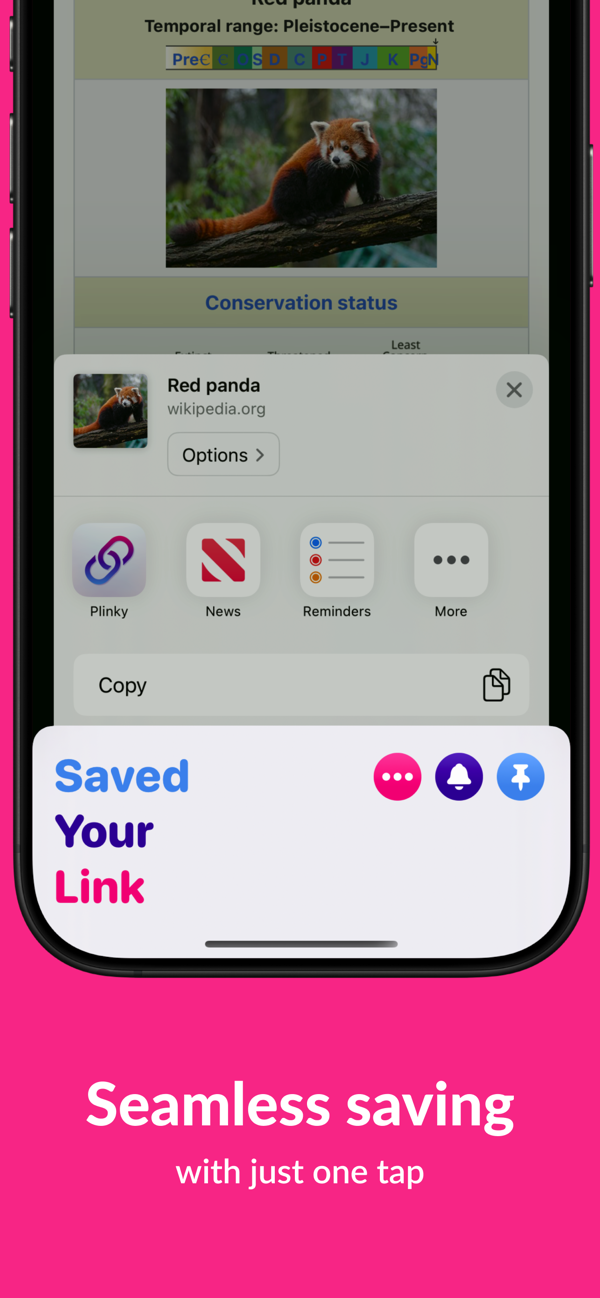
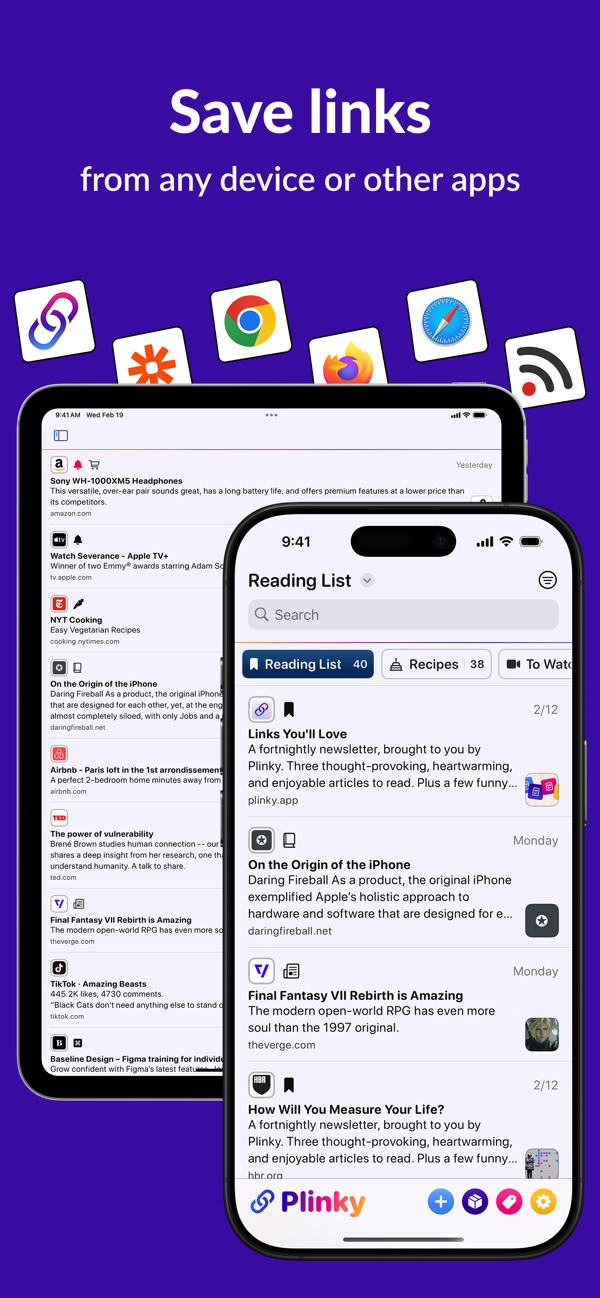
Save articles, recipes, newsletters, videos, social posts, and more to read later — from apps like TikTok, Instagram, YouTube, Reddit, Etsy, and The New York Times, or from any browser including Safari, Chrome, and Firefox. Plinky keeps everything in one place across your iPhone, iPad, and Mac, so you can stop losing links in notes apps and endless browser tabs.
VIEW YOUR SAVED LINKS
View all of your saved links on any Apple device, whenever you're ready to come back to them. Search helps you find any link you've saved, and you can even pin links to the top of your home feed for easy access.
ORGANIZE YOUR LINKS
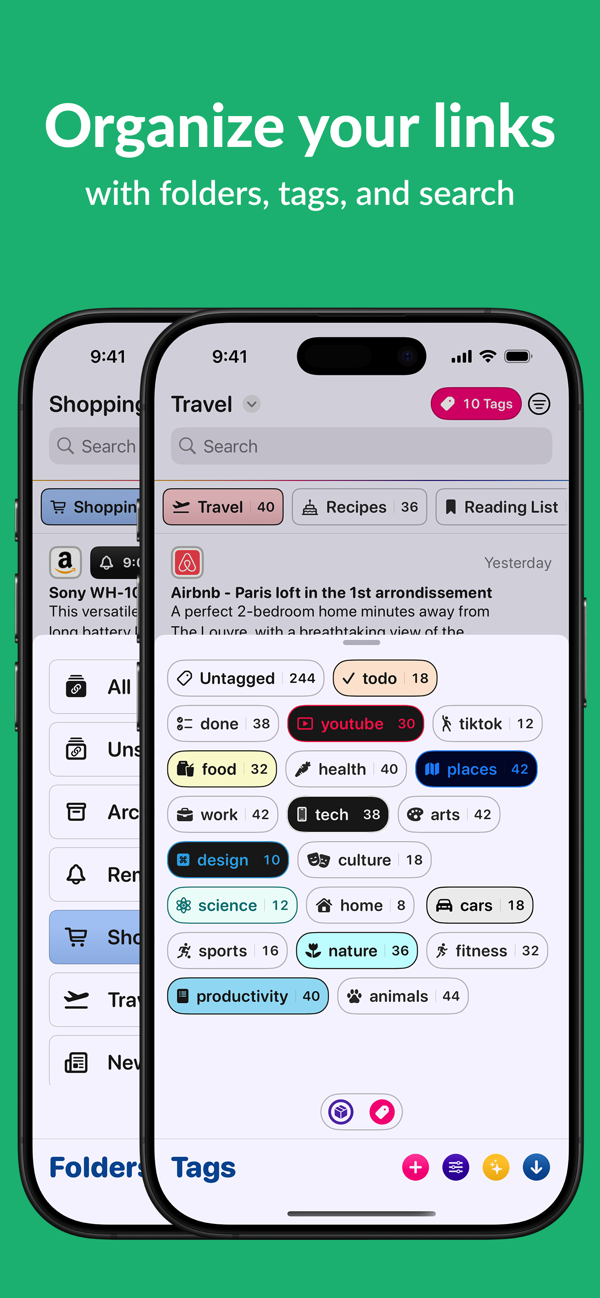
Use Folders and Tags to organize your links based on common themes. Plinky adapts to how you think, not the other way around.
Not sure where to start? Choose from suggested tags including: News, Videos, Recipes, Entertainment, Fitness, Games, Productivity, and more.
REMINDERS
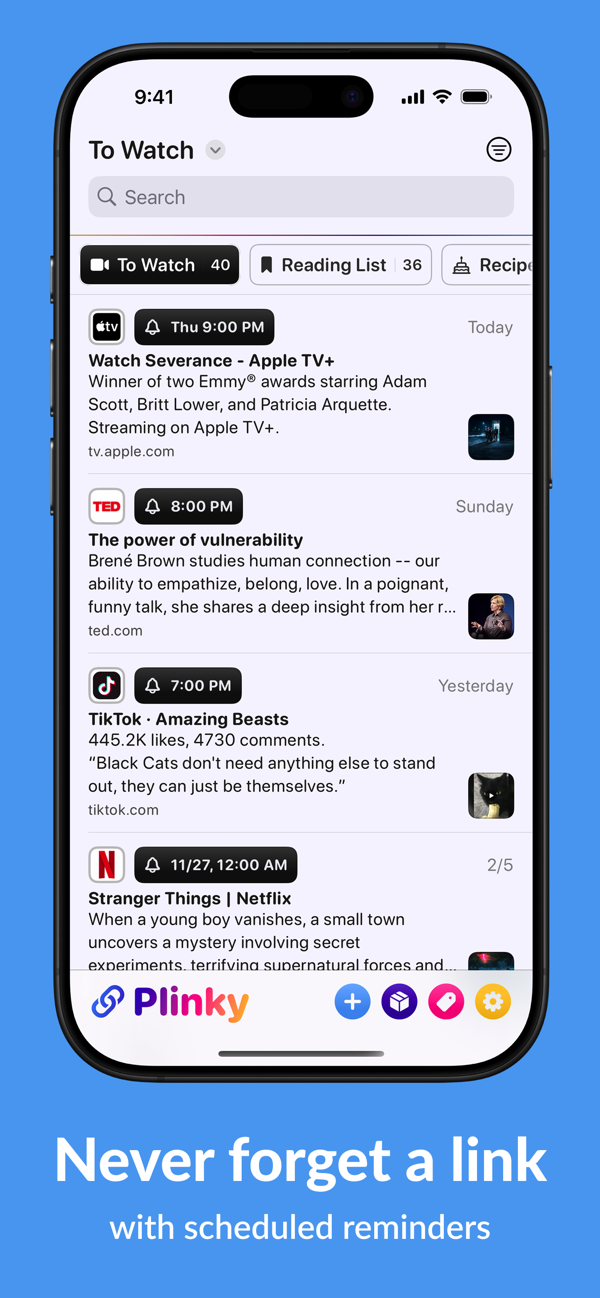
Never lose track of an important link again. Set a reminder for:
• A link you want to show a friend later today.
• A recipe to cook tomorrow at 6 p.m.
• February 29, 2028, at 12:01 a.m. — because you’re already planning for the next leap day.
Your links will resurface when you need them, right in Plinky — no to-do list apps required.
CUSTOMIZE PLINKY
You can make Plinky yours by customizing how your links, tags, and folders look and feel. Everyone has their preferences and Plinky respects that, you can change how everything looks from colors to design to layout. This makes Plinky *your* tool, whether you want an inbox for your links, a place for links to read later, or your personal archive of the web.
WIDGETS
Add Plinky's widgets to your Home Screen, Lock Screen, or Control center. All beautiful and fully customizable to view your Recent Links, Pinned Links, or the links from a Folder or Tag — anywhere you want.
SHORTCUTS
Anything you can do in Plinky you can do in Shortcuts, allowing you to build powerful workflows that use your links saved in Plinky with other apps, or use other apps to save links in Plinky. These work on the iPhone, iPad, and Mac, or from Spotlight and Siri. It’s never been easier to save or find a link no matter where you are or what you’re doing.
SAVE LINKS FROM ANYWHERE
If Plinky’s share extension on iPhone and iPad, browser extensions, and custom integrations aren’t enough, Plinky also supports an API for developers to save links how they want to save links. And to top it all off, Plinky Mini is available on the Mac App Store.
GET MORE WITH PLINKY PRO
You can try Plinky and save links for free, but to get the best of Plinky you can subscribe to Plinky Pro.
With Plinky Pro you get access to unlimited saved links, tags, folders, reminders, and pinned links. Plinky Pro offers two auto-renewing subscription options:
Annual subscription: $39.99 / year
Monthly subscription: $3.99 / month
The subscription will automatically renew unless turned off in your iTunes Account Settings at least 24 hours before the current period ends. You can go to your iTunes Account settings to manage your subscription and turn off auto-renew. Your iTunes Account will be charged when the purchase is confirmed.
You can also choose a lifetime option with one payment of $159.99 that will never renew.
Read Plinky’s privacy policy here: https://plinky.app/docs/privacy-policy
Read Pinky's terms of service here: https://plinky.app/docs/terms-of-service

 +100宝石


 分享
分享




















用户评价
立即分享产品体验
你的真实体验,为其他用户提供宝贵参考
💎 分享获得宝石
【分享体验 · 获得宝石 · 增加抽奖机会】
将你的产品体验分享给更多人,获得更多宝石奖励!
💎 宝石奖励
每当有用户点击你分享的体验链接并点赞"对我有用",你将获得:
🔗 如何分享
复制下方专属链接,分享到社交媒体、群聊或好友:
💡 小贴士
分享时可以添加你的个人推荐语,让更多人了解这款产品的优点!
示例分享文案:
"推荐一款我最近体验过的应用,界面设计很精美,功能也很实用。有兴趣的朋友可以看看我的详细体验评价~"
领取结果