产品功能

应用市场介绍

Sing, Record, and Mix Like a Pro!
Turn your phone into a powerful live microphone with Live Mic Karaoke – the ultimate app for singers, performers, and creators who want full control over their sound.
Real-Time Mic Experience
- Speak or sing into your device and hear your voice instantly, just like a real mic setup. Perfect for live practice or performances.
Sing Along with Karaoke Tracks
- Load your favorite karaoke tracks and sing along in real-time. Add effects to both your mic and the track to create your own unique sound.
Professional-Grade Audio Effects
- Customize your vocals and backing tracks with a wide range of effects:
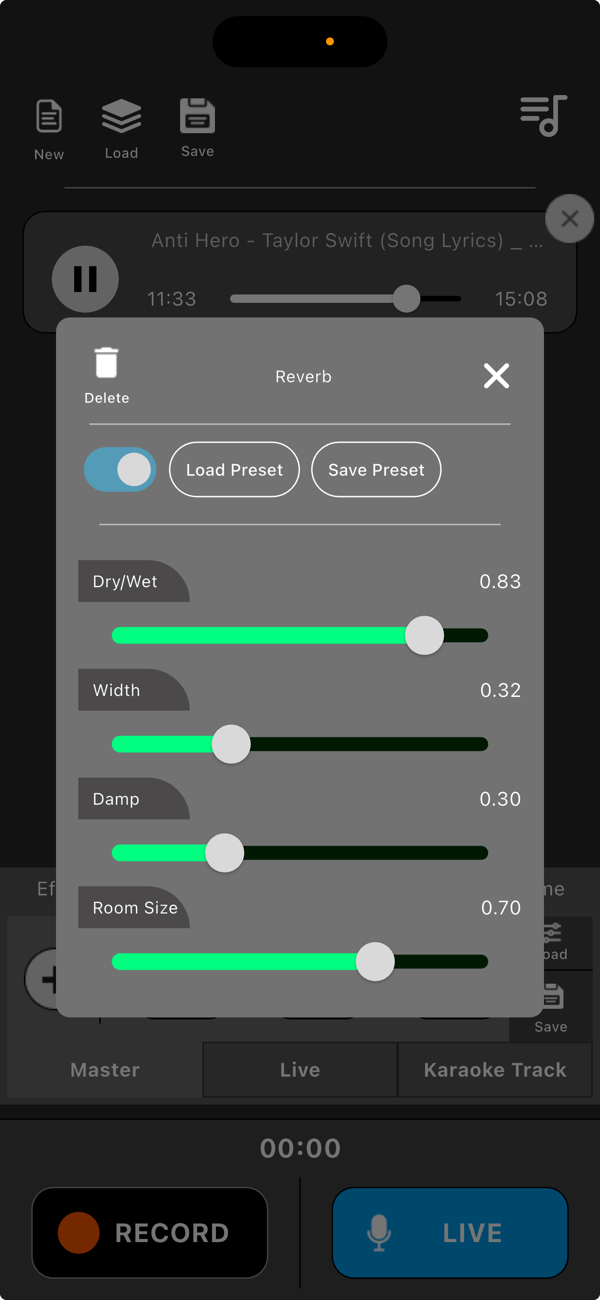
- Reverb
- Echo
- Equalizer (EQ)
- Many more!
Full Control at Your Fingertips
- Adjust mic and karaoke track volumes individually
Apply and save custom effect chains
- Save presets for each effect
Use a Master Control to balance everything with a single slider
Seamless Sync and Recording
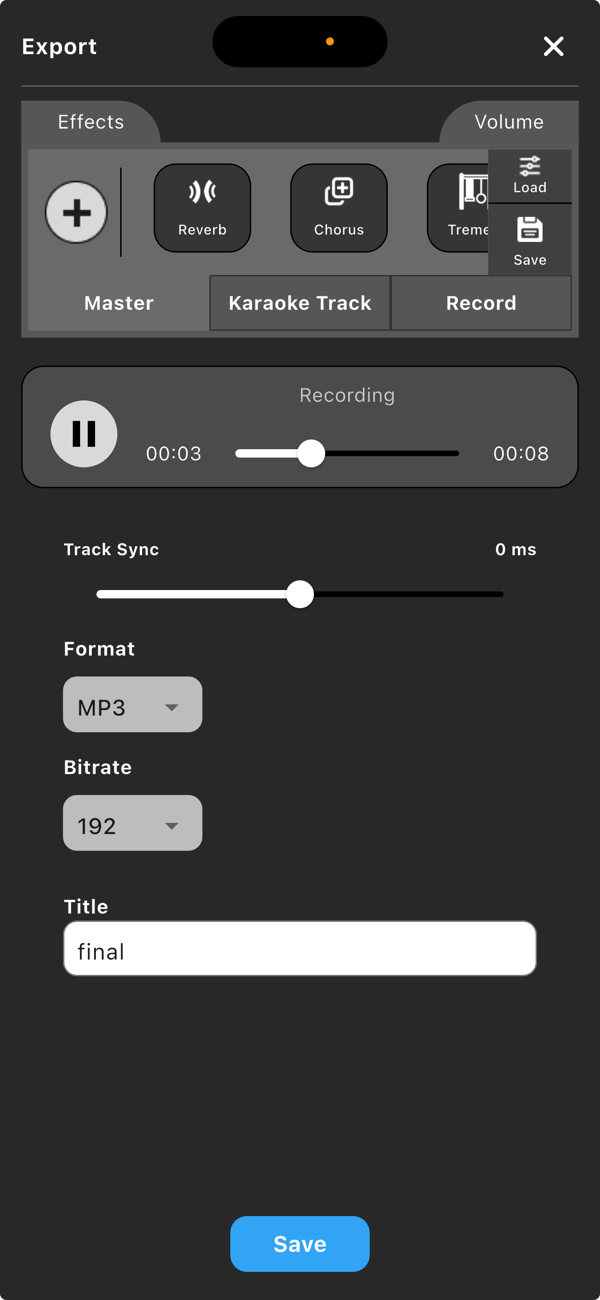
- Record your mic and karaoke track together with high-quality audio. Use track sync to align everything perfectly before export.
Flexible Export Options
- Export your mix in popular formats like MP3, M4A, FLAC, or WAV.
Choose your bitrate: 192, 256, or 320 kbps – your sound, your way.
Save Your Sessions
- Save your session to pick up right where you left off – with all tracks, effects, and settings preserved. Load your saved effect chains instantly for faster setup.
Whether you're practicing for a show, recording a cover, or just having fun – Live Mic Karaoke brings a professional studio feel to your pocket.
Get Started Guide
Welcome to Live Mic Karaoke. This guide will help you get started with using your phone as a live microphone, adding effects, recording, and exporting your music.
Step 1: Set Up Your Mic
Open the app and turn on the mic. Plug in headphones to avoid feedback. You will hear your voice live through your device.
Step 2: Add a Karaoke Track
Tap the "Add Track" button to load a karaoke file from your device. The track will play alongside your live mic.
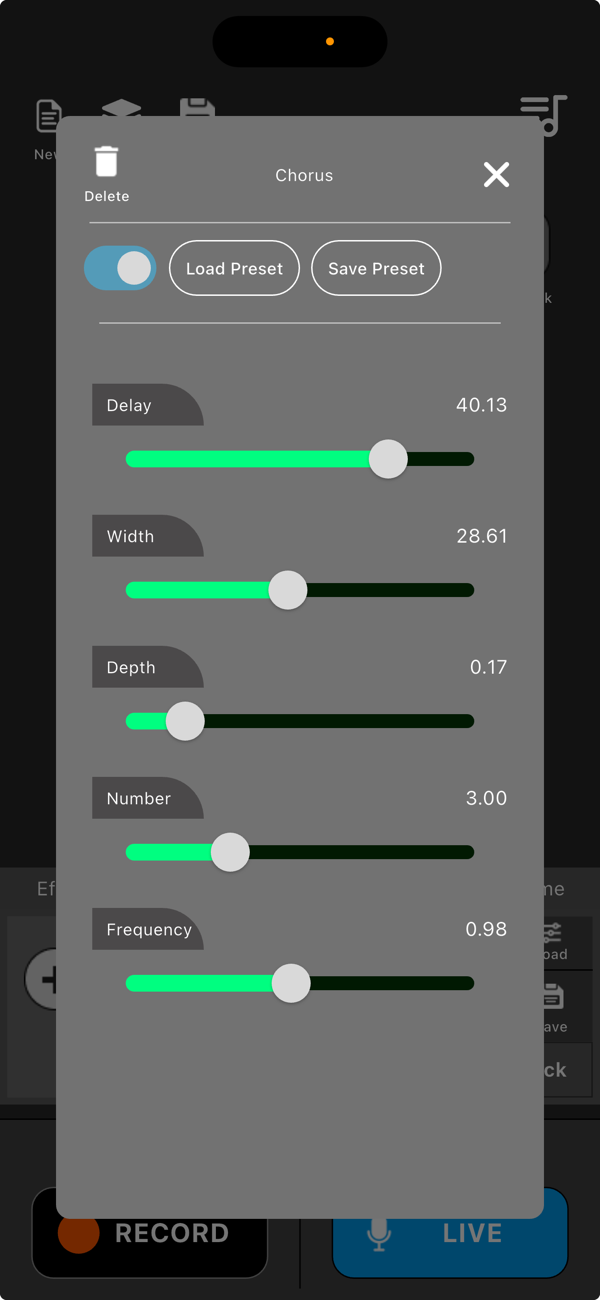
Step 3: Add Effects
Tap on the "Effects" button for either the mic or the karaoke track. Choose from effects such as reverb, echo, EQ, and more. You can save your custom settings as individual effect presets or save an entire effect chain to reuse later.
Step 4: Adjust Volume
You can control the volume of your mic and the karaoke track separately. Use the master volume control to adjust the overall mix.
Step 5: Record Your Performance
Tap the "Record" button to start recording your live mic and the karaoke track together. When finished, stop the recording and access the audio from the library section.
Step 6: Sync Before Export
If your mic recording and the karaoke track are slightly out of sync, use the sync tool to align them correctly before exporting.
Step 7: Export Your Audio
Choose from multiple file formats: MP3, M4A, WAV, or FLAC. You can also select the bitrate (192, 256, or 320 kbps) before exporting the final mix.
Step 8: Save and Load Sessions
You can save your current session, including the track, mic settings, effects, and mix levels. You can also save effect chains or presets for future use.
Tips for Best Results:
Always use headphones while using the live mic to prevent feedback.
Save your favorite setups for quick access next time.
Experiment with different effects and settings to create your signature sound.

收起

用户评价

立即分享产品体验

你的真实体验,为其他用户提供宝贵参考

宝石
评论可得 100 宝石
宝石随心兑换应用高级会员,每周更新 前往查看 >>
活动动态 0 人参加
查看更多评论