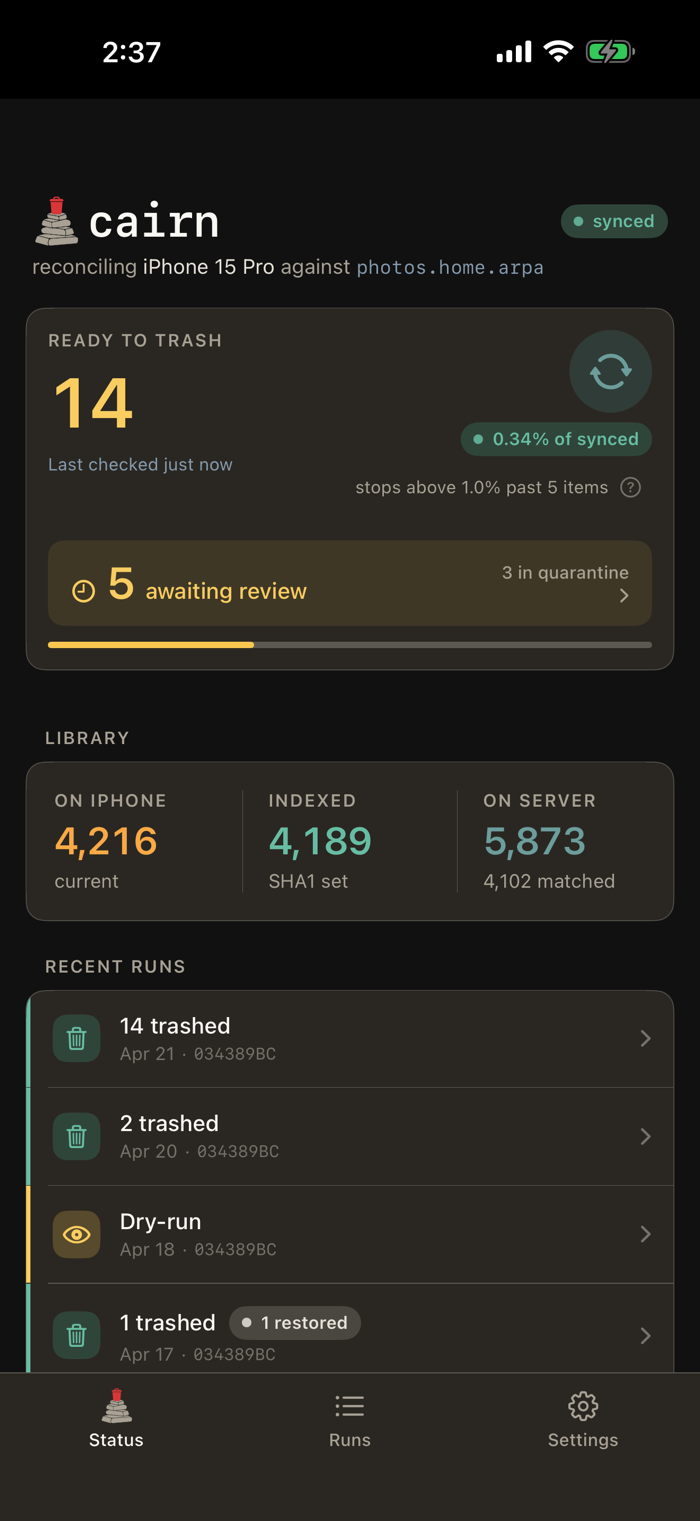
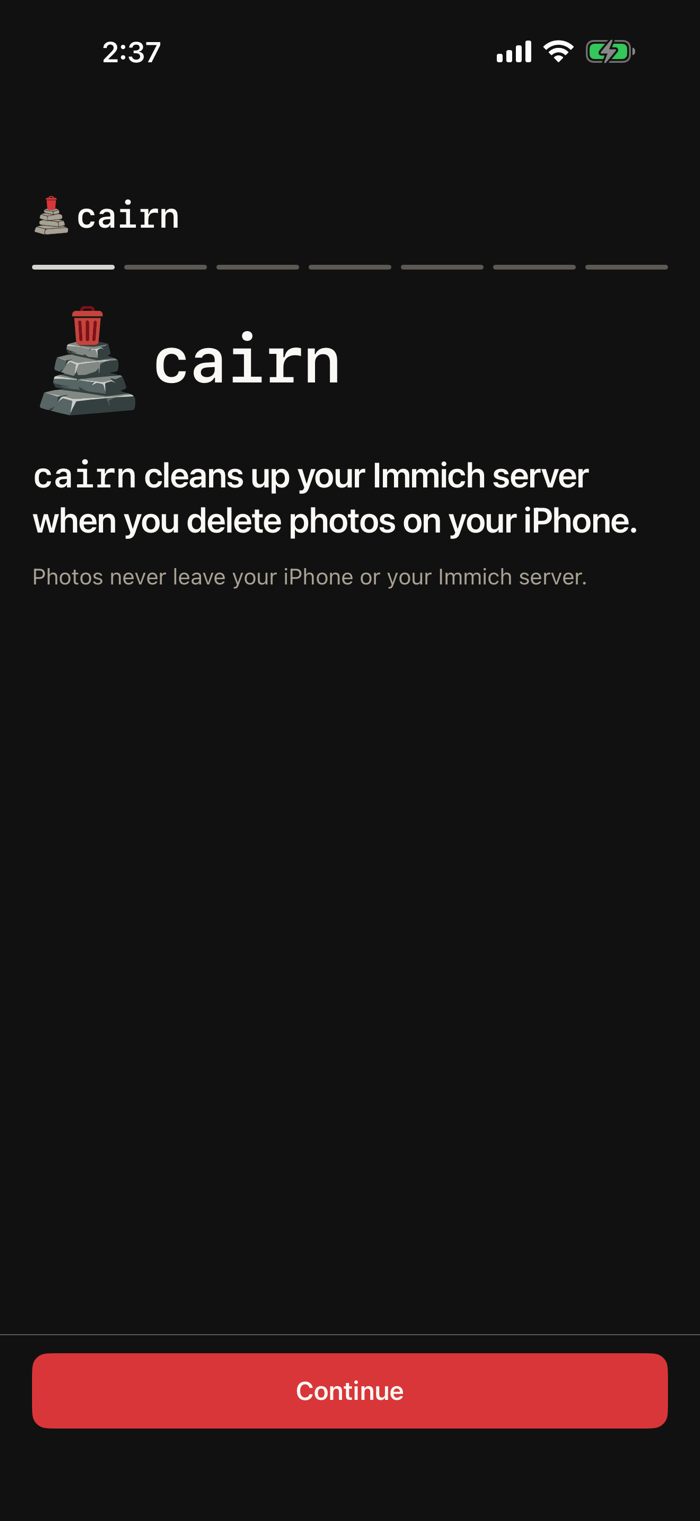
cairn reconciles your iPhone photo library against your own Immich server. When you delete a photo on your phone, cairn moves the matching photo on Immich to Trash.
That's the whole job. cairn doesn't upload photos, show albums, edit metadata, or run AI — the Immich app already does those things. cairn closes the one loop the Immich app doesn't: photos that live on the server after you've deleted them from your phone.
HOW IT WORKS
— Content identity is SHA1 (the same identifier Immich uses server-side).
— cairn subscribes to iOS's deletion log, so it sees soft-deletes as you make them.
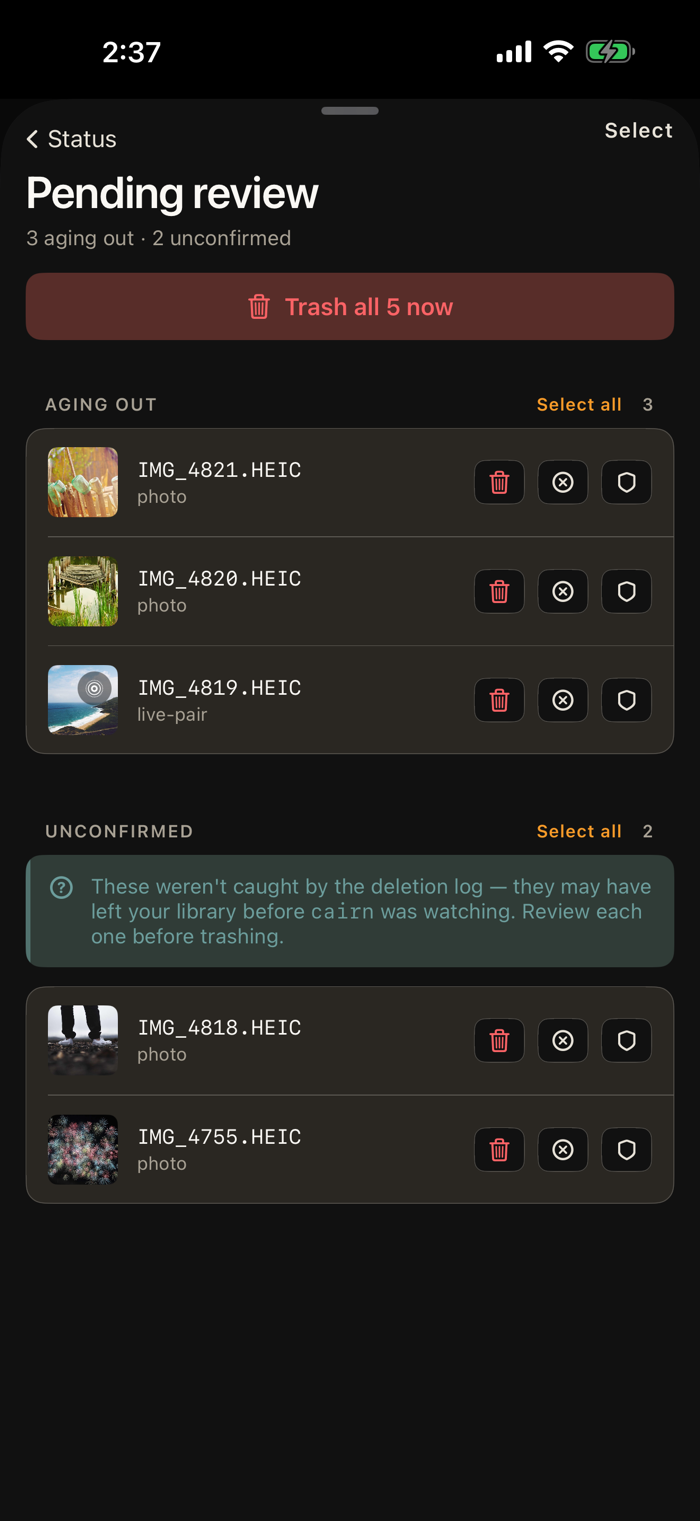
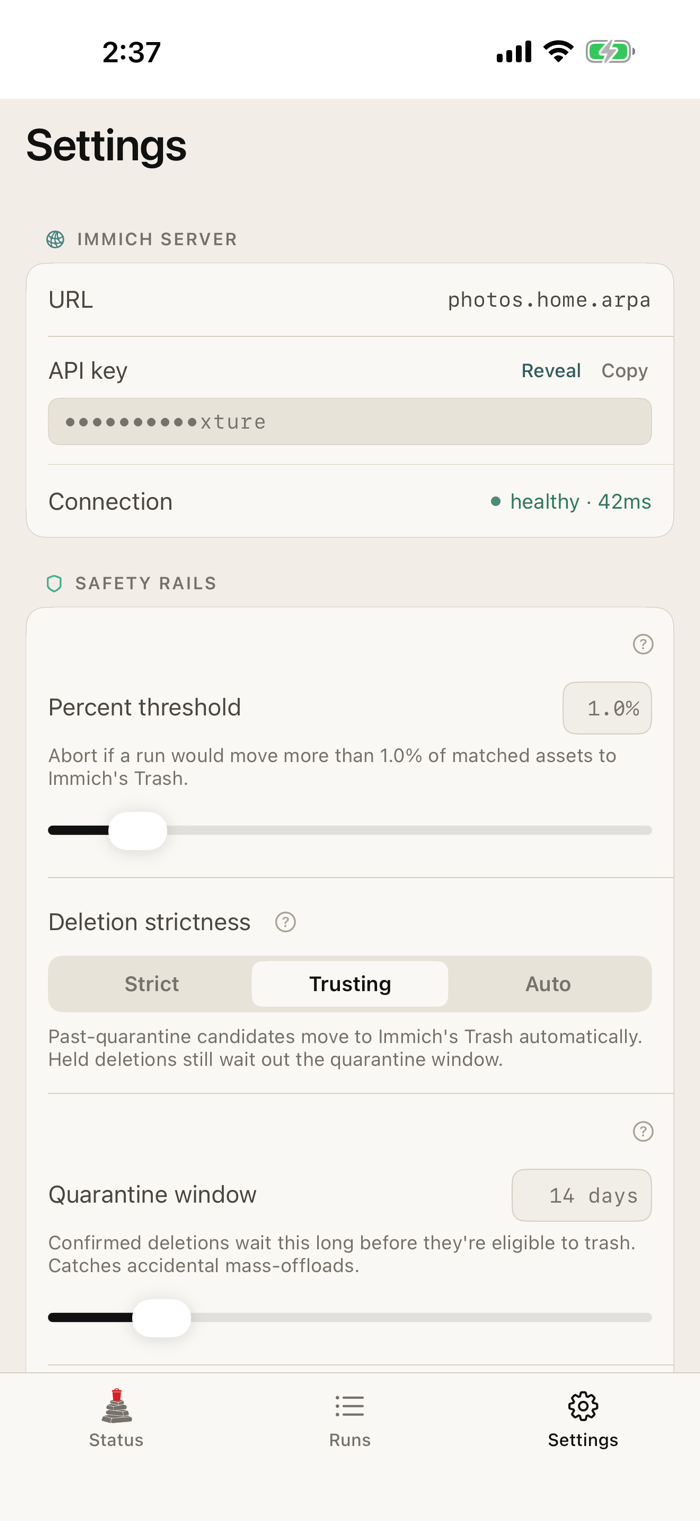
— A configurable quarantine window holds confirmed deletions before anything moves, so an accidental mass-offload has time to be caught.
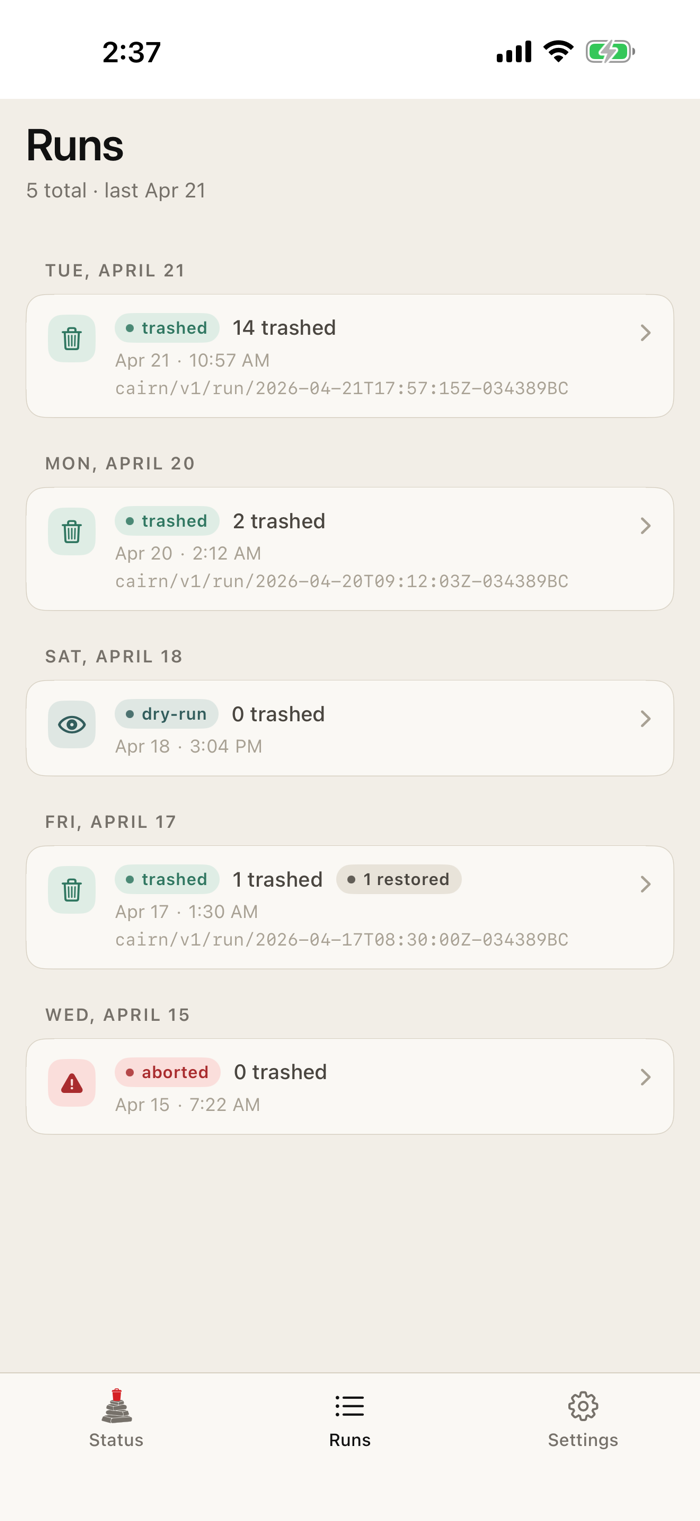
— Every run shows you the candidate list first. Nothing happens on the server until you confirm.
SAFETY MODEL
— Trash, not delete. cairn moves assets into your Immich Trash — Immich retains them for 30 days, and restore is one tap.
— Percent cap + floor. If a single run would move more than a threshold of your matched photos to Trash, it aborts without touching the server.
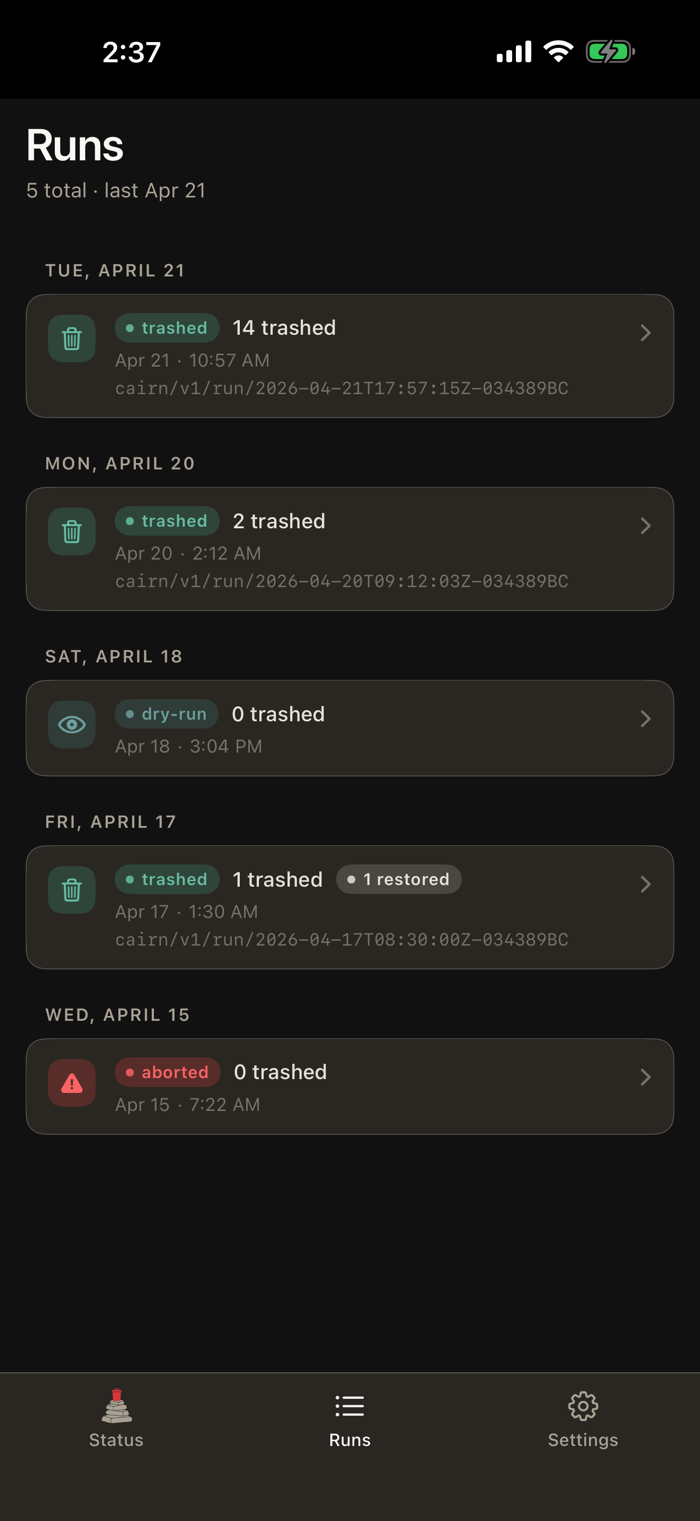
— Breadcrumbs. Every run is tagged on Immich (cairn/v1/run/[id]) so you can find it server-side.
— Forensic journal. Local append-only log records every step — planned, tagged, trashed, restored, failed.
— Exclusions. Protect specific photos from ever being flagged.
— Indexing scope. Restrict cairn to a specific set of Photos...


 +100宝石

 分享
分享




















用户评价
立即分享产品体验
你的真实体验,为其他用户提供宝贵参考
💎 分享获得宝石
【分享体验 · 获得宝石 · 增加抽奖机会】
将你的产品体验分享给更多人,获得更多宝石奖励!
💎 宝石奖励
每当有用户点击你分享的体验链接并点赞"对我有用",你将获得:
🔗 如何分享
复制下方专属链接,分享到社交媒体、群聊或好友:
💡 小贴士
分享时可以添加你的个人推荐语,让更多人了解这款产品的优点!
示例分享文案:
"推荐一款我最近体验过的应用,界面设计很精美,功能也很实用。有兴趣的朋友可以看看我的详细体验评价~"
关注 Mergeek 公众号
领奖遇到问题?联系小门助手