Realtime Video Editing App.
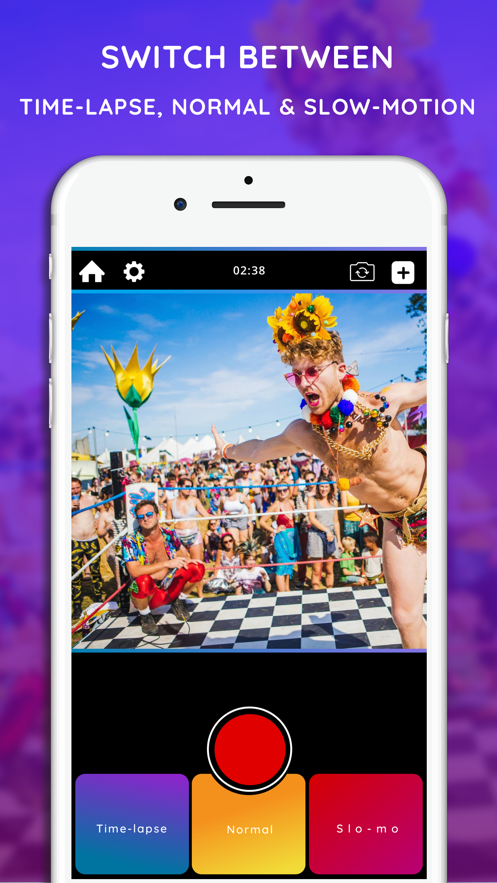
When recording a video, you can seamlessly switch between fast, standard, and slow shooting in real time.
Freely adjust the speed and timing to perfect it in post-editing.
Directly upload high-quality videos to the editor and find the perfect speed for you there.
It's very simple, beautiful, fast, and easy to use.
How to use this App?
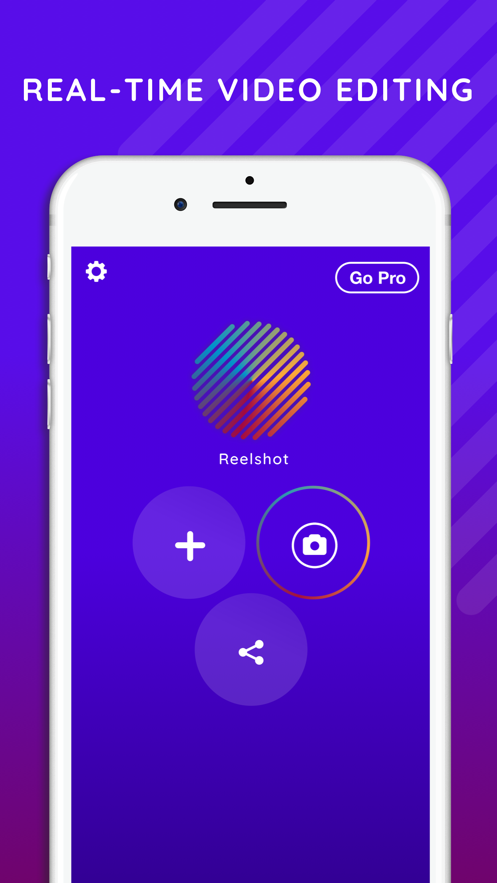
With Reelshot, you can create videos, choose how to shoot the footage, and edit while shooting.
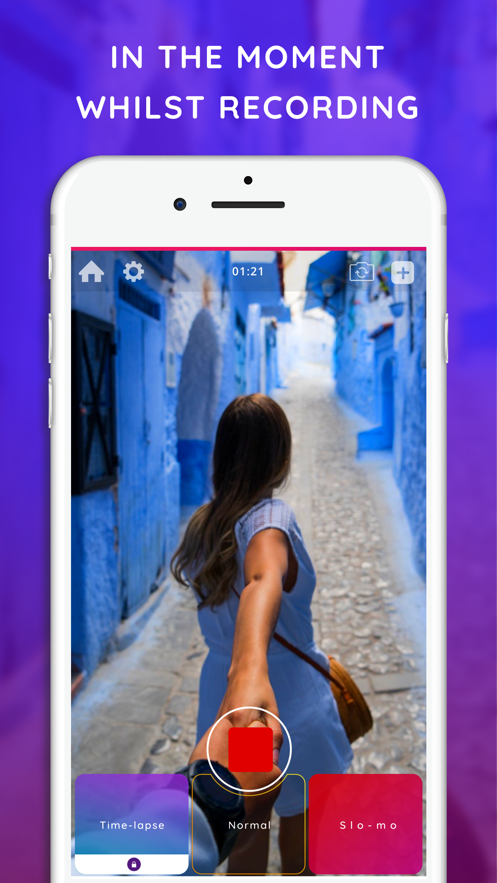
You can change video settings while shooting without pausing.
You can do continuous shooting, and the final video requires almost no secondary editing. Smooth shooting brings high-quality, interesting, and shareable real-time video content.
No more time-consuming and energy-consuming post-editing studios!
Features:
*Realtime Editing*
You can switch between fast, standard, and slow photography while shooting. When you stop shooting, Reelshot will combine different shooting types and automatically generate a complete video - it's that simple.
*Timeline Editor*
Precisely select the moments in the video where you want to add slow and fast shots.
*Locked Shooting Mode*
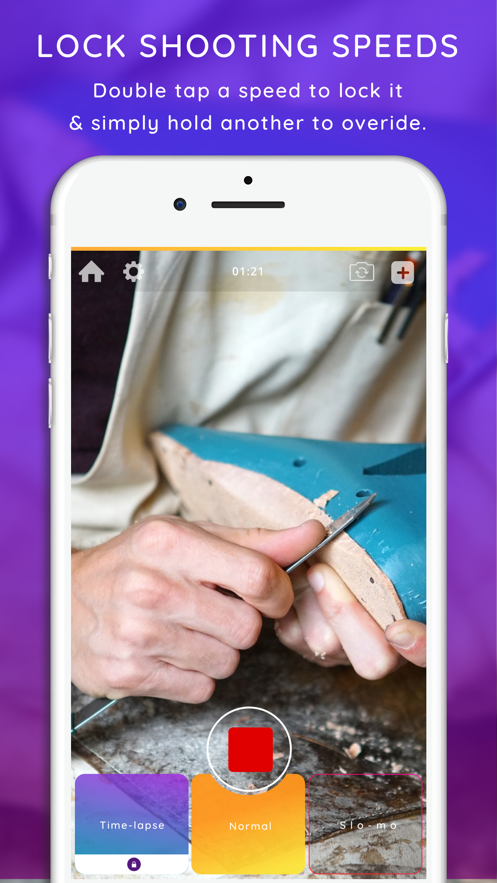
Double-click on a mode while shooting to lock it, and hold down another shooting option to override the locked mode. When you release the second shooting option, you'll go back directly to the locked shooting mode.
The locked mode is suitable for long shoots. Double-click to lock the "Fast" mode, and when you want to capture highlight moments or talk to the camera, you can hold down the "Standard" or "Slow" shooting modes.
*Hold the Button to Record*
Hold down the "Slow Motion" and "Time Lapse" buttons to make the uploaded video play and record in real time at the correct speed.
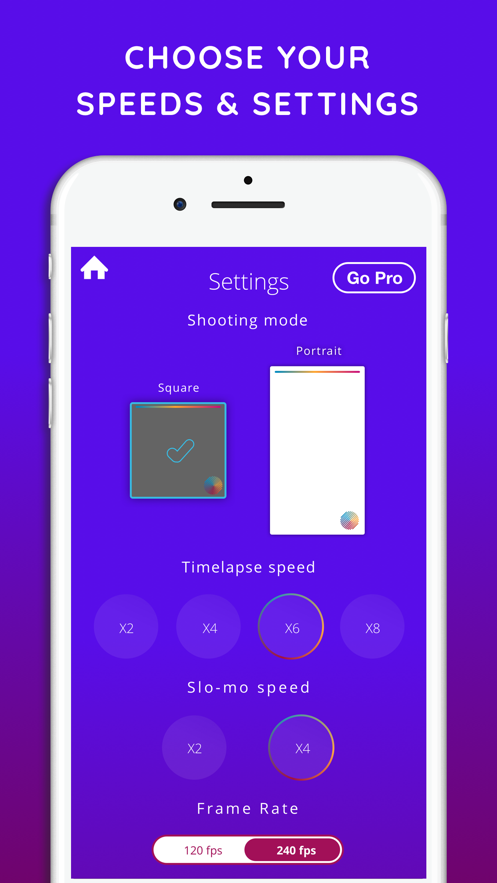
*2x/4x/6x/8x Fast Shooting Speed*
Pre-set the acceleration shooting multiple suitable for your video.
*2x/4x Slow Shooting Speed*
With these options, you can reduce the speed without sacrificing quality.
(240 FPS - High quality)
(120 FPS - Save space)
*Camera Shake Reduction*
Reduce shaky shots
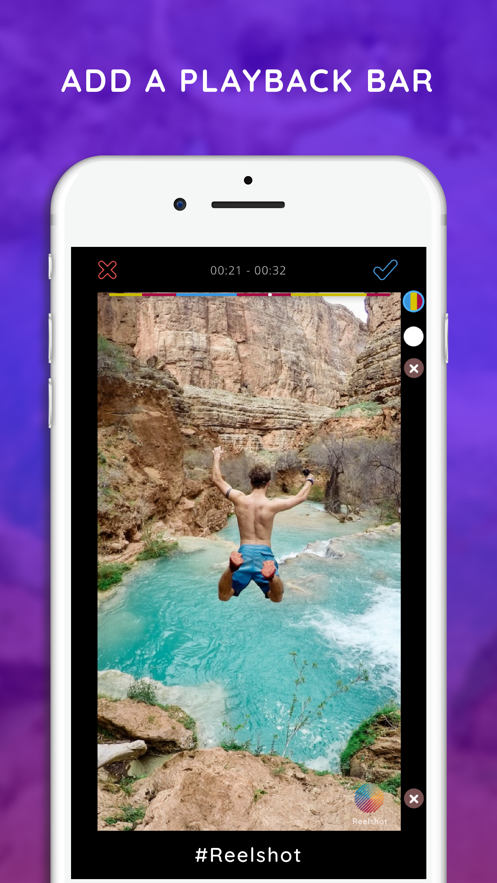
*Replay Control Bar*
You can add a unique replay control bar above the video. The control bar consists of three colors, and each color represents a speed type in your video. It synchronizes with the playing video.
The replay control bar can engage video viewers. When watching, they'll anticipate what will happen when the video plays to the colored areas.
*Selfie Mode*
In selfie mode, you can also switch between fast, standard, and slow shooting.
Create the perfect slow selfie
*Upload Existing Videos*
Realtime edit your existing videos. If you can't stand those complex-to-operate editing apps, then use Reelshot's simple and easy-to-use buttons to edit your videos! Nice!
*Portrait or Square Shooting*
Choose how you want to shoot and save the video. Portrait mode is suitable for shooting stories, while square mode is suitable for shooting Instagram-style videos.
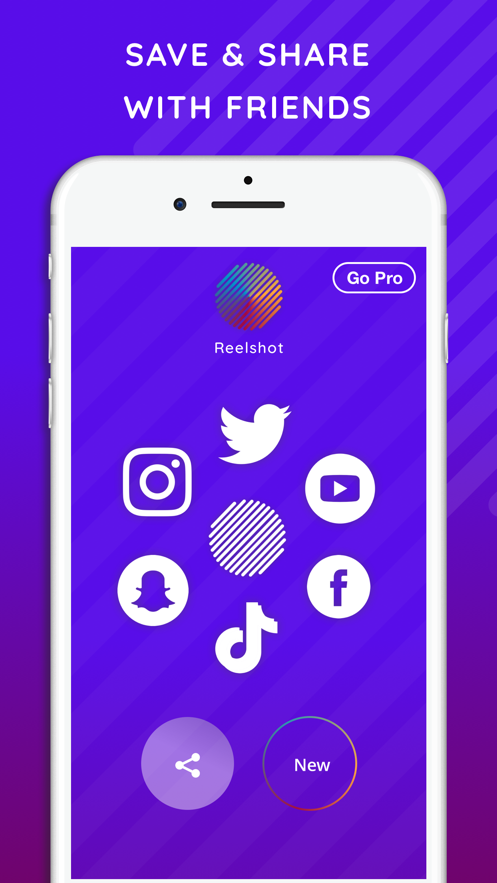
*Share*
Immediately share the videos you've saved on social media or send them to friends.
Applicable to:
- Home fitness
- Yoga sequences
- Instagram, TikTok, Snapchat
- Travel and adventure
- Tutorial videos
- Cooking, handicrafts, art, and DIY
- Production
- Exploring activities, cities, and architecture
- Plane, train, and car travel
- Mini documentaries
- Parkour
- Dance
- Extreme sports
- Fashion shows
- Fitness demonstrations
- Hair and makeup tutorials
- Variable-speed editing
- B-rolls
Useful Tips!
- Don't switch between different modes too frequently. Try to stay on each mode for 2 - 3 seconds, otherwise the system may crash.
- Record the screen! Use Reelshot to speed up or slow down screen recording.
- Make sure you have enough storage space. Videos recorded with Reelshot can be very long, and if there's insufficient storage space, they won't be saved.
- Be creative! We'd love to hear the tips you discover on your own.
Subscription Information:
Our Pro version allows you to use all the functions in Reelshot without limit.
Including:
- 6x and 8x fast shooting speeds
- Recording and editing videos over 1 minute long
- Keeping/removing watermarks
- Customizing the replay control bar
- Removing ads
Depending on the subscription package you choose, the fee will be deducted monthly or annually. Or you can choose to pay once and use it for life.
Contact: contact@reelshot.co.uk
Photos from:
@

 +100宝石


 分享
分享











用户评价
立即分享产品体验
你的真实体验,为其他用户提供宝贵参考
💎 分享获得宝石
【分享体验 · 获得宝石 · 增加抽奖机会】
将你的产品体验分享给更多人,获得更多宝石奖励!
💎 宝石奖励
每当有用户点击你分享的体验链接并点赞"对我有用",你将获得:
🔗 如何分享
复制下方专属链接,分享到社交媒体、群聊或好友:
💡 小贴士
分享时可以添加你的个人推荐语,让更多人了解这款产品的优点!
示例分享文案:
"推荐一款我最近体验过的应用,界面设计很精美,功能也很实用。有兴趣的朋友可以看看我的详细体验评价~"
关注 Mergeek 公众号
领奖遇到问题?联系小门助手