Snapshots turns your iPhone into an instant camera.
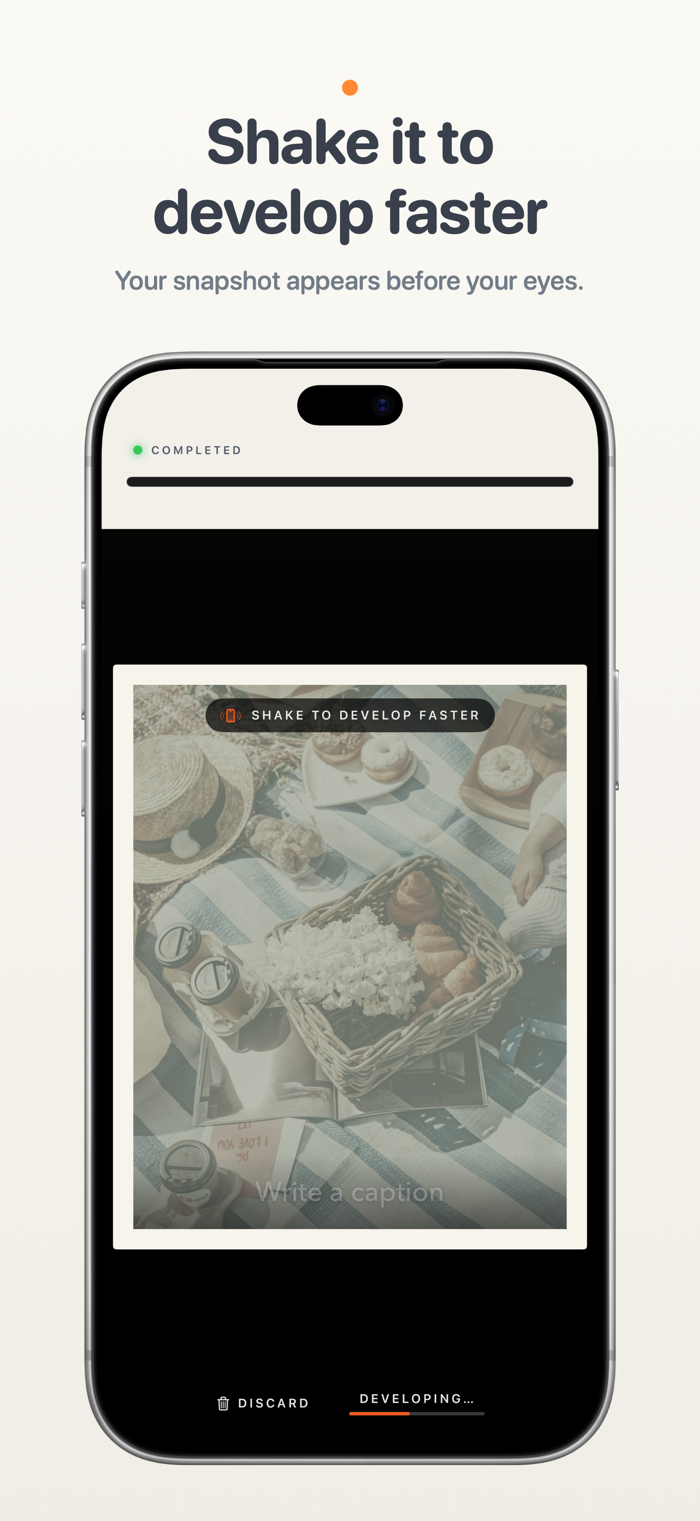
Take a snapshot and watch a little printer feed your photo onto the screen. Watch it develop, or give your phone a shake to reveal it faster. Add a handwritten-style caption to remember the story behind it.
Inspired by the instant cameras we grew up with, Snapshots captures one moment at a time. Keep your print or let it go, with a little room to enjoy the moment before taking another.
SHOOT
• Soft, tactile controls: a big shutter, a film-style dial and slide switches you can tap anywhere.
• Rear and front cameras, with a zoom step for every lens on the back and a wide view for selfies.
• Tap to focus. Press and hold to lock focus and exposure, then slide to brighten or darken.
• Flash: off, auto or on.
• Self-timer: 3 or 10 seconds.
BOOTH MODE
• Set the timer to Booth, press the shutter once, and strike three poses on a countdown.
• All three print together as one tall snapshot.
• Booth switches to the front camera for you.
FIVE FILM STYLES
• Classic – warm and gentle.
• Gold – rich, late-afternoon color.
• Coast – cool and crisp.
• Sepia – the brown tones of an old photograph.
• Mono – classic black and white.
You see the style live in the viewfinder before you shoot.
PRINT
• Every shot prints as a framed instant photo with an even white border.
• Shake your phone and it finishes developing at once.
• Write a caption across the bottom in one of six fonts, from handwriting to typewriter.
• Save the snapshot or discard it.
YOUR PRINTS
• A gallery of everything you've kept. Swipe through them, share them or save them to Photos.
• Turn a print over to write a memory on the back, as long as you like. It stays private and never goes out with a shared picture.
• Took it upside down? Turn the photo inside its frame.
• Turn your phone on its side to see your prints laid out like photos on a table.
CAMERA CONTROL
• On iPhones with Camera Control, press it to take a snapshot.
• Light press to choose a film style, z…