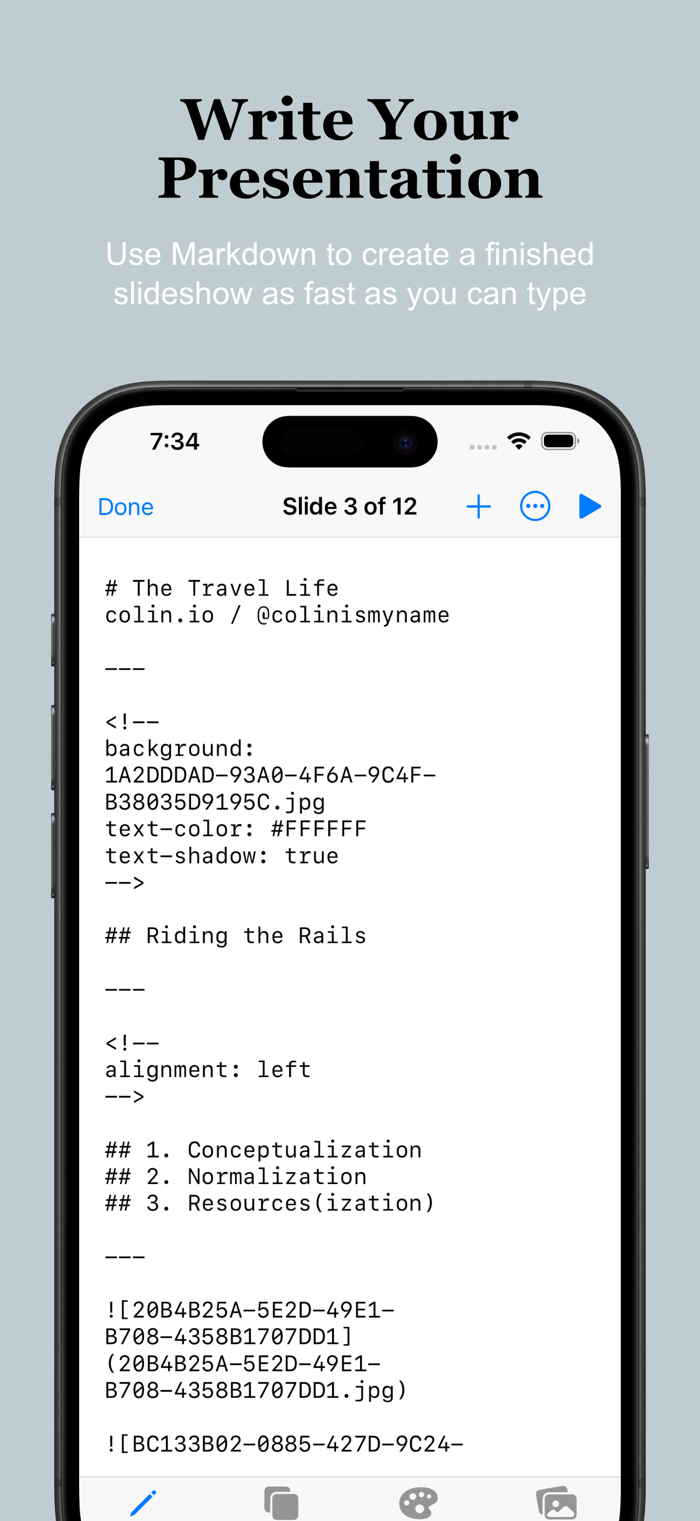
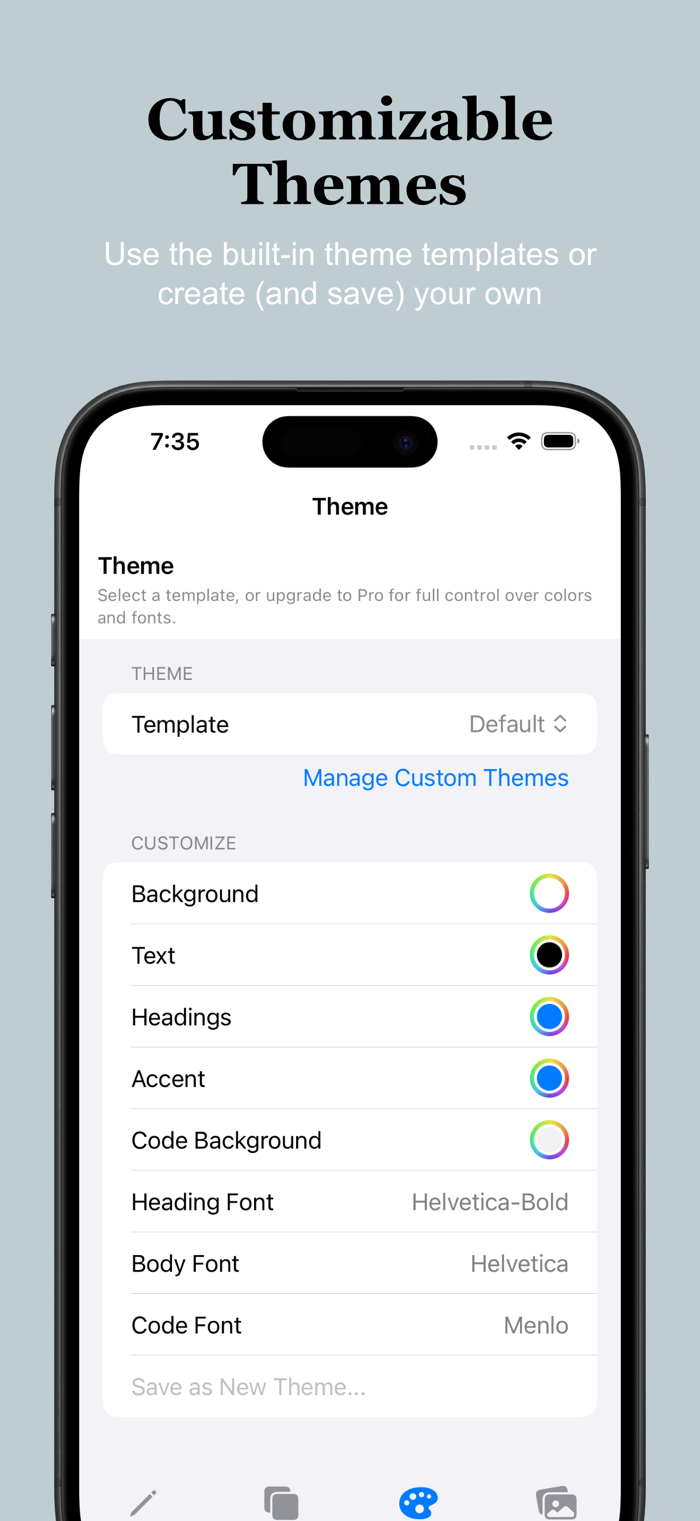
Create slide decks and presentations by writing what you want to say and styling it with Markdown. Adjust the colors, fonts, and alignments, add images and videos.
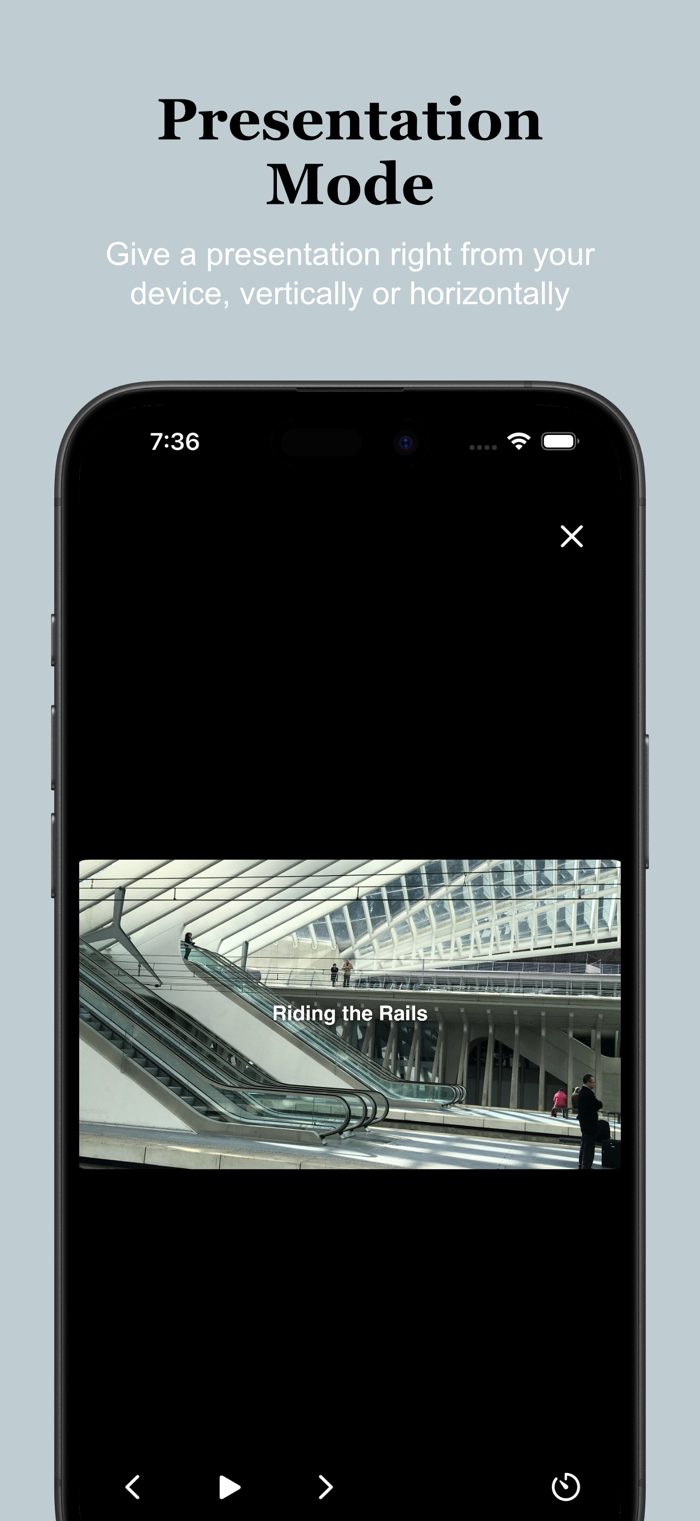
Present your slide show within the app and make use of the presenter view, which contains speaker’s notes, the current slide, and a next slide thumbnail, or export your project as a PDF, webpage, or as ultra-portable Markdown text.
There’s an in-app purchase that allows for customization of the colors and fonts, and for the saving of custom themes, but all other features are available in free version.
Features:
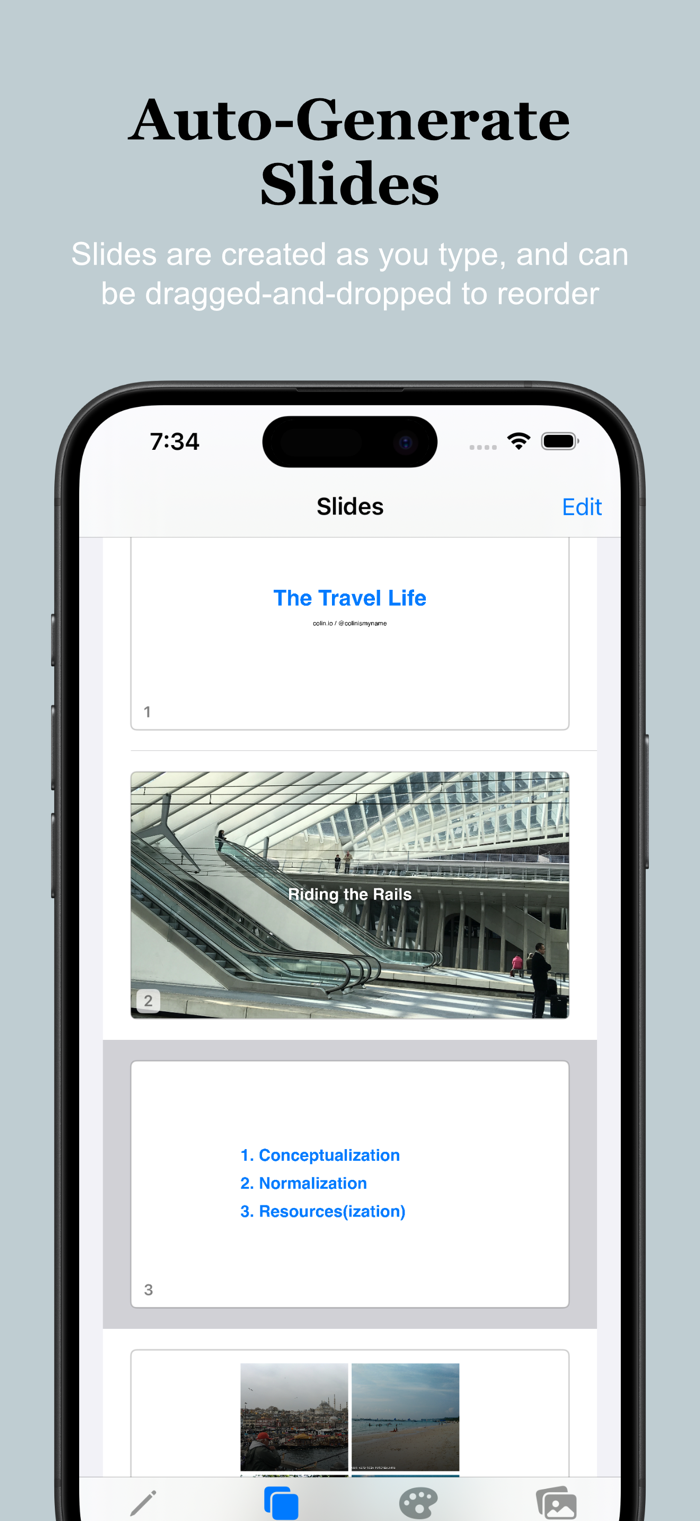
• Create, edit, and share slide decks
• Present your slideshow within the app, benefitting from speaker’s notes, next-slide previews, and adjustable auto-advance options
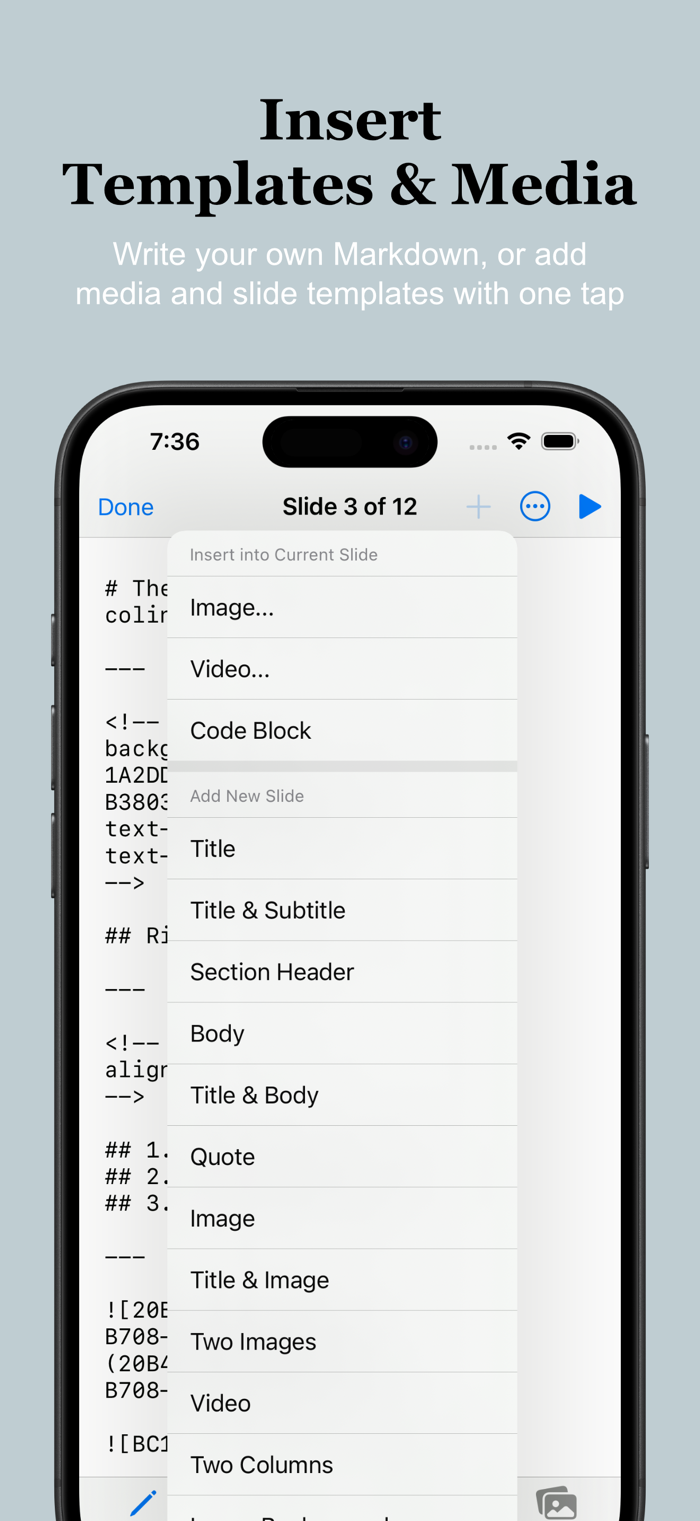
• Use pre-built templates or craft your own slide layouts
• Share your projects as PDFs, HTML, or Markdown text files
• Use one of the pre-built themes or customize your colors and fonts, and save your own themes (requires one-time Pro upgrade)
• macOS and iOS apps available (sync projects between your devices by saving them to iCloud)

 +100宝石


 分享
分享


















用户评价
立即分享产品体验
你的真实体验,为其他用户提供宝贵参考
💎 分享获得宝石
【分享体验 · 获得宝石 · 增加抽奖机会】
将你的产品体验分享给更多人,获得更多宝石奖励!
💎 宝石奖励
每当有用户点击你分享的体验链接并点赞"对我有用",你将获得:
🔗 如何分享
复制下方专属链接,分享到社交媒体、群聊或好友:
💡 小贴士
分享时可以添加你的个人推荐语,让更多人了解这款产品的优点!
示例分享文案:
"推荐一款我最近体验过的应用,界面设计很精美,功能也很实用。有兴趣的朋友可以看看我的详细体验评价~"
领取结果