INTRODUCTION产品介绍
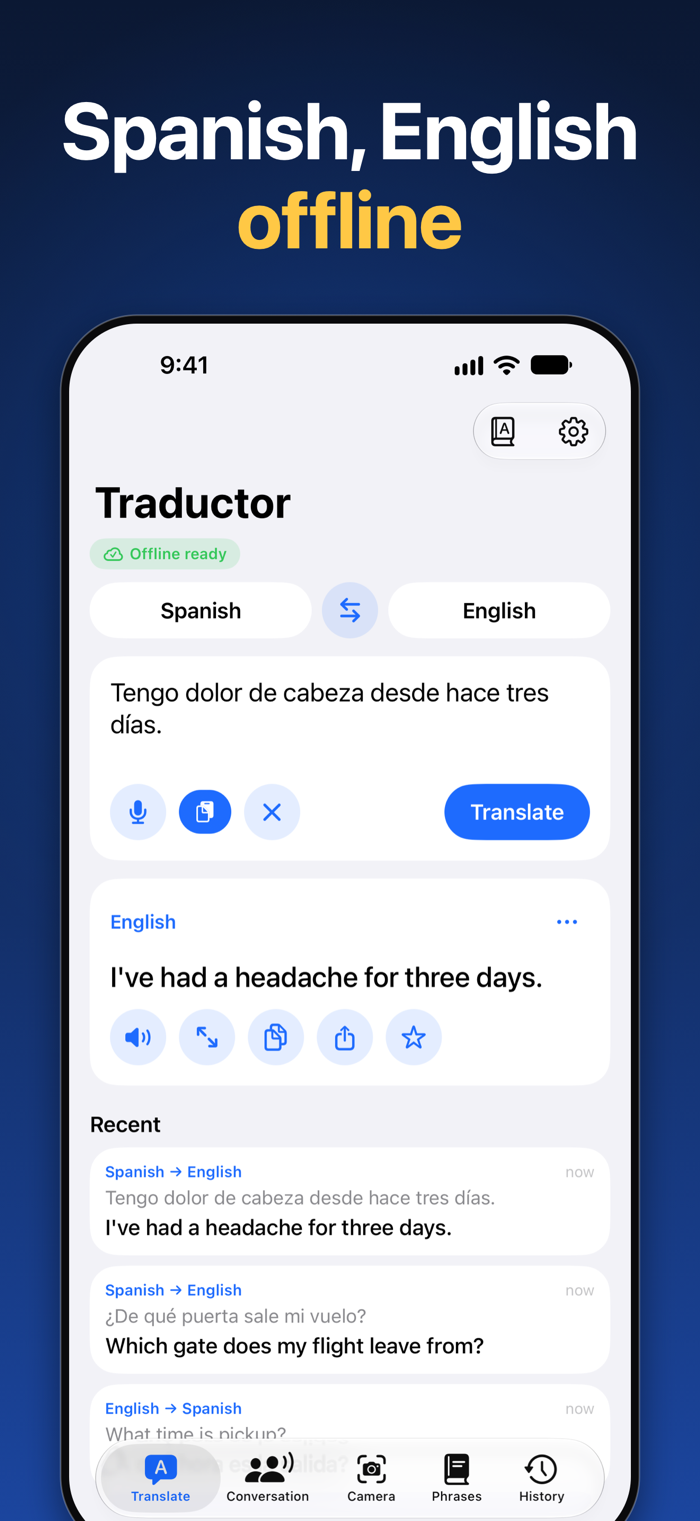
Traductor translates between English and Spanish on your device. Type or speak, or point your camera at text with Traductor Pro, then read or hear the translation. Download English and Spanish once, and text translation works with no internet and no roaming: on a plane, abroad, or anywhere without a signal.
WHO IT'S FOR
Travellers to Spain and Latin America, students, and anyone who needs to talk with Spanish speakers or understand a menu, a sign, a letter or a form in Spanish. The app's screens follow your device's language, English or Spanish.
WHAT YOU CAN DO
• Text translation, English ↔ Spanish. Traductor detects which of the two you typed.
• Voice translation: speak into the mic and listen to the translation. Traductor stops listening when you finish talking, and you can slow the voice down with the speaking speed setting.
• Show mode: put a translation or phrase on screen in big text, with the original underneath, flip it to face the person you're talking to, and play it slowly.
• Conversation mode (Pro): two people, two languages, one device. Face-to-face view turns the top half towards the other person, and each translation is read aloud.
• Camera translation (Pro): take a picture of a sign, menu, label or letter and see the translation laid over the original text. Turn on the flashlight for dark menus on devices that have one.
• Photo translation (Pro): translate a picture or screenshot from your photo library.
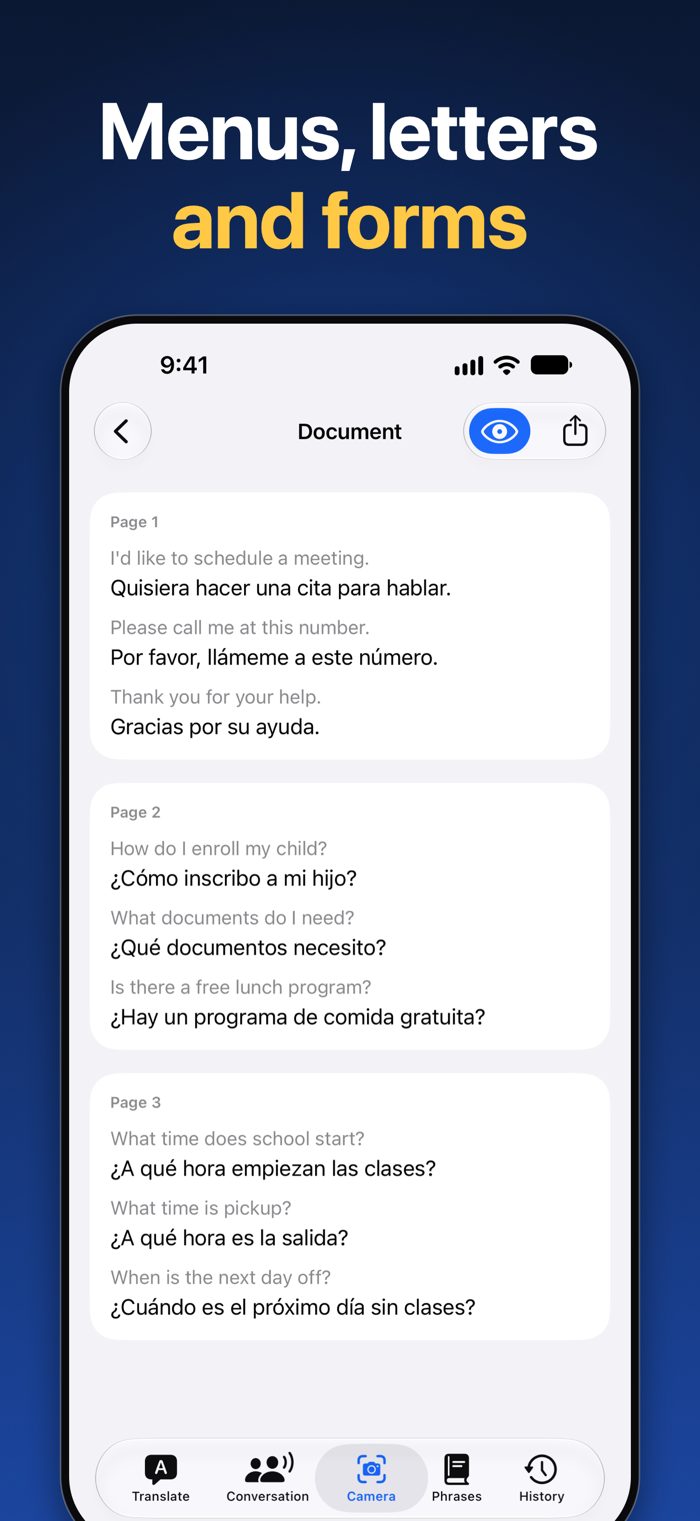
• Document translation (Pro): scan forms, letters and bills, several pages at a time, then read, copy or share the translation.
• Translate from other apps: select text, tap Share and choose Traductor. It counts towards your free daily text translations (unlimited with Pro) and is saved to your history.
• Siri, Shortcuts and Spotlight: say "Translate with Traductor" or "Speak with Traductor", or start a conversation (Pro) or the camera (Pro). Touch and hold the app icon for the same shortcuts.
• Spanish phrasebook: 103 ready-made phrases in Englis…