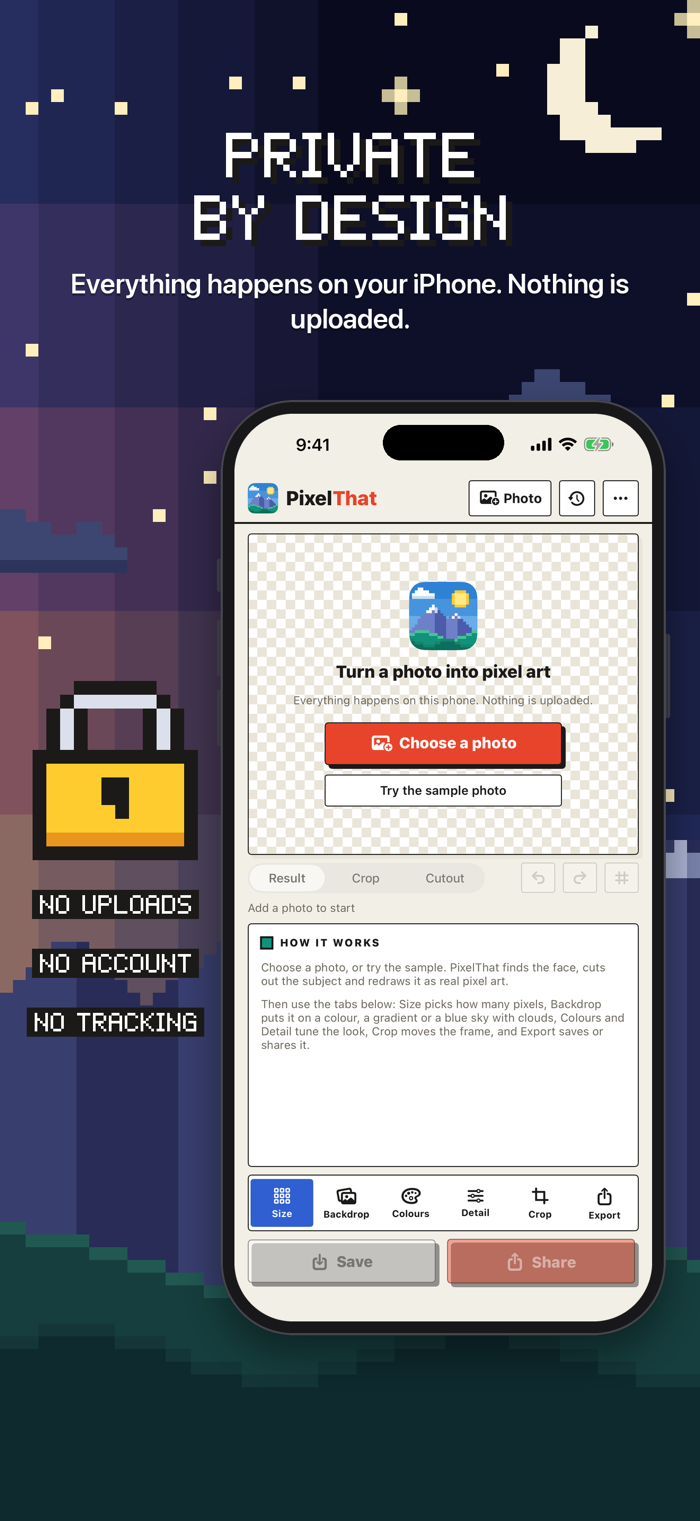
PixelThat turns a photo into crisp pixel art or ASCII art, right on your iPhone.
Point it at a picture and it does the work a pixel artist would do: it finds the face and frames it the way an avatar is framed, lifts the subject off the background so the edges stay clean, and flattens the colours to a small, deliberate palette chosen from the picture itself, with faces weighted so skin tones survive. Only then does it lay down the pixels.
Everything runs on your device. There is no account, no upload and no queue. The app contains no networking code at all, so it works with the network switched off.
ASCII ART MODE
• Switch the same photo to characters: classic, colour, blocks, Braille dots or your own words
• Choose how many characters across, and add grain and glow for a film look
• Copy it as text, save it as a picture, or make it move as a short looping video
AVATARS THAT FIND THE FACE
• Auto framing puts the head where an avatar's head belongs
• Or drag the selection box yourself: move it, pinch it, tap to jump
• Square, rounded or circle, with a 1 to 4 pixel frame in any colour
BACKGROUNDS ON YOUR TERMS
• Transparent, a flat colour, a two-colour gradient, a pixel-art blue sky with clouds, or keep the photo
• On-device subject cutout with a threshold, grow and shrink, and a live preview when it needs a nudge
PALETTES WORTH KEEPING
• A palette built from your own picture, in CIELAB, with faces weighted
• Paste your own hex colours
• Floyd-Steinberg and ordered 2x2, 4x4 and 8x8 dithering
FINE CONTROL WHEN YOU WANT IT
• Sizes from 8 to 256 pixels, or any width from 4 to 512, with the common sizes previewed side by side
• Auto levels, ink edges and outlines
• Contrast, saturation, brightness and gamma
• Fine zoom, pan and mirror
• Hold to compare with your photo, with undo and redo
RECENTS THAT REMEMBER
Every picture you keep is filed with the settings that made it. Tap it later to put those settings on a different photo, which is how you make a set of avata…