Pixel Paint Pro is a focused pixel art and bitmap editor for iPhone, iPad and Mac.
Create sprites, icons, game assets and small illustrations with precise pixel-level control. Start with a blank canvas or open an existing image, edit it and save your changes in a popular image format.
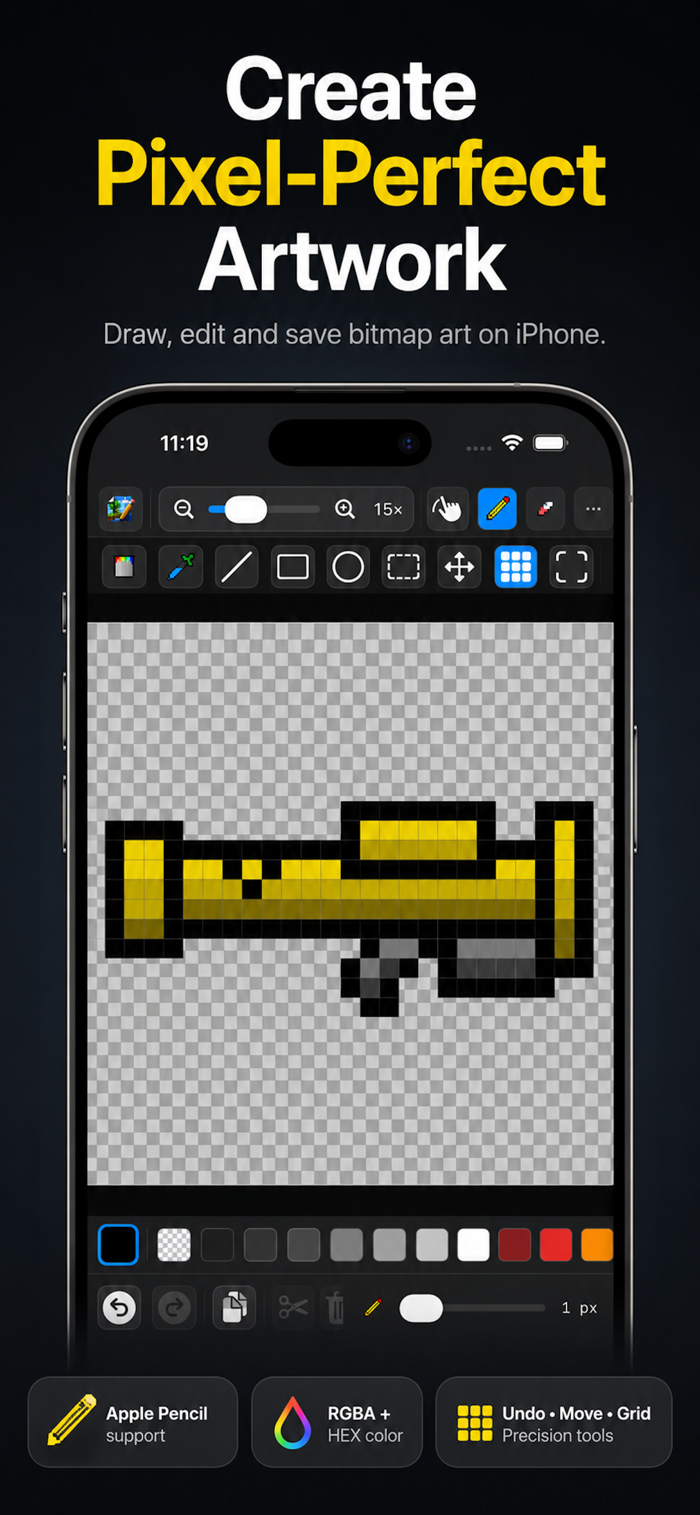
PRECISION TOOLS
• Pencil, eraser, fill and eyedropper
• Line, rectangle and ellipse tools
• Adjustable brush size
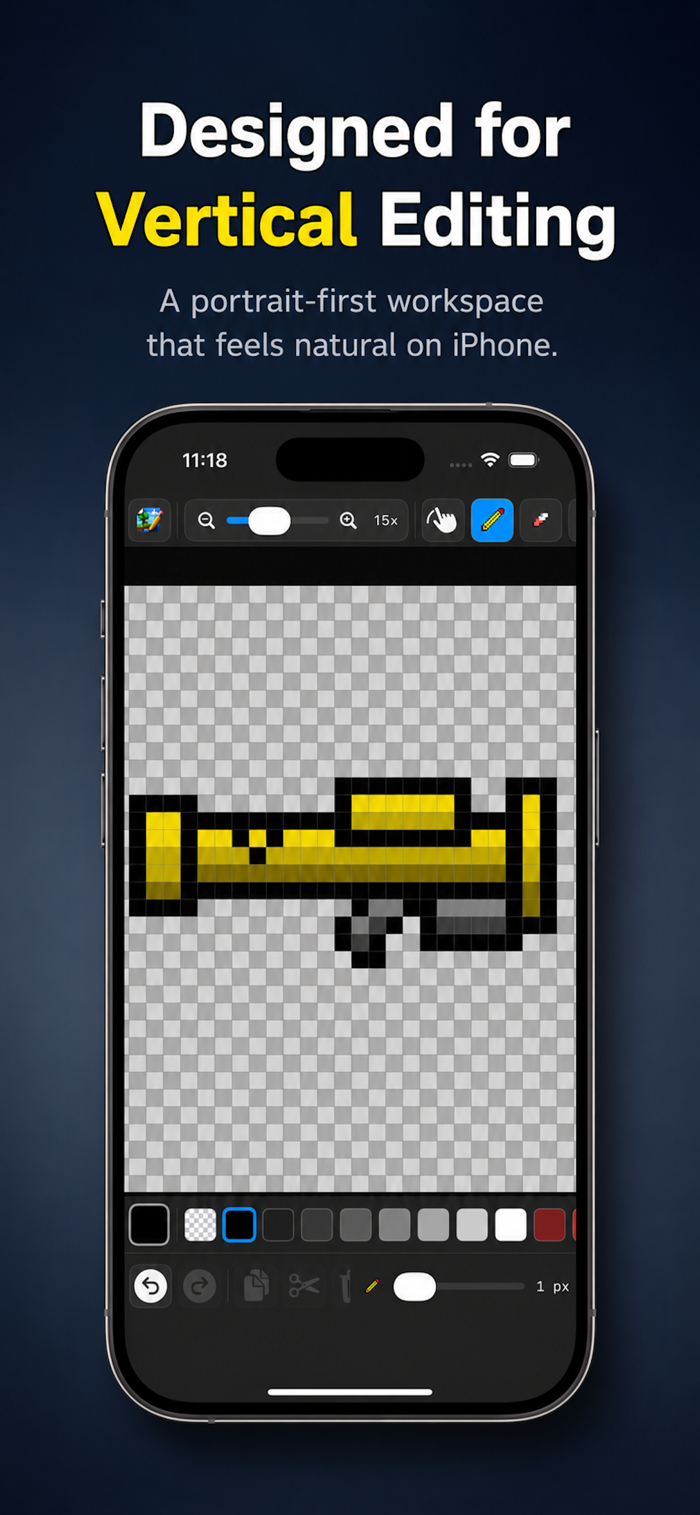
• Pixel-perfect zoom and optional grid
• Crisp nearest-neighbor canvas rendering
SELECTION AND TRANSFORM
• Select, move, cut, copy, paste and delete
• Move selected content partially outside the canvas
• Apply only the portion that remains inside the canvas
• Rotate left or right
• Flip horizontally or vertically
• Select all and deselect
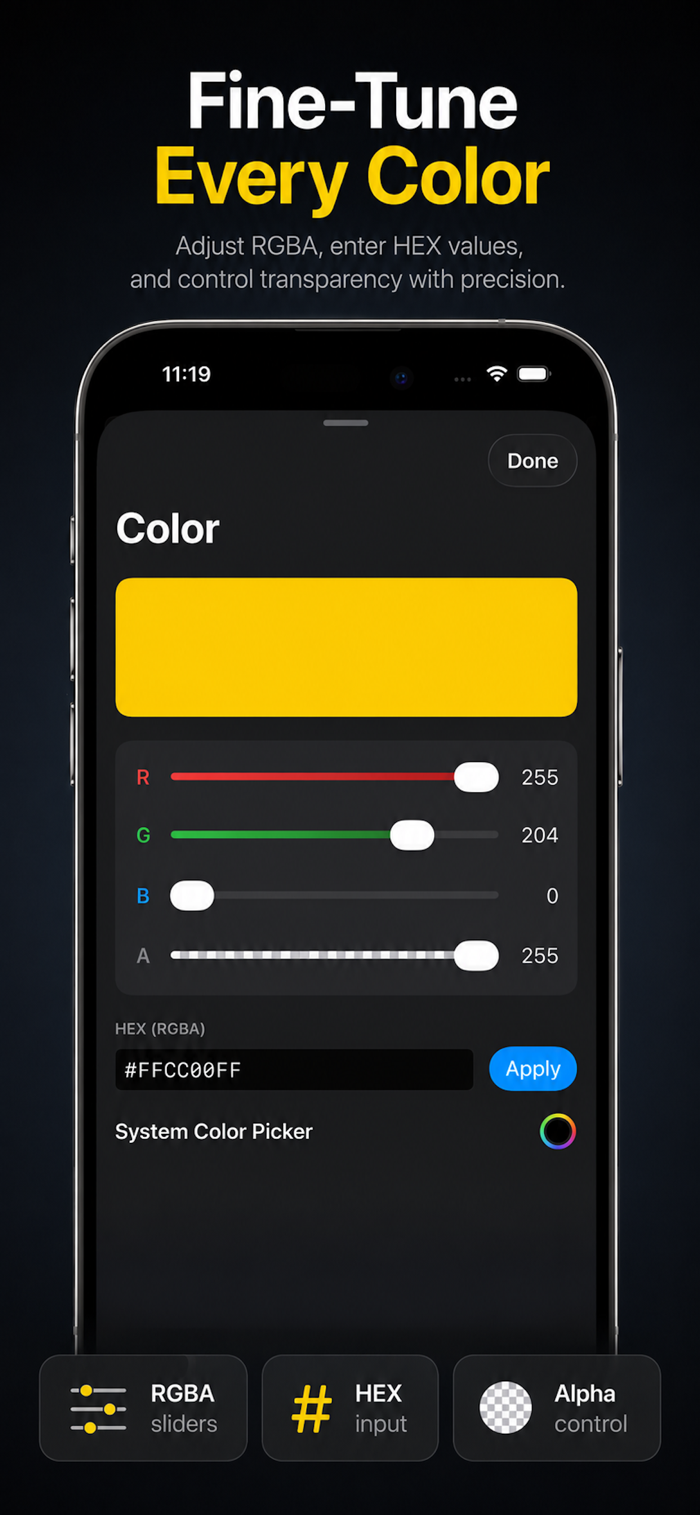
COLOR CONTROL
• Expanded color palette
• Individual red, green, blue and alpha controls
• HEX color input
• Transparency support
• Checkerboard transparency preview
APPLE PENCIL AND NAVIGATION
On supported iPad models, Apple Pencil mode separates drawing from navigation. Draw and edit with Apple Pencil while using your fingers to pan and navigate around the canvas.
The Hand tool also provides dedicated canvas navigation without modifying your artwork.
OPEN, EDIT AND SAVE
Open existing image files, edit them directly and save your changes. Pixel Paint Pro supports popular bitmap formats includ...


 +100宝石

 分享
分享










用户评价
立即分享产品体验
你的真实体验,为其他用户提供宝贵参考
💎 分享获得宝石
【分享体验 · 获得宝石 · 增加抽奖机会】
将你的产品体验分享给更多人,获得更多宝石奖励!
💎 宝石奖励
每当有用户点击你分享的体验链接并点赞"对我有用",你将获得:
🔗 如何分享
复制下方专属链接,分享到社交媒体、群聊或好友:
💡 小贴士
分享时可以添加你的个人推荐语,让更多人了解这款产品的优点!
示例分享文案:
"推荐一款我最近体验过的应用,界面设计很精美,功能也很实用。有兴趣的朋友可以看看我的详细体验评价~"
关注 Mergeek 公众号
领奖遇到问题?联系小门助手