产品功能

应用市场介绍

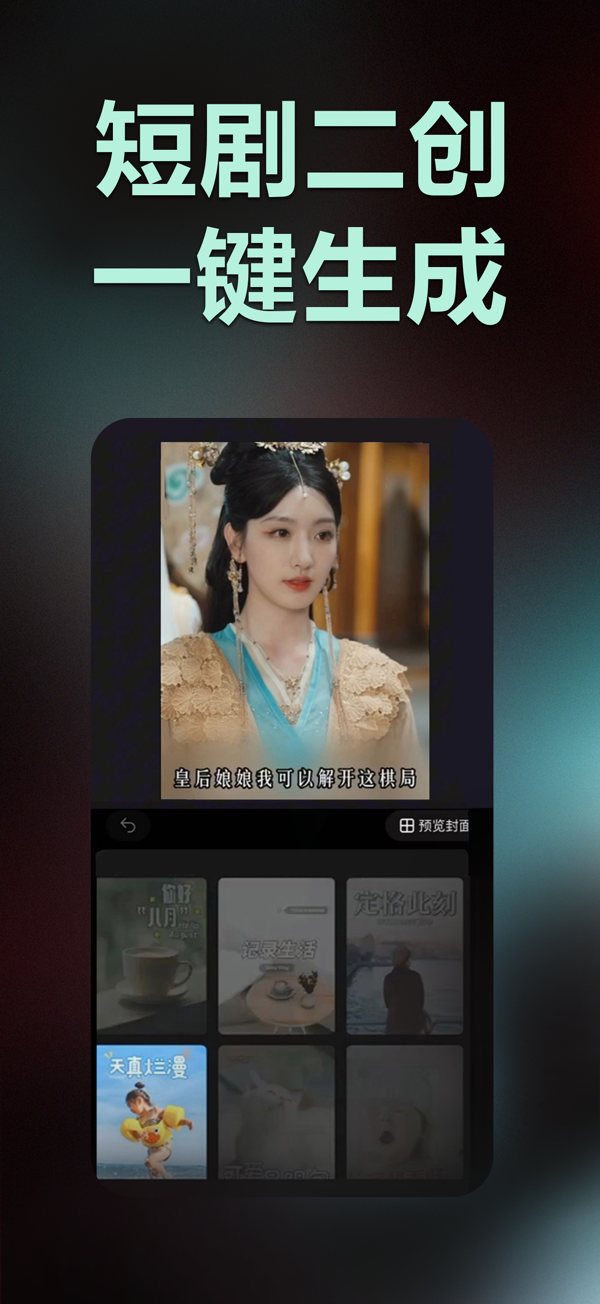
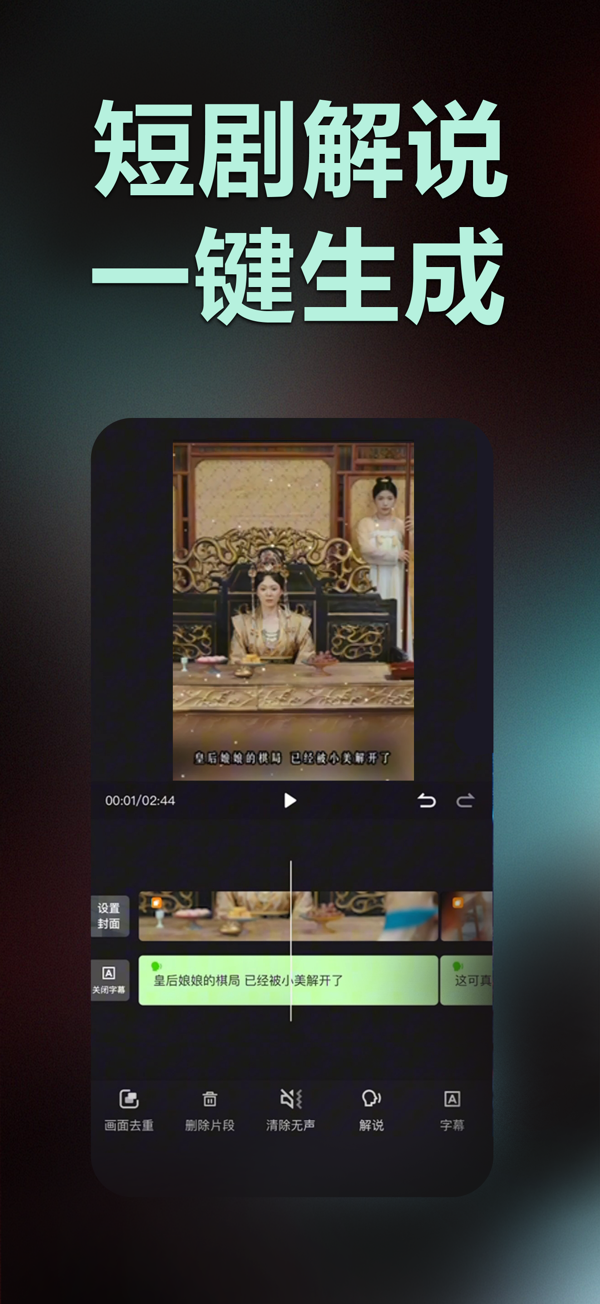
Push Drama Assistant is a tool application for the second creation of short dramas. It uses AI technology to automatically remove duplicates with one click and generate short drama commentary videos. It solves the problem that novice short video creators don't know how to use video editing software and helps "beginner" creators realize the idea of developing a side business in the field of short videos.
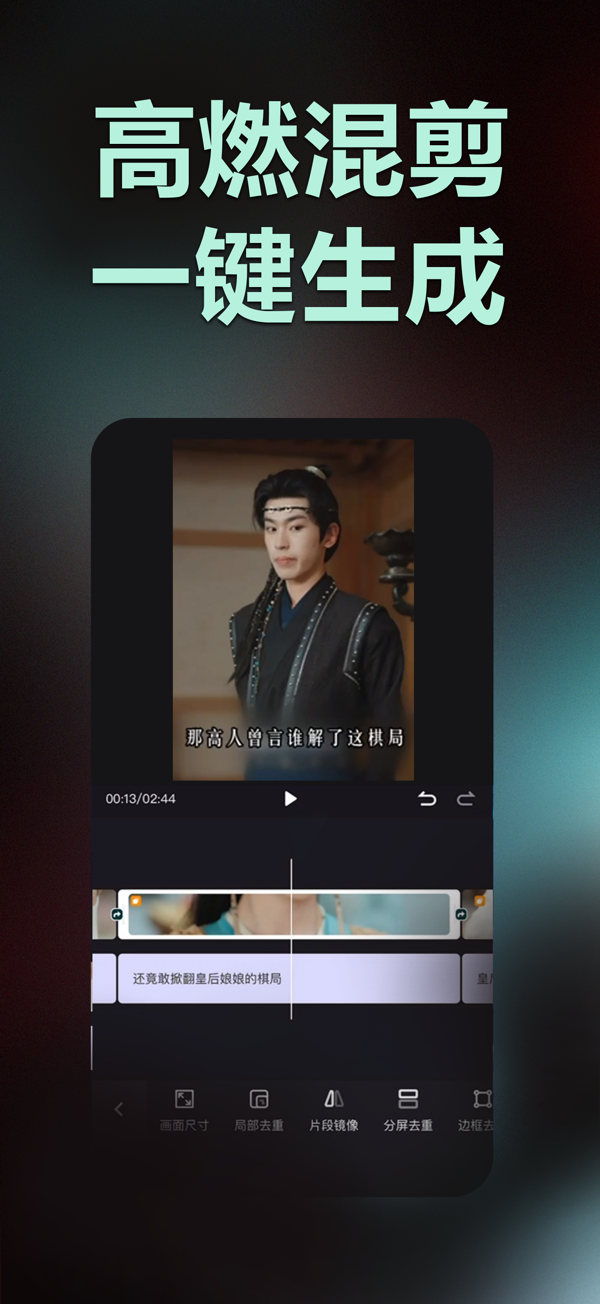
- Exclusive algorithm for duplicate removal: Import the original video, set the duplicate removal parameters, and generate a highly original short drama second creation video with one click.
- Generate short drama commentary videos with one click: Import the original video and generate a video in one step, shortening the original several-hour editing process to just a few minutes and improving the creation efficiency.
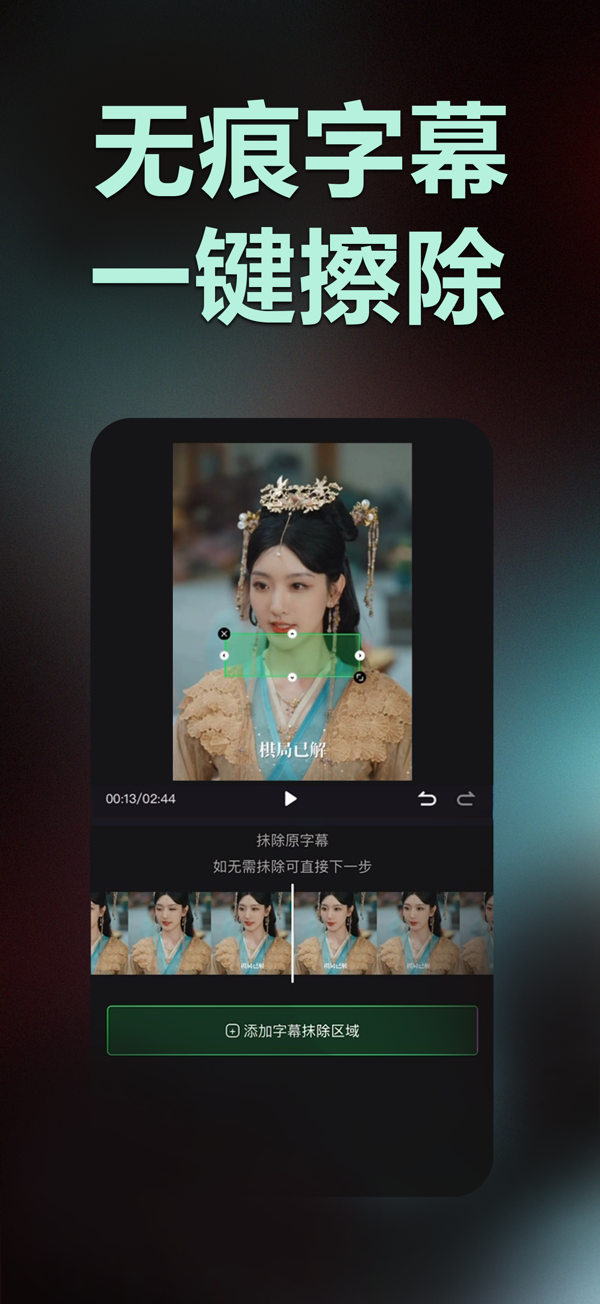
- Editing toolbox: Practical functions such as video splicing, watermark processing, text extraction, subtitle removal, etc. There is always one that you need.
- 【Membership Instructions】
Users who subscribe to the membership will obtain the qualification to use the exclusive membership functions and will also be given corresponding membership points every day.
The application provides four ways to subscribe to the membership:
The first: Monthly membership, subscribed at 88 yuan per month, automatically renewed monthly. Users will be given 100 membership points every day.
The second: Quarterly membership, subscribed at 128 yuan per quarter, automatically renewed quarterly. Users will be given 100 membership points every day.
The third: Half-year membership, subscribed at 198 yuan per half-year, automatically renewed semi-annually. Users will be given 120 membership points every day.
The fourth: Annual membership, subscribed at 318 yuan per year, automatically renewed annually. Users will be given 150 membership points every day.
Purchase Notes:
1. Once the membership is opened, refunds are not supported.
2. After opening a lower-level membership and then opening a higher-level membership, the membership time can be accumulated.
3. It is not supported to pay the price difference to open a higher-level membership.
4. You can go to 【Settings】 - 【Your Name】 - Subscription to manage your subscription.
5. If you encounter problems with Apple Pay, it is recommended to refer to the App Store on how to bind Alipay.
6. If you cannot use the membership service normally after purchase, please contact us.

收起

用户评价

立即分享产品体验

你的真实体验,为其他用户提供宝贵参考

宝石
评论可得 100 宝石
宝石随心兑换应用高级会员,每周更新 前往查看 >>
活动动态 0 人参加
查看更多评论