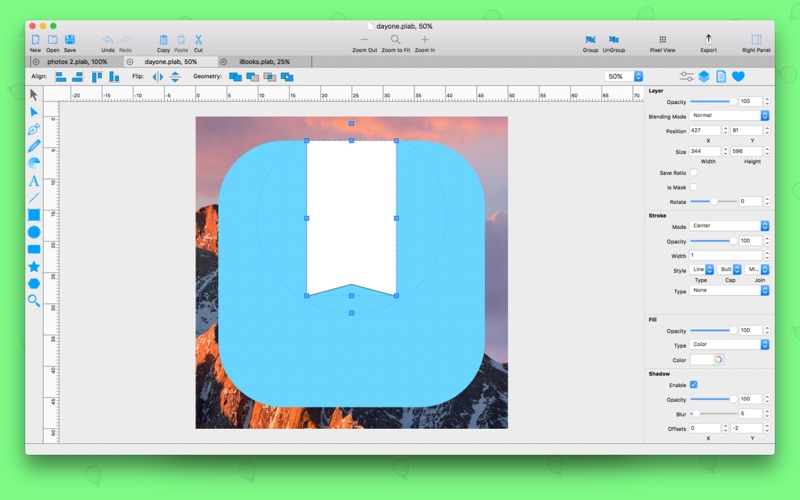
PrintLab Studio 3 is a lightweight and easy to use vector drawing illustration application for macOS.
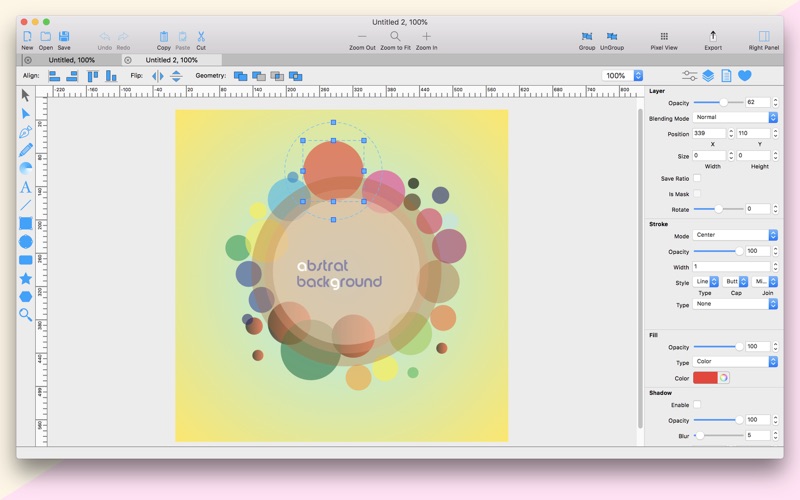
PrintLab Studio 3 has tools you need to create basic shapes. Create designs quickly and easily change styles.
Notable features:
- Layers
- Text Editing
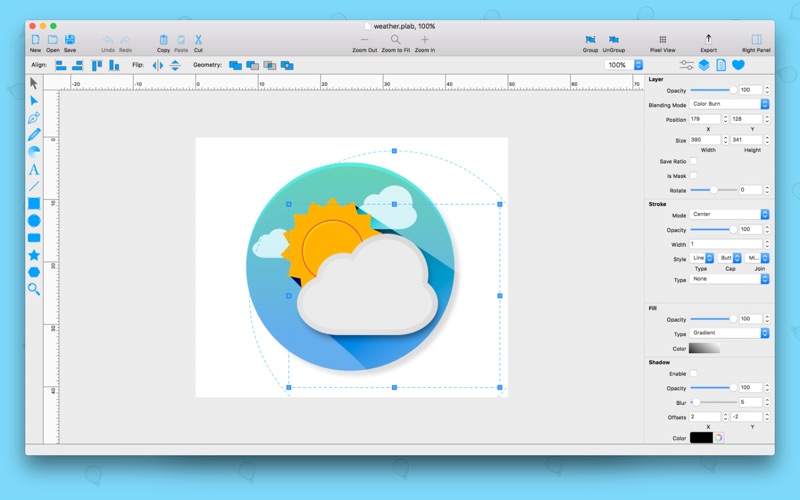
- Multi-color Gradients
- iWork Style Color Picker
- Stroke features - Multiple Strokes: Outside, Center, Inside
- Multiple Fills
- Dimensioning
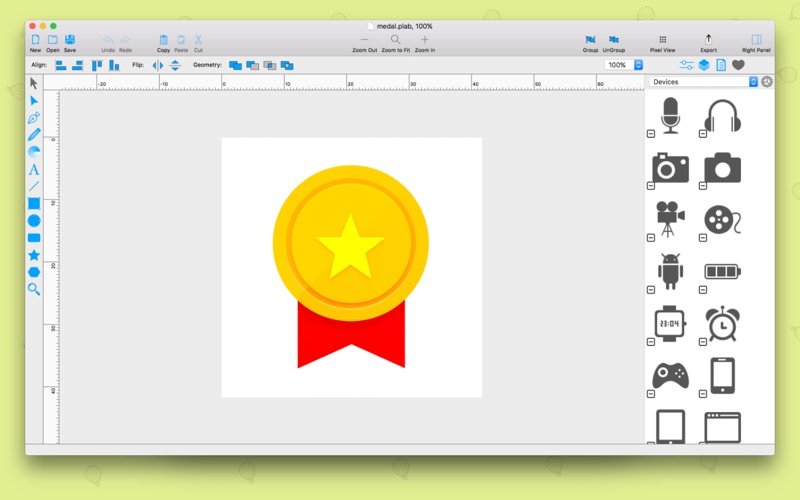
- Shape library - ready design elements
- Ready Templates
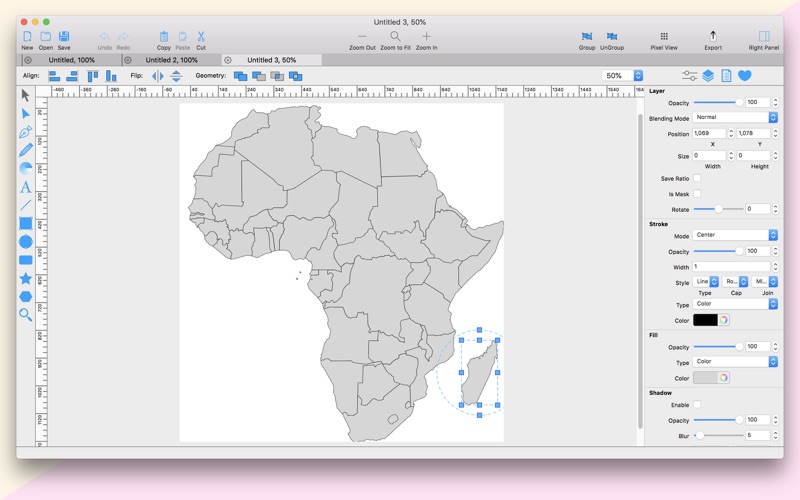
- Import SVG vector files
- Import CorelDraw *cdr vector files
- Import JPG, PNG, PDF, BMP files
- Import PSD, Ai and EPS files as bitmap
- Export as PNG, JPG and TIFF
- Export as SVG vector file
- Export as PDF file
PrintLab Studio 3 allows you import SVG files and edit them on macOS. After importing files you can:
- Rotate and Scale shapes
- Move Shapes
- Edit objects
- Add other shapes like Rectangle, Text, Oval, Star, Triangle or Custom shape with Pen Tool
- Change Colors
- Change Gradient
- Open Multi-Page files
- Change Stroke Width and Color
- Print
- Save as PNG, JPG, PDF, TIFF and SVG
- Save as PDF
Lightweight and Useful Productive App for every designer. If you have any ideas of feature requests, feel free to drop a message regarding your opinions by using our contact us page.
What's New in version 3.0:
1. Renewed and improved Interface
2. New .svg and .cdr file import library
3. ...

 +100宝石


 分享
分享



















用户评价
立即分享产品体验
你的真实体验,为其他用户提供宝贵参考
💎 分享获得宝石
【分享体验 · 获得宝石 · 增加抽奖机会】
将你的产品体验分享给更多人,获得更多宝石奖励!
💎 宝石奖励
每当有用户点击你分享的体验链接并点赞"对我有用",你将获得:
🔗 如何分享
复制下方专属链接,分享到社交媒体、群聊或好友:
💡 小贴士
分享时可以添加你的个人推荐语,让更多人了解这款产品的优点!
示例分享文案:
"推荐一款我最近体验过的应用,界面设计很精美,功能也很实用。有兴趣的朋友可以看看我的详细体验评价~"