Preview3D is a fast, native iPad viewer for the 3D formats you actually use — from CAD to mesh to 3D printing — in one clean window.
Open a STEP file from a vendor, a painted 3MF from your slicer, or an STL someone sent you, and see it instantly — in the app, or right in the Files app with Quick Look and 3D thumbnails. No web uploads, no account, no clutter.
SUPPORTED FORMATS
• STEP / STP, STL, OBJ, PLY
• glTF / GLB, USDZ / USD, COLLADA (DAE)
• 3MF — including painted multi-material prints
• FBX, 3DS, X3D, LWO, MS3D, AC, AMF, OFF and more (via Assimp)
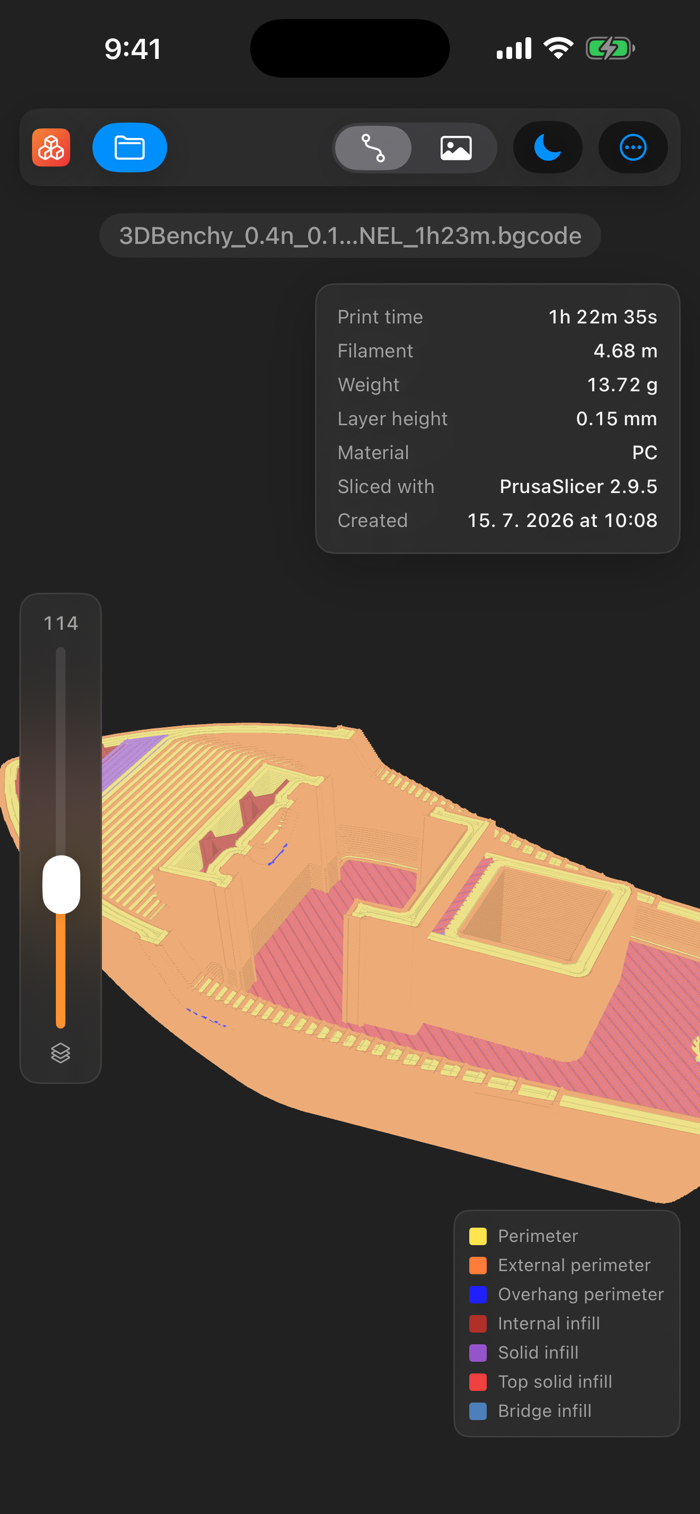
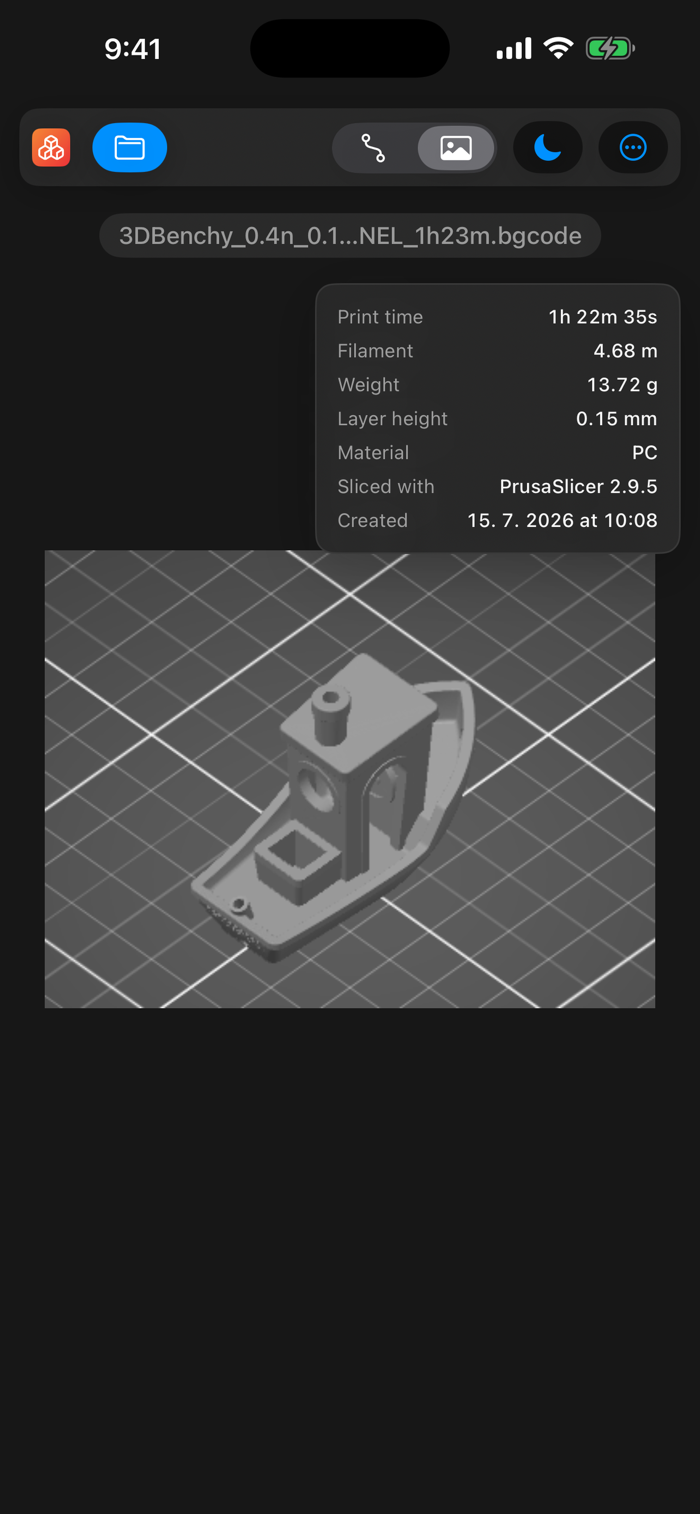
• G-code and PrusaSlicer binary G-code (.bgcode)
REAL STEP SUPPORT
Preview3D reads STEP with a pure-Swift B-rep kernel: watertight tessellation and crease-aware normals straight from the exact geometry, so cylinders stay smooth and edges stay crisp. Files that carry colors (STYLED_ITEM) render each part in its assigned color.
INSPECT
Open the info panel for bounding-box dimensions, volume, surface area, watertightness and structure — solids, faces, edges, triangles and vertices.
3D-PRINTING FILES
Open your slicer's G-code or PrusaSlicer .bgcode, orbit the print toolpath in 3D, flip to the embedded preview image, and read the print stats — time, filament, weight, layer height and material.
PAINTED 3MF, IN FULL COLOR
Multi-material painting from PrusaSlicer (per-triangle segmentation) is decoded and rendered in its filament colors — including...


 +100宝石


 分享
分享











用户评价
立即分享产品体验
你的真实体验,为其他用户提供宝贵参考
💎 分享获得宝石
【分享体验 · 获得宝石 · 增加抽奖机会】
将你的产品体验分享给更多人,获得更多宝石奖励!
💎 宝石奖励
每当有用户点击你分享的体验链接并点赞"对我有用",你将获得:
🔗 如何分享
复制下方专属链接,分享到社交媒体、群聊或好友:
💡 小贴士
分享时可以添加你的个人推荐语,让更多人了解这款产品的优点!
示例分享文案:
"推荐一款我最近体验过的应用,界面设计很精美,功能也很实用。有兴趣的朋友可以看看我的详细体验评价~"
关注 Mergeek 公众号
领奖遇到问题?联系小门助手