SimBeam turns your iPhone or iPad into a live remote for the iOS Simulators running on your Mac.
Pair the app with your Mac once by scanning a QR code, then connect any time to see all the simulators on that Mac, open any one of them, and watch its screen as a real-time video stream. Your taps, swipes, and the Home button are sent straight back to the simulator, so you can actually use it from your device — not just look at it.
WHAT YOU CAN DO
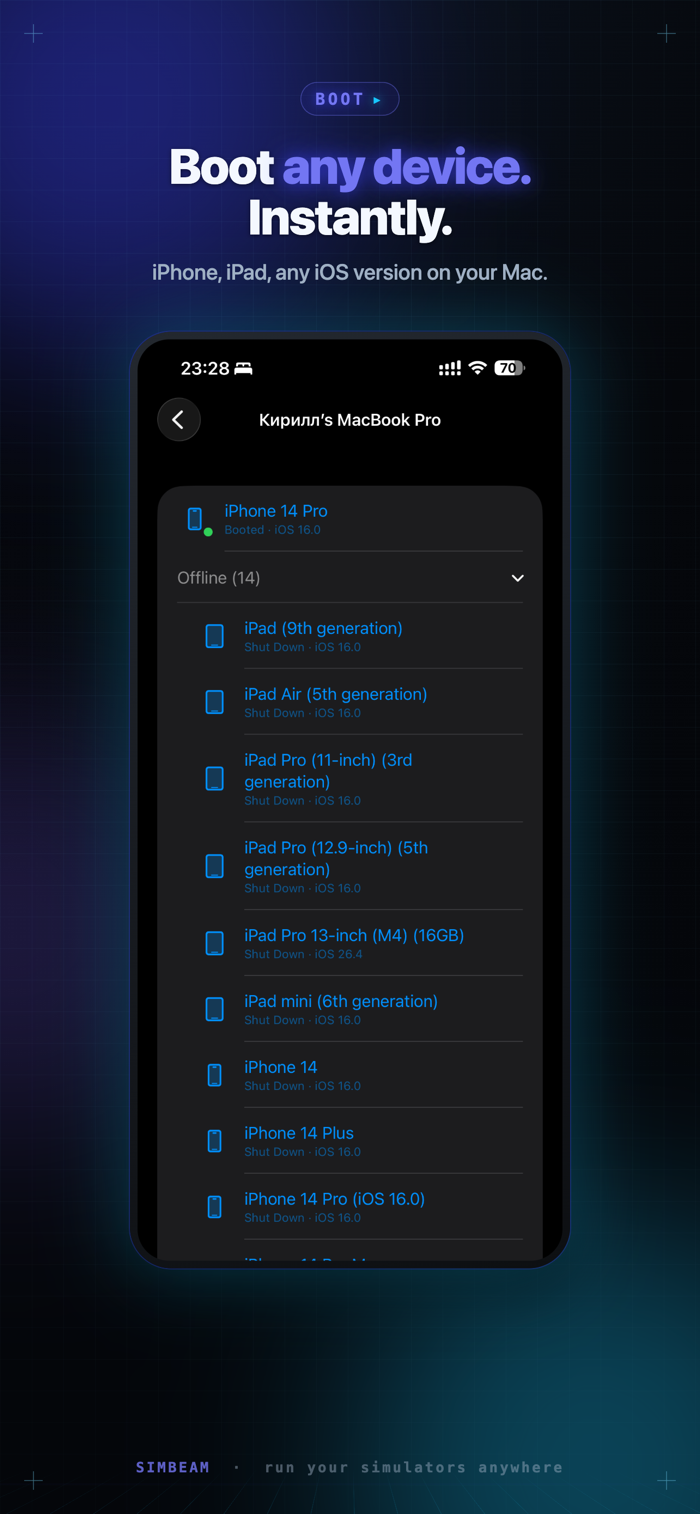
• See every simulator on a paired Mac, with its iOS version and status
• Stream a simulator's screen live, with low latency
• Control it remotely — tap, swipe, and press Home
• Boot or shut down a simulator right from your device
• Jump back into recent simulators in one tap from the main screen
• Pair and keep multiple Macs, and switch between them any time
BUILT FOR DEVELOPERS AND QA
Test how a build feels in the hand without unplugging from your desk. Show a running simulator to a colleague across the room. Keep an eye on a long scenario from the couch.
REQUIRES A MAC
SimBeam is a companion to the SimBeam app on macOS. You need a Mac running the SimBeam companion with at least one iOS Simulator to pair with and stream from. Pairing is secure and takes a single scan.
PRIVACY
Your pairing identity stays on your device. SimBeam has no account to create, shows no ads, and does not track you.


 +100宝石


 分享
分享















用户评价
立即分享产品体验
你的真实体验,为其他用户提供宝贵参考
💎 分享获得宝石
【分享体验 · 获得宝石 · 增加抽奖机会】
将你的产品体验分享给更多人,获得更多宝石奖励!
💎 宝石奖励
每当有用户点击你分享的体验链接并点赞"对我有用",你将获得:
🔗 如何分享
复制下方专属链接,分享到社交媒体、群聊或好友:
💡 小贴士
分享时可以添加你的个人推荐语,让更多人了解这款产品的优点!
示例分享文案:
"推荐一款我最近体验过的应用,界面设计很精美,功能也很实用。有兴趣的朋友可以看看我的详细体验评价~"
关注 Mergeek 公众号
领奖遇到问题?联系小门助手