一款纯粹的带壳截屏工具,专为 App 上架快速制作截屏。
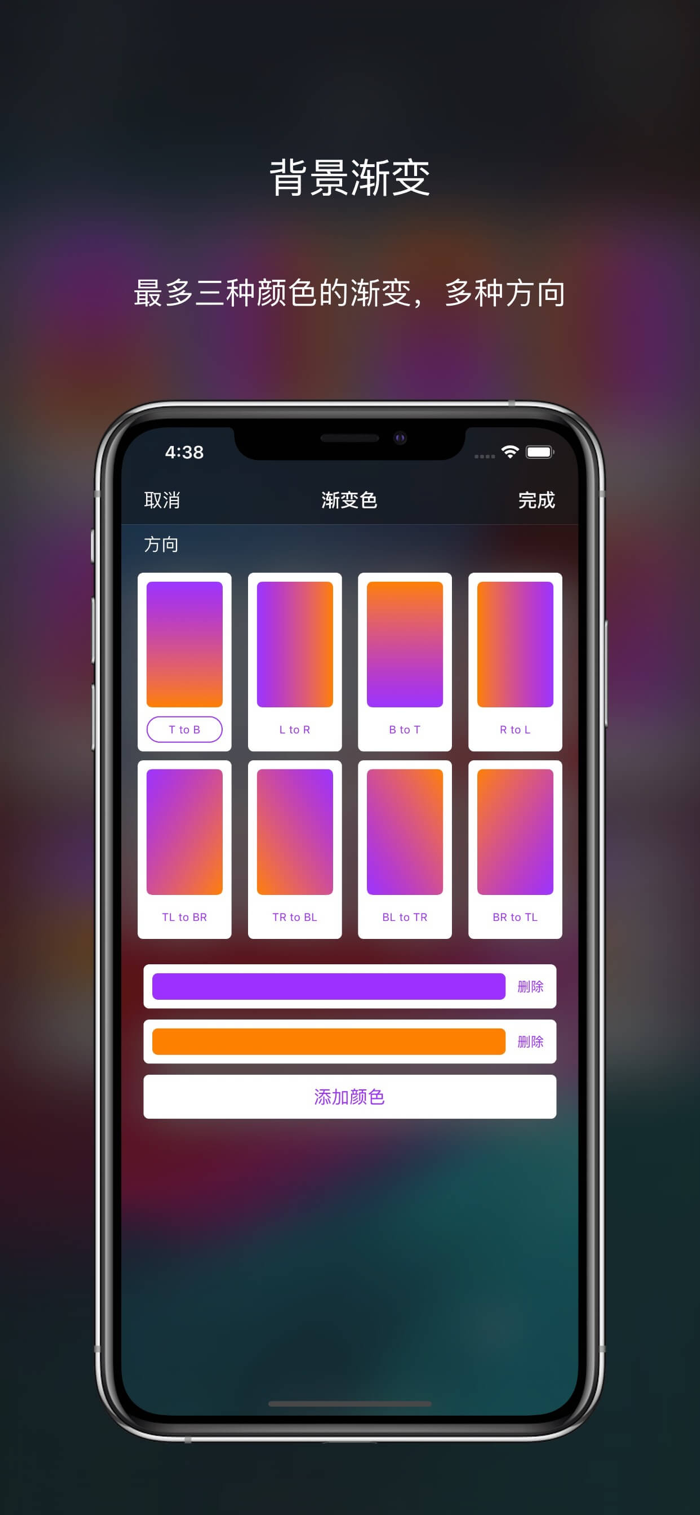
所见即所得。各部分元素均可定制,制作符合您自己要求的介绍图片。
目前已支持 iPhone 5 及以后的设备的手机壳,颜色基本跟官方同步,如有缺失的,可以联系我,我会尽力补充完整。邮箱:codingallnight@gmail.com
虽然说是专为上架制作截屏的 App,但是也是可以用于配图、推广、分享等用途。
iPhone 5 以前的手机壳会按需支持。
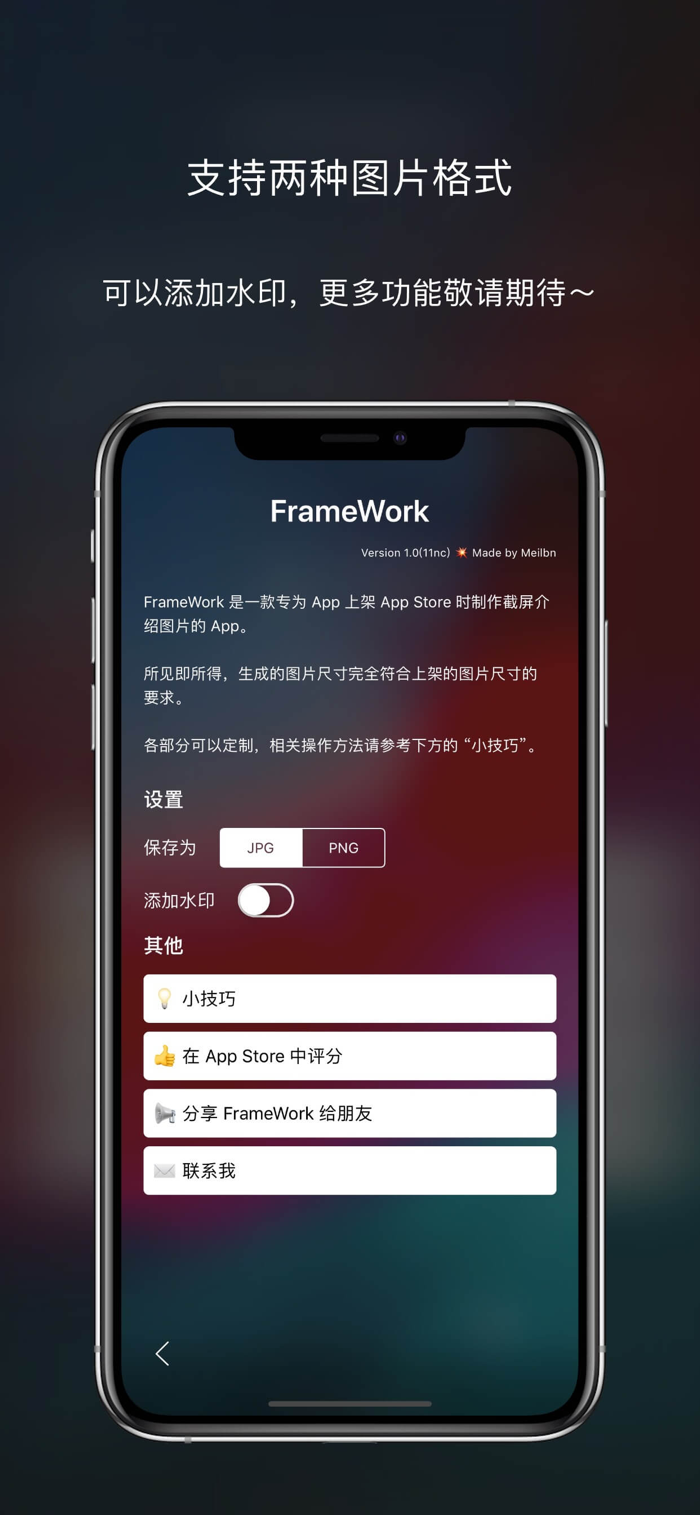
界面简洁,底部的工具栏可以滑动,一屏显示不下所有的功能按钮。
如想要快速上手,请点击底部 “更多(三个点)” 按钮,然后点击里面的 “小技巧” 来查看如何使用各个功能。
如果有任何问题,都可以发送邮件到上方的邮箱,我会悉心听取任何意见、建议和批评。
如果觉得这个 App 对您有帮助或者喜欢的话,请给予五星好评哟~
English Introduce:
A pure screenshot with mockup utilities app, specialized create screenshot for app on App Store.
WYSIWYG (What You See Is What You Get). Each part can be customized to create an screenshot that fit your requirements.
iPhone 5 and later devices is currently supported, color is basically synchronized with the official, if there is any missing, you can contact me, I will try my best to complete it. Email: codingallnight@gmail.com.
Although it is designed to make screenshots for App Store, it can also be used for illustrated, promotion, sharing and other purposes.
Devices that before iPhone 5 will be supported on demand.
Simple user interface, the toolbar at the bottom can be scroll.
To get started quickly, please click the “More (three dots)” button at the bottom, then click “Tips” to see how to use each function.
If you have any questions, you can send me an email, and I will listen to any comments, suggestions and criticisms.
If you feel tha...


 +100宝石

 分享
分享









用户评价
立即分享产品体验
你的真实体验,为其他用户提供宝贵参考
💎 分享获得宝石
【分享体验 · 获得宝石 · 增加抽奖机会】
将你的产品体验分享给更多人,获得更多宝石奖励!
💎 宝石奖励
每当有用户点击你分享的体验链接并点赞"对我有用",你将获得:
🔗 如何分享
复制下方专属链接,分享到社交媒体、群聊或好友:
💡 小贴士
分享时可以添加你的个人推荐语,让更多人了解这款产品的优点!
示例分享文案:
"推荐一款我最近体验过的应用,界面设计很精美,功能也很实用。有兴趣的朋友可以看看我的详细体验评价~"
关注 Mergeek 公众号
领奖遇到问题?联系小门助手