Live2play turns your iPhone into a camera built for playing, not for filming.
Open it and the camera is already live, vertical and in focus. One big button starts the take. When you stop, the clip is already in your Photos. Nothing stands between the idea and the record button — because inspiration leaves while you fiddle with settings.
ONE-TAP REEL
• Vertical camera, live the moment the app opens.
• One button = start/stop. Clips auto-save to their own album.
• Tap anywhere to focus and meter there, lock exposure, nudge EV.
• Start a take from a hardware button or a Siri shortcut.
THE SOUND YOU ACTUALLY WANT
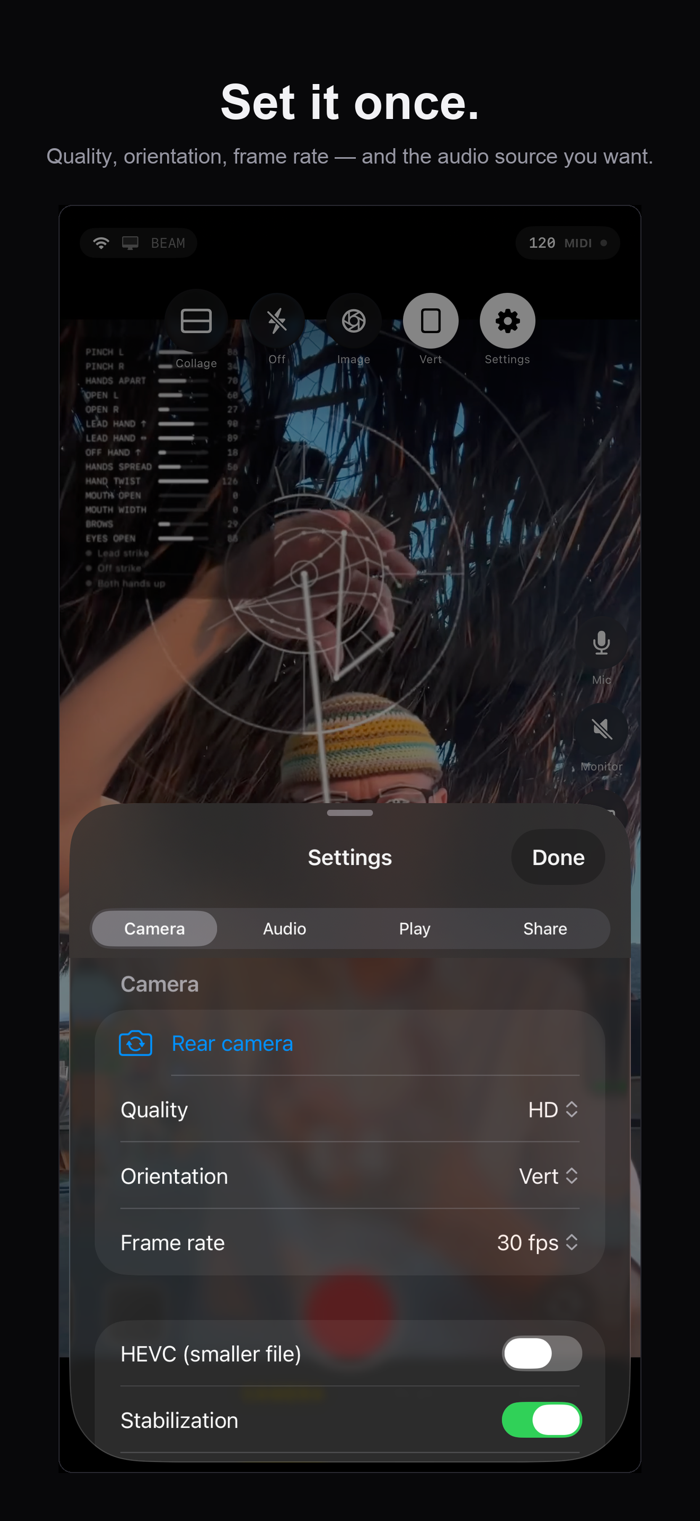
• Choose your input: built-in mic, a USB-C interface, or Bluetooth.
• Or send a clean master mix from your computer over WiFi and record that instead of room noise — no more phone-mic mush over a good performance.
• Other apps keep playing, so you can monitor while you record.
YOUR BODY BECOMES THE INSTRUMENT
• Body, hand and face tracking runs entirely on the device and draws a live overlay on top of you.
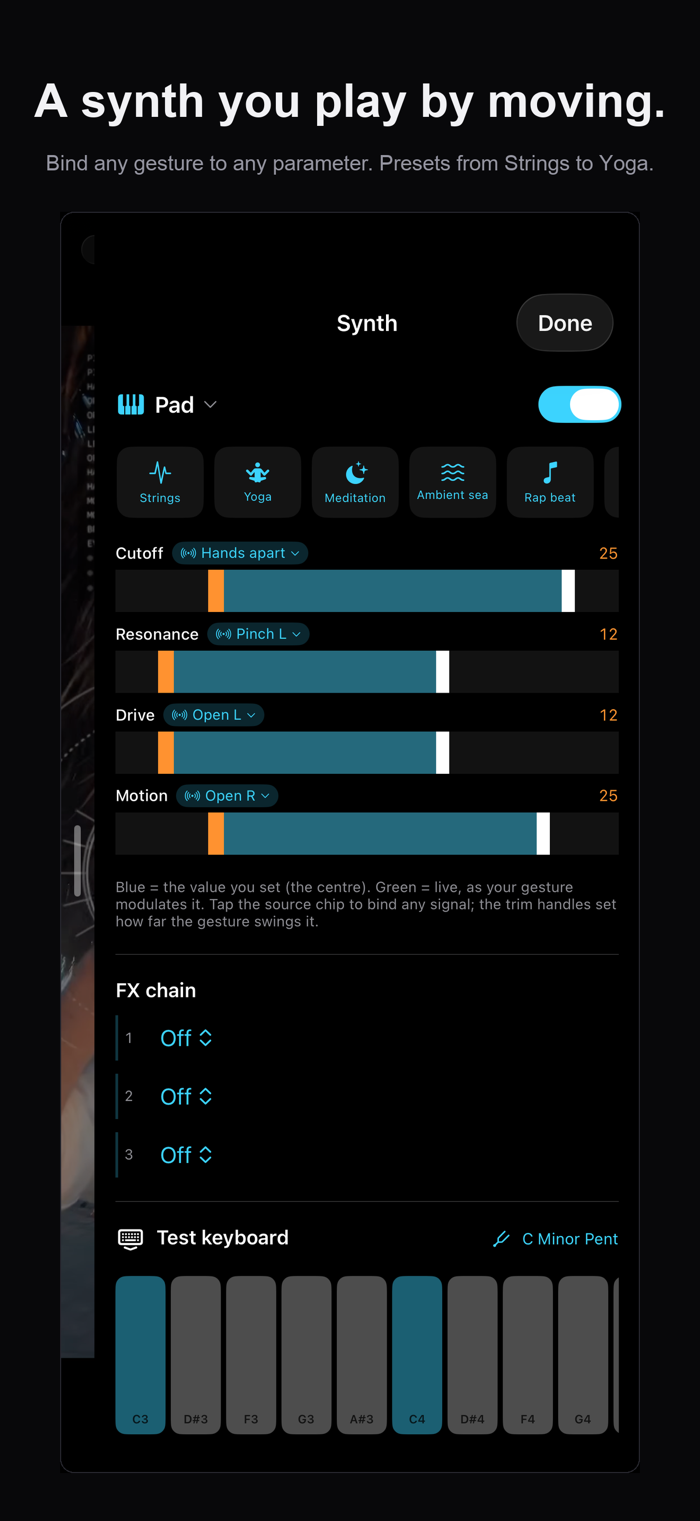
• Map your movement to the built-in synth and play it by moving.
• Or send gesture MIDI to your computer over the local network and drive your own rig.
LOOPS AND COLLAGE
• Layer takes into a synced loop grid — in phase, with time-stretch.
• Arrange the loops as a collage and burn the result into the recording.
GO LIVE
• Push the take straight to YouTube Live, or an...


 +100宝石

 分享
分享











用户评价
立即分享产品体验
你的真实体验,为其他用户提供宝贵参考
💎 分享获得宝石
【分享体验 · 获得宝石 · 增加抽奖机会】
将你的产品体验分享给更多人,获得更多宝石奖励!
💎 宝石奖励
每当有用户点击你分享的体验链接并点赞"对我有用",你将获得:
🔗 如何分享
复制下方专属链接,分享到社交媒体、群聊或好友:
💡 小贴士
分享时可以添加你的个人推荐语,让更多人了解这款产品的优点!
示例分享文案:
"推荐一款我最近体验过的应用,界面设计很精美,功能也很实用。有兴趣的朋友可以看看我的详细体验评价~"
关注 Mergeek 公众号
领奖遇到问题?联系小门助手