# CueCam – Teleprompter & Video Editor
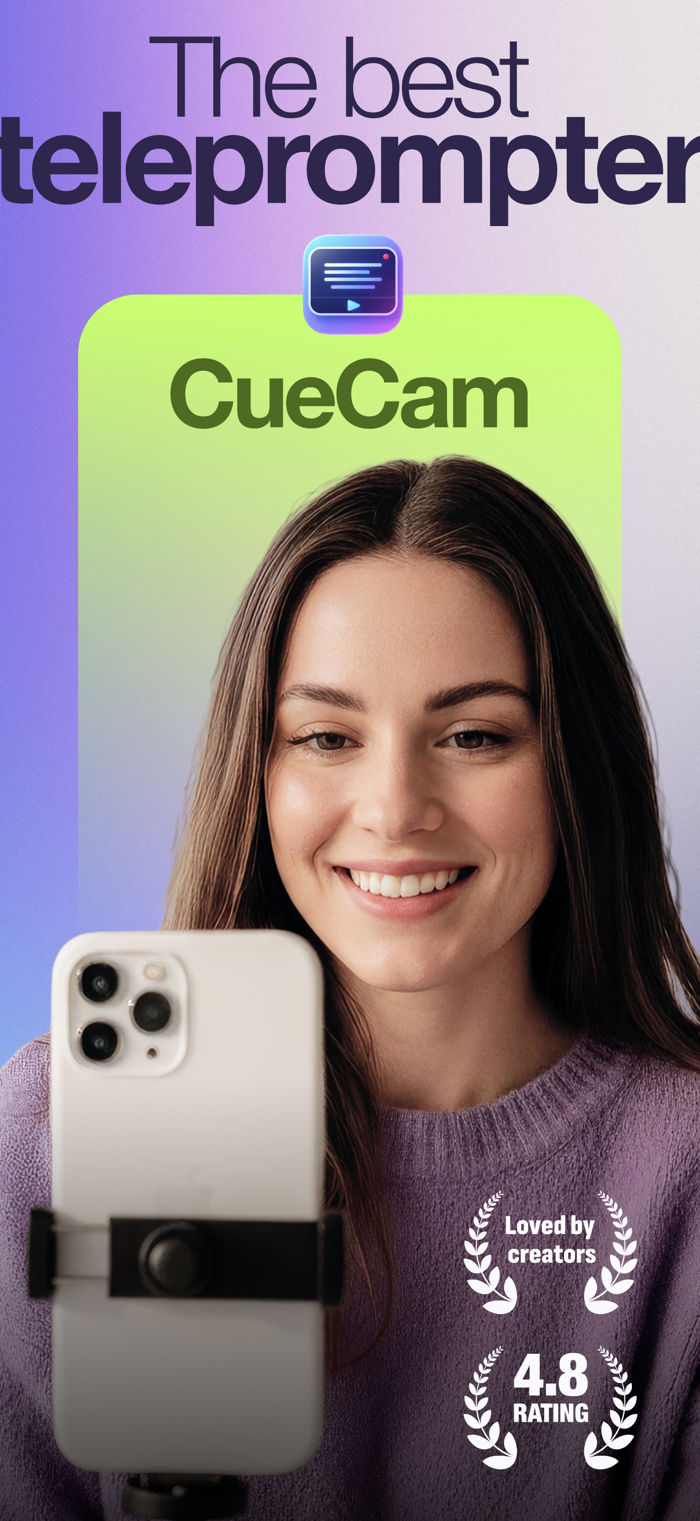
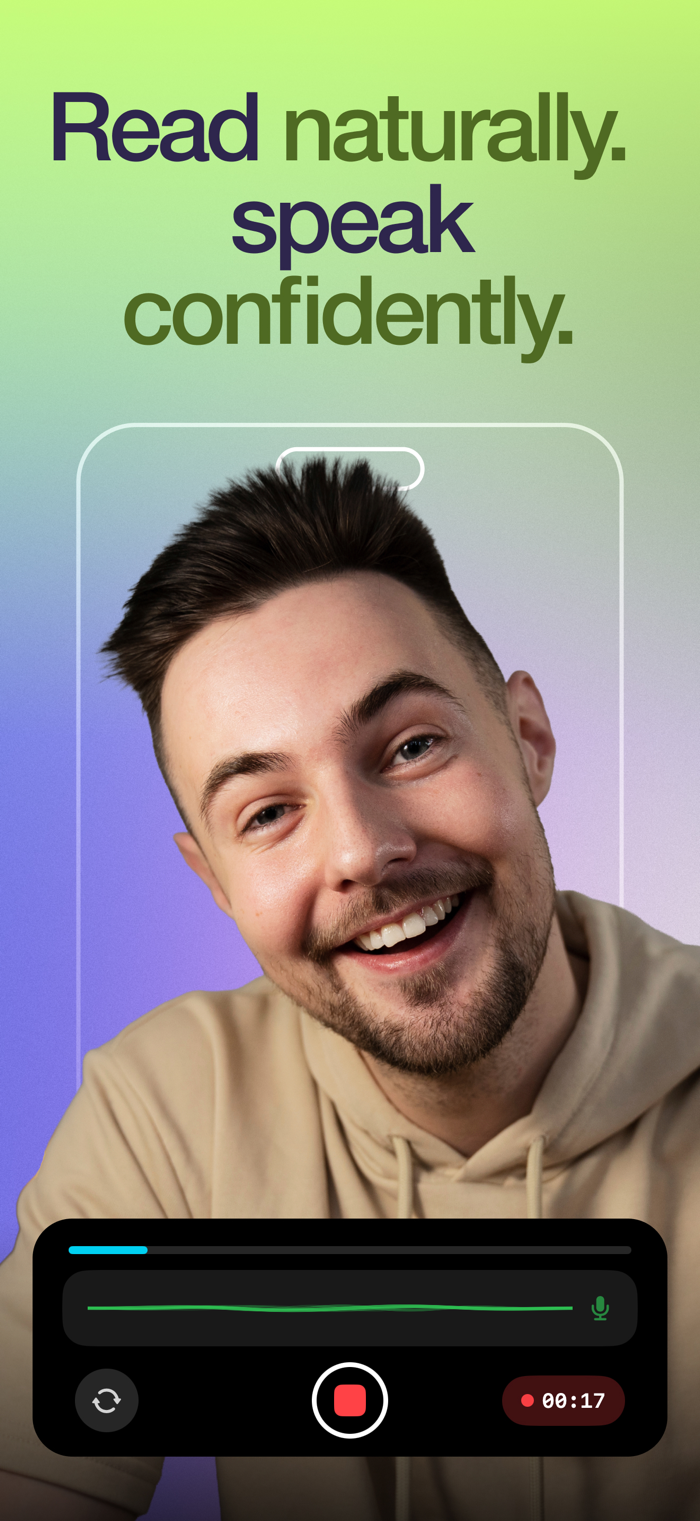
Read your script. Look at the camera. Record, edit, and publish, all from one app.
CueCam is the all-in-one teleprompter and video creation app built for content creators, entrepreneurs, educators, and anyone who wants to look
confident on camera without memorizing a single line.
Your audience won't know you're reading from a script.
Note: Free download includes onboarding and limited demo for evaluation. Full functionality requires a subscription.
## THREE WAYS TO READ YOUR SCRIPT
CueCam gives you full control over how your teleprompter scrolls:
### Word Tracking
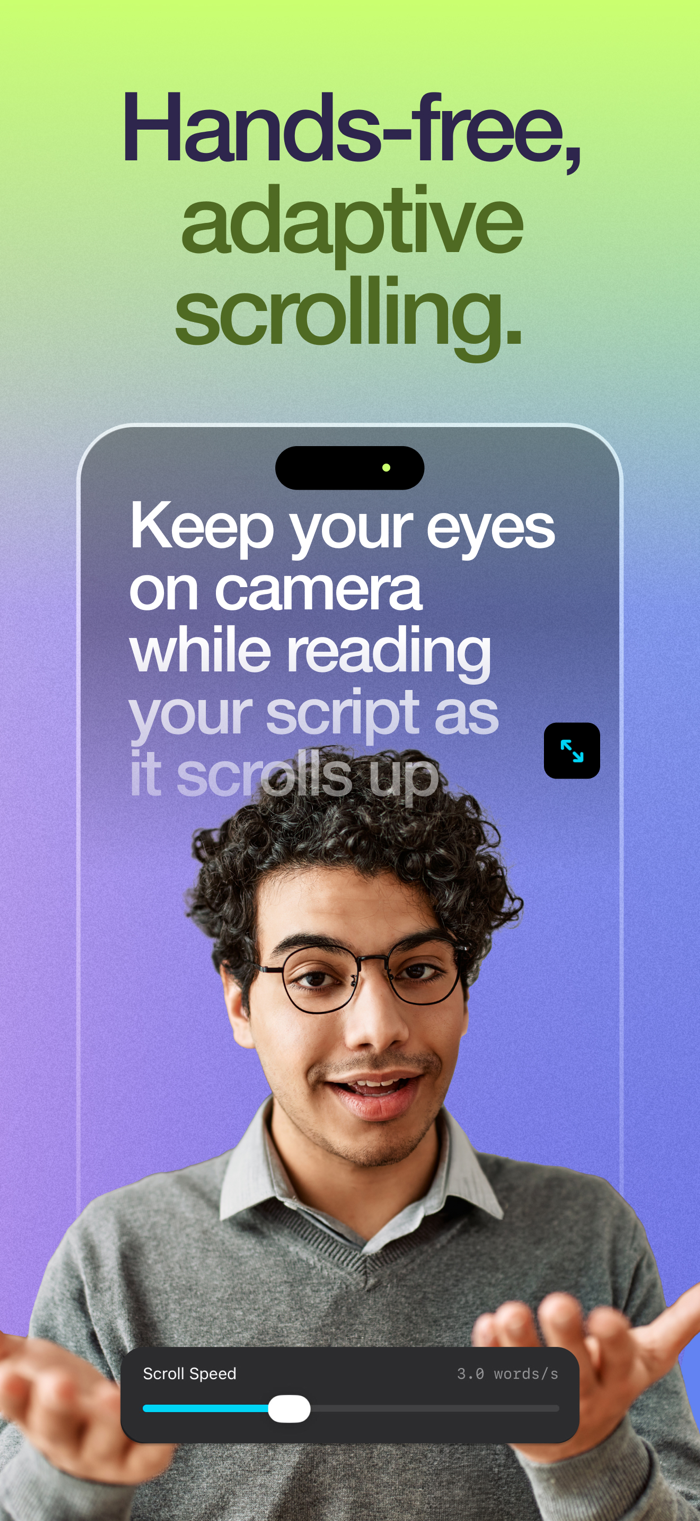
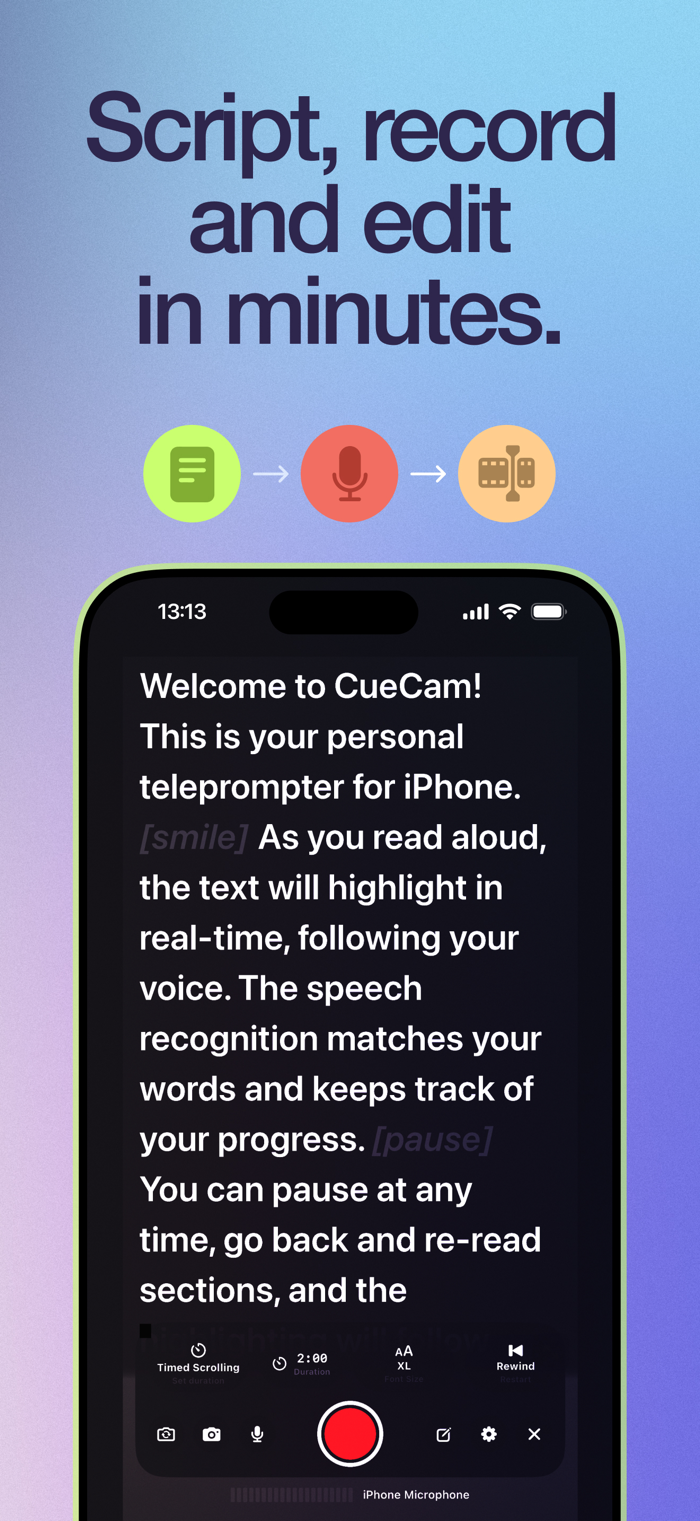
The script follows your voice in real time using on-device speech recognition. Speak naturally, pause whenever you want, and the text stays in sync with
you.
### Fixed Speed
Set a constant scrolling speed and read at your own rhythm. Adjust it anytime with a simple slider.
### Timed Scrolling
Set a target duration and the script automatically paces itself to finish exactly on time. Perfect for time-limited content.
## RECORD PROFESSIONAL VIDEOS
Record video while reading your script with the teleprompter overlay.
- Switch between front and rear cameras
- Choose resolution: 720p, 1080p, or 4K
- Select frame rates: 24, 25, 30, 48, 50, or 60 FPS
- Cinematic video stabilization for smooth footage
- Live audio waveform monitoring
- External microphones and Bluetooth audio inputs
## CONTROL YOUR SESSION HANDS-FREE
Five ways to drive the teleprompter without touching the iPhone:
- Apple Watch — play/pause, restart, and adjust speed from your wrist with the Digital Crown
- Gamepad — pair an Xbox, PlayStation, 8BitDo or any MFi controller
- Browser Remote (local Wi-Fi) — open a web page on any phone or laptop on the same network, no app to install
- Cloud Remote — type a 6-digit code at remote.cuecamapp.com to control from any browser, anywhere in the world
- Hardware keyboards and presenter remotes over Bluetooth or USB
## A FULL EDITING STUDIO IN YOUR POCKET
No need to switch apps. Edit everything immediately after recording:
- Trim your video to keep only the best parts
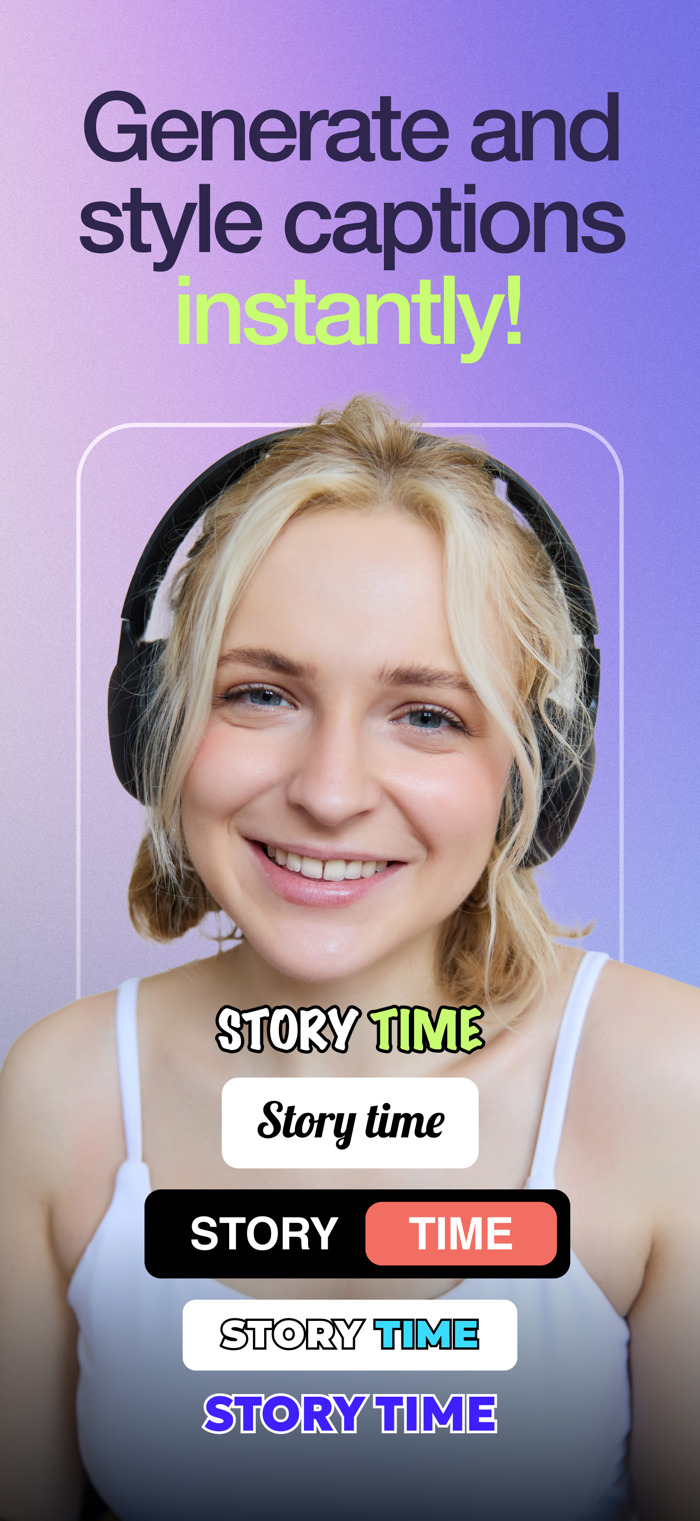
- Auto-generate subtitles on-device in 60+ languages, no internet needed
- Customize captions with Classic, Social, Minimal, and Neon styles
- Edit subtitle text, timing, and positioning
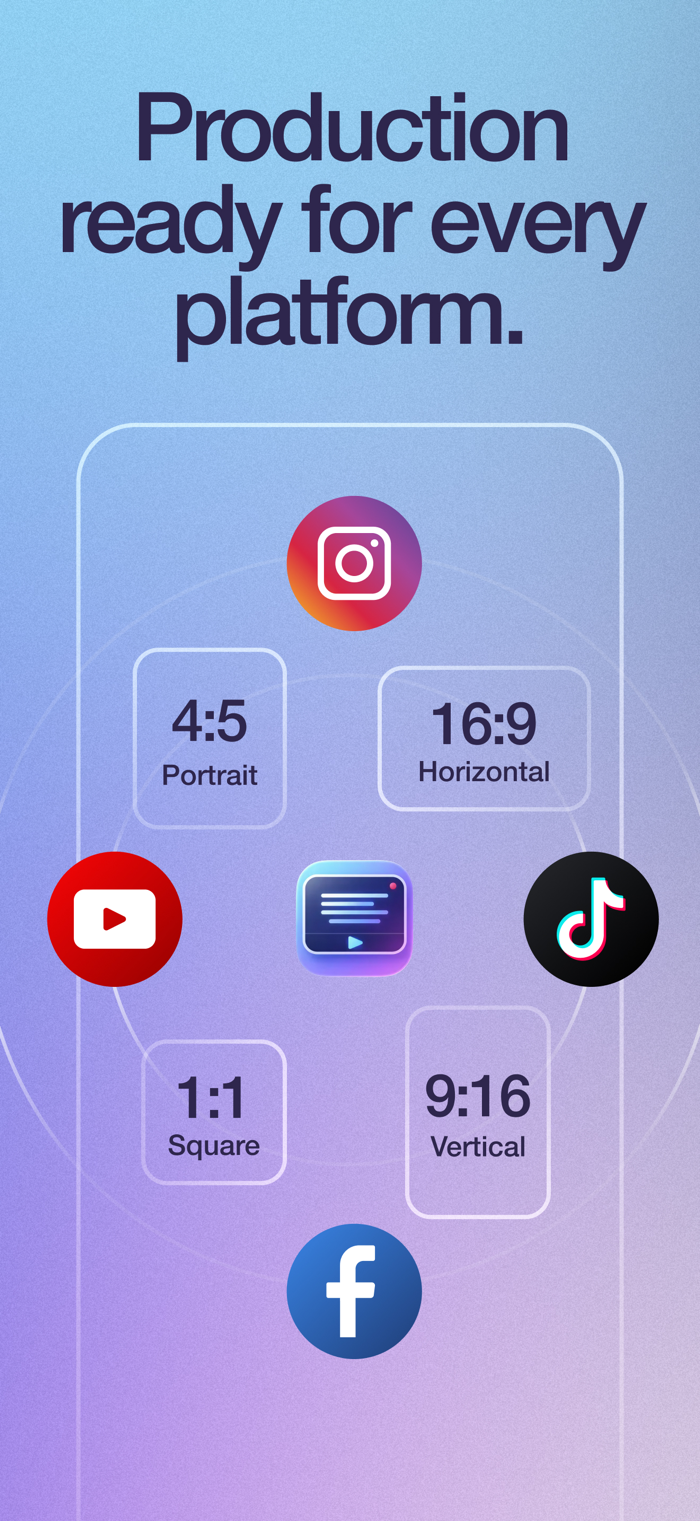
- Resize exports: 9:16, 16:9, 1:1, or 4:5
- Replace background with any image
- Blur background for a professional depth-of-field effect
- Add watermark or logo
- Mirror video horizontally
- Clean audio by reducing background noise
- Add intro and outro sequences
## EXPORT READY FOR EVERY PLATFORM
Share directly to TikTok, Instagram, YouTube, Facebook, and more. Every video is optimized for the platform you choose, no extra steps required.
## MANAGE YOUR SCRIPTS
Write, edit, and organize all your scripts in one place. Your script library keeps everything ready for your next recording session.
## BUILT FOR CREATORS AT EVERY LEVEL
Whether you're a first-time creator or a seasoned professional, CueCam adapts to your workflow. No expensive equipment, no complicated setup, no
learning curve.
Just open the app, paste your script, and hit record.
Perfect for:
- YouTube videos and vlogs
- TikTok and Instagram Reels
- Online courses and tutorials
- Business presentations and pitches
- Podcasts and interviews
- Self-tape auditions
- Sermons and public speaking practice
## WHY CREATORS CHOOSE CUECAM
- 100% on-device processing. Your scripts and videos never leave your phone
- No external accounts required
- Available in 7 languages: English, Spanish, German, French, Italian, Dutch, and Polish
- Clean, intuitive interface designed for speed
- One subscription unlocks everything
## Pricing & Access
An active subscription is required to access core features (recording, subtitles and caption styles, background effects like blur/replace,
watermark/logo, audio cleanup, and high-quality exports).
Terms: https://www.apple.com/legal/internet-services/itunes/dev/stdeula/

 +100宝石


 分享
分享




















用户评价
立即分享产品体验
你的真实体验,为其他用户提供宝贵参考
💎 分享获得宝石
【分享体验 · 获得宝石 · 增加抽奖机会】
将你的产品体验分享给更多人,获得更多宝石奖励!
💎 宝石奖励
每当有用户点击你分享的体验链接并点赞"对我有用",你将获得:
🔗 如何分享
复制下方专属链接,分享到社交媒体、群聊或好友:
💡 小贴士
分享时可以添加你的个人推荐语,让更多人了解这款产品的优点!
示例分享文案:
"推荐一款我最近体验过的应用,界面设计很精美,功能也很实用。有兴趣的朋友可以看看我的详细体验评价~"
关注 Mergeek 公众号
领奖遇到问题?联系小门助手