产品功能

应用市场介绍

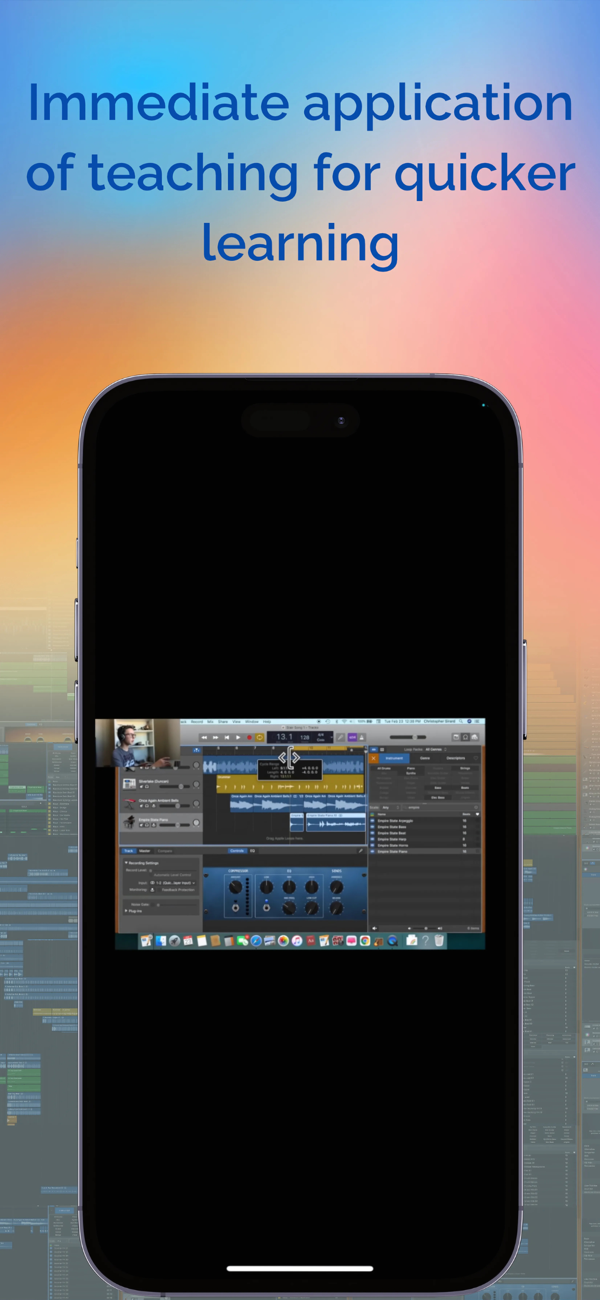
Learn GarageBand by copying a teen composer as he walks you step-by-step through the creation of a song.
This uniquely different step-by-step, go-at-your-own-pace course has three modules with over 20 lessons, ranging from 1 to 36 minutes long, evenly spread out into bite-size pieces you can easily chew on (Mmm, delicious! The Cookie Monster would love that!).
With over four hours of learning, I’ll be teaching you how to use GarageBand by immediately getting you into there by helping you create a song so that by the end of this course, you will have the ability to create music with GarageBand all on your own!
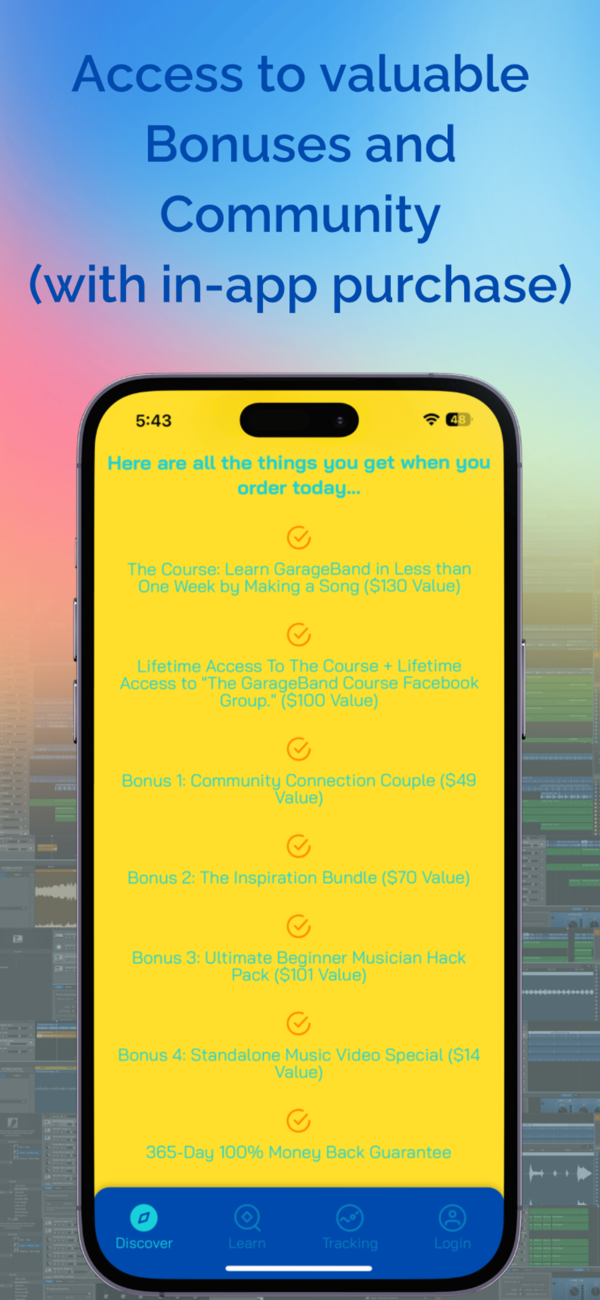
Here are all the things you'll receive when you buy this course (90% OFF!):

The "Learn GarageBand in Less than One Week by Making a Song" course ($130 Value)
Lifetime Access to the course + Lifetime Access to The GarageBand Course Community. ($100 Value)
Bonus 1: Community Connection Couple ($49 Value)
Bonus 2: The Inspiration Bundle ($70 Value)
Bonus 3: Ultimate Beginner Musician Hack Pack ($101 Value)
Bonus 4: Standalone Music Video Special ($14 Value)
365-Day 100% Money Back Guarantee
All the bonuses added together are $334 in value! But, you are getting them FREE of charge!
And instead of this course being sold at the full price of $464, it’s being sold at a 90% discount! If you bought it right now, you’d be saving $417!
What You'll Learn:
Discover the Loops (prerecorded audio files) of over 40 instruments from more than 25 different genres from the Loop Browser
Use the Loops to create the Stair Song
Quickly find the Loops you want using the Loop Browser and its search tools
Discover GarageBand’s built‑in set of over 100 software instruments found in the Library
Create your own GarageBand project
Add sound effects and transitions
Do last-minute changes
Rename, mute, solo, pan, and change the volume of your Tracks/Instruments
Add reverb, lowness, highness, and more effects with the Smart Controls
Time Quantize Software Instrument Loops with the Editors
Speed up/slow down your music using the Tempo feature
Find out how long your song is using the Display Mode pop-up menu
Copy and Paste Loops using your computer keyboard
Learn how to open GarageBand if it isn’t in your Dock
Find out how to open a new/empty Project the easy way
And much more…
Age Rating Reminder: While the app is intended for users 17 and older, younger users can access it if guided by a parent or guardian.
Requirements:
• One Apple® computer with GarageBand on it (Make sure GarageBand runs on it).
• Another device (Apple® or non-Apple®) such as a computer, iPad, Tablet, or something of the type that has a big enough screen to play videos on (bigger than a phone screen).
• And a kid aged 11 or on up. A 10-year-old could do it with help.

收起

用户评价

立即分享产品体验

你的真实体验,为其他用户提供宝贵参考

宝石
评论可得 100 宝石
宝石随心兑换应用高级会员,每周更新 前往查看 >>
活动动态 0 人参加
查看更多评论