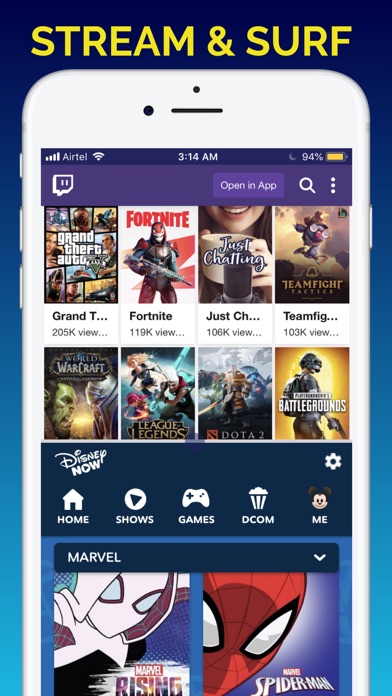
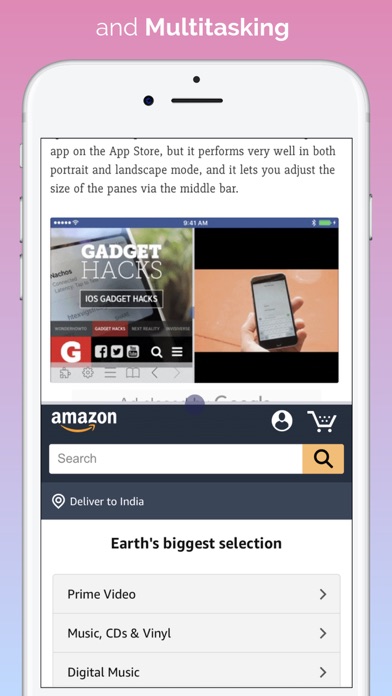
Stop juggling tabs and apps on iPhone. Do 2+ things at once on your iPhone and let private on-device AI take a look at two or more panes and get you answers from across things you're doing in the app. From the original split screen browser, this parallel view app is now the multitasking you have always missed on your iPhone.
Split Screen began in 2015 as the first of its kind, original split-screen browser, it went on to become the #1 utility/productivity app in 50+ countries, it also became the Top 10 in around 100 countries, including the USA, China and Japan. Version 3.0 is the leap the technology finally allows: two live panes, 40+ built-in tools, four home themes and a private, on device AI brain getting better over time.. This is the complete split screen multitasking experience for iPhone that I've always dreamed of building for you and me.
TWO PAGES, ONE SCREEN
• Two independent panes, read, watch, shop and research in both at once
• Drag to resize, tap to swap, long-press for quick actions
• Each pane keeps its own tabs, history and scroll position
ON-DEVICE AI THAT READS BOTH PAGES
• RECONCILE: One tap and the AI reads BOTH open panes, then reconciles them into a single clear card. Two product pages become one verdict. A claim and its source become one check.
• SUMMARY: distills the page you are reading into a crisp, private summary. Pinch in, done.
• COMPANION: an on-device chat about the page in front of you.
Reconcile, Summary and Companion use Apple's on-device AI and require an Apple Intelligence-capable iPhone. Nothing you read is ever sent to a server. On every other iPhone, both panes, the 40+ tools, everything else works in full.
Prefer to do the reading yourself? Optional Tandem sync-scroll: switch it on in Settings and both panes scroll together as you read.
EVERY AI, SIDE BY SIDE
Open ChatGPT, Claude, Gemini, Perplexity and Grok side by side, each in its own pane, each with its own signed-in session, and compare their answers on one scre…