Your Git repositories, as folders in your pocket.
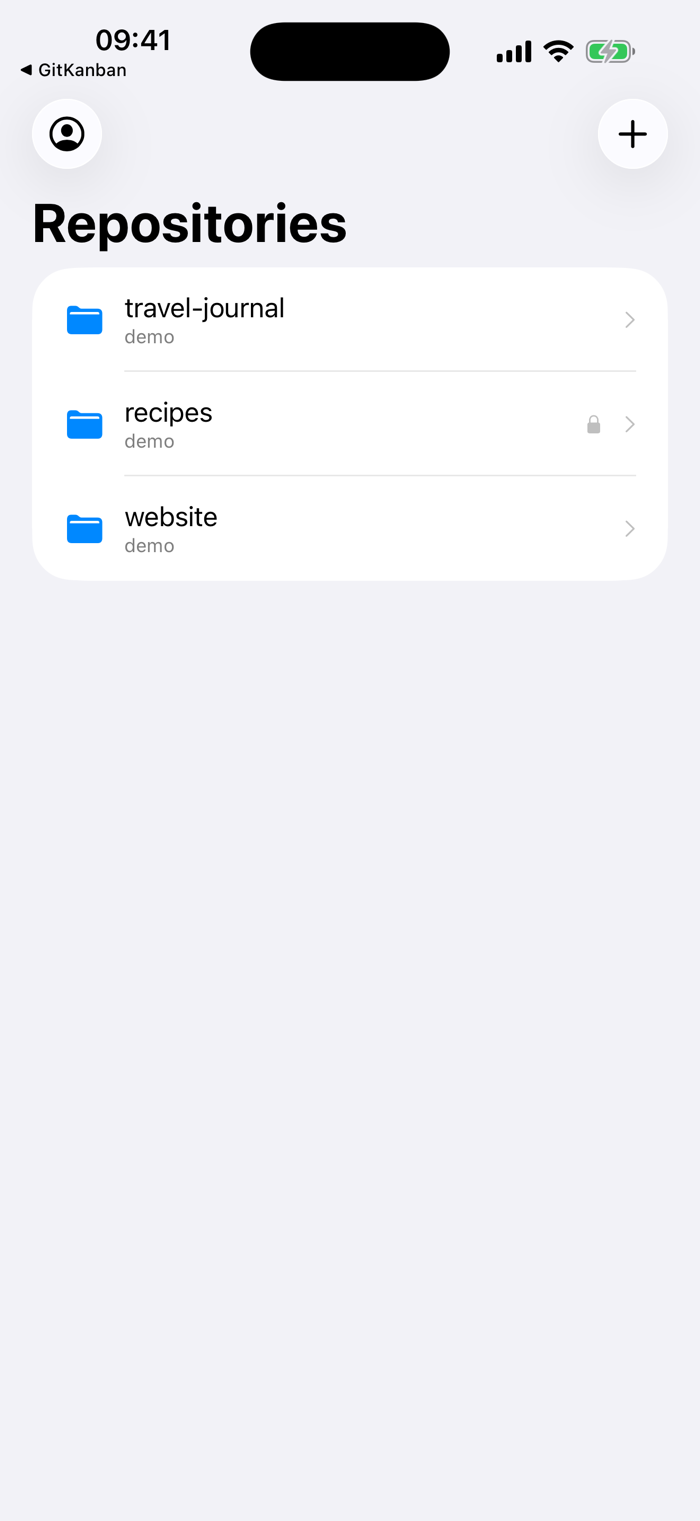
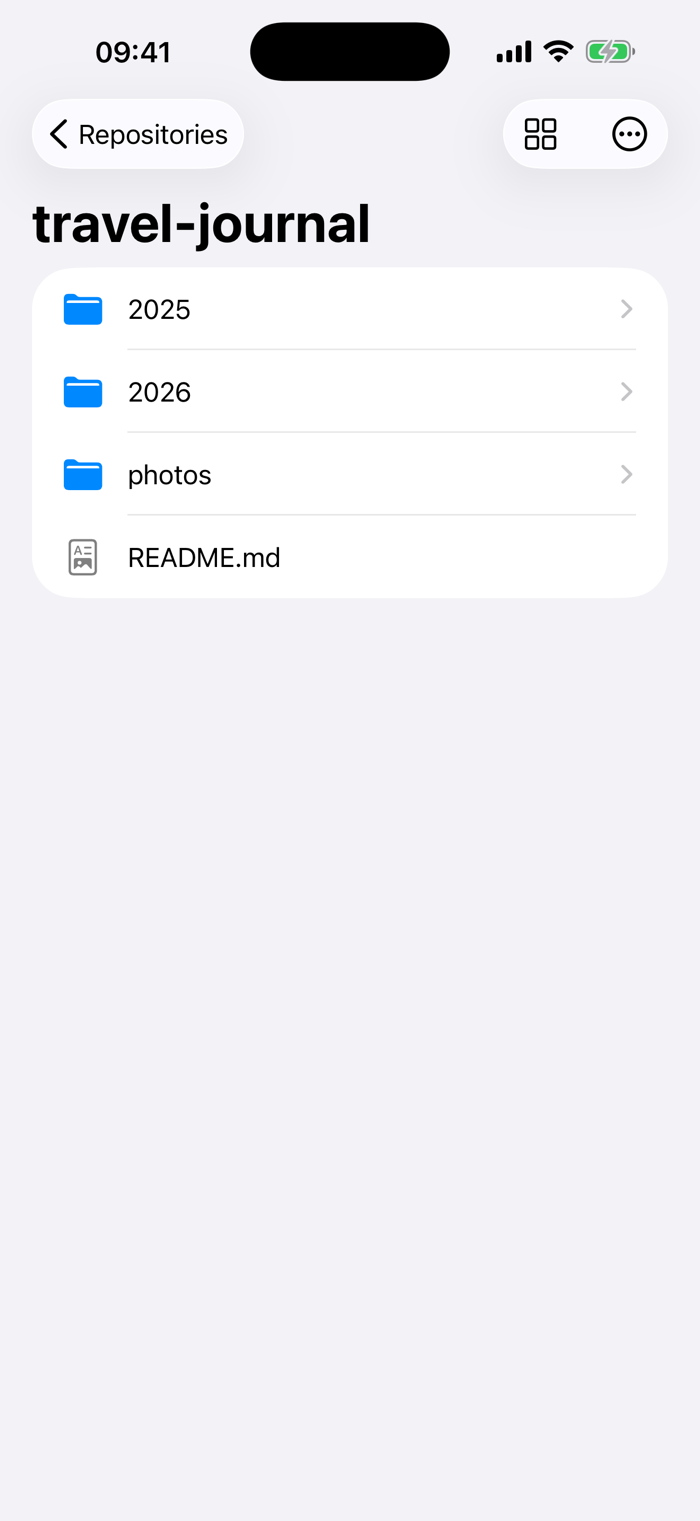
GitFolder for iPhone and iPad turns your Git repositories into simple, browsable folders. Connect GitHub or GitLab, add the repositories you care about, and browse, read, and edit their files from anywhere — no clone, no command line, no cloud service in between.
HOW IT WORKS
1. Connect — sign in to GitHub in seconds, or paste a personal access token for GitHub, GitLab.com, or your self-hosted GitLab.
2. Add repositories — pick the repos you want; they appear on your home screen like folders.
3. Browse and edit — open folders, read files, view images, and make quick edits. Every save is a clean commit, pushed immediately.
EVERYTHING IT DOES
• Repos as folders: your repositories on a simple home screen, one tap from their files.
• Fast browsing: folders first, files A→Z, exactly like a file manager should.
• Read anything: source, Markdown, configuration, and images with a built-in viewer.
• Edit and commit: change a file and save — GitFolder commits and pushes it in one step.
• Works with your providers: GitHub (OAuth sign-in), GitLab.com, and self-hosted GitLab via personal access token.
• Private by design: your token stays in the iOS keychain, and your files move directly between your device and your Git host. No GitFolder account, no telemetry.
WHO IT IS FOR
Developers and writers who keep things in Git and want to check a file, fix ...


 +100宝石


 分享
分享









用户评价
立即分享产品体验
你的真实体验,为其他用户提供宝贵参考
💎 分享获得宝石
【分享体验 · 获得宝石 · 增加抽奖机会】
将你的产品体验分享给更多人,获得更多宝石奖励!
💎 宝石奖励
每当有用户点击你分享的体验链接并点赞"对我有用",你将获得:
🔗 如何分享
复制下方专属链接,分享到社交媒体、群聊或好友:
💡 小贴士
分享时可以添加你的个人推荐语,让更多人了解这款产品的优点!
示例分享文案:
"推荐一款我最近体验过的应用,界面设计很精美,功能也很实用。有兴趣的朋友可以看看我的详细体验评价~"
关注 Mergeek 公众号
领奖遇到问题?联系小门助手