End User License Agreement: https://www.apple.com/legal/internet-services/itunes/dev/stdeula/
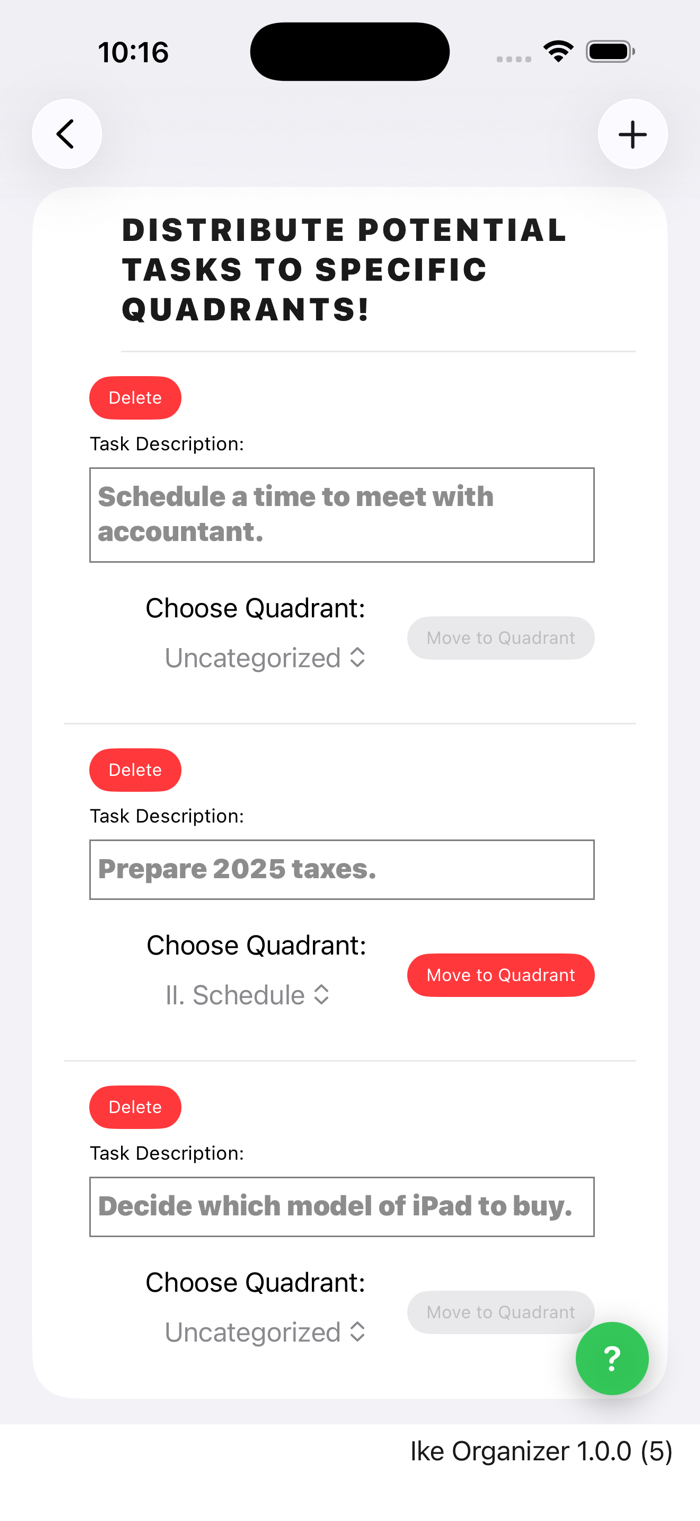
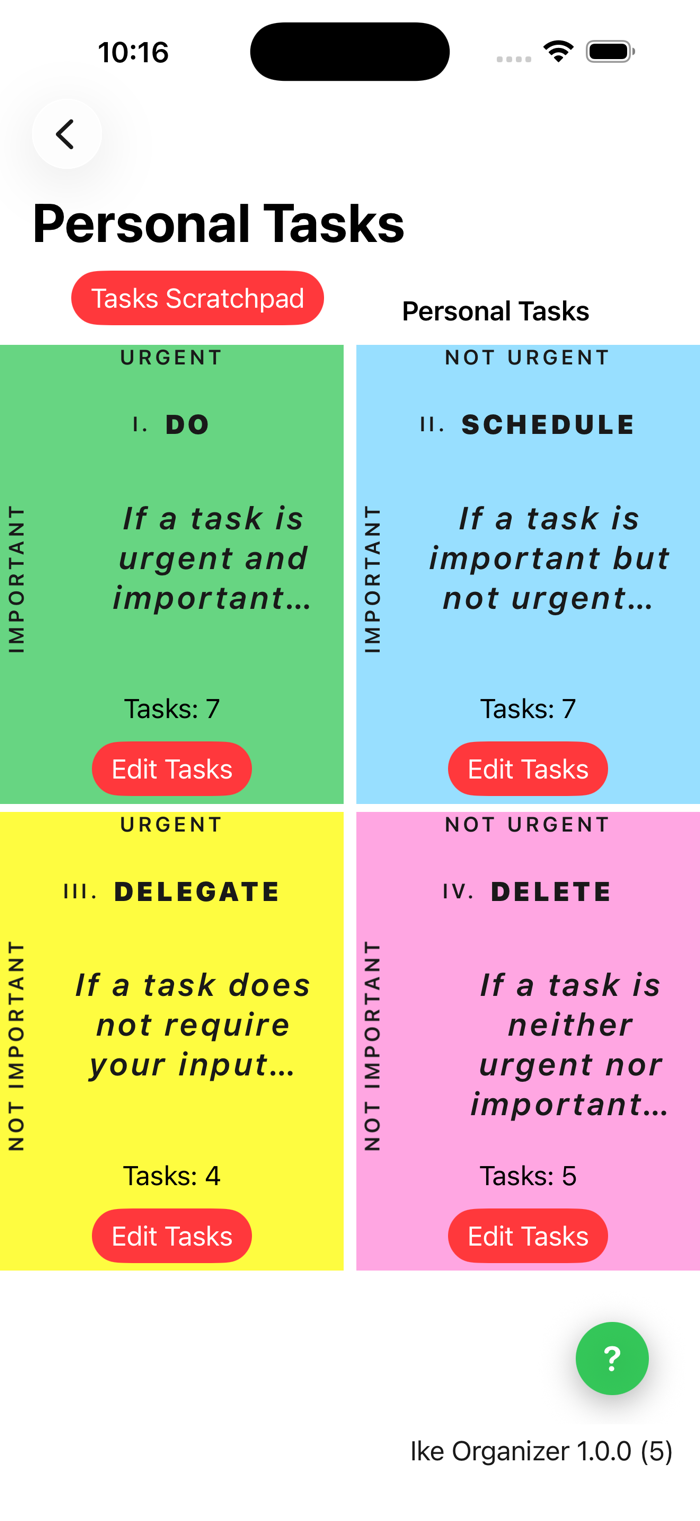
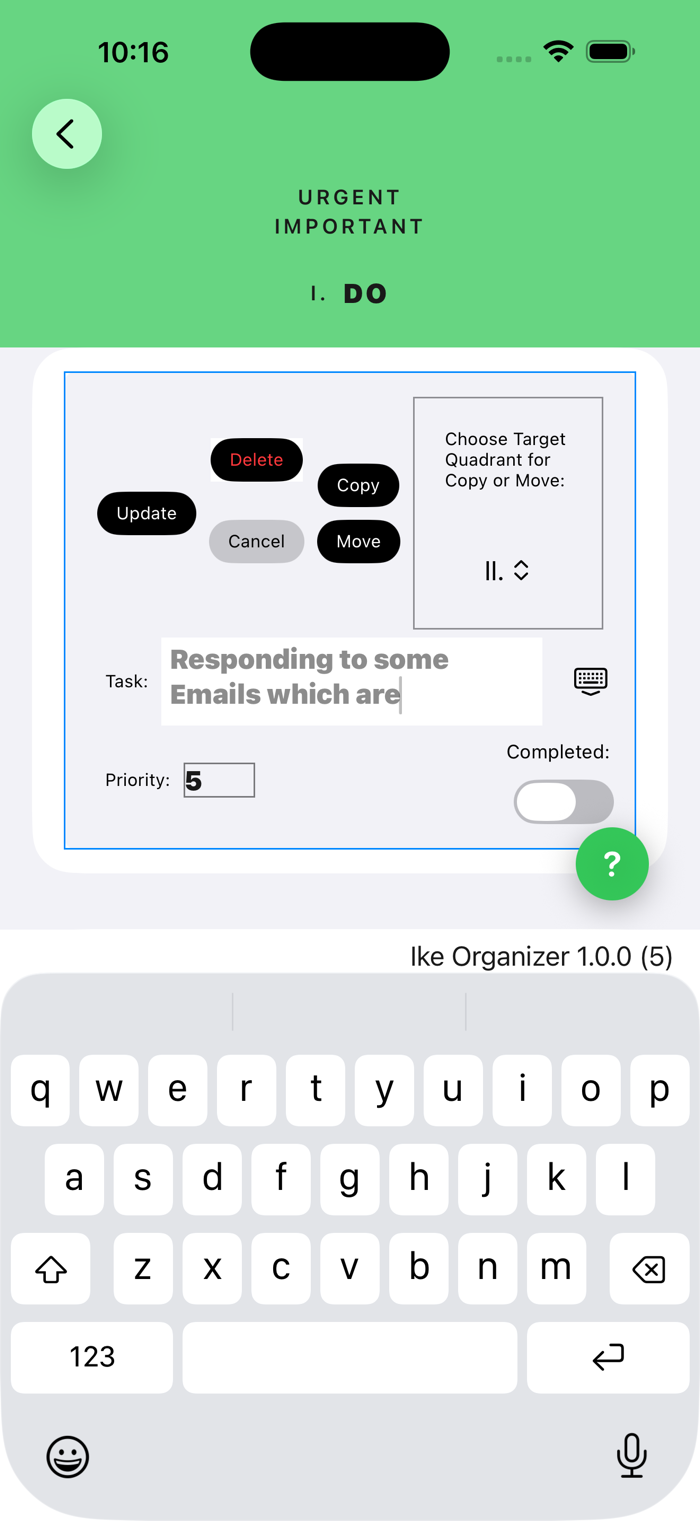
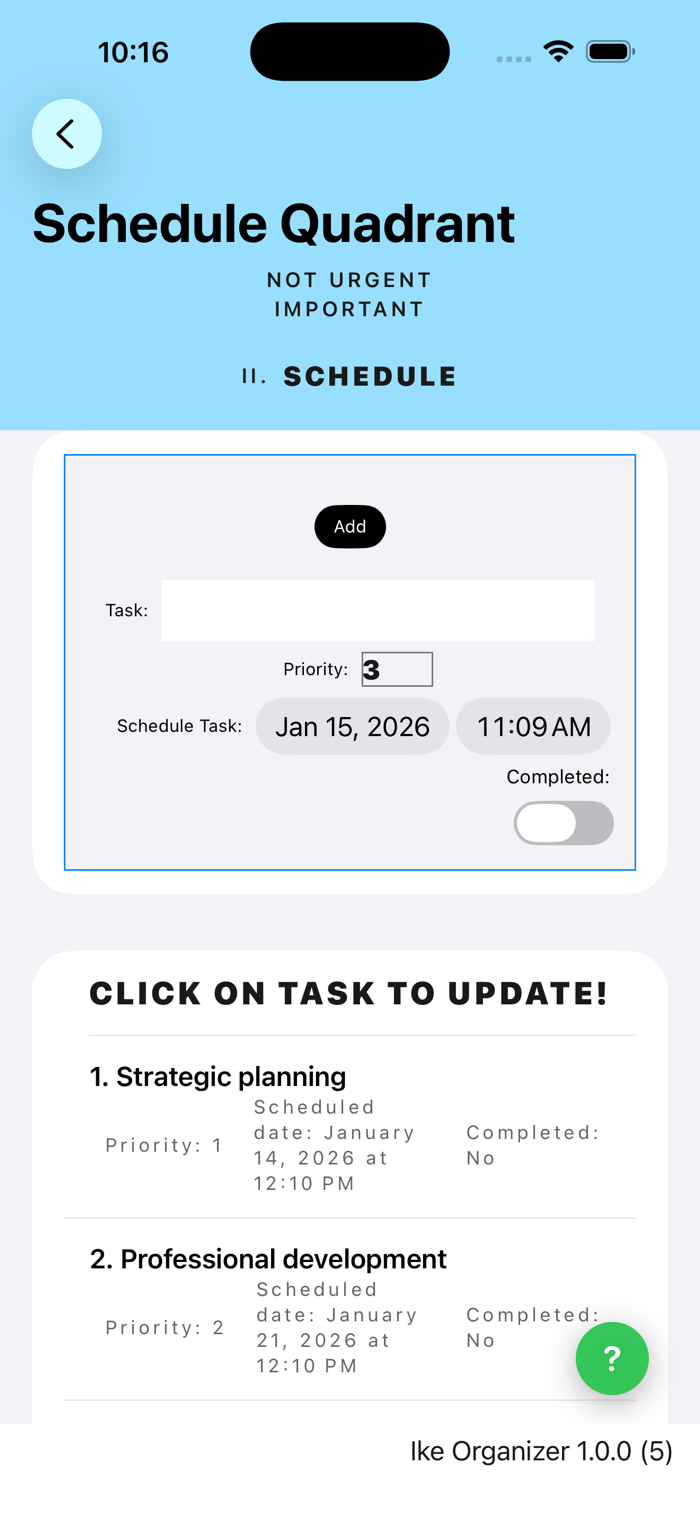
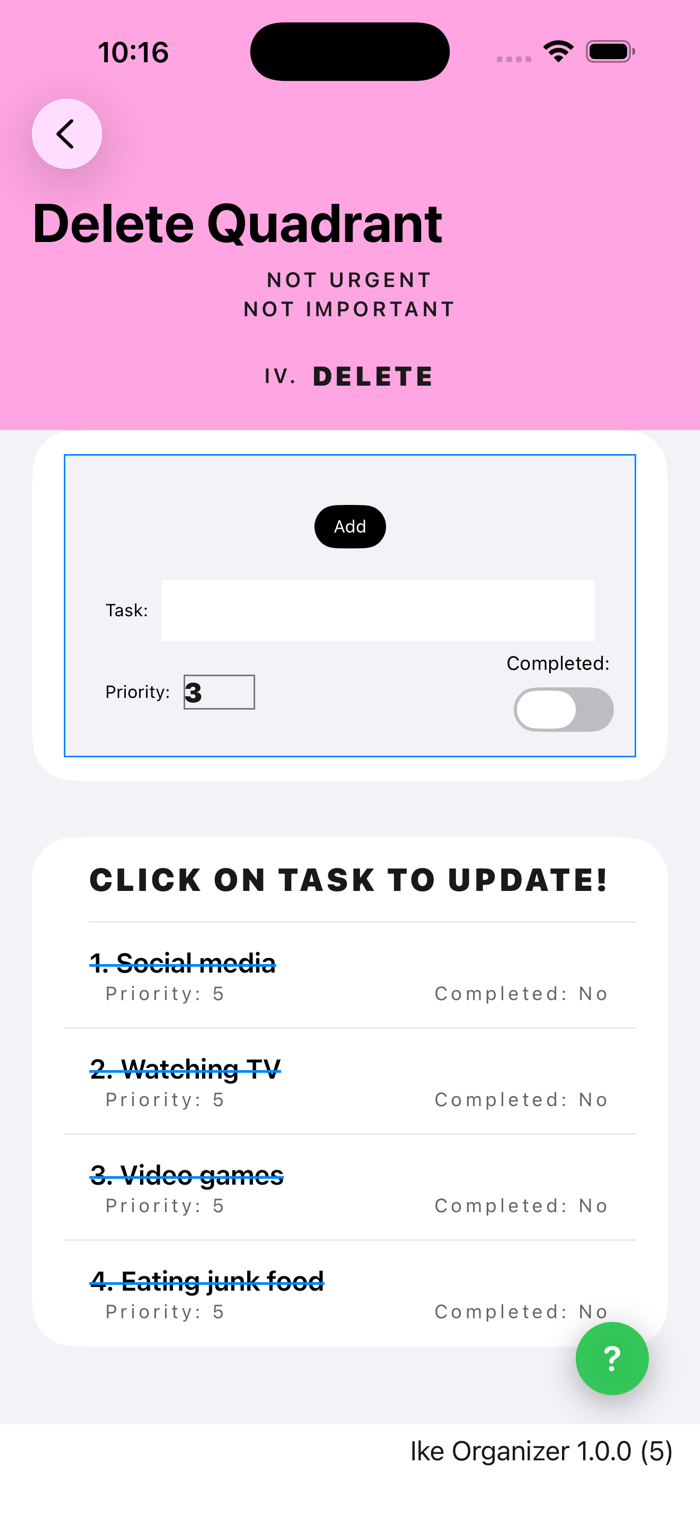
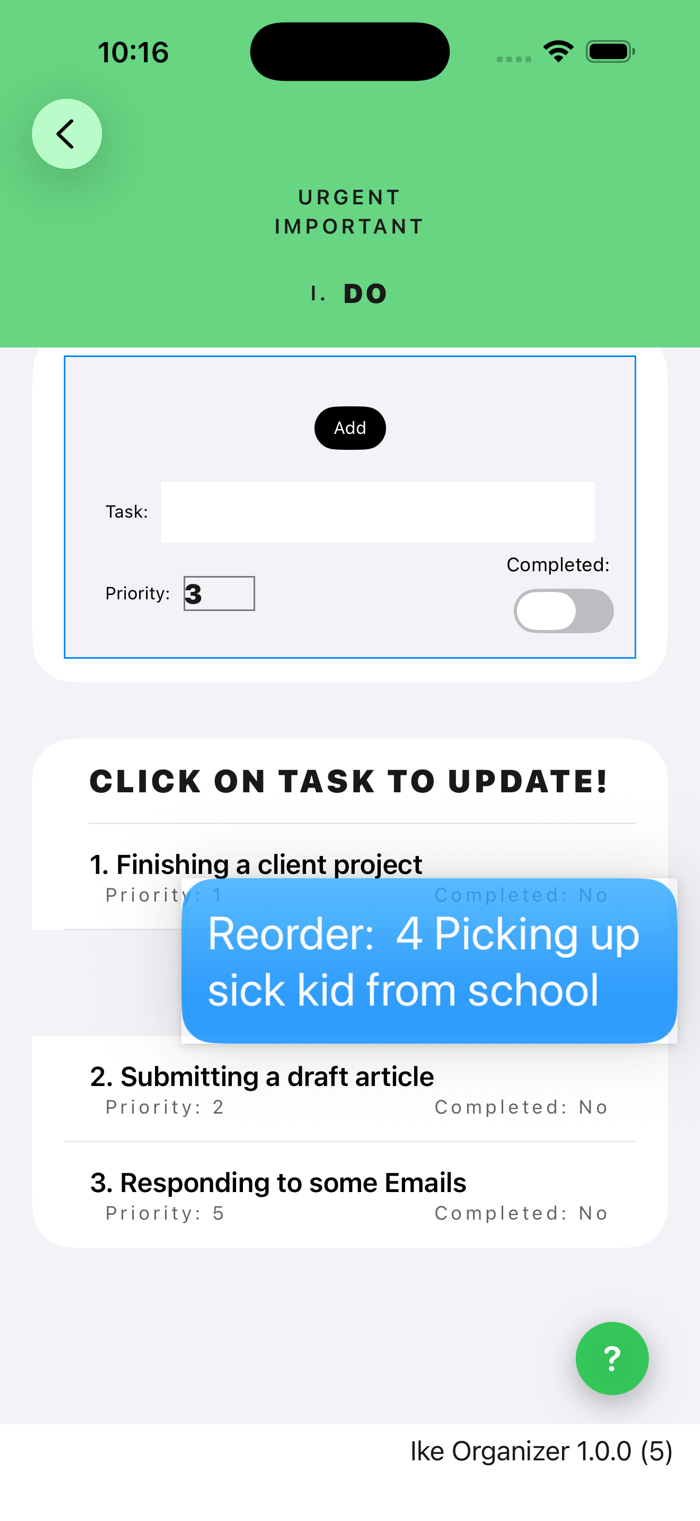
Universal Purchase: Create and maintain Task (To Do) lists using the Eisenhower Matrix method of prioritization on macOS, iOS and iPadOS devices synchronized via iCloud.
Multiplatform Ike Organizer provides an easy to use interface for managing Eisenhower Matrixes on Macintosh computers, as well as iOS and iPadOS devices. Matrix data is synchronized across devices via user's iCloud account.
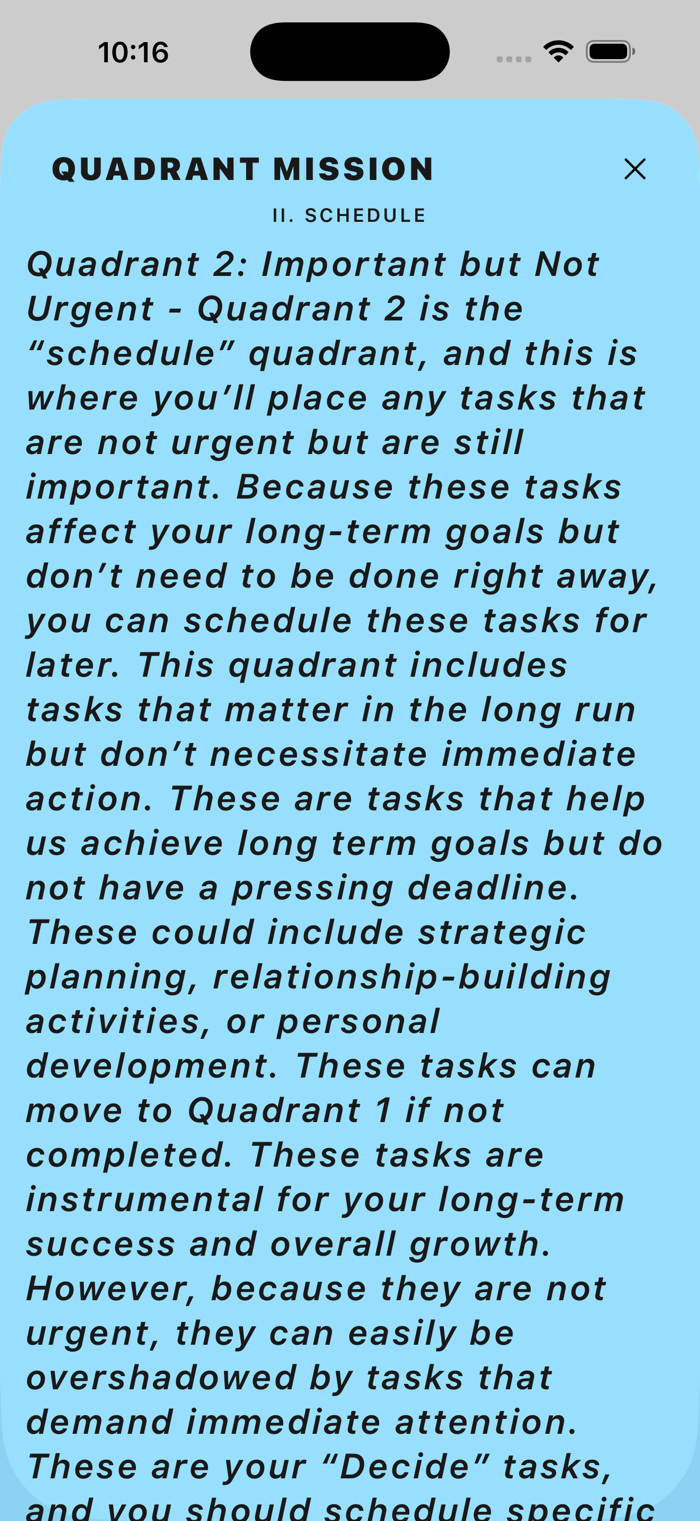
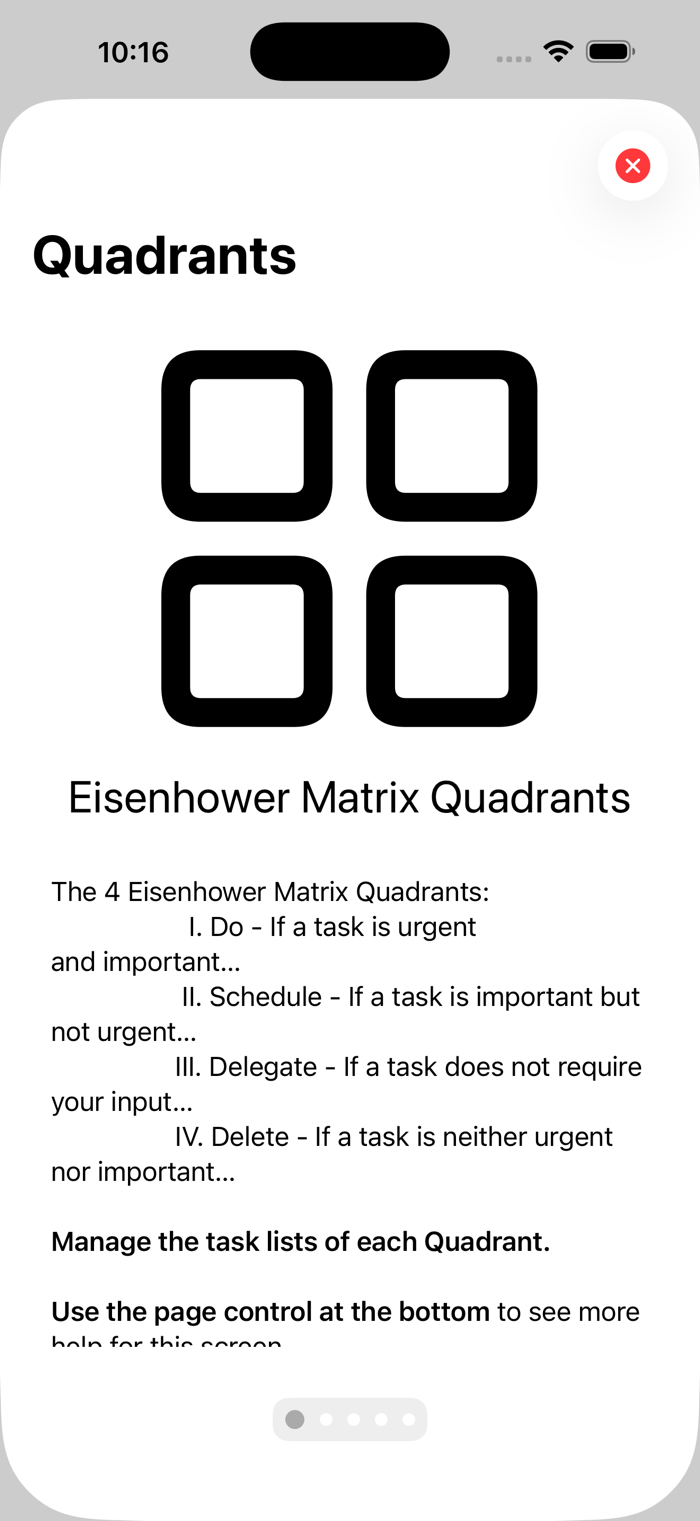
Eisenhower matrixes provide a visual guide to organize tasks by urgency and importance, optimizing focus and productivity. It’s a vital tool that cuts through the noise, eliminates time-wasters, and leaves space for what truly matters. This could be your ticket to game-changing productivity! See Productivity Patrol (https://productivitypatrol.com/eisenhower-matrix/) for a great explanation of The Eisenhower Matrix: What It Is and How to Use It. Also see slab (https://slab.com/blog/eisenhower-matrix/) for another great explanation of The Eisenhower Matrix: Prioritize Your Time on What Matters Most.
Ike Organizer is a a multi-platform tool for creating and maintaining Eisenhower matrixes across iOS and macOS devices. Eisenhower matrix data is maintained in the user's iCloud, as well as the user's iPhone and/or Macintosh computer. Ike Organizer is a Universal Purchase: pay one price and get both the iOS and macOS Ike Organizer apps.
Multiplatform Ike Organize...

 +100宝石


 分享
分享





















用户评价
立即分享产品体验
你的真实体验,为其他用户提供宝贵参考
💎 分享获得宝石
【分享体验 · 获得宝石 · 增加抽奖机会】
将你的产品体验分享给更多人,获得更多宝石奖励!
💎 宝石奖励
每当有用户点击你分享的体验链接并点赞"对我有用",你将获得:
🔗 如何分享
复制下方专属链接,分享到社交媒体、群聊或好友:
💡 小贴士
分享时可以添加你的个人推荐语,让更多人了解这款产品的优点!
示例分享文案:
"推荐一款我最近体验过的应用,界面设计很精美,功能也很实用。有兴趣的朋友可以看看我的详细体验评价~"
关注 Mergeek 公众号
领奖遇到问题?联系小门助手