
 element-Vs Sample


App Introduction
App 介绍
 4.4
4.4
Control your colour grading software from your iPad with the element-Vs app. - Ideal for on-set grading. - Ideal as a portable grading panel. - Ideal for training. - Ideal for expanding your real Element panels. The element-Vs is a virtual version of the four panels that make up the Element control panel series by Tangent Wave Ltd. Every panel is presented in exactly the same layout as the real Element panels. All the controls are mapped on the element-Vs in exactly the same way as the real Element panels. What the controls do depends on the grading software you are using the panel with. You should refer to the control mappings for the Element panels provided by your software manufacturer. The element-Vs is fully multi-touch, so you can use different controls simultaneously. You do not need to own the real Element panels in order to use the element-Vs. You can use the element-Vs at the same time as your real Element panels. When you do this the controls will reflect any changes and information that happen to either real or virtual panels. If you do not own all the Element panels you can use the element-Vs to provide virtual versions of the panels you do not own. Communication with your grading software is via WiFi. NOTE: you will need to download and install the Tangent Hub software on your computer in order for your grading software to talk to the element-Vs app. Please read the manual which is available to download on our website - see the element-Vs product page. After you have used the sample version for 1 hour you will be reminded that it is the sample version and you should consider buying the app. You can then continue to use the app again the following day.
Control your colour grading software from your iPad with the element-Vs app. - Ideal for on-set grading. - Ideal as a portable grading panel. - Ideal for training. - Ideal for expanding your real Element panels. The element-Vs is a virtual version of the four panels that make up the Element control panel series by Tangent Wave Ltd. Every panel is presented in exactly the same layout as the real Element panels. All the controls are mapped on the element-Vs in exactly the same way as the real Element panels. What the controls do depends on the grading software you are using the panel with. You should refer to the control mappings for the Element panels provided by your software manufacturer. The element-Vs is fully multi-touch, so you can use different controls simultaneously. You do not need to own the real Element panels in order to use the element-Vs. You can use the element-Vs at the same time as your real Element panels. When you do this the controls will reflect any changes and information that happen to either real or virtual panels. If you do not own all the Element panels you can use the element-Vs to provide virtual versions of the panels you do not own. Communication with your grading software is via WiFi. NOTE: you will need to download and install the Tangent Hub software on your computer in order for your grading software to talk to the element-Vs app. Please read the manual which is available to download on our website - see the element-Vs product page. After you have used the sample version for 1 hour you will be reminded that it is the sample version and you should consider buying the app. You can then continue to use the app again the following day.

第一时间掌握精选限免应用/游戏信息
自定义喜欢的应用/游戏的价格变动
了解内购应用/游戏的限免或降价活动
查看应用/游戏价格历史等待合适时机再出手
第一时间收到价格通知不错过省钱机会


扫码下载 Follow
更多极客玩法


 PPResume
PPResume 是一款基于 LaTeX 的简历制作工具,可帮助用户在几分钟内快速制作精美、排版良好...

 摸摸鱼计时器
平时工作的时候,我总是会忍不住摸鱼 —— 于是干脆自己做了一个小工具,帮我统计每天到底摸了多久的鱼,...
 猪咪记账记事本
猪咪记账记事本是一款简洁纯粹的个人记账工具,专注让用户关注数字与习惯,不受繁琐功能干扰。其所有数据本...
Geek Stories
极客玩法
更多极客玩法
Selected Solutions
精选产品
 9
9
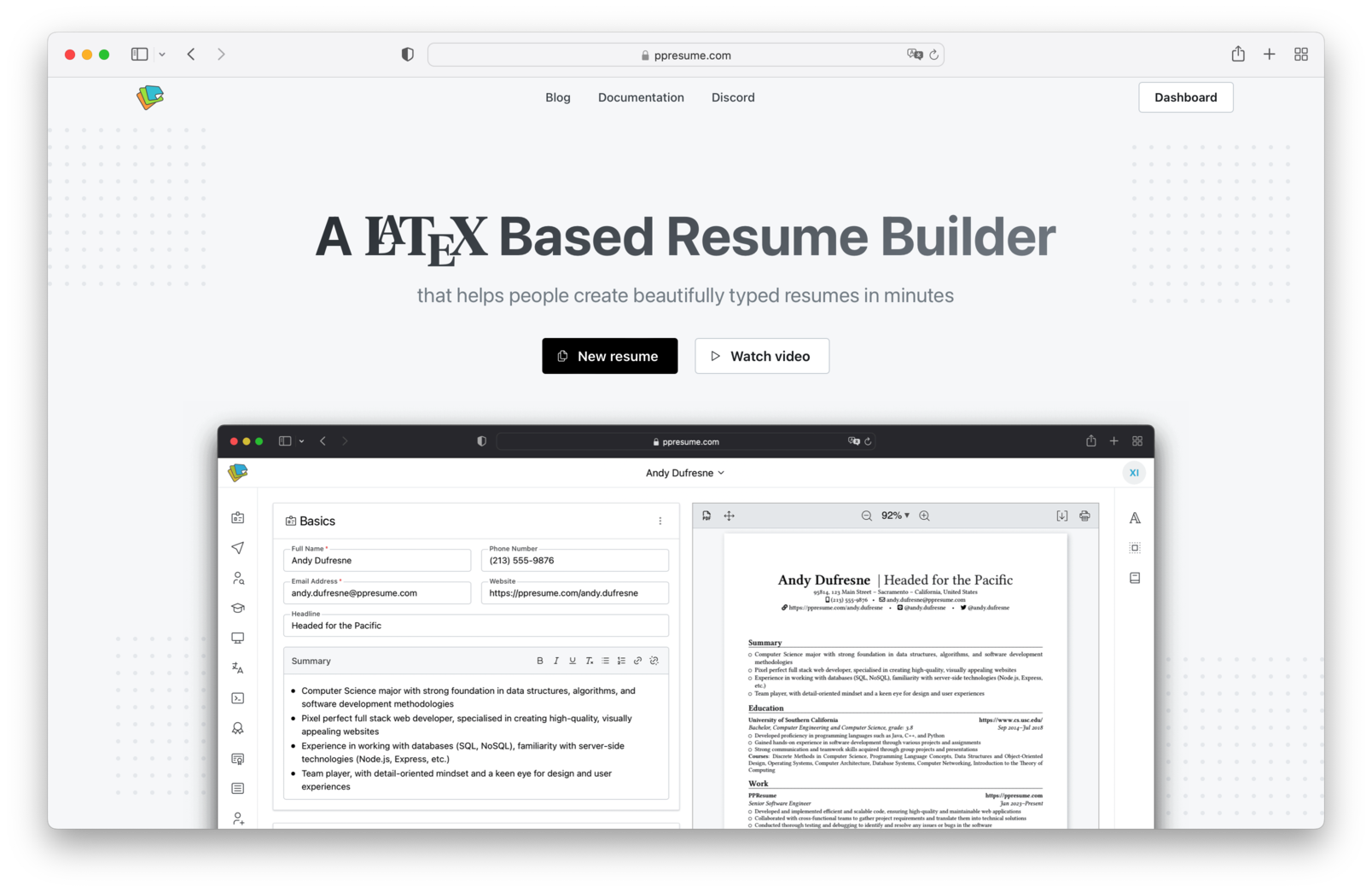


PPResume 是一款基于 LaTeX 的简历制作工具,可帮助用户在几分钟内快速制作精美、排版良好...
1
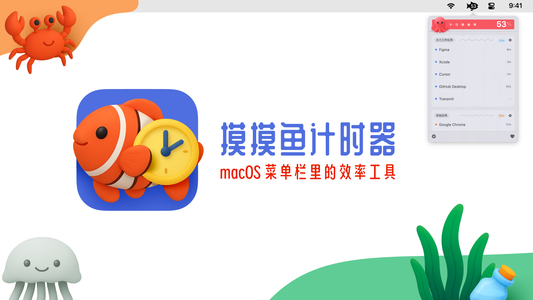

平时工作的时候,我总是会忍不住摸鱼 —— 于是干脆自己做了一个小工具,帮我统计每天到底摸了多久的鱼,...
7


猪咪记账记事本是一款简洁纯粹的个人记账工具,专注让用户关注数字与习惯,不受繁琐功能干扰。其所有数据本...
天天发现优质应用
 到主屏幕
到主屏幕








你成为这个产品的发现者啦,说说你的推荐语吧!