


MoE Code
软件开发工具
- 创作者
- BENJAMIN ANDREW HOOPER
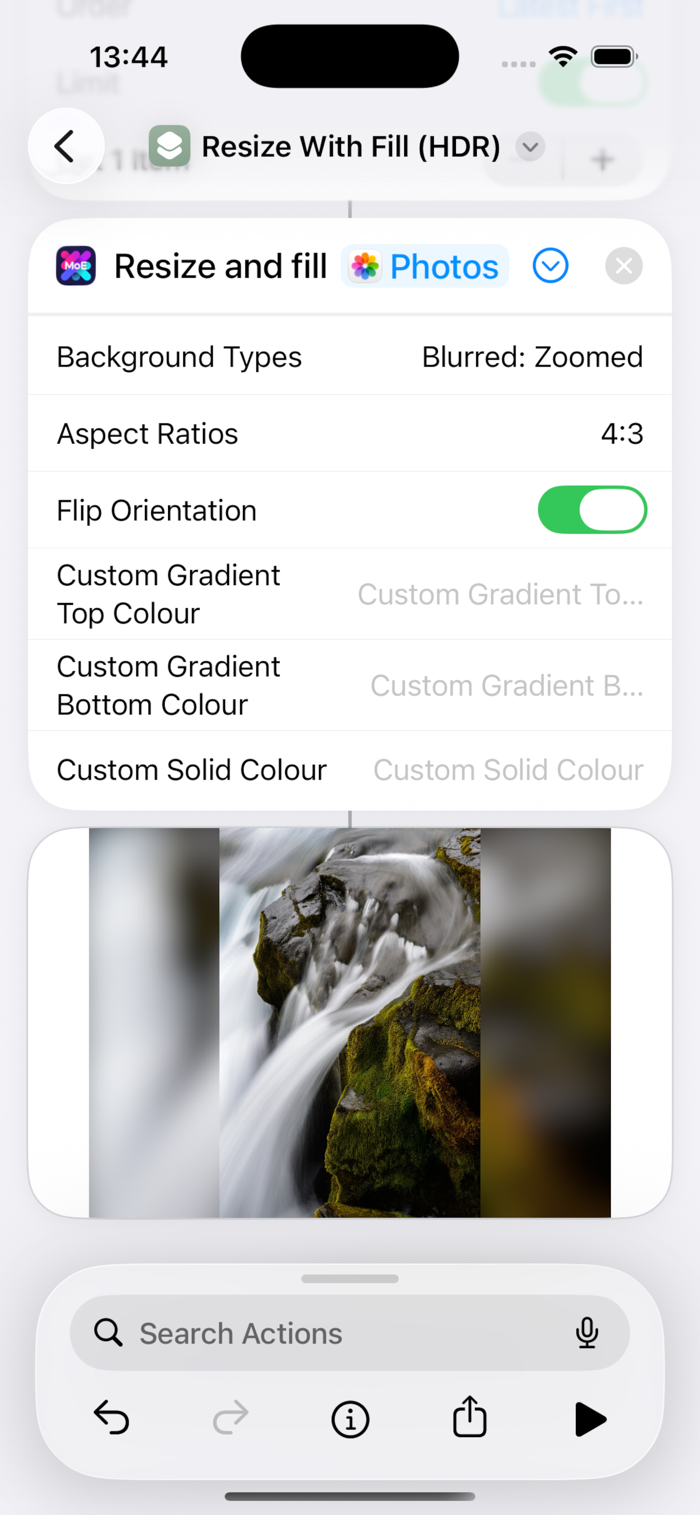
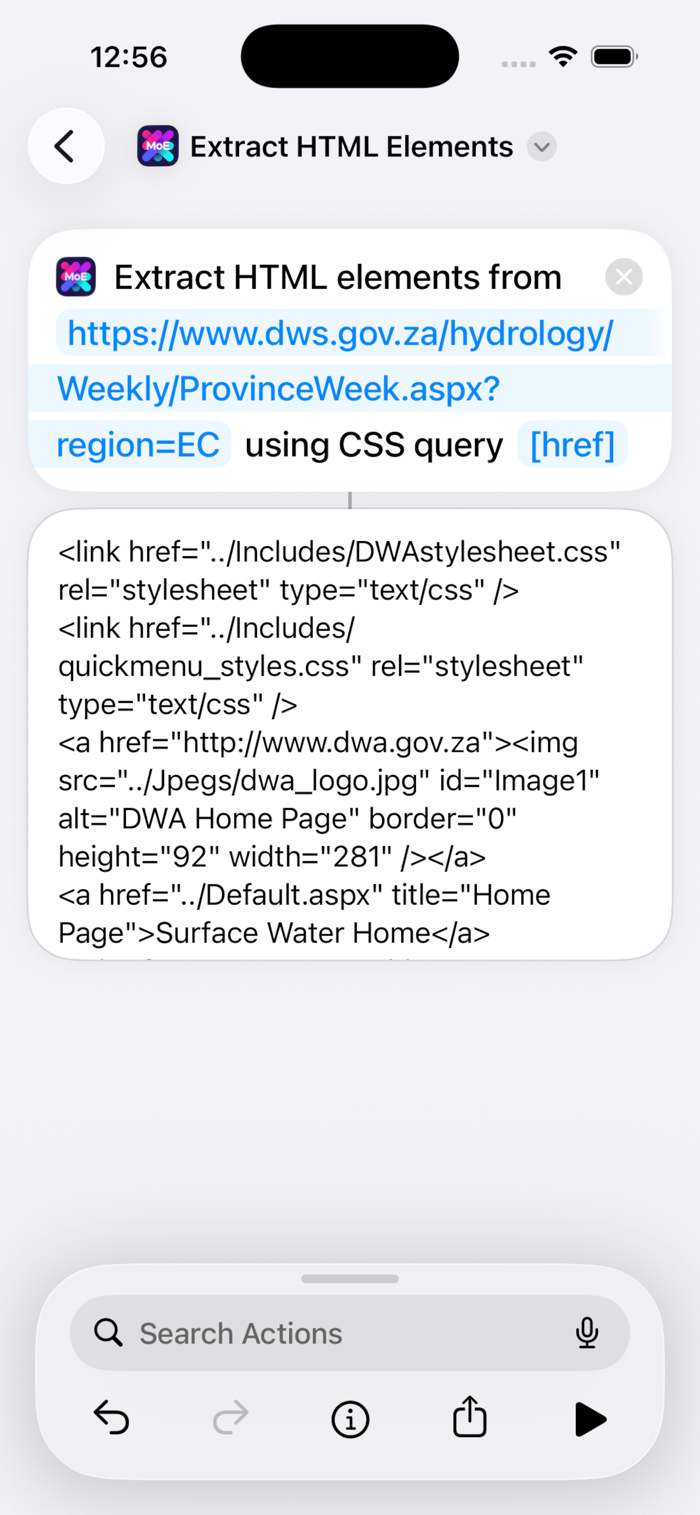
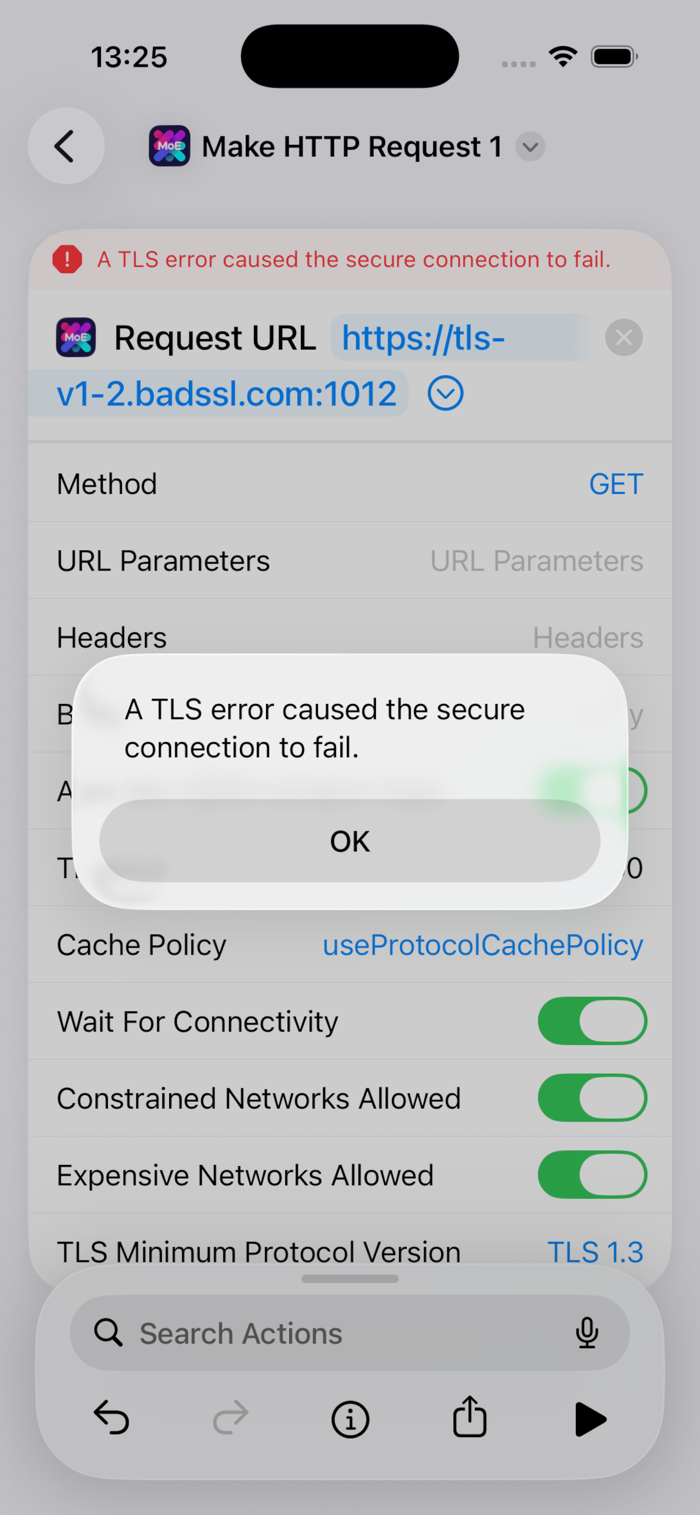
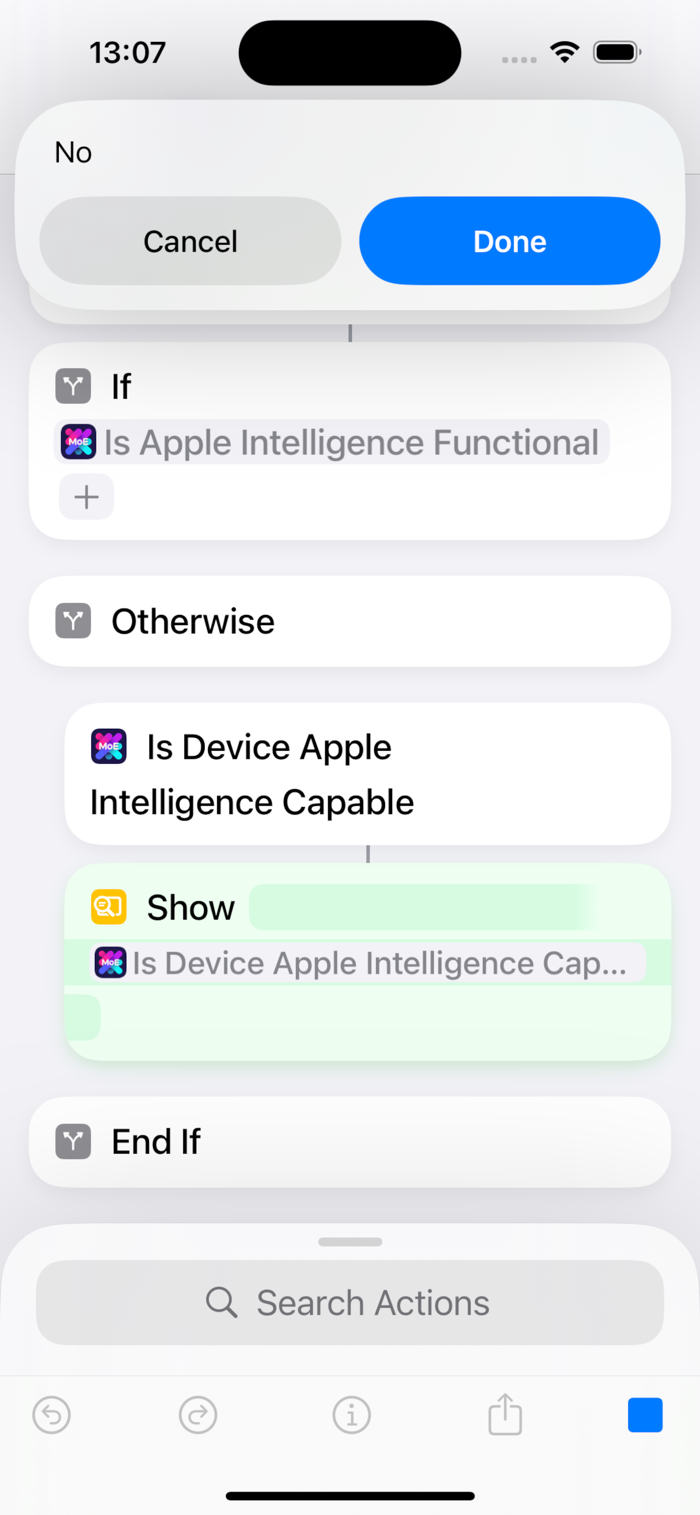
MoE Code为苹果Shortcuts应用增添实用操作。历经约1.5年开发约35个快捷指令超550个版本,填补功能空白。现有功能包括:将HTML表格转换为JSON、提取HTML元素、用JQ转换JSON、获取设备地面速度、获取设备型号、判断苹果智能功能状态、分块视频、标记照片/视频、填充式调整大小(HDR)、设置视频元数据、判断是否联网、进行HTTP请求等,还有更多想法,欢迎提建议。

软件开发工具
MoE Code为苹果Shortcuts应用增添实用操作。历经约1.5年开发约35个快捷指令超550个版本,填补功能空白。现有功能包括:将HTML表格转换为JSON、提取HTML元素、用JQ转换JSON、获取设备地面速度、获取设备型号、判断苹果智能功能状态、分块视频、标记照片/视频、填充式调整大小(HDR)、设置视频元数据、判断是否联网、进行HTTP请求等,还有更多想法,欢迎提建议。
点击查看界面细节
65 actions to solve functionality gaps in the Shortcuts app.
Where lists are mentioned: Shortcuts lists, JSON arrays, and delimited strings (e.g., CSVs) are supported for input, and the first two for output.
• AI
◦ "Count Tokens For On-Device AI Model" (iOS 27+ only)
◦ "Is Apple Intelligence Functional?"
◦ "Is Apple Intelligence-Capable?"
◦ "Use On-Device AI Model (Extended)" (iOS 27+ only): Images / files, max tokens, and temperature
• Clipboard (arbitrary formats, binary supported via Base64)
◦ "Get Clipboards"
◦ "Set Clipboards": routinehub.co/shortcut/22016/
• Data: HTML
◦ "Convert HTML Tables To JSON"
◦ "Extract HTML Elements Using SwiftSoup"
• Data: JSON
◦ "Delete Nested Dictionary / JSON Object Key"
◦ "Pretty Print Dictionaries / JSON"
◦ "Set Nested Dictionary / JSON Object Value"
◦ "Transform List / Dictionaries / JSON Using JQ": Extract, filter, deduplicate, etc. routinehub.co/shortcut/21809/
• Data: Lists (significantly faster than using loops)
◦ "Add Value(s) To List / Merge Lists"
◦ "Convert JSON Array To Shortcuts List"
◦ "Convert String / Shortcuts List To JSON Array"
◦ "Get Items From List At Indexes (Values)"
◦ "Get Items From List At Indexes (Files)"
◦ "Get Value Position In List"
◦ "List Contains List?"
◦ "List Contains Value?"
◦ "Remove Value From List"
◦ "Sort Keys Of Dicts In List"
◦ "Subtract Lists"
• Data: Text
◦ "Extract Strings From Binary"
◦ "Multi Replace Text": Lists of strings, string or regex targets, and substitutions. routinehub.co/shortcut/26330/
• Device
◦ "Get Device Ground Speed"
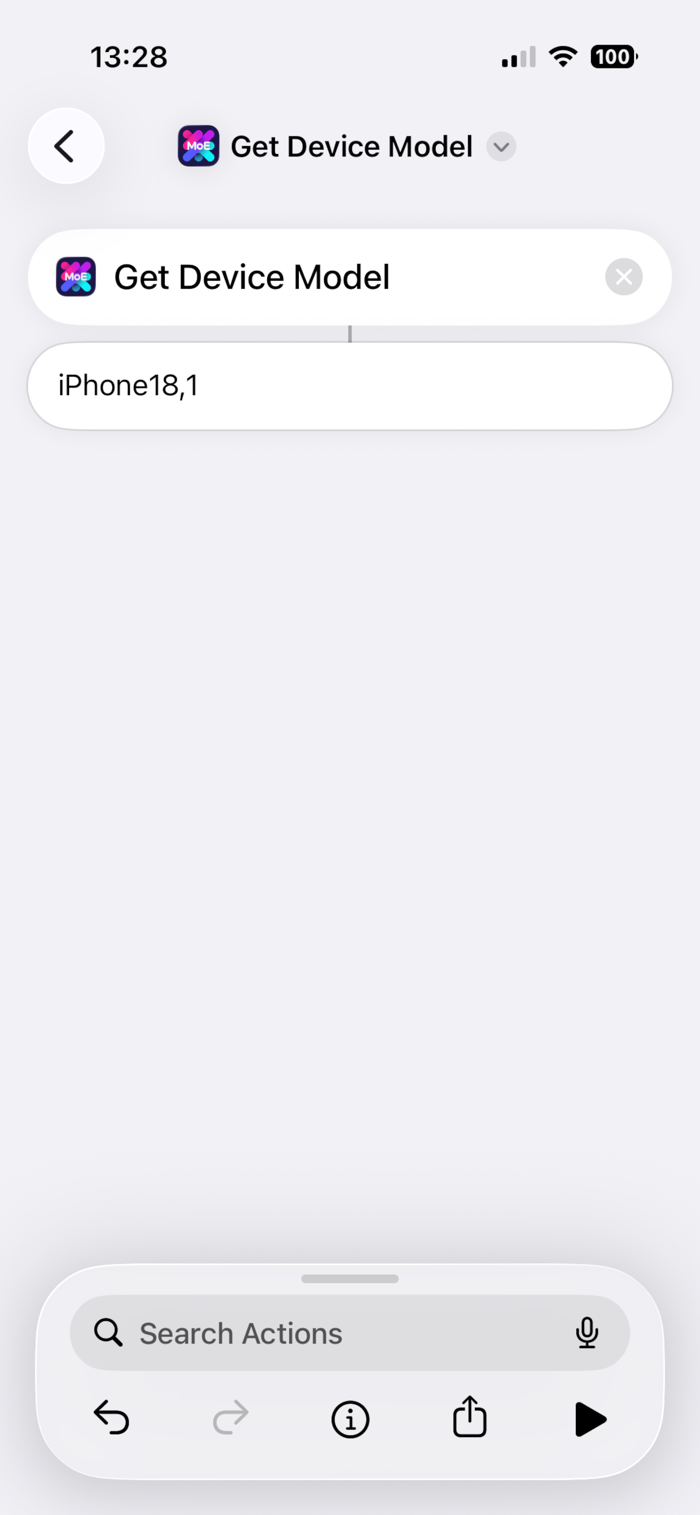
◦ "Get Device Model"
◦ "Get Device Type"
◦ "Is App Installed?": Actions, Microsoft Outlook, Pythonista, Scriptable, and WhatsApp
• Files
◦ "Get Details of File / Folder": Unescaped file paths, top-level folder paths in the same format as Shortcuts
◦ "Save Files": List of files to list of relative paths. routinehub.co/shortcut/26330/
• Maps
◦ "Is Location In Bound…
Potentially breaking:
• Action "Select Map Bounding Box Coordinates": Changed value usage from minutes to seconds, but the old default value of 10 minutes is preserved in the new default value of 600 seconds.
Functional changes / improvements:
• Action "Make HTTP Request": Added usage of LongRunningIntent if on iOS 27 and the timeout is greater than 30 seconds to extend the runtime well past the traditional limit.
• Action "Set Circular Widget / Complication Value": Added parameter "Is Charging".
• Circular gauge widgets and complications:
◦ Added an overlaid lightning bolt symbol if the above is true.
◦ Slightly increased SF symbol size to match built-in ones.
• Action "Remove Photos Items' Locations": Removed unnecessary restriction to iOS 27.
• Action "Select Map Bounding Box Coordinates": Added parameter for existing coordinates string to be drawn on the map for adjustments.
• Action "Select Map Bounding Box Coordinates" and "Is Location In Bounding Box?": Following the above, merged code for validation.
• Actions "Make HTTP Request" and "Select Map Bounding Box Coordinates": Merged code for running UI pop-ups as a LongRunningIntent if on iOS 27.
• Action "Sync And Reload Widgets / Complications": Removed legacy, now-redundant public permissions.
• All iOS actions: Implemented standard code layout and best practice / Principle of Least Privilege permissions.
Cosmetic changes / improvements:
• Action "Select Map Bounding Box Coordinates (Legacy)": Renamed to "Select Map Bounding Box Coordinates (Deprecated)", following the above.
还没有公开评论,欢迎分享你的体验。
MoE Code
让使用你作品的人,认识背后的你。编辑确认身份后,将为你授予入驻开发者标识。
编辑将人工核实你的资料,如需补充信息会通过所填邮箱联系你。身份确认后,由编辑为你授予入驻标识。