产品功能

应用市场介绍

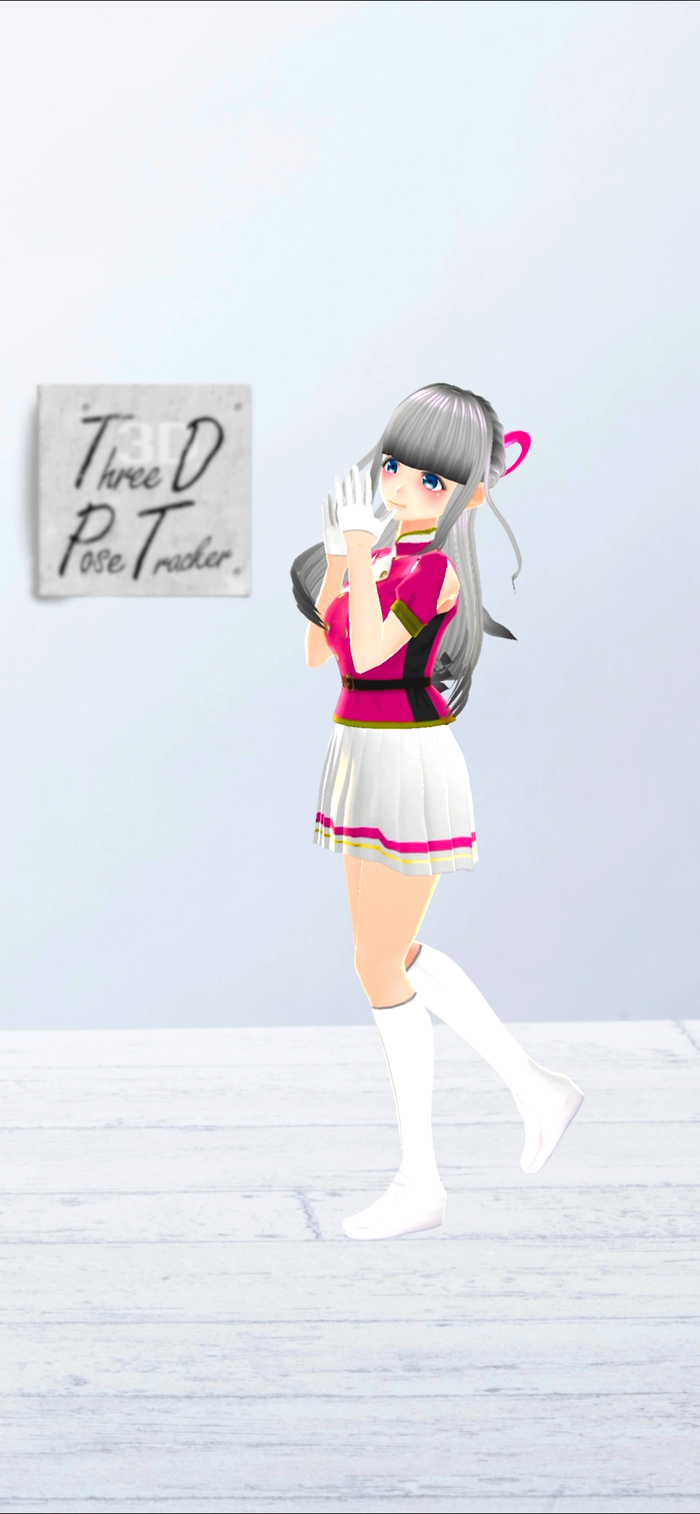
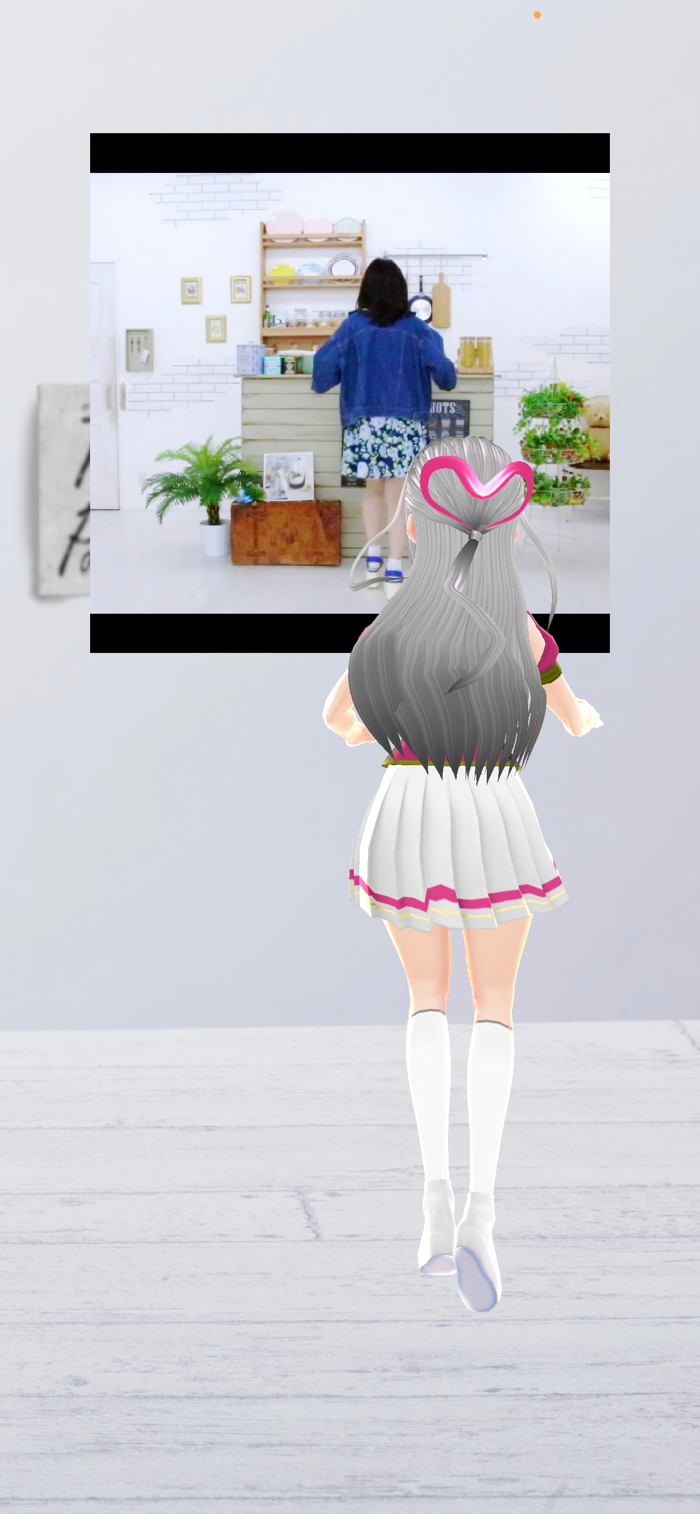
TDPT can motion capture in real-time just by taking a picture of the whole body on the camera. You can motion capture in real-time while playing from a video.
Make sure that the camera captures the whole body by yourself. Similarly, please use a video that shows the whole body alone. If multiple people are shown at the same time or only the upper body is shown, motion capture cannot be performed normally. In addition, more accurate motion capture can be achieved in bright conditions such as the source of sunlight than when shooting at night.
In TDPT, you can also set the image of the "Photos" app as the background image, or read the file of your VRM avatar and change the avatar.
In the '' Premium Features '', you can change your avatar from VRoid Hub, and add functions such as sending and exporting motion data.

'' Menu button''

- Switch Camera
The inner camera, outer camera, and angle of view will change.

- Select Video
You can select your favorite video from the iOS standard "File" app, and you can perform motion capture in real time.

- Move Avatar
There are functions such as rotation, movement, enlargement / reduction, etc.

'' Setting screen ''

- Show Background
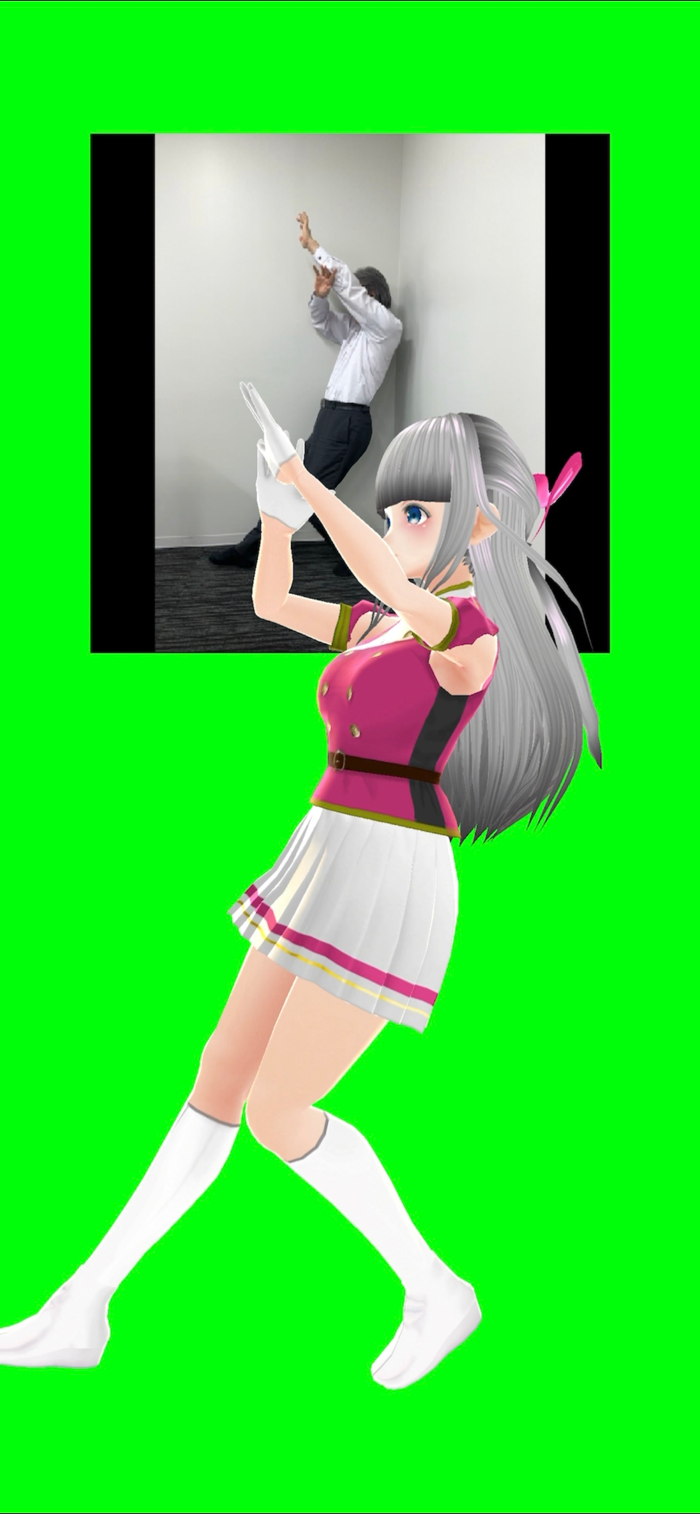
When ON, the background image is displayed, and when OFF, the green background is displayed.

- Select Background Image
You can select your favorite image from the "Photo" app.

- Select VRM avatar
.Vrm data can be read from the iOS standard "File" app.
(Please pay attention to the license when using other than your own avatar.)

- Reset Avatar

- Show Input Image
Turn on to display the video from the camera and OFF to hide it.

- Audio Volume

- Filter adjustment
- Smooth: The movement is smooth, but the movement is slow. It also increases the processing load.
- Medium: A well-balanced filter during normal operation.
- Rough: The movement becomes rough, but the operation is fast and the processing load is lightened.

- Switching FPS
Switch the frame rate of the entire application. You can switch between 20FPS and 30FPS.

- Switching FPS display
Switch the display of the frame rate value.

'' Premium Features ''

These features are available with a one-time purchase. This content can be used to export motion data files or use services of other companies.

- Connect to VRoid Hub
You can use your own avatar or heart-shaped avatar by linking your VRoid Hub account.
(Avatar usage may be subject to certain conditions.)

- Motion Data Transmission

-- VMC Protocol
Enter the recipient IP and port number to send the motion data.

-- OSC Trackers
Enter the recipient IP and port number to send the Tracker data.

- Exporting motion data
You can export motion data in VMD or BVH format.


Supported Divices
iPhone SE(2nd Gen)
iPhone 11 or newer

收起

用户评价

立即分享产品体验

你的真实体验,为其他用户提供宝贵参考

宝石
评论可得 100 宝石
宝石随心兑换应用高级会员,每周更新 前往查看 >>
活动动态 0 人参加
查看更多评论