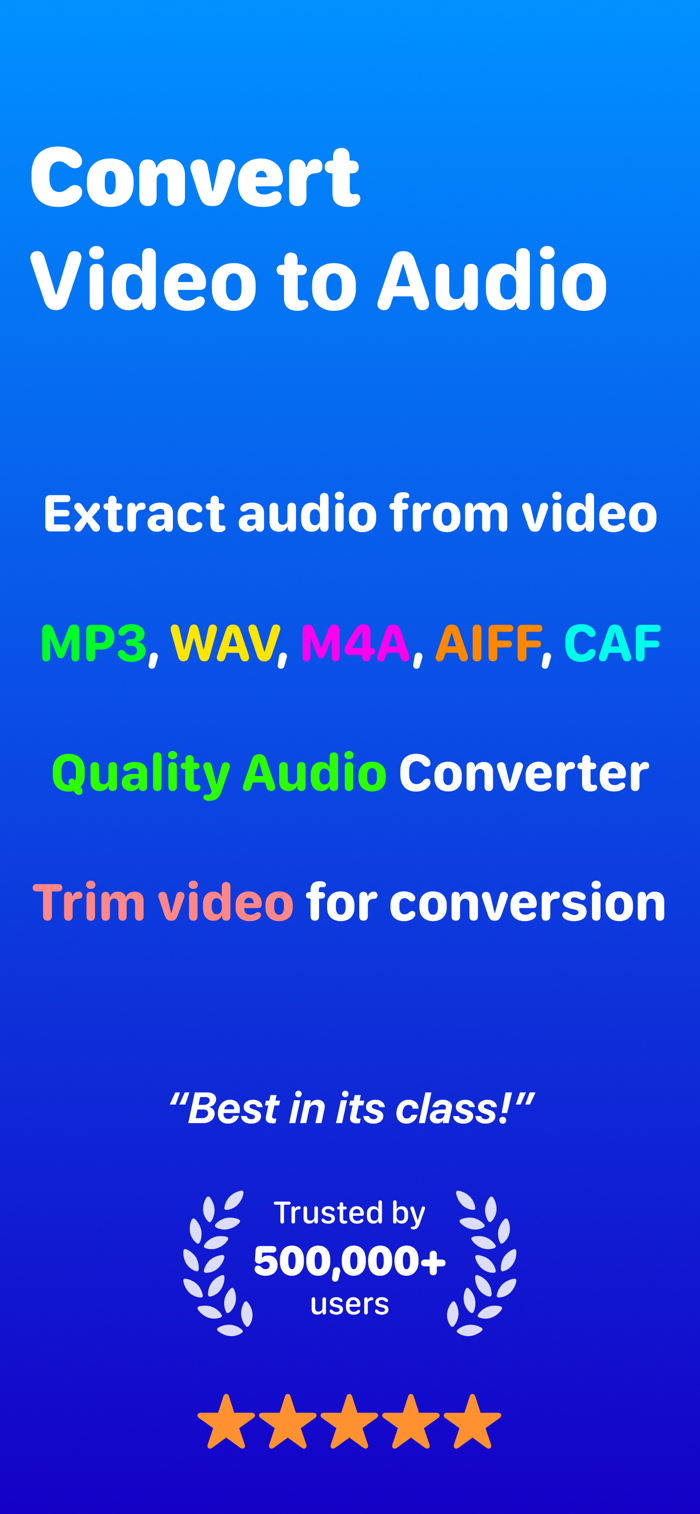
Convert your videos into high-quality audio files instantly. Audio Converter makes conversions simple, enabling you to extract audio from any video in your media library. This is ideal for meetings, music, recording, lectures, and more.
EASY TO USE
Select a video from your Photos library or Files app, adjust your settings, and convert. The simple, intuitive interface enables audio extraction in three steps.
FEATURES
- Extract audio from videos quickly
- Support a range of audio formats: MP3, M4A, WAV, AIFF, CAF
- Import media from Photos library or Files
- Video preview with built-in video player
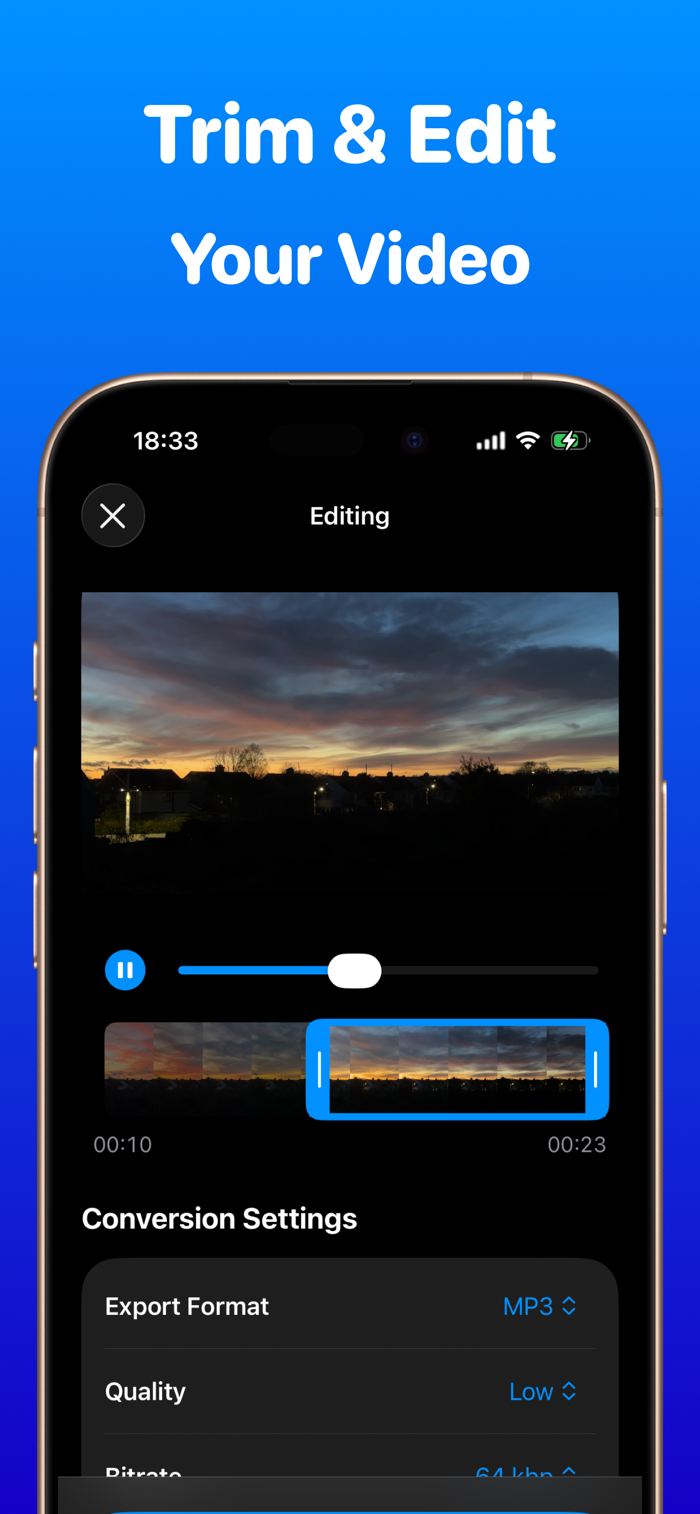
- Trim video before conversion, convert only what you want
- Adjust audio quality: Low, Medium, High, and Studio
- Control audio bitrates from 64 to 320kbps for optimal audio file
- Save and manage your converted audio files
- Search through your audio collections
- Built-in audio player for playback
- Rename your audio files directly in the app
- Share audio files with others
- Delete and batch delete unwanted audio files
- Offline conversion, convert when and where you want
- Privacy focus, no data is sent outside your device
- Support longer video conversions
OFFLINE AND PRIVACY
All conversions are performed directly on your device without the need for an internet connection. Your video and audio remain on your iPhone and iPad, ensuring complete privacy and security.
VIDEO EDITING
Trim your video before conversion to extract the desired segment. Use the visual timeline to precisely select the start and end points.
AUDIO QUALITY CONTROL
Select from four quality settings:
- Low: Smallest file size, suitable for voice
- Medium: Balanced quality for voice
- High: Superior audio quality
- Studio: Professional-grade audio
Adjust audio bitrates:
From 64 kbps to 320 kbps for precise control over file size and audio quality.
AUDIO COLLECTIONS:
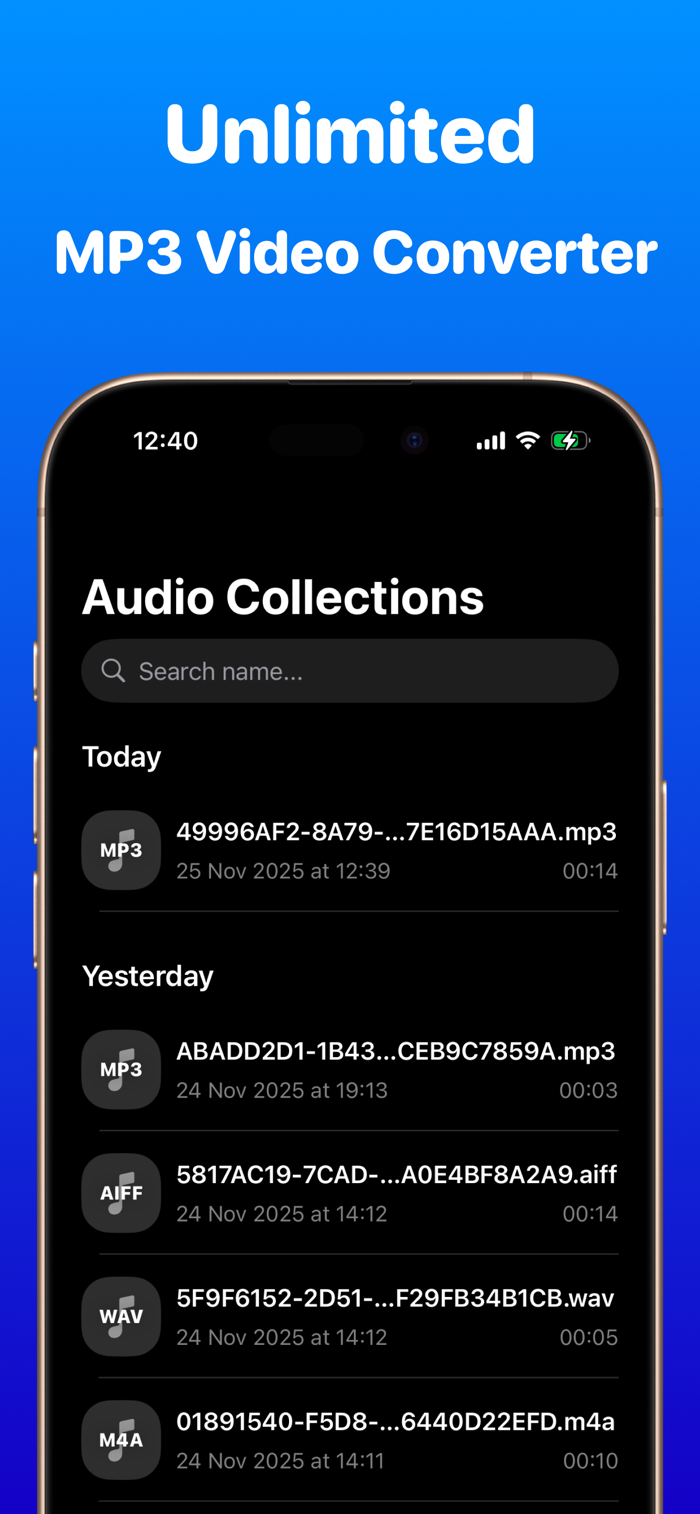
All converted files are stored in an easily navigable library containing:
- Audio file information including duration and conversion date
- Rename, share, and delete operations
- A search function to quickly locate audio files.
- Built-in audio player with playback control.
AUDIO PLAYER:
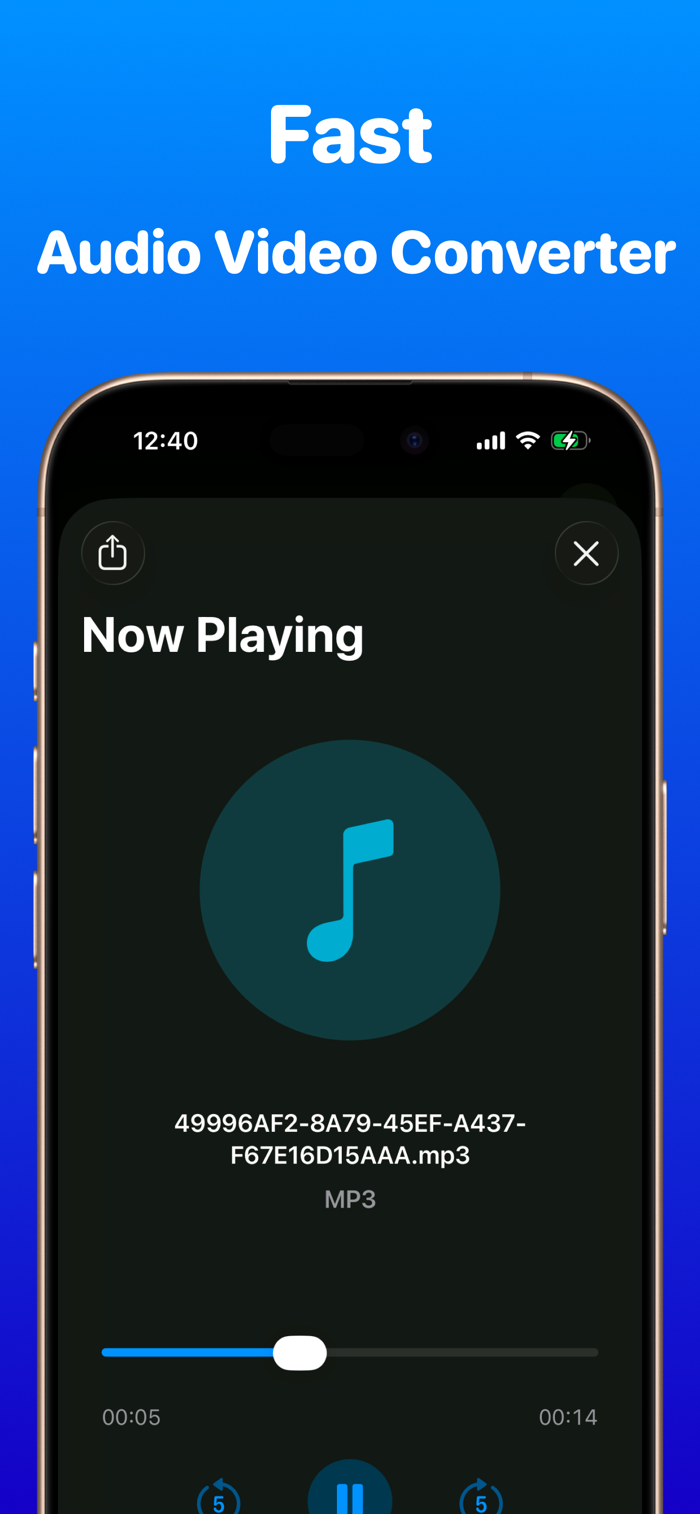
Play your audio directly within the app:
- Play/Pause controls
- Forward and backward skip controls
- Timeline scrubber for precise navigation
- Current time and duration, and file format information display
PREMIUM FEATURES
Upgrade to Pro for unlimited conversions and full access to all features.
FREE Version
This application offers limited conversions, a video preview within the built-in video editor, and all core features.
PREMIUM PRO Version
- Unlimited audio extractions and conversions
- High-quality audio export
- Priority user support
- Choose a flexible weekly option or lifetime access
SUBSCRIPTION
- To access unlimited audio conversions, users can subscribe to the premium plan.
- We offer weekly subscriptions and lifetime purchases.
- Your subscription will auto-renew unless cancelled at least 24 hours before the end of the current billing period.
- We may update subscription prices, terms, or benefits. Any changes will be communicated within the app or on our website.
Download the Video to Audio Converter today to begin extracting audio from your video collections!
Privacy Policy:
https://sites.google.com/view/lexis-privacy-policy/home
Terms of Use:
https://www.apple.com/legal/internet-services/itunes/dev/stdeula/

 +100宝石


 分享
分享























用户评价
立即分享产品体验
你的真实体验,为其他用户提供宝贵参考
💎 分享获得宝石
【分享体验 · 获得宝石 · 增加抽奖机会】
将你的产品体验分享给更多人,获得更多宝石奖励!
💎 宝石奖励
每当有用户点击你分享的体验链接并点赞"对我有用",你将获得:
🔗 如何分享
复制下方专属链接,分享到社交媒体、群聊或好友:
💡 小贴士
分享时可以添加你的个人推荐语,让更多人了解这款产品的优点!
示例分享文案:
"推荐一款我最近体验过的应用,界面设计很精美,功能也很实用。有兴趣的朋友可以看看我的详细体验评价~"
领取结果